
From my experience with PaletteMaker.com, I found it excels at providing a straightforward and accessible way to generate color palettes without any distractions or complex features. The tool is particularly well-suited for designers and artists who need quick inspiration or a starting point for their color schemes. However, it lacks advanced customization options and integration features found in professional design software, which might limit its use for more complex projects. Overall, if you want a free, no-frills color palette generator that works instantly in your browser, PaletteMaker.com delivers solid and reliable results.

PaletteMaker.com - Online Color Palette Generator for Designers and Artists
PaletteMaker.com is a free web-based tool that generates harmonious color palettes based on a selected base color, helping designers and artists create consistent color schemes quickly.
What is palettemaker.com?
PaletteMaker.com is a free online tool that helps users generate custom color palettes easily. It allows designers, artists, and creatives to explore and create harmonious color schemes for various projects without needing advanced design software. The tool provides a simple interface to pick base colors and automatically generates complementary palettes, making color selection intuitive and efficient.

Key Features of palettemaker.com
Automatic Palette Generation
Generates color palettes based on color theory and harmony rules.
Simple User Interface
Easy to use with a clean and minimalistic design for quick palette creation.
Color Picker and Hex Input
Allows precise color selection through a visual picker or direct hex code input.
Palette Export Options
Supports copying hex codes or downloading palettes for seamless integration.
Pros and Cons of palettemaker.com
Pros
- Completely free with no sign-up required
- Simple and intuitive interface
- Quick palette generation based on color theory
- Supports manual palette customization
- Easy export of color codes
Cons
- Limited advanced features compared to professional design software
- No mobile app or offline version available
Key Use Cases for palettemaker.com
Graphic Design
Create harmonious color palettes to enhance visual projects and branding.
Web Design
Generate color schemes optimized for websites and user interfaces.
Art and Illustration
Find inspiring color combinations to use in digital and traditional artwork.
Marketing Materials
Develop consistent color themes for marketing campaigns and presentations.
Interior Design
Explore color combinations suitable for room decor and design concepts.
How palettemaker.com Works
-
1
Select Base Color
Choose a starting color using the color picker or by entering a hex code.
-
2
Generate Palette
The tool automatically creates a harmonious color palette based on the selected base color.
-
3
Customize Palette
Adjust colors manually if desired to better fit your project needs.
-
4
Export Palette
Download or copy the palette colors for use in your design software or projects.
Who's Using palettemaker.com
Graphic designers
Web designers
Artists and illustrators
Marketing professionals
Interior designers
palettemaker.com Pricing
Free
$0
Full access to palette generation features without any cost.
Frequently Asked Questions About palettemaker.com
Yes, PaletteMaker.com is completely free with no paid plans.
Yes, you can copy hex codes or download palettes for use in your projects.
No account or registration is required to generate and export palettes.
The tool uses common color harmony principles such as complementary and analogous colors.
It depends on your specific needs and how you plan to use the tool. The official website and documentation are the best sources for the latest details.
Some tools offer a free plan or trial with limited features. Availability can vary, so confirm on the official website.
Yes, it can help with that use case depending on how you configure it and what features are available. You’ll get the best results with clear inputs and a defined goal.
Share your review
Reviews are limited to one per logged-in user and are published after moderation.
You need an account to review this tool.
0.0
★
★
★
★
★
0 reviews
5 star
0
4 star
0
3 star
0
2 star
0
1 star
0
No reviews yet
Be the first to share how this tool worked for you.
Questions from the community
Read questions and answers about this tool, or ask your own.
No questions yet
Start the conversation by asking the first question about this tool.
Is this tool helpful?
Alternative Tools
Explore similar AI tools that might fit your needs

Free
Coolors
Coolors is an online tool that generates harmonious color palettes for design projects, offering customization and export options across multiple platforms.
Free
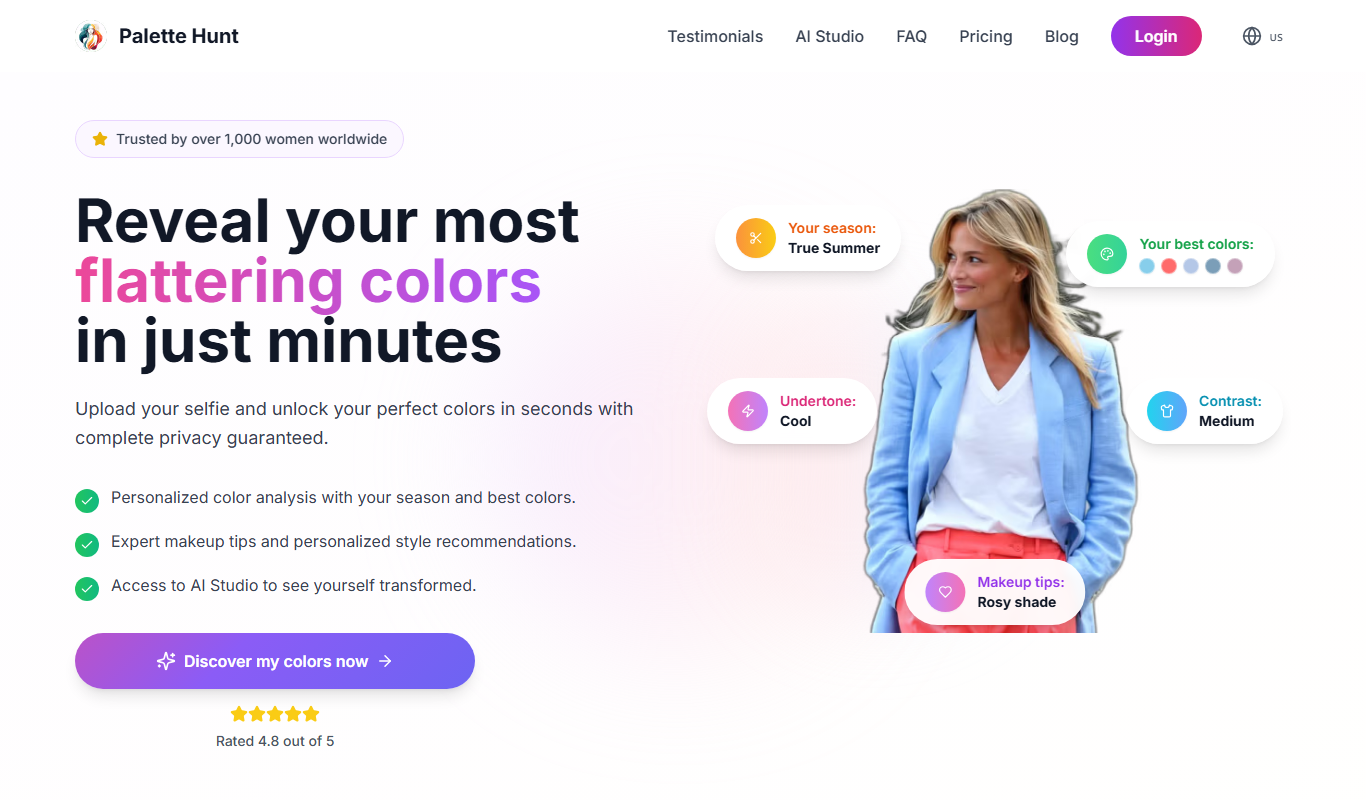
PaletteHunt
PaletteHunt is a free online platform offering curated color palettes with hex codes for designers to easily find and apply harmonious color schemes.

Freemium
Colorin AI
Colorin AI is an AI-driven tool that generates harmonious color palettes from images or base colors, helping designers create visually appealing color schemes quickly.

Free
Emozi AI
Emozi AI is a web-based platform that uses artificial intelligence to generate custom emojis from user text input, helping enhance digital communication and creative content.

Contact Sales
Knowz
Knowz is an AI-driven knowledge management platform that enables enterprises to unify data sources and perform natural language search to extract precise answers and insights.

Donation-based
DeOldify
DeOldify is an AI-powered tool that restores and colorizes old black and white photos and videos using deep learning models, accessible via web and open-source code.

Free
Facememe
Facememe is a free web-based AI meme generator that lets you upload a face photo and create custom memes by blending the face into popular meme templates quickly and easily.

Free
AI Coloring Page Generator
AI Coloring Page Generator creates custom printable coloring sheets using AI based on user input keywords or themes.
Free
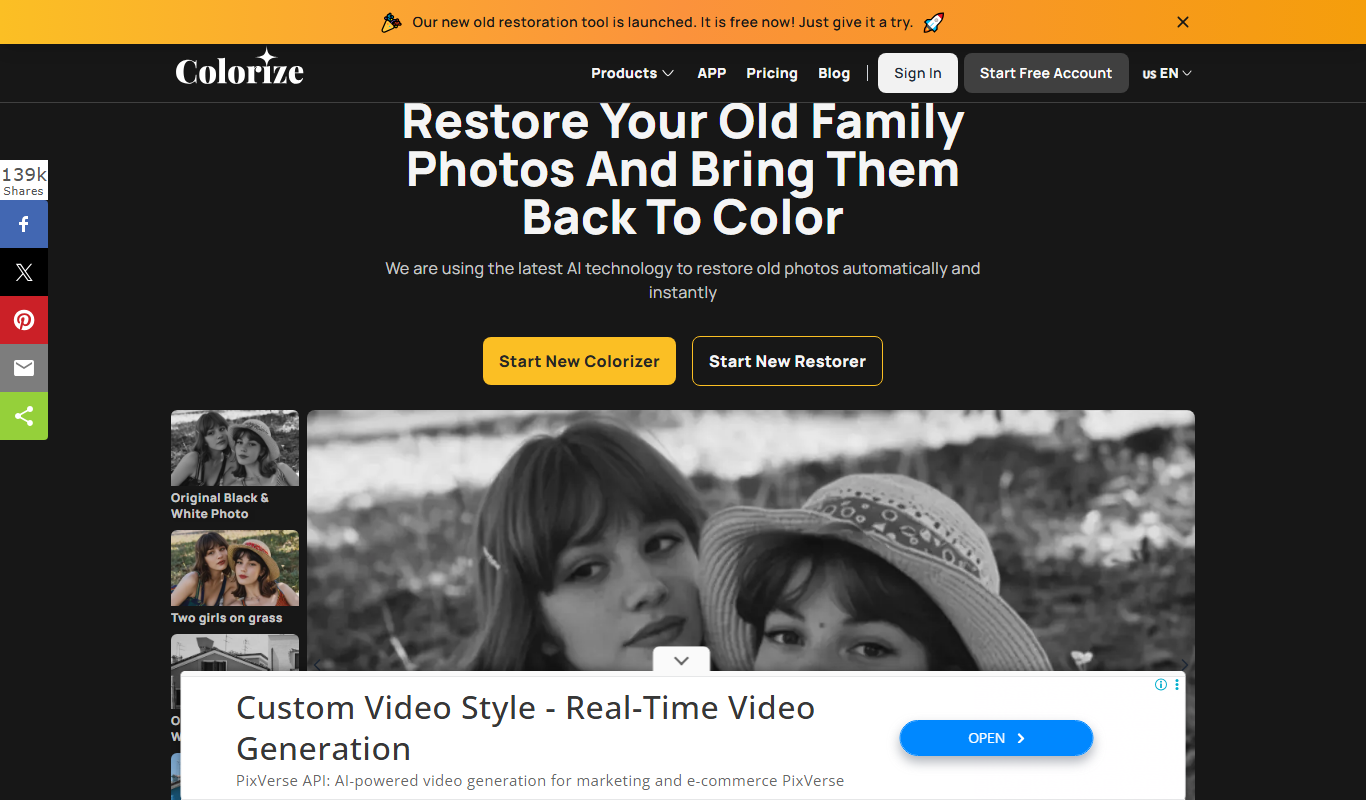
Imagecolorizer
Imagecolorizer is an AI-based tool that automatically colorizes black and white photos and restores old images with realistic colors, accessible via web and mobile apps.