

From my experience with Colorin AI, I found it excels at quickly generating harmonious color palettes that align well with design principles. The AI-driven approach removes much of the guesswork in color selection, making it especially useful for designers who want to save time while maintaining quality. However, the free plan limits usage and features, which may require upgrading for professional needs. Overall, if you need an intuitive and efficient color palette generator for branding, UI, or creative projects, Colorin AI delivers practical and reliable results.
Colorin AI Review: AI-Powered Color Palette Generator for Designers
Colorin AI is an AI-driven tool that generates harmonious color palettes from images or base colors, helping designers create visually appealing color schemes quickly.
- Best for
- Graphic Design
- Key capability
- AI-Driven Color Extraction
Your actions
Save Colorin AI, follow its updates and vote on it — everything stays in your account.
Sign in or create a free account

What is Colorin AI?
Colorin AI is an AI-powered color palette generator designed to help designers and creatives quickly create harmonious and visually appealing color schemes. By leveraging artificial intelligence, it analyzes input images or user preferences to suggest color combinations that work well together, streamlining the creative process and enhancing design quality.
Key features of Colorin AI
Colorin AI offers features such as automatic color palette extraction from images, AI-generated harmonious color suggestions, customizable palette adjustments, and easy export options for various design workflows. It simplifies color selection by providing data-driven palettes that align with design principles.
AI-Driven Color Extraction
Automatically extracts color palettes from images using AI algorithms.
Harmonious Palette Suggestions
Generates color combinations that follow color theory principles.
Customizable Palettes
Allows users to tweak and personalize generated palettes.
Easy Export Options
Supports exporting palettes in formats compatible with popular design tools.
User-Friendly Interface
Intuitive design that simplifies the color selection process.
Pros and cons of Colorin AI
Pros
- Quick and easy palette generation
- AI ensures color harmony and balance
- Customizable palettes for flexibility
- Supports multiple export formats
- User-friendly and intuitive interface
Cons
- Limited features in the free plan
- No desktop or mobile app versions currently
Key use cases for Colorin AI
Graphic Design
Generate harmonious color palettes quickly to enhance visual projects.
Branding
Create consistent and appealing color schemes for brand identity.
UI/UX Design
Develop user-friendly interfaces with balanced and accessible colors.
Marketing Materials
Design eye-catching marketing assets with AI-generated color combinations.
Creative Exploration
Experiment with unique and diverse color palettes for inspiration.
How Colorin AI works
- 1
Upload or Select Image
Users start by uploading an image or selecting a base color to inspire the palette.
- 2
AI Palette Generation
The AI analyzes the input and generates a set of harmonious colors.
- 3
Customize Palette
Users can adjust colors, add or remove shades, and fine-tune the palette.
- 4
Export and Use
Final palettes can be exported in various formats for use in design projects.
Who is using Colorin AI
Graphic designers
Branding specialists
UI/UX designers
Marketing professionals
Creative artists
Colorin AI pricing
Free
$0/month
Access to basic palette generation features with limited exports.
Pro
$9/month
Unlimited palette generations, advanced customization, and export options.
Plans and prices are as published by the vendor and can change. Check the official site before you buy. Open the pricing page (opens in a new tab)
Frequently asked questions about Colorin AI
Yes, you can start with a base color or select from preset options to generate palettes.
Colorin AI supports exporting palettes in formats like ASE, PNG, and CSS variables.
Free users have a limited number of palette generations per month, while Pro users enjoy unlimited access.
It depends on your specific needs and how you plan to use the tool. The official website and documentation are the best sources for the latest details.
Yes, it can help with that use case depending on how you configure it and what features are available. You’ll get the best results with clear inputs and a defined goal.
Some tools offer a free plan or trial with limited features. Availability can vary, so confirm on the official website.
Sign in to review this tool.
Sign In to ReviewNo reviews yet
Be the first to share how this tool worked for you.
Ask about pricing, limits, or how it compares — or answer someone else.
Sign In to AskNo questions yet
Have a question about using or paying for this tool? Be the first to ask.
Featured on TiorAI



Alternative Tools
Explore similar AI tools that might fit your needs

Free
Coolors
Coolors is an online tool that generates harmonious color palettes for design projects, offering customization and export options across multiple platforms.
More AI Ai Tools tools
Other tools in the same category, for when this one is not quite the fit.

Free
Lorem Faces
Lorem Faces is a free web tool that generates realistic AI-created human faces for use as placeholder images in design, development, and marketing projects without using real photos.

Free
Gesichtsform bestimmen mit KI
Gesichtsform bestimmen mit KI is a free website in German that identifies your face shape from a photo.

Free
Intarot
Intarot is an AI-driven tarot reading app that provides personalized tarot card interpretations and spiritual guidance through various spreads and daily draws.
Free
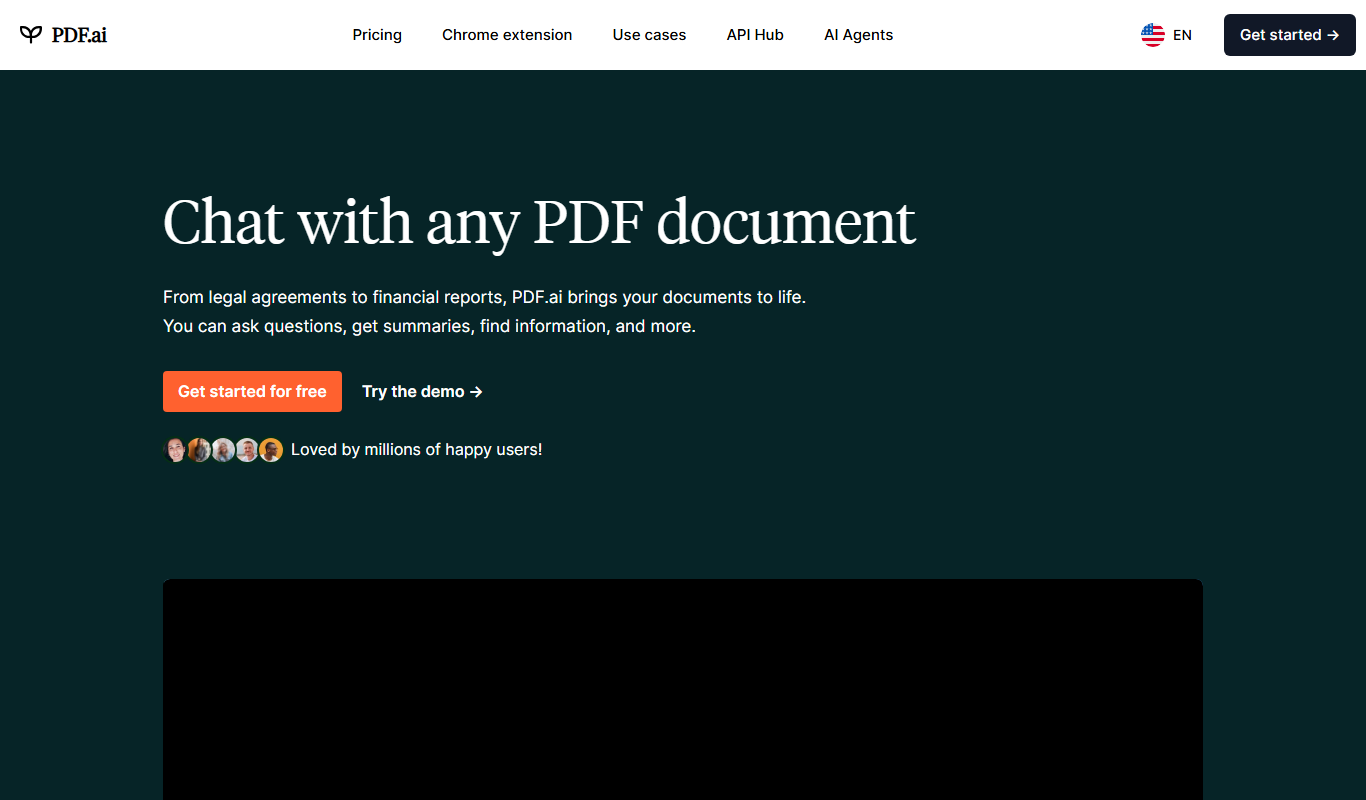
PDF.ai
PDF.ai is a web-based AI tool that allows users to upload PDFs and interact with their content through natural language queries, enabling fast search, summarization, and data extraction.

Custom Pricing
instabase.com
Instabase is an AI-driven intelligent automation platform that enables enterprises to automate complex document processing and workflow tasks by combining machine learning, human review, and customizable applications.

Free
OLOCR
OLOCR is a web-based AI OCR tool that accurately extracts text from images and scanned documents, supporting multiple languages and offering both free and premium plans.

Freemium
Xmind AI
Xmind AI is a mind mapping software that integrates AI to help users generate ideas, organize thoughts, and collaborate effectively across devices.
Freemium
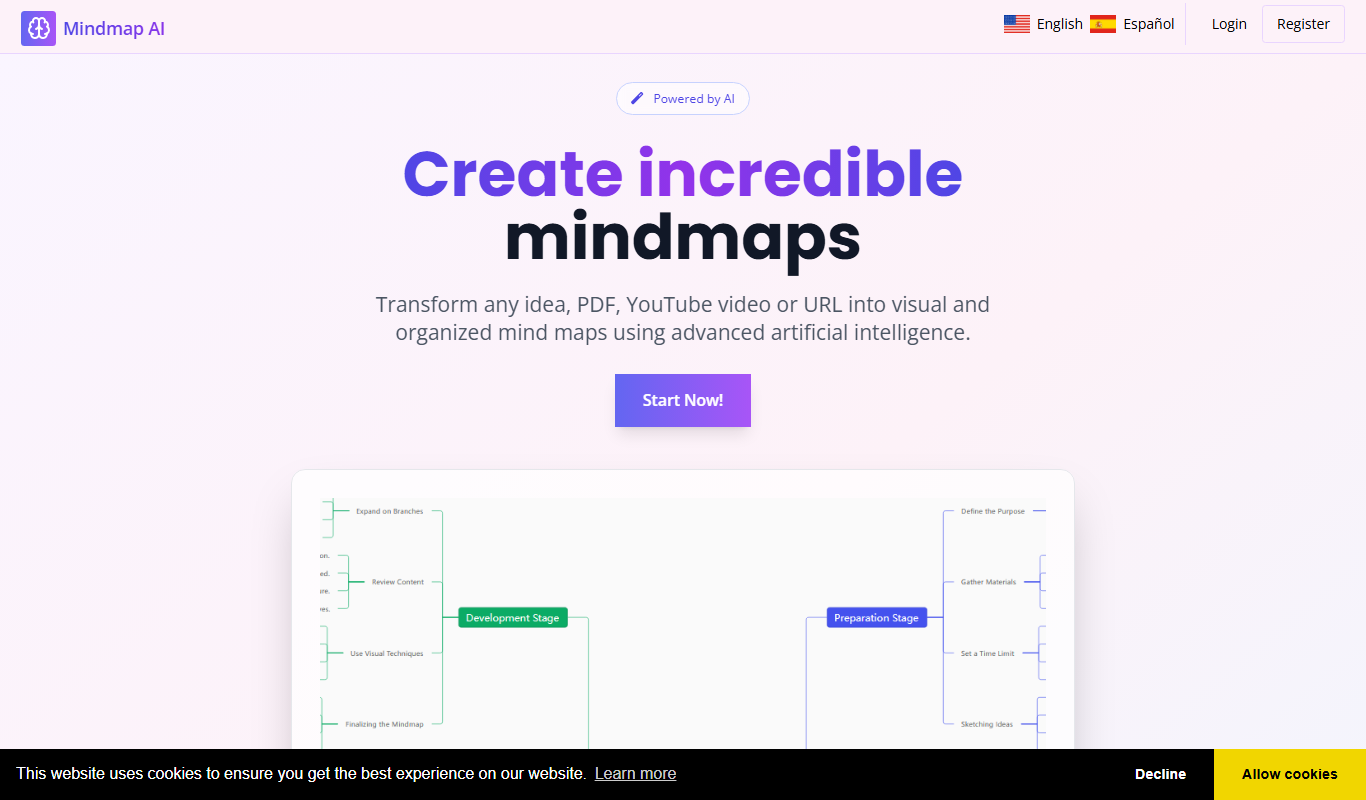
Mindmap AI
Mindmap AI is a web-based mind mapping tool that uses AI to help users generate and organize ideas visually, enhancing creativity and productivity.