

PDF.ai - AI-Powered PDF Reader and Document Analysis Tool Online
PDF.ai is a web-based AI tool that allows users to upload PDFs and interact with their content through natural language queries, enabling fast search, summarization, and data extraction.
- Best for
- PDF Document Reading
- Key capability
- AI-Powered Search
Save PDF.ai, follow its updates and vote on it — everything stays in your account.
Sign in or create a free account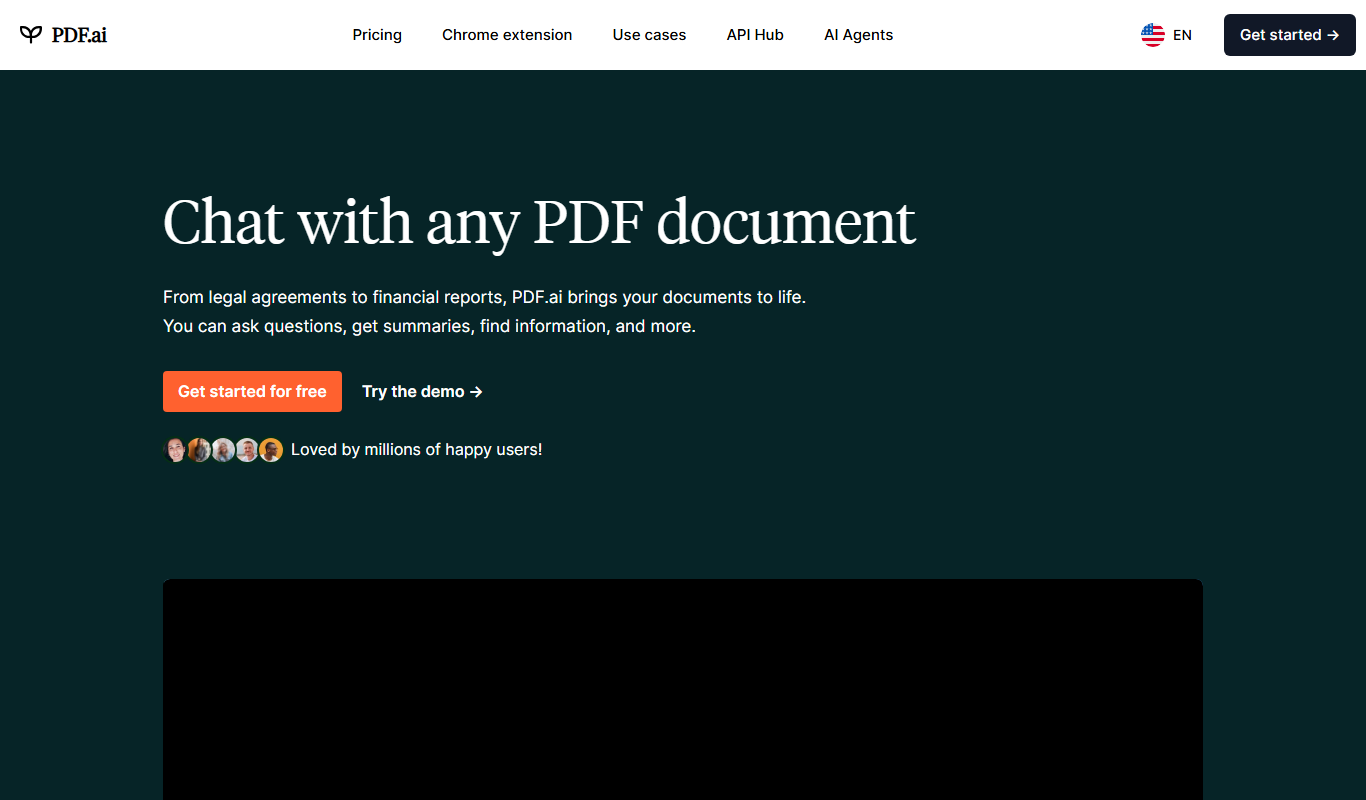
What is PDF.ai?
PDF.ai is a web-based AI-powered PDF reader and document analysis platform that enables users to upload PDF files and interact with their content through natural language queries. It leverages artificial intelligence to help users search, summarize, and extract information from PDFs quickly and intuitively without manually scanning through pages.
Key features of PDF.ai
Key features include AI-driven PDF reading, conversational search, document summarization, data extraction, and an interactive chat interface to engage with PDF content. The tool simplifies handling complex documents by providing instant answers and insights.
AI-Powered Search
Search within PDFs using natural language queries for precise results.
Document Summarization
Automatically generate concise summaries of lengthy documents.
Interactive Chat Interface
Engage with PDF content conversationally to extract insights.
Data Extraction
Pull out key facts and figures from complex PDF files.
Easy PDF Upload
Simple drag-and-drop or file selection to upload documents.
Pros and cons of PDF.ai
Pros
- Intuitive AI-powered PDF interaction
- Fast document summarization and search
- No software installation required
- Free tier available for casual users
Cons
- Limited language support beyond English
- No offline or desktop app versions
- Advanced features require paid subscription
Key use cases for PDF.ai
PDF Document Reading
Read and interact with PDF documents more efficiently using AI-powered tools.
Document Search and Query
Ask questions and search within PDFs to quickly find relevant information.
Summarization
Generate concise summaries of lengthy PDF documents for faster understanding.
Data Extraction
Extract key data points and insights from complex PDF files using AI.
Collaboration
Share and discuss PDF content with team members through AI-assisted chat.
How PDF.ai works
- 1
Upload PDF
Users upload their PDF documents directly to the platform.
- 2
AI Processing
The AI analyzes the document content to understand structure and context.
- 3
Interact via Chat
Users ask questions or request summaries through a chat interface.
- 4
Receive Responses
The AI provides relevant answers, summaries, or extracted data instantly.
Who is using PDF.ai
PDF.ai pricing
Free
$0/month
Basic access with limited queries and document uploads.
Pro
$9.99/month
Unlimited queries, faster processing, and priority support.
Plans and prices are as published by the vendor and can change. Check the official site before you buy. Open the pricing page (opens in a new tab)
Frequently asked questions about PDF.ai
Yes, PDF.ai supports most standard PDF files for analysis.
Uploaded documents are processed securely and not shared with third parties.
Currently, PDF.ai primarily supports English documents.
PDF.ai is web-based and accessible via mobile browsers.
It depends on your specific needs and how you plan to use the tool. The official website and documentation are the best sources for the latest details.
Some tools offer a free plan or trial with limited features. Availability can vary, so confirm on the official website.
Yes, it can help with that use case depending on how you configure it and what features are available. You’ll get the best results with clear inputs and a defined goal.
Conclusion
After a PDF is uploaded, users ask questions or request summaries through a chat interface and receive answers, summaries or extracted data from the document. Search uses natural language queries, so information can be found without manually scanning through pages. An API for document analysis and extraction is available alongside the chat.
It is used by students and researchers, business professionals and legal and compliance teams working extensively with PDFs. Being web-based, it is also accessible via mobile browsers with no software installation required.
Sources
Sign in to review this tool.
Sign In to ReviewNo reviews yet
Be the first to share how this tool worked for you.
Ask about pricing, limits, or how it compares — or answer someone else.
Sign In to AskNo questions yet
Have a question about using or paying for this tool? Be the first to ask.
Featured on TiorAI



Alternative Tools
Explore similar AI tools that might fit your needs

Updf AI
Updf AI is an AI-powered PDF editor and converter that enables users to edit, annotate, convert, and manage PDF documents efficiently across desktop and mobile platforms.
More AI Ai Tools tools
Other tools in the same category, for when this one is not quite the fit.

PatentDrawAI
PatentDrawAI is a full invention platform for drafting, prior art search and IP monetization, beyond patent drawings.

AI. Image Enlarger
AI Image Enlarger is an online tool that uses artificial intelligence to enlarge and enhance images up to 8 times their original size while preserving quality and reducing noise.

AIMath
AIMath is an AI-powered online calculator that solves a wide range of math problems and provides detailed step-by-step solutions to help users learn and understand mathematics.

Quiz Solver AI
Quiz Solver AI is an online tool that uses artificial intelligence to provide instant answers and explanations for quiz questions, helping students with homework and exam preparation.

FormBuilderGPT
FormBuilderGPT is an AI-driven tool that creates customizable forms based on your natural language descriptions, enabling quick and easy data collection without coding.

FlowCraft – AI DIagrams & Whiteboard
FlowCraft is an AI diagram generator that creates flowcharts, mind maps and sequence diagrams from a text description.

Passport Maker
Passport Maker AI is an online tool that uses artificial intelligence to create official passport and visa photos by automatically removing backgrounds and formatting images to meet government standards.

Lorem Faces
Lorem Faces is a free web tool that generates realistic AI-created human faces for use as placeholder images in design, development, and marketing projects without using real photos.