

FormBuilderGPT - AI-Powered Form Creation Tool for Easy Data Collection
FormBuilderGPT is an AI-driven tool that creates customizable forms based on your natural language descriptions, enabling quick and easy data collection without coding.
- Best for
- Automated Form Creation
- Key capability
- Natural Language Form Generation
Save FormBuilderGPT, follow its updates and vote on it — everything stays in your account.
Sign in or create a free account

What is FormBuilderGPT?
FormBuilderGPT is a DataScope tool that uses AI to build customizable forms from a text description or a PDF. Instead of designing forms field by field, users describe what they need and the AI builds the form structure.
Key features of FormBuilderGPT
The tool offers natural language form generation, instant preview of forms, export options, and easy customization. It supports various input types and logical form structures, enabling users to create professional forms without technical skills.
Natural Language Form Generation
Create forms simply by describing them in plain English.
Multiple Input Types
Supports text fields, dropdowns, checkboxes, radio buttons, dates, and more.
Instant Form Preview
See how your form looks and behaves before exporting or deploying.
Easy Export Options
Export forms as code snippets or embed them directly into websites.
AI-Powered Customization
Leverages GPT-3 to understand complex form requirements and generate logical structures.
Pros and cons of FormBuilderGPT
Pros
- Speeds up form creation with AI-generated fields
- No coding required, user-friendly interface
- Supports multiple input types and logical structures
- Instant preview helps verify form design
- Affordable pricing with a free tier
Cons
- Limited language support (English only)
- May require manual tweaks for very complex forms
- Currently web-only platform
Key use cases for FormBuilderGPT
Automated Form Creation
Generate custom forms quickly using AI by describing the desired fields and structure.
Data Collection for Businesses
Create forms to collect customer feedback, surveys, and other business data efficiently.
Rapid Prototyping of Forms
Design and iterate form layouts rapidly without manual coding or drag-and-drop.
Integration with Workflows
Use generated forms to streamline data input processes in various organizational workflows.
How FormBuilderGPT works
- 1
Describe Your Form
Enter a natural language description of the form you want to create.
- 2
AI Generates Form
FormBuilderGPT uses GPT-3 to interpret your description and build the form fields automatically.
- 3
Customize and Preview
Review the generated form, make any adjustments, and preview how it will appear to users.
- 4
Export or Deploy
Export the form code or integrate it into your website or workflow for data collection.
Who is using FormBuilderGPT
FormBuilderGPT pricing
Free
Free
Presented as a free AI tool by DataScope, with no published plans.
Pro
$15/month
Unlimited form generations, priority support, and advanced customization options.
Plans and prices are as published by the vendor and can change. Check the official site before you buy. Open the pricing page (opens in a new tab)
Frequently asked questions about FormBuilderGPT
Yes, you can edit and adjust the generated forms before exporting or deploying.
You can create surveys, feedback forms, registration forms, and any custom data collection forms.
No coding skills are needed; the AI handles form creation based on your description.
The AI interprets your instructions to build logical field dependencies and validations where possible.
It depends on your specific needs and how you plan to use the tool. The official website and documentation are the best sources for the latest details.
Yes, it can help with that use case depending on how you configure it and what features are available. You’ll get the best results with clear inputs and a defined goal.
Some tools offer a free plan or trial with limited features. Availability can vary, so confirm on the official website.
Yes, it can help with that use case depending on how you configure it and what features are available. You’ll get the best results with clear inputs and a defined goal.
Conclusion
Forms start from a description in plain English or from a PDF, and the AI builds the form structure from it. Generated forms can include text fields, dropdowns, checkboxes, radio buttons and dates. Before exporting, the form can be previewed and adjusted, then exported as code snippets or embedded directly into websites. The AI interprets instructions to build field dependencies and validations where possible, though very complex forms may still require manual tweaks.
Surveys, feedback forms and registration forms are typical outputs for small businesses, marketing teams and event organizers. It comes from DataScope and is presented as a free AI tool, with no published plans.
Sources
Sign in to review this tool.
Sign In to ReviewNo reviews yet
Be the first to share how this tool worked for you.
Ask about pricing, limits, or how it compares — or answer someone else.
Sign In to AskNo questions yet
Have a question about using or paying for this tool? Be the first to ask.
Featured on TiorAI



Alternative Tools
Explore similar AI tools that might fit your needs
Typeform
Typeform is an online platform that enables users to create interactive, conversational forms and surveys to collect data, feedback, and leads with customizable templates and logic jumps.

JotForm
JotForm is an online form builder that allows users to create customizable forms for surveys, registrations, payments, and data collection without coding. It supports payment integrations, conditional logic, and workflow automation.
More AI Ai Tools tools
Other tools in the same category, for when this one is not quite the fit.

FlowCraft – AI DIagrams & Whiteboard
FlowCraft is an AI diagram generator that creates flowcharts, mind maps and sequence diagrams from a text description.

Passport Maker
Passport Maker AI is an online tool that uses artificial intelligence to create official passport and visa photos by automatically removing backgrounds and formatting images to meet government standards.

Lorem Faces
Lorem Faces is a free web tool that generates realistic AI-created human faces for use as placeholder images in design, development, and marketing projects without using real photos.

Gesichtsform bestimmen mit KI
Gesichtsform bestimmen mit KI is a free website in German that identifies your face shape from a photo.

Intarot
Intarot is an AI-driven tarot reading app that provides personalized tarot card interpretations and spiritual guidance through various spreads and daily draws.
PDF.ai
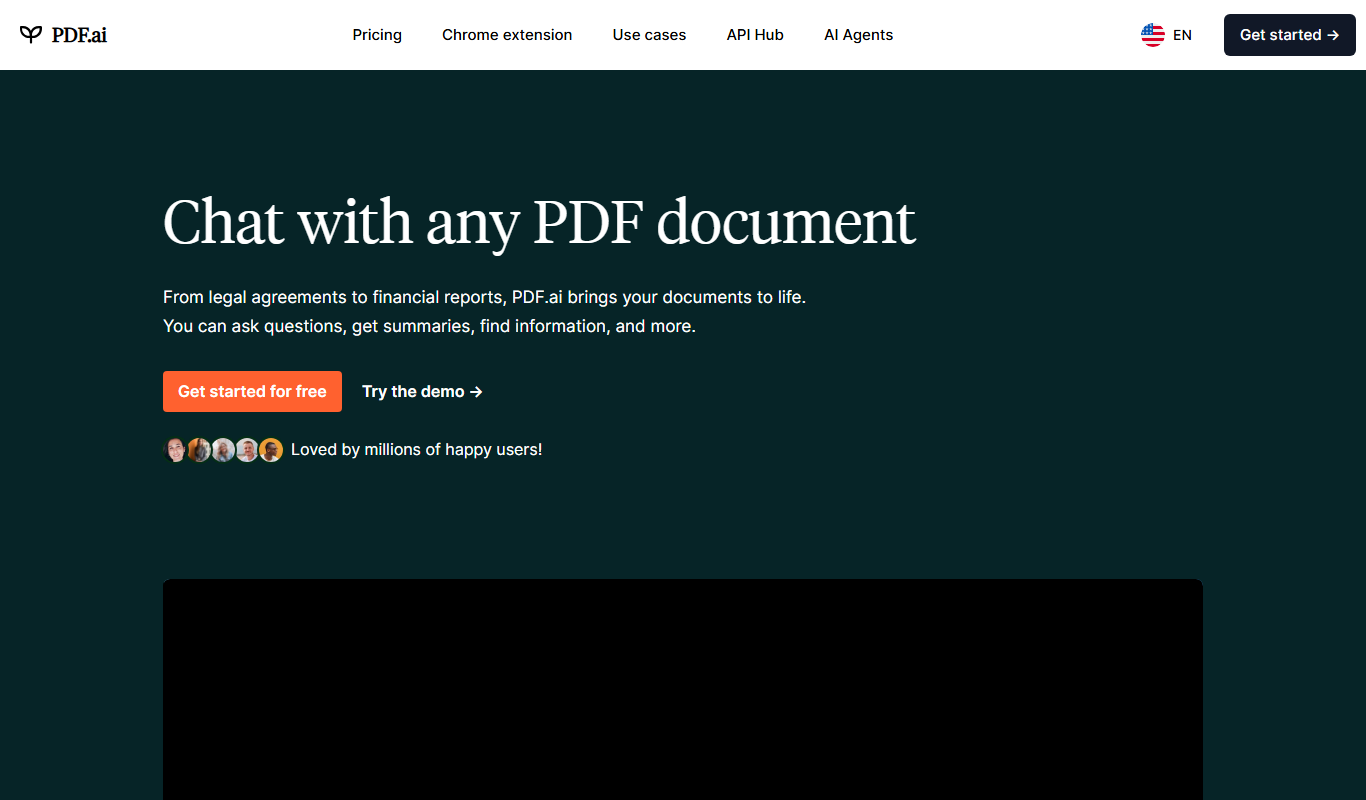
PDF.ai is a web-based AI tool that allows users to upload PDFs and interact with their content through natural language queries, enabling fast search, summarization, and data extraction.

instabase.com
Instabase is an AI-driven intelligent automation platform that enables enterprises to automate complex document processing and workflow tasks by combining machine learning, human review, and customizable applications.

OLOCR
OLOCR is a web-based AI OCR tool that accurately extracts text from images and scanned documents, supporting multiple languages and offering both free and premium plans.