

From my experience with SketchMe.App, I found it excels at quickly transforming photos into artistic sketches without requiring any drawing skills. The AI-powered engine produces visually appealing results in multiple styles, making it a handy tool for casual users and content creators who want creative visuals fast. However, the free plan limits resolution and daily usage, which might be restrictive for heavy users. Overall, if you need a straightforward, web-based photo to sketch converter for social media or art projects, SketchMe.App delivers solid and accessible results.
SketchMe.App AI Sketch Generator for Photo to Drawing Conversion Online
SketchMe.App is an AI-powered web tool that transforms photos into various artistic sketch styles quickly and easily.
- Best for
- Photo to Sketch Conversion
- Key capability
- Multiple Sketch Styles
Your actions
Save SketchMe.App, follow its updates and vote on it — everything stays in your account.
Sign in or create a free account
What is SketchMe.App?
SketchMe.App is an AI-powered web application that converts photos into artistic sketches and drawings. It uses advanced algorithms to analyze images and recreate them in various sketch styles, providing users with creative and visually appealing transformations without requiring manual drawing skills.
Key features of SketchMe.App
The tool offers multiple sketch styles, easy-to-use interface, quick processing, and the ability to download high-resolution results. It supports uploading photos directly from your device and delivers instant sketch conversions suitable for personal and creative use.
Multiple Sketch Styles
Offers a variety of artistic sketch filters including pencil, charcoal, and ink styles.
AI-Powered Image Processing
Utilizes AI algorithms to accurately convert photos into detailed sketches.
User-Friendly Interface
Simple and intuitive web interface requiring no technical skills.
High-Resolution Downloads
Allows users to download high-quality sketch images suitable for printing or sharing.
Pros and cons of SketchMe.App
Pros
- Easy to use with no technical skills required
- Multiple artistic sketch styles available
- Fast AI-powered image processing
- Free tier available for casual users
Cons
- Limited features and resolution on free plan
- No dedicated mobile app, only web-based
Key use cases for SketchMe.App
Photo to Sketch Conversion
Transform your photos into pencil sketches or artistic drawings quickly and easily.
Social Media Content Creation
Create unique and eye-catching sketch-style images to enhance social media posts.
Creative Art Projects
Use AI-generated sketches as a base for further digital or traditional artwork.
Profile Picture Enhancement
Generate stylized sketch avatars for personal or professional profiles.
How SketchMe.App works
- 1
Upload Photo
Select and upload a photo from your device to the SketchMe.App platform.
- 2
Choose Sketch Style
Pick from various available sketch styles to apply to your photo.
- 3
Generate Sketch
The AI processes the image and converts it into the chosen sketch style.
- 4
Download Result
Save the generated sketch image to your device for use.
Who is using SketchMe.App
Casual users wanting artistic photo effects
Social media content creators
Graphic designers seeking quick sketch bases
Artists exploring AI-assisted art
Small businesses needing creative visuals
SketchMe.App pricing
Free
$0
Basic access with limited daily conversions and standard resolution downloads.
Premium
$9.99/month
Unlimited conversions, access to all sketch styles, and high-resolution downloads.
Plans and prices are as published by the vendor and can change. Check the official site before you buy. Open the pricing page (opens in a new tab)
Frequently asked questions about SketchMe.App
Yes, there is a free plan with limited daily conversions and standard resolution downloads.
You can upload common image formats such as JPG, PNG, and JPEG for conversion.
Yes, the web app is accessible via mobile browsers on smartphones and tablets.
Premium users can download high-resolution images suitable for printing.
It depends on your specific needs and how you plan to use the tool. The official website and documentation are the best sources for the latest details.
Some tools offer a free plan or trial with limited features. Availability can vary, so confirm on the official website.
It depends on your specific needs and how you plan to use the tool. The official website and documentation are the best sources for the latest details.
Sign in to review this tool.
Sign In to ReviewNo reviews yet
Be the first to share how this tool worked for you.
Ask about pricing, limits, or how it compares — or answer someone else.
Sign In to AskNo questions yet
Have a question about using or paying for this tool? Be the first to ask.
Featured on TiorAI



Alternative Tools
Explore similar AI tools that might fit your needs

Freemium
Prisma
Prisma is an iOS and Android app that applies artistic styles to photos using neural networks.
Free
Painnt
Painnt is a Moonlighting app that uses neural networks and artificial intelligence to turn photos into art and cartoon images with 1000+ filters, available on iOS, Mac, Android and Windows.
More AI Art Generator tools
Other tools in the same category, for when this one is not quite the fit.
Free
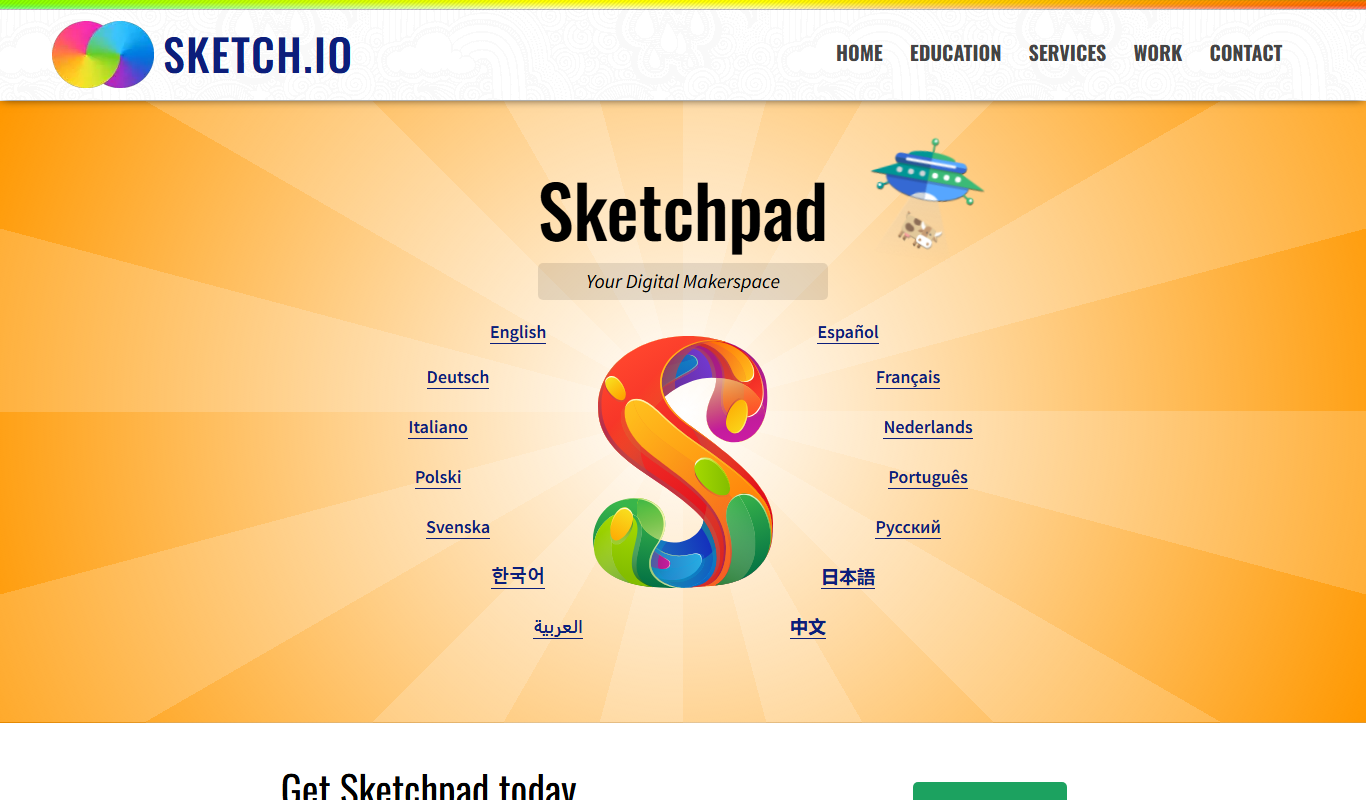
Sketchpad
Sketchpad is a free web-based drawing application that supports vector and raster graphics, offering tools for digital illustration, graphic design, and creative projects accessible directly in your browser.

Free
A1 Art
A1 Art is a web-based AI image generator that creates digital artwork from text prompts, offering free and subscription plans for users.
Free
QuickDraw
QuickDraw is a free web-based AI drawing game by Google that guesses your sketches in real-time using machine learning.
Free
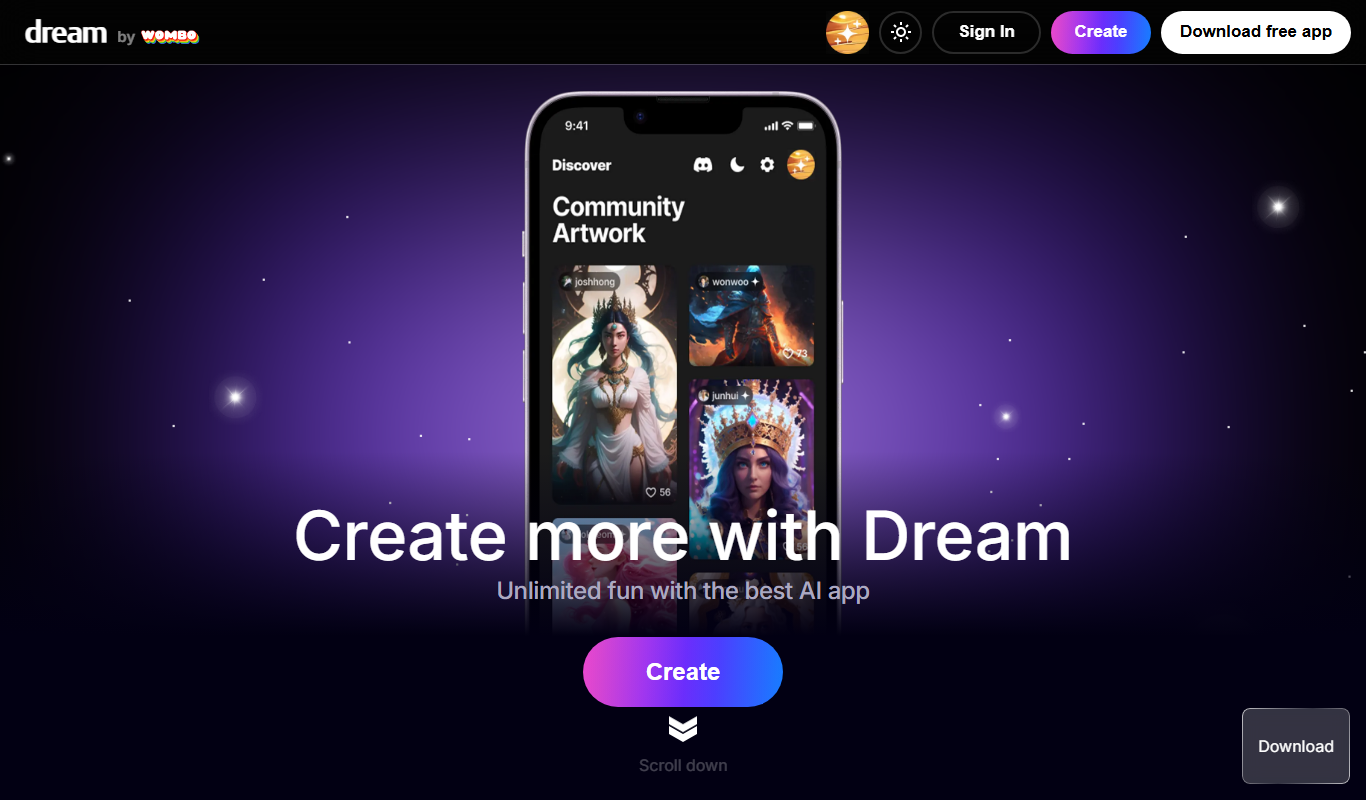
Wombo
Wombo is an AI-powered platform that generates unique digital artwork from text prompts, offering multiple art styles and easy-to-use tools accessible via web and mobile apps.
Subscription
Rapid Resizer Outline Maker
Rapid Resizer Outline Maker refers to the Picture Stencil Maker on Rapid Resizer, a web-based tool for turning photos or drawings into stencils and patterns for crafts and cutting projects.

Freemium
Neural.love Art Generator
Neural.love Art Generator is an AI-powered web tool that creates unique digital artworks from text prompts or images using neural networks, offering features like style transfer and image upscaling.

Free
insMind Ghibli Image Generator
insMind Ghibli Image Generator is a web-based AI tool that transforms photos into artwork inspired by Studio Ghibli’s animation style using AI style transfer.
Free
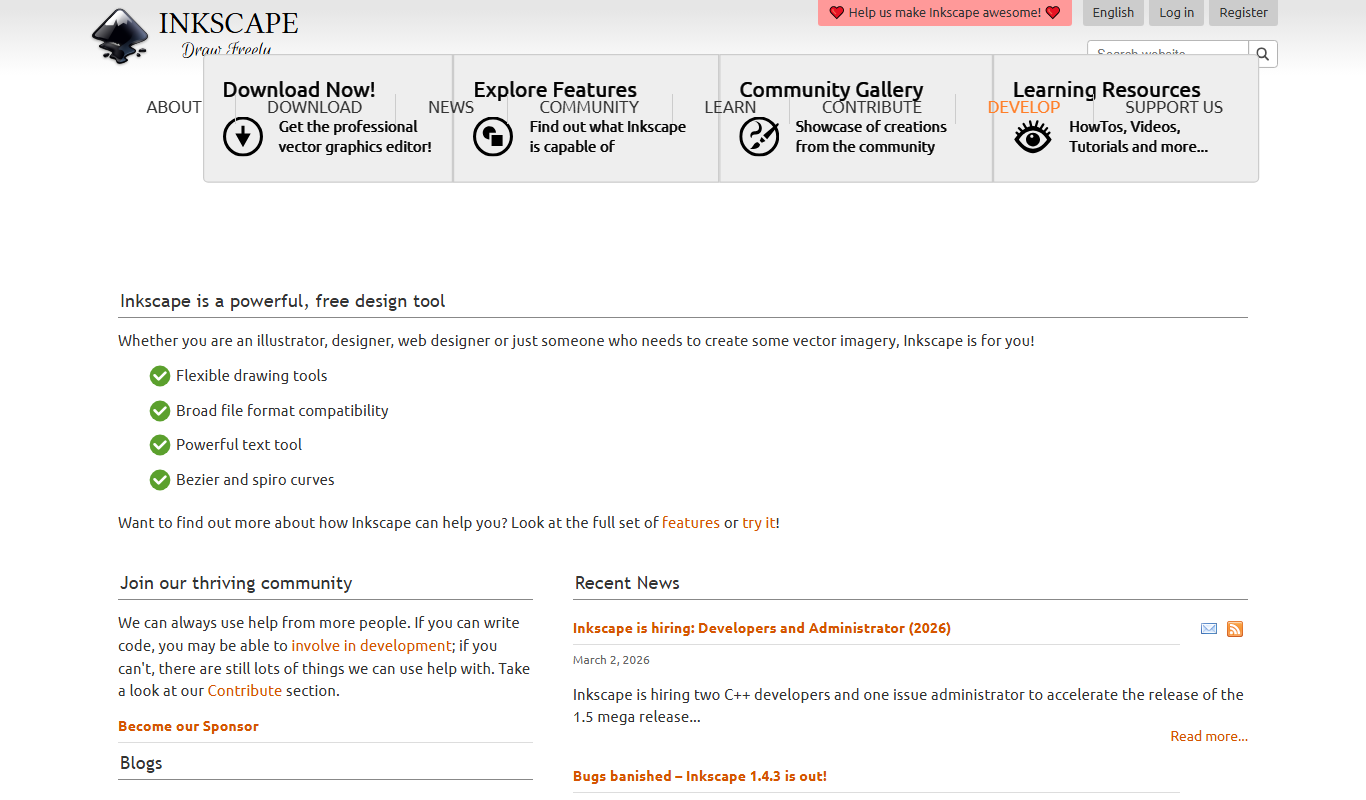
Inkscape
Inkscape is a free and open source vector graphics editor used for creating and editing scalable vector images with advanced tools for illustration and graphic design.