

From my experience with Reincubate Camo, it stands out as a practical solution for anyone looking to upgrade their webcam quality without investing in expensive hardware. Using your smartphone’s camera delivers noticeably sharper and more vibrant video compared to typical built-in webcams. The manual controls and background effects add a professional touch, especially useful for remote work and streaming. However, the free version’s watermark and resolution limits can be restrictive, making the Pro upgrade worthwhile for frequent users. Overall, Camo is a reliable tool that bridges mobile camera technology with desktop video applications effectively.
Reincubate Camo - High-Quality Webcam App for Video Calls & Streaming
Reincubate Camo is a webcam app that lets you use your smartphone as a high-quality webcam for computers, enhancing video calls and streaming with HD video and manual controls.
- Best for
- Enhanced Video Conferencing
- Key capability
- High-Quality Video
Your actions
Save Reincubate Camo, follow its updates and vote on it — everything stays in your account.
Sign in or create a free account
What is Reincubate Camo?
Reincubate Camo is a webcam application that allows users to transform their smartphones into high-quality webcams for computers. It supports Windows and macOS, enabling users to leverage their phone’s superior camera hardware for video calls, streaming, and content creation. Camo offers advanced controls for video quality, framing, and effects, making it a versatile tool for professionals and casual users alike.
Key features of Reincubate Camo
Camo provides HD video streaming from mobile devices to computers, with features like manual camera controls, portrait mode, background blur, and compatibility with popular video conferencing and streaming software. It supports both USB and wireless connections, ensuring flexibility and ease of use.
High-Quality Video
Stream HD video from your phone’s camera with up to 1080p resolution and 60fps support.
Manual Camera Controls
Adjust focus, exposure, white balance, zoom, and other camera settings manually for professional results.
Background Effects
Apply background blur and replacement effects to enhance video call privacy and aesthetics.
Cross-Platform Compatibility
Works seamlessly with Windows and macOS computers and supports iOS and Android devices.
USB and Wireless Connection
Connect your phone via USB for low latency or wirelessly for convenience.
Pros and cons of Reincubate Camo
Pros
- Significantly improves video quality using smartphone cameras
- Supports manual camera controls for professional customization
- Compatible with major video conferencing and streaming apps
- Flexible connection options: USB and wireless
- Easy to set up and use
Cons
- Free version includes watermark and limited resolution
- Requires installation on both phone and computer
- Some advanced features only available in Pro version
Key use cases for Reincubate Camo
Enhanced Video Conferencing
Use your smartphone as a high-quality webcam for clearer and sharper video calls on platforms like Zoom, Microsoft Teams, and Google Meet.
Live Streaming
Stream professional-grade video content using your phone’s camera on platforms such as Twitch, YouTube, and OBS Studio.
Remote Work and Online Teaching
Improve video quality for remote work meetings and online classes by replacing low-quality built-in webcams with your phone camera.
Content Creation
Create high-definition video content for social media, tutorials, and presentations using your smartphone as a webcam.
Mobile Camera Integration
Seamlessly connect your iPhone or Android device to your computer to use its camera as a USB webcam with minimal latency.
How Reincubate Camo works
- 1
Install the App
Download and install the Camo app on your smartphone and the companion software on your Windows or macOS computer.
- 2
Connect Your Phone
Connect your smartphone to your computer via USB or Wi-Fi to establish a video feed.
- 3
Select Camo as Webcam
In your video conferencing or streaming software, choose Camo as the video input source.
- 4
Adjust Settings
Use the Camo Studio app on your computer to adjust camera settings such as zoom, exposure, focus, and apply effects.
Who is using Reincubate Camo
Remote workers and professionals
Content creators and streamers
Online educators and trainers
Marketing and communication teams
Anyone needing better webcam quality
Reincubate Camo pricing
Free
$0/month
Basic webcam functionality with watermark and limited resolution.
Pro
$39.99/year
Full HD video, no watermark, manual controls, and advanced features.
Plans and prices are as published by the vendor and can change. Check the official site before you buy. Open the pricing page (opens in a new tab)
Frequently asked questions about Reincubate Camo
Camo supports iOS devices running iOS 13 or later and Android devices running Android 8.0 or later.
Yes, Camo integrates with most popular video conferencing and streaming platforms by appearing as a webcam source.
No, you can connect via USB for the best performance or use Wi-Fi for wireless convenience.
Yes, the free version includes a watermark on the video feed.
It depends on your specific needs and how you plan to use the tool. The official website and documentation are the best sources for the latest details.
Some tools offer a free plan or trial with limited features. Availability can vary, so confirm on the official website.
Yes, it can help with that use case depending on how you configure it and what features are available. You’ll get the best results with clear inputs and a defined goal.
Sign in to review this tool.
Sign In to ReviewNo reviews yet
Be the first to share how this tool worked for you.
Ask about pricing, limits, or how it compares — or answer someone else.
Sign In to AskNo questions yet
Have a question about using or paying for this tool? Be the first to ask.
Featured on TiorAI



Alternative Tools
Explore similar AI tools that might fit your needs
Free
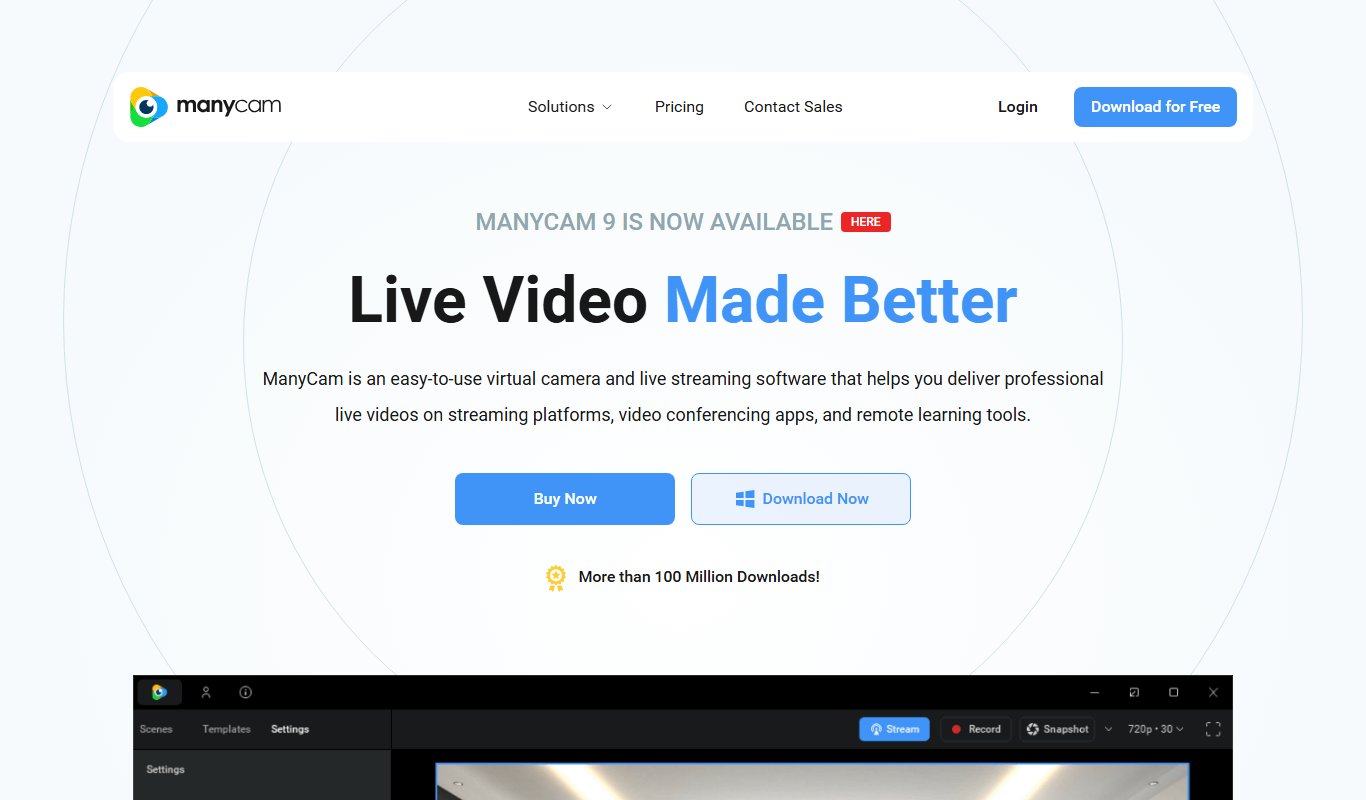
ManyCam
ManyCam is virtual webcam software that allows users to add live video effects, switch between multiple video sources, and use virtual backgrounds to enhance live streams and video calls on platforms like Zoom, YouTube, and Twitch.

Free
OBS Studio
OBS Studio is a free and open-source software for live streaming and video recording that supports multiple platforms and customizable scenes.
More AI Photography tools
Other tools in the same category, for when this one is not quite the fit.

Free
Snapfish
Snapfish is an online service for printing photos and creating personalized photo gifts such as photo books, cards, and calendars with easy-to-use design tools and social media integration.

Free
Shutterfly
Shutterfly is an online platform for creating personalized photo products such as prints, photo books, gifts, and cards, offering secure photo storage and easy design tools accessible via web and mobile apps.

One-time purchase
ON1 Resize AI
ON1 Resize AI is a desktop software that uses AI and fractal interpolation to enlarge images up to 1000% while preserving detail, ideal for photographers and print professionals.
One-time purchase
ProCamera
ProCamera is a professional iOS camera app offering manual controls, AI-enhanced low-light photography, RAW capture, and advanced editing tools for mobile photographers.
Paid
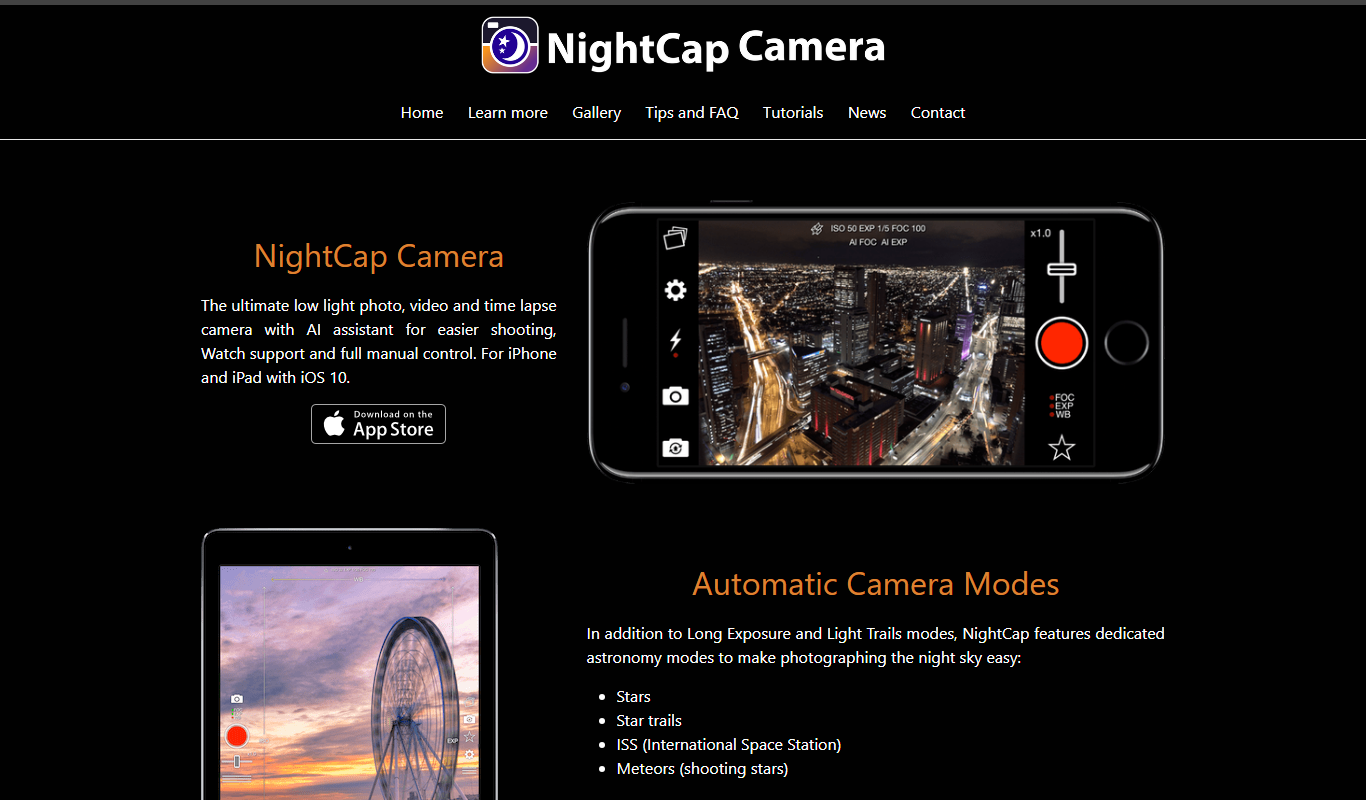
NightCap Camera
NightCap Camera is an iOS app that uses AI to enhance low light and night photography by combining multiple exposures, reducing noise, and enabling astrophotography with long exposure modes.

One-time purchase
Halide Mark III
Halide Mark III is an iPhone camera app with manual controls, RAW and ProRAW capture, and computational photography features for photo and video.

Free
Enhance.Pho.to
Enhance.Pho.to is a free web-based AI photo enhancement tool that automatically improves photo quality, removes backgrounds, retouches faces, and restores old images without requiring user registration.

Free
Autotracer
Autotracer is a free web-based tool that automatically converts raster images into vector graphics in formats like SVG and EPS, enabling scalable and editable designs.