

Halide Mark III Camera App for iPhone Photography and Video
Halide Mark III is an iPhone camera app with manual controls, RAW and ProRAW capture, and computational photography features for photo and video.
- Best for
- Professional Mobile Photography
- Key capability
- Manual Controls
Save Halide Mark III, follow its updates and vote on it — everything stays in your account.
Sign in or create a free account
What is Halide Mark III?
Halide Mark III is a camera app for iPhone users who want full manual control over their photography. It combines gesture-based controls with computational photography features for photo capture and editing. It supports RAW image capture, depth capture, focus peaking, histograms and smart automatic modes.
Key features of Halide Mark III
Halide Mark III offers manual camera controls, RAW and ProRAW capture, portrait mode with depth editing, focus peaking, a histogram and a smart automatic mode.
Manual Controls
Adjust focus, exposure, ISO, shutter speed, and white balance with precision.
RAW and ProRAW Support
Capture uncompressed images for professional editing workflows.
Focus Peaking and Histogram
Visual aids to ensure sharp focus and proper exposure.
Portrait Mode with Depth Editing
Create professional-looking portraits with adjustable depth effects.
Smart Automatic Mode
Leverages AI to optimize settings for quick and high-quality shots.
Night Mode
Enhanced low-light photography using computational techniques.
Pros and cons of Halide Mark III
Pros
- Comprehensive manual controls for photography enthusiasts
- Supports RAW and ProRAW capture for high-quality images
- Intuitive and gesture-based user interface
- Advanced computational photography features improve image quality
- Regular updates with new features and improvements
Cons
- Available only on iOS devices
- No video recording capabilities
- One-time purchase price may be high for casual users
Key use cases for Halide Mark III
Professional Mobile Photography
Capture high-quality photos with manual controls and advanced computational photography features on iPhone.
RAW Image Capture and Editing
Shoot in RAW format for maximum image quality and flexibility in post-processing.
Portrait and Macro Photography
Utilize specialized modes like portrait and macro to create detailed and artistic images.
Low Light and Night Photography
Leverage advanced night mode and computational techniques to capture clear photos in low light.
Photo Editing and Adjustment
Edit photos directly within the app with tools for exposure, focus, and color adjustments.
How Halide Mark III works
- 1
Install and Launch
Download Halide Mark III from the App Store and open it on your iPhone.
- 2
Set Up Camera Controls
Use intuitive gestures and controls to adjust focus, exposure, ISO, shutter speed, and white balance manually.
- 3
Choose Capture Mode
Select between RAW, ProRAW, portrait, macro, or night mode depending on your shooting scenario.
- 4
Capture Photo
Press the shutter button to take photos with real-time computational enhancements.
- 5
Edit and Export
Use built-in editing tools to fine-tune your photos and export them in desired formats.
Who is using Halide Mark III
Halide Mark III pricing
One-time purchase
$60 one-time
One-time purchase option alongside monthly and yearly subscriptions.
Plans and prices are as published by the vendor and can change. Check the official site before you buy. Open the pricing page (opens in a new tab)
Frequently asked questions about Halide Mark III
Halide Mark III is an iPhone camera app available on the App Store.
Yes, Halide Mark III is described as a photo and video app.
Yes, Halide Mark III includes editing tools for exposure, focus and color adjustments within the app.
Yes, it supports RAW and Apple ProRAW formats for professional-grade image quality.
It depends on your specific needs and how you plan to use the tool. The official website and documentation are the best sources for the latest details.
It depends on your specific needs and how you plan to use the tool. The official website and documentation are the best sources for the latest details.
Yes, it can help with that use case depending on how you configure it and what features are available. You’ll get the best results with clear inputs and a defined goal.
Yes, it can help with that use case depending on how you configure it and what features are available. You’ll get the best results with clear inputs and a defined goal.
Conclusion
Full manual control over iPhone photography is the focus of Halide Mark III, the current name of this camera app. Gestures adjust focus, exposure, ISO, shutter speed and white balance, while focus peaking and a histogram help confirm sharp focus and proper exposure. Shots can be captured in RAW or ProRAW for professional editing workflows, and portrait mode adds adjustable depth effects. Exposure, focus and color can be adjusted in the app before export.
The current version is described as a photo and video app. Its intended users include professional photographers using iPhone and enthusiasts seeking manual controls. Options are a monthly subscription at $10/month, a yearly subscription at $20/year or a one-time purchase at $60.
Sources
Sign in to review this tool.
Sign In to ReviewNo reviews yet
Be the first to share how this tool worked for you.
Ask about pricing, limits, or how it compares — or answer someone else.
Sign In to AskNo questions yet
Have a question about using or paying for this tool? Be the first to ask.
Featured on TiorAI



Alternative Tools
Explore similar AI tools that might fit your needs
ProCamera
ProCamera is a professional iOS camera app offering manual controls, AI-enhanced low-light photography, RAW capture, and advanced editing tools for mobile photographers.

Camera+ 2
Camera+ 2 is an iOS photography app that combines manual camera controls with AI-powered editing features like background removal and portrait enhancements, designed for professional and enthusiast iPhone photographers.
More AI Photo Restoration tools
Other tools in the same category, for when this one is not quite the fit.

ON1 Resize AI
ON1 Resize AI is a desktop software that uses AI and fractal interpolation to enlarge images up to 1000% while preserving detail, ideal for photographers and print professionals.
NightCap Camera
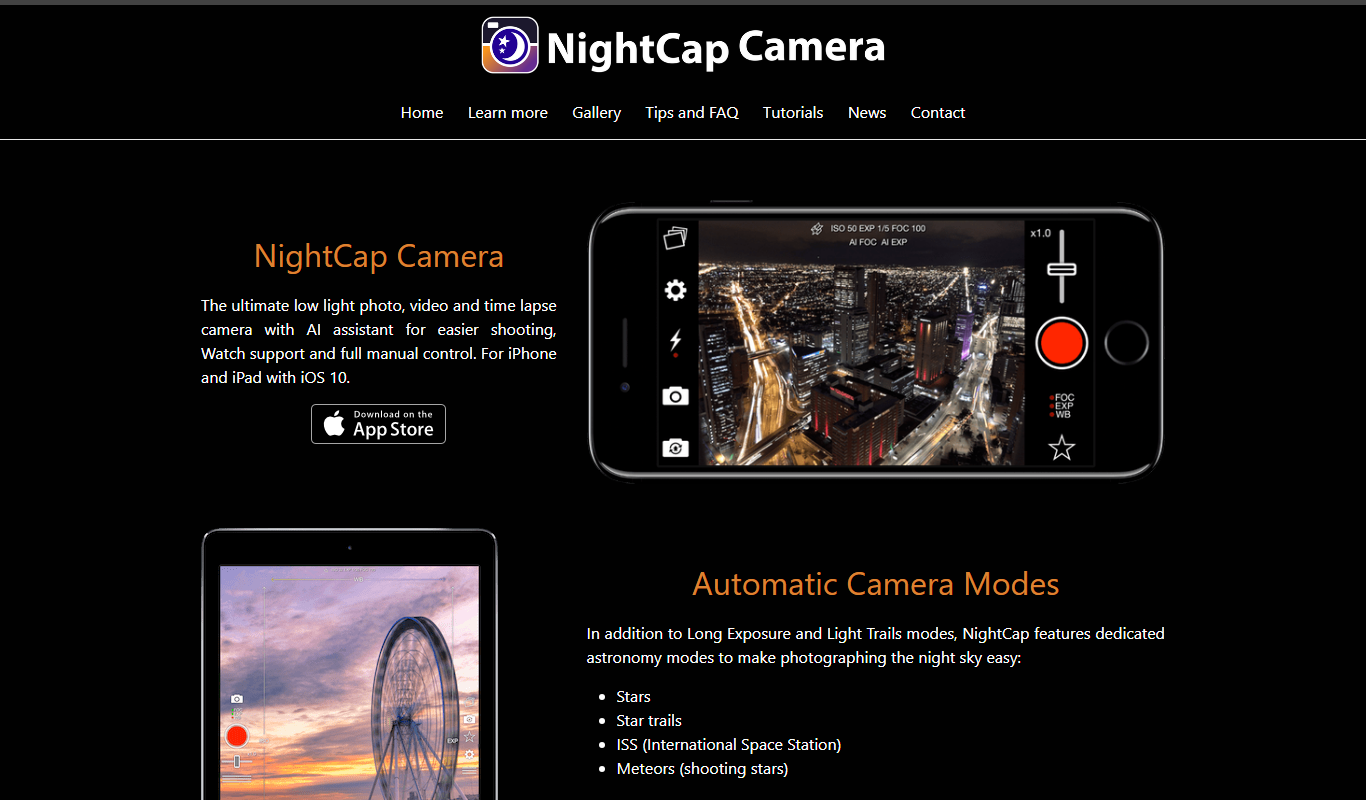
NightCap Camera is an iOS app that uses AI to enhance low light and night photography by combining multiple exposures, reducing noise, and enabling astrophotography with long exposure modes.

Enhance.Pho.to
Enhance.Pho.to is a free web-based AI photo enhancement tool that automatically improves photo quality, removes backgrounds, retouches faces, and restores old images without requiring user registration.

BoxBrownie
BoxBrownie is a professional online service specializing in real estate photo editing, virtual staging, and floor plan redraw to improve property marketing images.

PlantNet
PlantNet is a free AI-driven app that identifies plants from photos using a large community-curated database, available on web and mobile platforms.

Instagram is a free social media platform owned by Meta that allows users to share photos, videos, stories, and engage with communities globally.

Photoroom
Photoroom is an AI-based tool that automatically removes backgrounds from photos and offers easy editing features for ecommerce and social media content creation.

PicsArt
PicsArt is a comprehensive photo editing and AI art generation platform that enables users to create, edit, and enhance images with advanced AI tools across web and mobile devices.