

NightCap Camera App for Low Light Photography and AI Image Enhancement
NightCap Camera is an iOS app that uses AI to enhance low light and night photography by combining multiple exposures, reducing noise, and enabling astrophotography with long exposure modes.
- Best for
- Low Light Photography
- Key capability
- Ultra Low Light Mode
Save NightCap Camera, follow its updates and vote on it — everything stays in your account.
Sign in or create a free account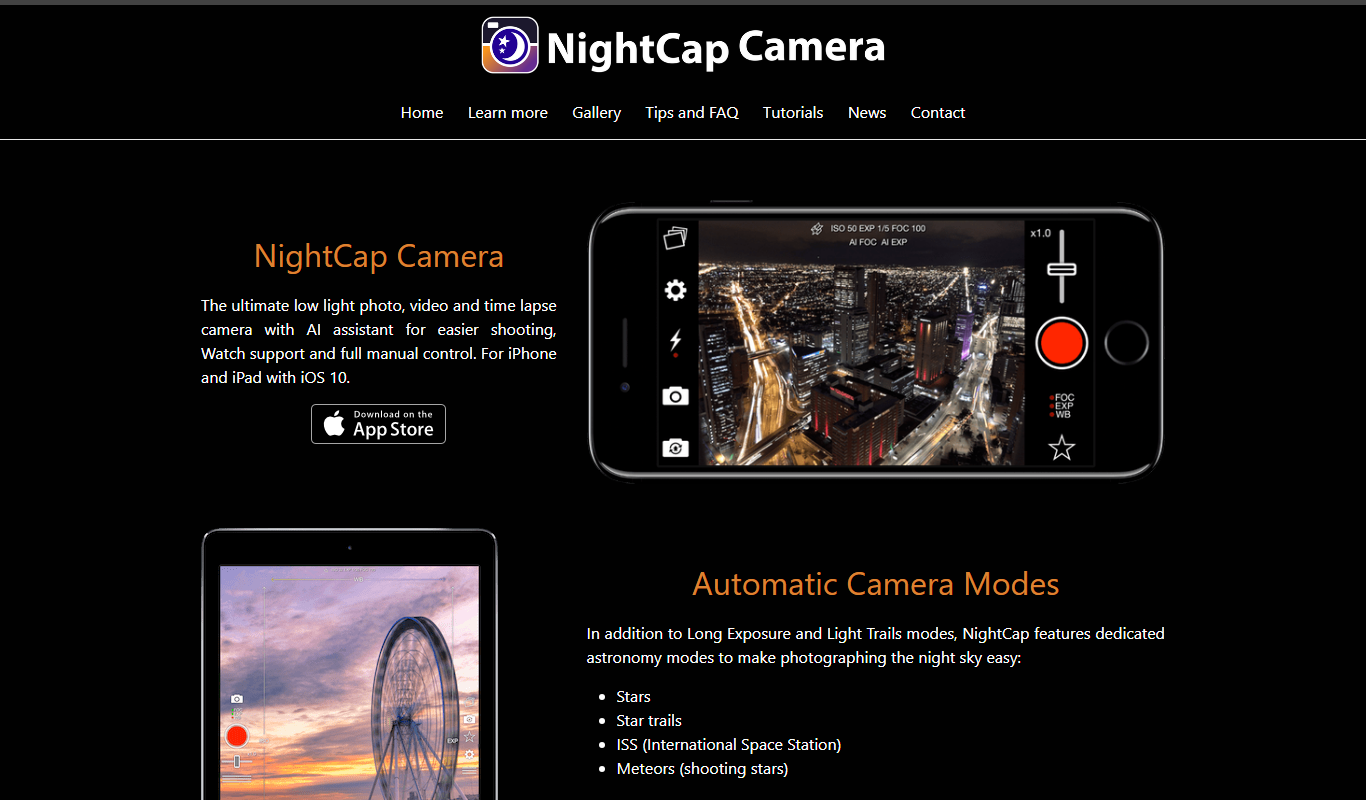
What is NightCap Camera?
NightCap Camera is an AI-powered photography app designed specifically for capturing high-quality images in low light and night-time conditions. It leverages advanced computational photography techniques such as AI noise reduction, exposure stacking, and long exposure modes to help users take photos that would otherwise be impossible with standard smartphone cameras. The app is popular among mobile photographers who want to shoot astrophotography, night scenes, and detailed macro shots without professional equipment.
Key features of NightCap Camera
NightCap Camera offers a suite of AI-driven features including ultra low light mode, astrophotography mode, macro mode with focus stacking, automatic exposure control, and real-time AI noise reduction. These features work together to produce sharp, bright, and detailed images in challenging lighting conditions.
Ultra Low Light Mode
Enables capturing bright and clear photos in near darkness by combining multiple exposures with AI noise reduction.
Astrophotography Mode
Specialized long exposure mode optimized for capturing stars and night skies with minimal noise.
AI Noise Reduction
Automatically reduces grain and noise in photos taken in low light to improve clarity.
Focus Stacking for Macro Shots
Combines multiple images focused at different distances to create sharp macro photos.
Automatic Exposure Control
AI-driven adjustment of exposure settings to balance brightness and detail.
Pros and cons of NightCap Camera
Pros
- Exceptional low light photo quality
- Specialized astrophotography mode
- User-friendly interface with automatic AI adjustments
- One-time purchase pricing without subscription
- Supports RAW image capture
Cons
- Available only on iOS devices
- Long exposure shots require steady hands or tripod
- Limited editing features within the app
Key use cases for NightCap Camera
Low Light Photography
Capture clear and detailed photos in very low light conditions using AI-powered noise reduction and exposure stacking.
Astrophotography
Take long exposure photos of stars and night skies with specialized AI algorithms to enhance star visibility and reduce noise.
Macro Photography
Use AI-assisted focus stacking to create sharp close-up images with enhanced detail.
Portrait Photography in Dark Environments
Improve portraits taken in dim lighting with AI-driven face detection and enhancement.
Image Enhancement and Restoration
Automatically enhance photos by reducing noise, improving sharpness, and adjusting exposure using AI techniques.
How NightCap Camera works
- 1
Install and Open the App
Download NightCap Camera from the iOS App Store and launch it on your iPhone.
- 2
Select Shooting Mode
Choose from modes like Night Mode, Astrophotography, or Macro depending on your shooting scenario.
- 3
Adjust Settings if Needed
Optionally tweak exposure time, ISO, and focus settings or let the AI handle them automatically.
- 4
Capture the Photo
Press the shutter button and hold steady while the app captures multiple exposures and applies AI enhancements.
- 5
Review and Save
Preview the enhanced photo and save it to your camera roll or share it directly.
Who is using NightCap Camera
NightCap Camera pricing
Paid app
$2.99
Paid upfront on the App Store, with no free version and no in-app purchases.
Pro
$4.99 one-time purchase
Unlocks all features including full resolution photos, no watermark, and advanced shooting modes.
Plans and prices are as published by the vendor and can change. Check the official site before you buy. Open the pricing page (opens in a new tab)
Frequently asked questions about NightCap Camera
No, currently NightCap Camera is only available for iOS devices.
While the app can work handheld, using a tripod is recommended for best results in long exposure modes.
Yes, the app supports capturing photos in RAW format for higher quality editing.
No, NightCap Camera is a paid app at $2.99 with no in-app purchases.
It depends on your specific needs and how you plan to use the tool. The official website and documentation are the best sources for the latest details.
Some tools offer a free plan or trial with limited features. Availability can vary, so confirm on the official website.
Yes, it can help with that use case depending on how you configure it and what features are available. You’ll get the best results with clear inputs and a defined goal.
Yes, it can help with that use case depending on how you configure it and what features are available. You’ll get the best results with clear inputs and a defined goal.
Conclusion
This low-light camera app is designed specifically for capturing high-quality images in low light and night-time conditions. After a mode such as Night Mode, Astrophotography or Macro is chosen, pressing the shutter captures multiple exposures that are combined with noise reduction. Exposure time, ISO and focus can be tweaked by hand or handled automatically. A dedicated long exposure mode targets stars and night skies, while focus stacking combines images focused at different distances for sharp macro shots. Photos can also be captured in RAW format for later editing.
Mobile photographers, astrophotography enthusiasts and low light hobbyists are the groups it is designed for. The app can work handheld, although using a tripod is recommended in long exposure modes. It is paid upfront at $2.99 on the App Store, with no free version and no in-app purchases.
Sources
Sign in to review this tool.
Sign In to ReviewNo reviews yet
Be the first to share how this tool worked for you.
Ask about pricing, limits, or how it compares — or answer someone else.
Sign In to AskNo questions yet
Have a question about using or paying for this tool? Be the first to ask.
Featured on TiorAI



Alternative Tools
Explore similar AI tools that might fit your needs

Halide Mark III
Halide Mark III is an iPhone camera app with manual controls, RAW and ProRAW capture, and computational photography features for photo and video.
ProCamera
ProCamera is a professional iOS camera app offering manual controls, AI-enhanced low-light photography, RAW capture, and advanced editing tools for mobile photographers.

Spectre Camera
Spectre Camera is an iOS app that uses AI to create long exposure photos by stabilizing shots and combining multiple frames, enabling effects like light trails and motion blur without professional equipment.
More AI Image Analysis tools
Other tools in the same category, for when this one is not quite the fit.
CLIP Interrogator
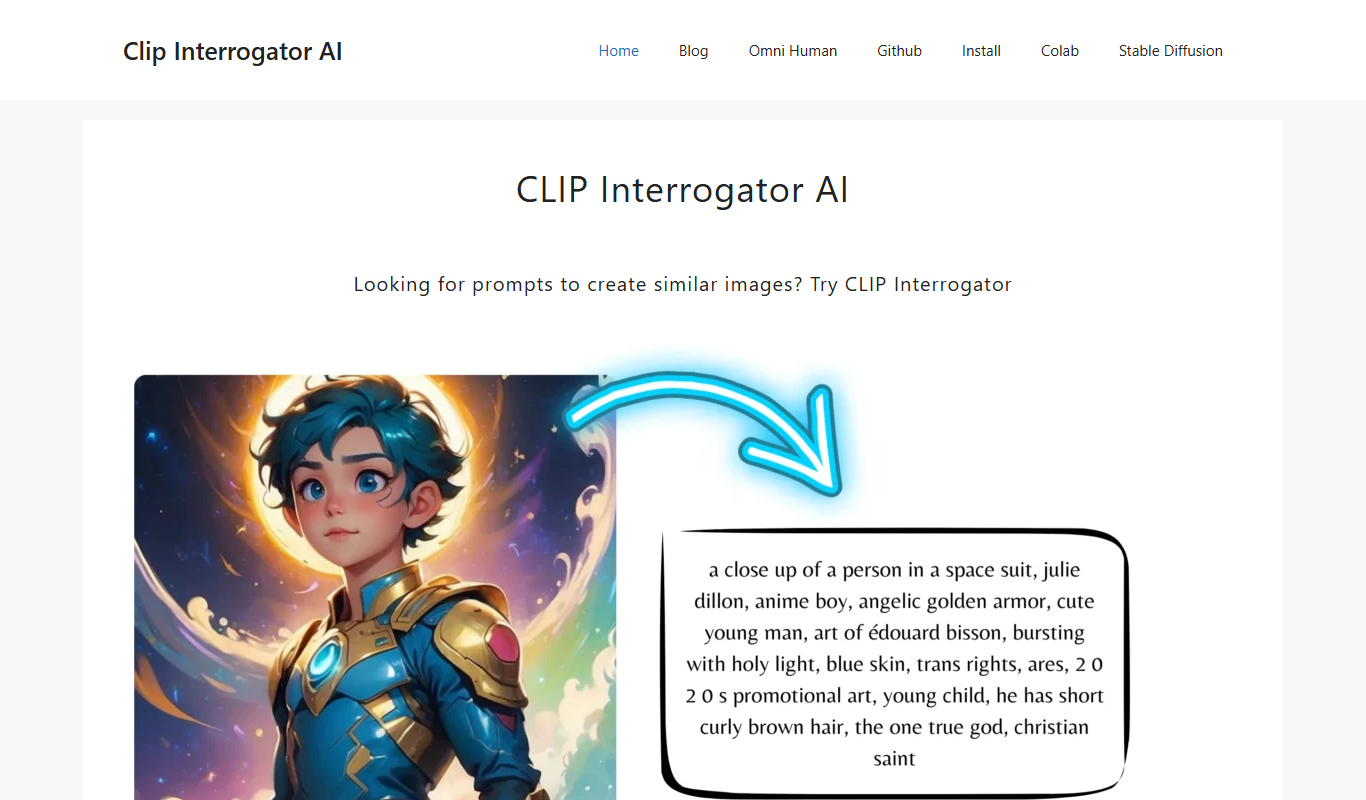
CLIP Interrogator is a free web tool that uses OpenAI's CLIP models to analyze images and generate descriptive text prompts for AI art and content creation.

Face Age AI
Face Age AI is a free web tool that uses artificial intelligence to estimate a person's age from a photo by analyzing facial features quickly and securely.

Waifu2x
Waifu2x is a web-based tool that upscales anime-style images by 1.6x or 2x, with 4x in the unlimited version, and reduces noise.