

Spectre Camera App for AI-Powered Long Exposure Photography on iPhone
Spectre Camera is an iOS app that uses AI to create long exposure photos by stabilizing shots and combining multiple frames, enabling effects like light trails and motion blur without professional equipment.
- Best for
- Long Exposure Photography
- Key capability
- AI-Powered Stabilization
Save Spectre Camera, follow its updates and vote on it — everything stays in your account.
Sign in or create a free account
What is Spectre Camera?
Spectre Camera is an iOS app that leverages artificial intelligence and computational photography to enable users to capture long exposure photos effortlessly on their iPhones. It automates complex camera settings and uses AI to reduce noise and stabilize shots, allowing for creative effects like light trails and smooth motion blur without needing professional equipment.
Key features of Spectre Camera
The app offers AI-powered long exposure capture, automatic scene detection, real-time stabilization, and easy sharing options. It simplifies the process of creating artistic photos that traditionally require manual camera adjustments and expensive gear.
AI-Powered Stabilization
Automatically compensates for hand shake and movement to produce sharp long exposure images without a tripod.
Automatic Scene Detection
Identifies scenes like waterfalls or light trails and optimizes settings for the best results.
Light Trail Capture
Creates vivid light trails from moving sources such as cars or neon signs.
Ghost Trail Effect
Generates artistic ghosting effects by capturing motion over time.
Easy Sharing
Integrated options to share photos directly to social media or save to your device.
Pros and cons of Spectre Camera
Pros
- User-friendly interface for complex photography
- AI stabilization reduces need for extra equipment
- Affordable one-time purchase without subscription
- Produces unique artistic long exposure effects
Cons
- Limited to iOS platform
- No built-in advanced photo editing features
- Some features require in-app purchase
Key use cases for Spectre Camera
Long Exposure Photography
Capture stunning long exposure photos such as light trails, waterfalls, and motion blur using AI-powered computational photography techniques.
Night and Low-Light Photography
Enhance night scenes and low-light environments by automatically adjusting exposure and reducing noise for clearer images.
Creative Photography Effects
Create artistic effects like ghost trails, smooth water, and dynamic motion blurs that are difficult to achieve with traditional cameras.
Social Media Content Creation
Produce visually striking photos optimized for sharing on social media platforms to engage audiences with unique imagery.
How Spectre Camera works
- 1
Open the App
Launch Spectre Camera on your iPhone to access the intuitive interface.
- 2
Frame Your Shot
Point your camera at the scene you want to capture, such as moving lights or flowing water.
- 3
Start Capture
Press the shutter button; the app uses AI to stabilize and combine multiple frames into a long exposure image.
- 4
Review and Save
Preview the generated photo, make minor adjustments if desired, and save or share your creation.
Who is using Spectre Camera
Spectre Camera pricing
Free
$0
Basic access with limited features and watermark on photos.
Pro
$4.99 one-time purchase
Unlocks full features including watermark removal, longer exposure times, and advanced AI enhancements.
Plans and prices are as published by the vendor and can change. Check the official site before you buy. Open the pricing page (opens in a new tab)
Frequently asked questions about Spectre Camera
No, Spectre Camera is currently only available for iOS devices.
No, the app uses AI stabilization to reduce the need for a tripod, though using one can improve results.
Spectre Camera focuses on capture; for advanced editing, use dedicated photo editing apps.
It supports most recent iPhone models running iOS 13 or later, but performance may vary on older devices.
It depends on your specific needs and how you plan to use the tool. The official website and documentation are the best sources for the latest details.
Some tools offer a free plan or trial with limited features. Availability can vary, so confirm on the official website.
Yes, it can help with that use case depending on how you configure it and what features are available. You’ll get the best results with clear inputs and a defined goal.
Conclusion
Long exposure photos on an iPhone are the focus: pressing the shutter makes the app stabilize and combine multiple frames into a single long exposure image. That produces vivid light trails from cars or neon signs, artistic ghosting effects and smooth motion blur without professional equipment. Stabilization compensates for hand shake to reduce the need for a tripod, though using one can improve results. Automatic scene detection identifies scenes like waterfalls or light trails and optimizes settings.
Capture is the focus, and advanced editing is left to dedicated photo editing apps. The app is free, and Spectre Pro is a $4.99 one-time purchase that adds longer exposure times.
Sources
Sign in to review this tool.
Sign In to ReviewNo reviews yet
Be the first to share how this tool worked for you.
Ask about pricing, limits, or how it compares — or answer someone else.
Sign In to AskNo questions yet
Have a question about using or paying for this tool? Be the first to ask.
Featured on TiorAI



Alternative Tools
Explore similar AI tools that might fit your needs

ProCam 8
ProCam - Pro Camera, formerly ProCam 8, is a camera app from Tinkerworks Apps sold for $9.99 as a one-time purchase, with paid in-app add-ons.
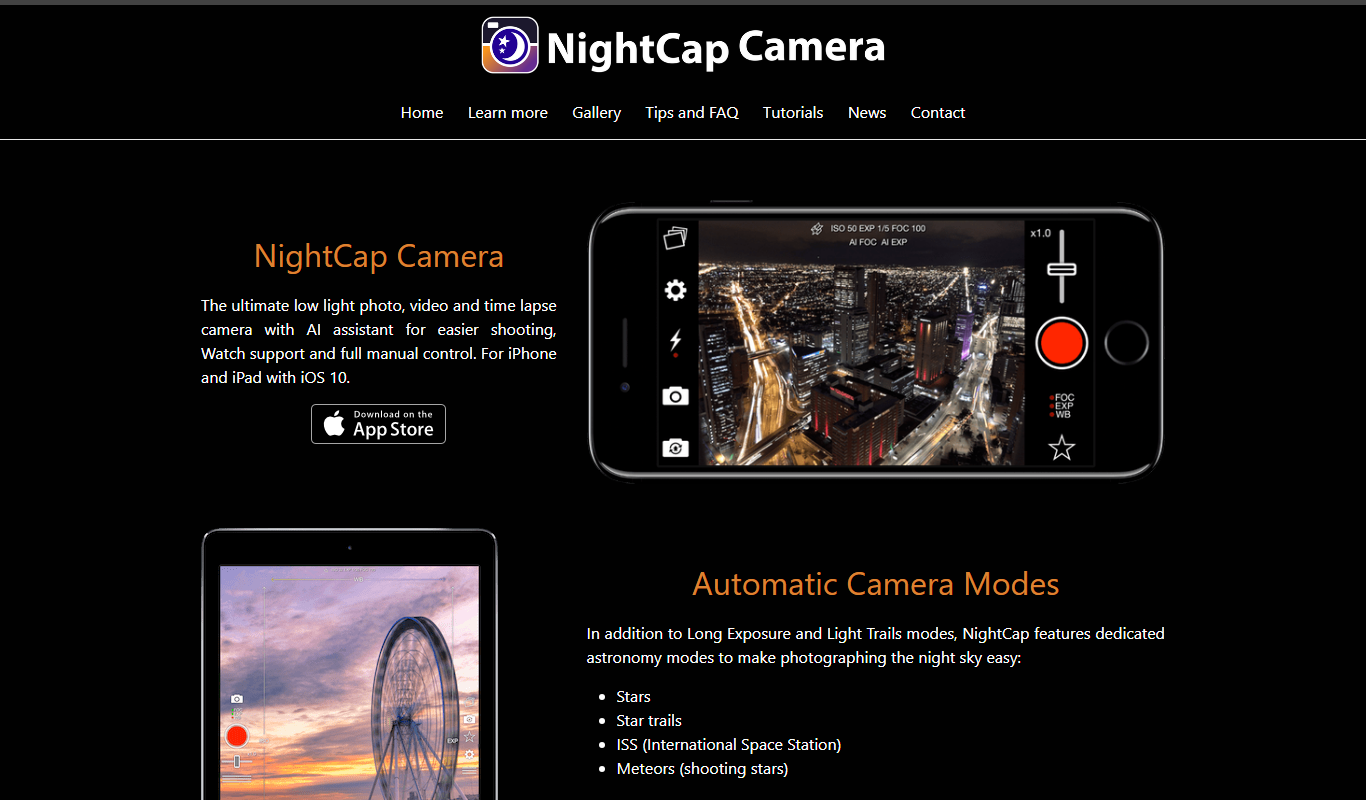
NightCap Camera
NightCap Camera is an iOS app that uses AI to enhance low light and night photography by combining multiple exposures, reducing noise, and enabling astrophotography with long exposure modes.
More AI Ai Tools tools
Other tools in the same category, for when this one is not quite the fit.
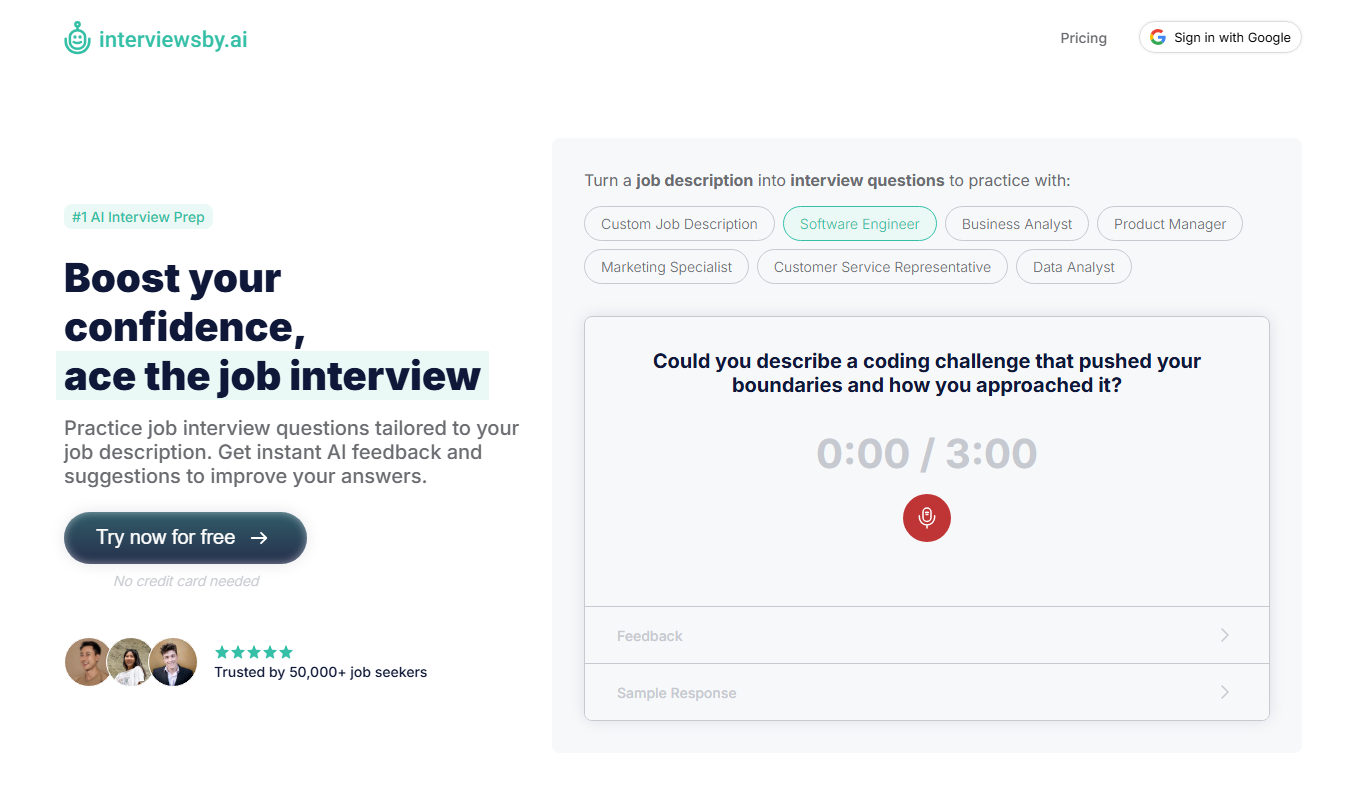
Interviews by AI
Interviews by AI is a web-based platform that uses artificial intelligence to simulate job interviews by generating tailored questions and providing personalized feedback to help users improve their interview skills.

Wonderin Resume AI
Wonderin Resume AI is an AI-powered resume builder that helps job seekers create professional, ATS-optimized resumes quickly using customizable templates and intelligent content suggestions.

Recruitcrafts
Recruitcrafts is an AI-driven recruitment platform that automates candidate sourcing, resume screening, and interview scheduling to help recruiters hire faster and more efficiently.

Sage Cooking
Sage Cooking is an AI-powered web tool that generates personalized recipes based on your dietary preferences, restrictions, and available ingredients to simplify meal planning and inspire cooking creativity.

Infinite Meals
Infinite Meals is a free AI-based meal planner that generates personalized healthy meal plans tailored to your dietary preferences, allergies, and nutritional goals.

REimagine Home
REimagine Home is an AI-driven platform that transforms your room photos into virtual interior design makeovers, helping you visualize new furniture and decor styles quickly and easily.

Free AI QR Code Generator by MyQRCode
MyQRCode is a web-based QR code generator for restaurants, vCards, events and businesses, with custom designs, editable links, logos and colors.

AIQRHub
AIQRHub is an online tool that uses AI to turn the QR code for a URL into an artistic QR code in a preset style.