
From my experience with BrickIt, I found it excels at quickly identifying LEGO bricks from a simple photo and providing practical building instructions tailored to the bricks you have. The app’s AI-driven approach makes it easy for both casual builders and serious collectors to manage their LEGO inventory and find creative building ideas without manual searching. However, the app’s recognition can struggle with rare or custom bricks, and some advanced features require a paid subscription. Overall, if you want a smart, user-friendly tool to inspire and assist your LEGO building projects, BrickIt delivers solid and innovative results.
BrickIt App for LEGO Set Identification and Building Instructions
BrickIt is an AI-powered mobile app that scans LEGO bricks from photos, identifies them, and generates building instructions for models you can build with those bricks.
Tech Stack:
CoreML
Swift
TensorFlow Lite
What is BrickIt?
BrickIt is a mobile application that uses AI-powered image recognition to identify LEGO bricks from a photo and generate building instructions for models that can be built with those bricks. It helps LEGO enthusiasts quickly find creative ways to use their existing bricks without searching manually.

Key Features of BrickIt
AI-Powered Brick Recognition
Accurately identifies LEGO bricks from photos using advanced AI algorithms.
Dynamic Building Instructions
Generates custom building instructions based on the bricks you have.
Inventory Management
Allows users to catalog and manage their LEGO brick collection digitally.
Creative Model Suggestions
Provides inspiration for new builds tailored to your available bricks.
User-Friendly Interface
Simple and intuitive app design optimized for mobile devices.
Pros and Cons of BrickIt
Pros
- Quick and accurate LEGO brick identification
- Generates useful building instructions
- Helps manage LEGO brick inventory
- Inspires creativity with model suggestions
- Easy to use mobile interface
Cons
- Limited recognition of rare or custom bricks
- Premium features require subscription
- Currently supports only two languages
Key Use Cases for BrickIt
LEGO Brick Identification
Users can scan a pile of LEGO bricks with their smartphone camera, and the app identifies individual bricks and suggests possible builds.
Building Instructions Generation
The app generates step-by-step building instructions for LEGO models based on the bricks detected in the scan.
Inventory Management
Users can keep track of their LEGO collection by scanning bricks and saving them digitally within the app.
Creative Building Inspiration
BrickIt suggests creative LEGO models users can build with the bricks they have on hand.
How BrickIt Works
-
1
Take a Photo
Use your smartphone camera to take a picture of your LEGO bricks spread out.
-
2
AI Brick Detection
The app analyzes the photo to identify individual LEGO bricks using AI image recognition.
-
3
View Building Suggestions
BrickIt generates and displays building instructions for models you can build with the detected bricks.
-
4
Build and Save
Follow the step-by-step instructions to build your model and save your inventory for future use.
Who's Using BrickIt
LEGO enthusiasts and hobbyists
Parents and children who build LEGO
LEGO collectors managing large inventories
Educators using LEGO for learning
Creative builders seeking inspiration
BrickIt Pricing
Free
$0/month
Basic brick scanning and limited building suggestions.
Premium
$4.99/month
Unlimited scans, full access to building instructions, and inventory management features.
Frequently Asked Questions About BrickIt
BrickIt is available on both iOS and Android devices.
The app recognizes a wide range of common LEGO bricks but may have limitations with rare or custom pieces.
Basic scanning works offline, but building instructions and updates require internet access.
Currently, the app supports English and German.
It depends on your specific needs and how you plan to use the tool. The official website and documentation are the best sources for the latest details.
Some tools offer a free plan or trial with limited features. Availability can vary, so confirm on the official website.
Yes, it can help with that use case depending on how you configure it and what features are available. You’ll get the best results with clear inputs and a defined goal.
Yes, it can help with that use case depending on how you configure it and what features are available. You’ll get the best results with clear inputs and a defined goal.
Share your review
Reviews are limited to one per logged-in user and are published after moderation.
You need an account to review this tool.
0.0
★
★
★
★
★
0 reviews
5 star
0
4 star
0
3 star
0
2 star
0
1 star
0
No reviews yet
Be the first to share how this tool worked for you.
Questions from the community
Read questions and answers about this tool, or ask your own.
No questions yet
Start the conversation by asking the first question about this tool.
Is this tool helpful?

Free
HelloKids
HelloKids is a free online platform offering printable coloring pages, educational games, and creative stories for children aged 3 to 12, supporting multiple languages and designed for parents and educators.
Free Trial
TyranoBuilder
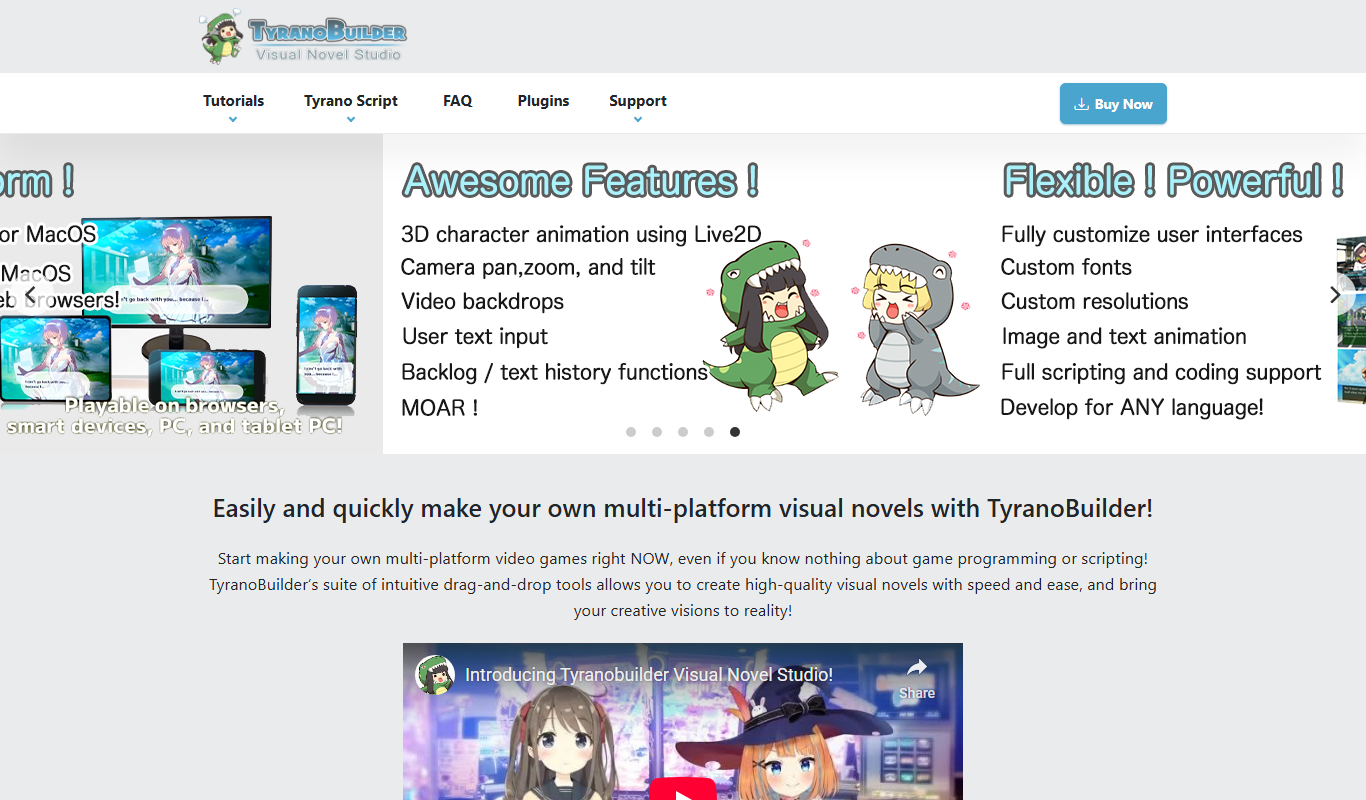
TyranoBuilder is a no-code visual novel maker that enables users to create interactive story games with branching narratives using a drag-and-drop interface, supporting multimedia integration and cross-platform export.

Free
Historical AI Chatbot by AI Dungeon
The Historical AI Chatbot by AI Dungeon is an AI-driven platform that enables users to engage in interactive storytelling and roleplay set in historical contexts, generating dynamic narratives based on user input.

Free
Writepaw.com
Writepaw is an AI writing assistant that helps users generate content, create marketing copy, and brainstorm ideas through an easy web interface.

Free
Poem Generator AI
Poem Generator AI is a free web-based tool that generates poems in multiple styles based on user input keywords and themes, requiring no registration.

Paid
Oxenfree
Oxenfree is a supernatural mystery adventure game by Night School Studio featuring a unique real-time dialogue system and branching storylines available on multiple platforms.

Free
Whichbook
Whichbook is a free online platform that recommends books based on user-selected mood and thematic sliders, helping readers find personalized book suggestions beyond traditional genres.

Free
These Lyrics Do Not Exist
These Lyrics Do Not Exist is a free AI tool that generates original song lyrics across various genres and themes to assist musicians and songwriters.