

OBS Studio Open Source Software for Live Streaming and Video Recording
OBS Studio is a free and open-source software for live streaming and video recording that supports multiple platforms and customizable scenes.
- Best for
- Live Streaming
- Key capability
- High Performance Real-Time Video/Audio Capturing
Save OBS Studio, follow its updates and vote on it — everything stays in your account.
Sign in or create a free account
What is OBS Studio?
OBS Studio is a free, open-source software for video recording and live streaming. It allows users to capture and mix video/audio in real time with high performance and flexibility. Widely used by gamers, content creators, educators, and professionals, OBS Studio supports multiple sources and scenes, enabling complex broadcasts and recordings.
Key features of OBS Studio
OBS Studio offers customizable scene composition, real-time video/audio capturing, support for multiple streaming platforms, extensive plugin support, and cross-platform compatibility.
High Performance Real-Time Video/Audio Capturing
Efficiently captures and mixes multiple sources with minimal latency.
Customizable Scenes and Sources
Create multiple scenes with different layouts and switch between them seamlessly.
Multi-Platform Streaming Support
Supports popular platforms like Twitch, YouTube Live, Facebook Live, and custom RTMP servers.
Extensive Plugin and Script Support
Enhance functionality with community-developed plugins and scripts.
Cross-Platform Compatibility
Runs on Windows, macOS, and Linux with consistent features.
Pros and cons of OBS Studio
Pros
- Completely free and open-source
- Highly customizable with scenes and sources
- Cross-platform support
- Strong community and plugin ecosystem
- Supports high-quality streaming and recording
Cons
- Steep learning curve for beginners
- No built-in multi-streaming without third-party tools
- Interface can feel complex for casual users
Key use cases for OBS Studio
Live Streaming
Broadcast live video content to platforms like Twitch, YouTube, and Facebook Live with customizable scenes and sources.
Video Recording
Record high-quality video from multiple sources including screen capture, webcams, and external devices for tutorials, gameplay, or presentations.
Content Creation
Create professional video content by mixing audio and video sources, adding overlays, transitions, and filters.
Podcasting and Audio Production
Use OBS Studio to capture and mix multiple audio inputs for podcasts and live audio broadcasts.
Software Development and Testing
Developers can use OBS Studio to capture software demos, bug reproductions, or live coding sessions.
How OBS Studio works
- 1
Download and Install
Get OBS Studio from the official website and install it on your Windows, macOS, or Linux system.
- 2
Configure Sources and Scenes
Add video and audio sources such as screen capture, webcam, and microphones, then arrange them into scenes.
- 3
Set Up Streaming or Recording
Connect OBS Studio to your streaming platform using stream keys or configure recording settings for local files.
- 4
Start Streaming or Recording
Begin broadcasting live or recording your content with real-time monitoring and controls.
Who is using OBS Studio
OBS Studio pricing
Free
$0
Full-featured open-source software with no cost or subscription.
Plans and prices are as published by the vendor and can change. Check the official site before you buy. Open the pricing page (opens in a new tab)
Frequently asked questions about OBS Studio
Yes, OBS Studio is completely free and open-source with no hidden costs.
OBS Studio supports Windows, macOS, and Linux operating systems.
By default, OBS Studio streams to one platform at a time, but you can use third-party services or plugins for multi-streaming.
Yes, OBS Studio supports a wide range of plugins to extend its functionality.
It depends on your specific needs and how you plan to use the tool. The official website and documentation are the best sources for the latest details.
It depends on your specific needs and how you plan to use the tool. The official website and documentation are the best sources for the latest details.
Yes, it can help with that use case depending on how you configure it and what features are available. You’ll get the best results with clear inputs and a defined goal.
Yes, it can help with that use case depending on how you configure it and what features are available. You’ll get the best results with clear inputs and a defined goal.
Conclusion
Scenes are the core of OBS Studio: video and audio sources such as screen capture, webcam and microphones are arranged into multiple scenes with different layouts, and users switch between them. The same setup can stream with a stream key to Twitch, YouTube Live, Facebook Live or a custom RTMP server, or record to local files instead. Video and audio are captured and mixed in real time, and community-developed plugins and scripts extend what the program can do.
It is free and open source, running on Windows, macOS and Linux. Beyond gamers and live streamers, it is used for tutorials and presentations, podcasts that mix several audio inputs, and software demos or live coding sessions. The page notes a steep learning curve for beginners, with an interface that can feel complex for casual users.
Sources
Sign in to review this tool.
Sign In to ReviewNo reviews yet
Be the first to share how this tool worked for you.
Ask about pricing, limits, or how it compares — or answer someone else.
Sign In to AskNo questions yet
Have a question about using or paying for this tool? Be the first to ask.
Featured on TiorAI



Alternative Tools
Explore similar AI tools that might fit your needs

Streamlabs
Streamlabs is a live streaming software that enables gamers and content creators to broadcast live video and audio with customizable overlays, alerts, and multi-platform support.

XSplit
XSplit is a Windows-based live streaming and video recording software that enables gamers and content creators to broadcast and capture high-quality video content with multi-source support and platform integration.

vMix
vMix is a Windows-based live video production software that enables users to stream, record, and mix multiple video inputs with professional features like virtual sets and instant replay.
More Coding & Development tools
Other tools in the same category, for when this one is not quite the fit.

Opstra
Opstra is a web-based options trading analytics platform that helps traders build, analyze, and backtest options strategies using real-time Indian market data.

PayPal API
PayPal API is a developer toolkit that enables secure online payment processing, subscription management, and invoicing through RESTful APIs and SDKs.

SoftwareMill
SoftwareMill is a software development company specializing in custom IT solutions, cloud-native applications, and real-time data streaming using Scala, Java, and related technologies.

Netguru
Netguru is a software development consultancy specializing in custom digital products, agile coaching, and UX/UI design for startups and enterprises.

neoteric.eu
Neoteric is a Poland-based software development company specializing in custom web and mobile applications, product design, and agile consulting services.

HeidiSQL
HeidiSQL is a free database client for Windows, with a native Linux build in beta, that supports MySQL, MariaDB, PostgreSQL, Microsoft SQL Server, SQLite and Firebird.
phpMyAdmin
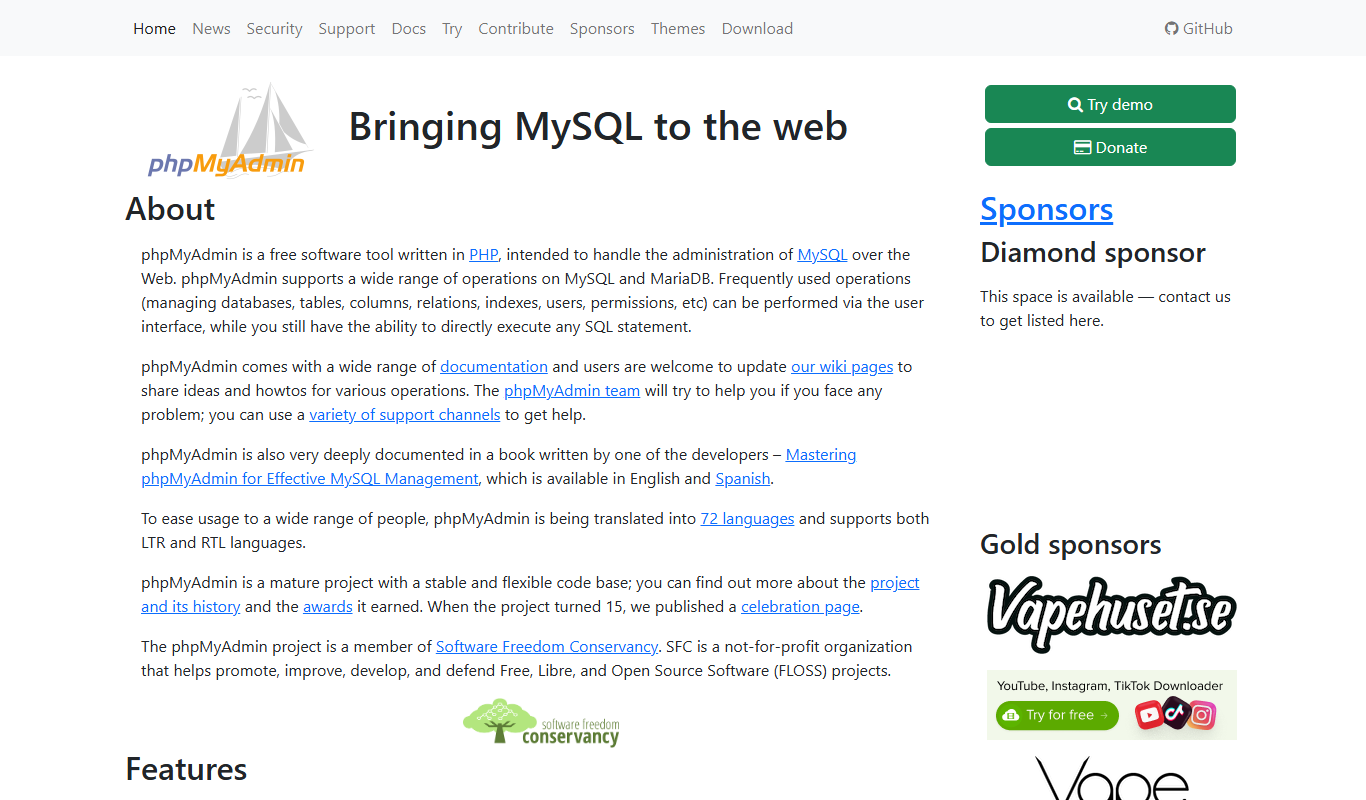
phpMyAdmin is a free, open-source web application that provides a graphical interface to manage MySQL and MariaDB databases, allowing users to perform database administration tasks without command-line knowledge.

Sheet2API
Sheet2API is a no-code platform that converts Google Sheets and Excel Online spreadsheets into REST APIs.