

From my experience with ManyCam, it stands out as a versatile virtual webcam software that significantly enhances live streaming and video conferencing. Its ability to switch between multiple video sources and apply real-time effects makes it especially useful for content creators and educators looking to engage their audiences more effectively. While the free version is somewhat limited by watermarks, the paid plans offer robust features that justify the cost. However, users with older hardware might notice some performance constraints. Overall, ManyCam is a solid choice if you want to elevate your video communication and streaming quality.
ManyCam Virtual Webcam Software for Live Streaming and Video Conferencing
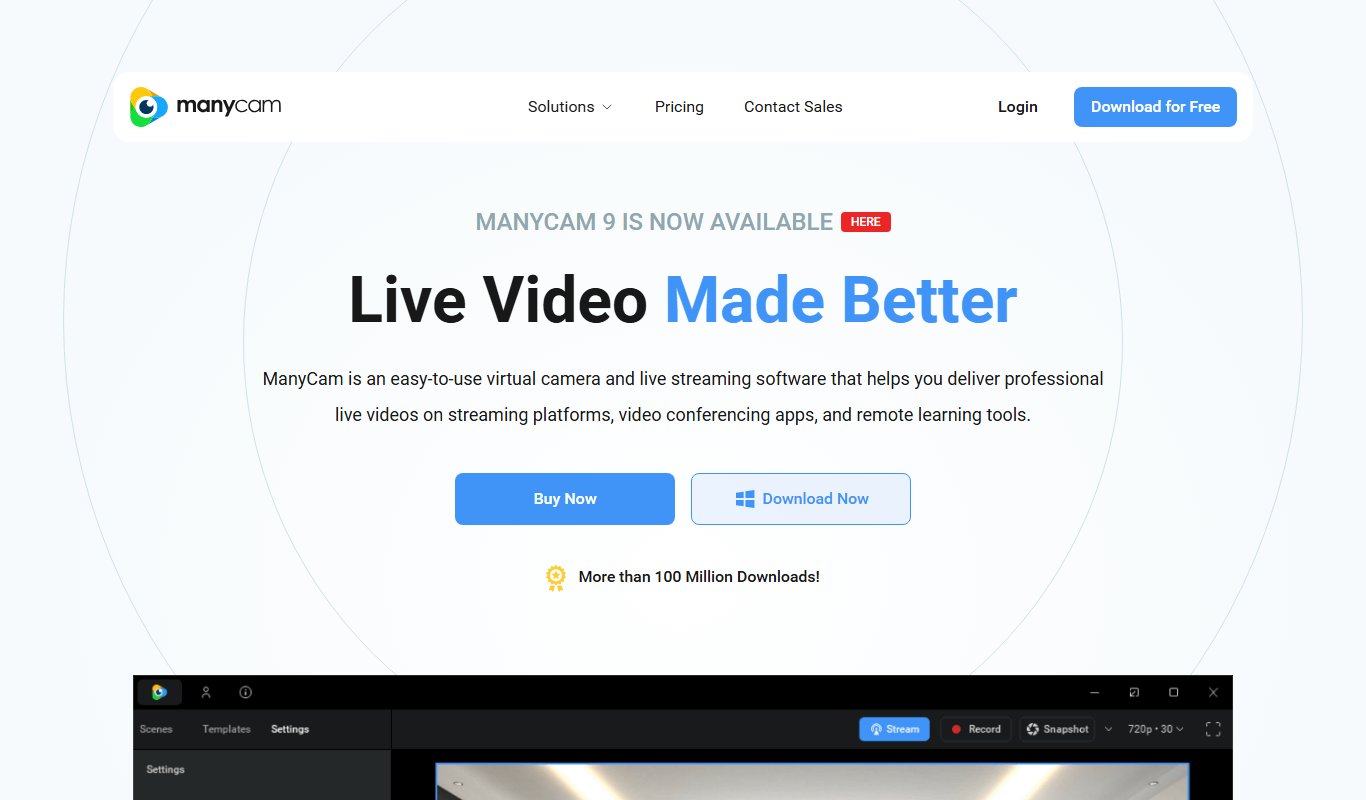
ManyCam is virtual webcam software that allows users to add live video effects, switch between multiple video sources, and use virtual backgrounds to enhance live streams and video calls on platforms like Zoom, YouTube, and Twitch.
- Best for
- Live Streaming
- Key capability
- Multiple Video Sources
Do you recommend this tool?
What is ManyCam?
ManyCam is a virtual webcam software that allows users to enhance their video streams and video calls by adding live video effects, switching between multiple video sources, and using virtual backgrounds. It integrates with popular streaming and conferencing platforms to provide a professional and interactive video experience.
Key features of ManyCam
ManyCam offers real-time video switching, virtual backgrounds, picture-in-picture, screen sharing, video recording, and a wide range of video effects and filters to improve live streaming and video communication.
Multiple Video Sources
Switch between webcams, screen shares, videos, and images seamlessly during live sessions.
Virtual Backgrounds and Chroma Key
Replace or blur backgrounds without a physical green screen.
Video Effects and Filters
Apply real-time effects like face masks, filters, and graphics overlays.
Picture-in-Picture
Display multiple video streams simultaneously in customizable layouts.
Screen Sharing and Recording
Share your screen and record your sessions directly within ManyCam.
Pros and cons of ManyCam
Pros
- Supports multiple video sources and switching
- Wide range of real-time video effects and filters
- Compatible with most streaming and conferencing platforms
- User-friendly interface suitable for beginners
- Available on desktop and mobile platforms
Cons
- Free version includes watermark on video output
- Some advanced features require paid subscription
- Can be resource-intensive on older computers
Key use cases for ManyCam
Live Streaming
Enhance live streams with multiple video sources, overlays, and effects for platforms like YouTube, Twitch, and Facebook Live.
Video Conferencing
Improve video calls on Zoom, Microsoft Teams, Skype, and other platforms with virtual backgrounds, screen sharing, and picture-in-picture.
Online Teaching
Engage students by using ManyCam’s drawing tools, video switching, and media sharing during virtual classes.
Content Creation
Create professional video content with customizable video effects, transitions, and green screen capabilities.
Webinars and Presentations
Deliver polished webinars and presentations by integrating multiple video sources and adding graphics or text overlays.
How ManyCam works
- 1
Download and Install
Download ManyCam on your Windows, Mac, or mobile device and install it.
- 2
Set Up Video Sources
Add webcams, screen captures, images, and videos as input sources.
- 3
Customize Video
Apply effects, overlays, and virtual backgrounds to your video feed.
- 4
Select ManyCam as Webcam
Choose ManyCam as the video source in your streaming or conferencing app.
- 5
Start Streaming or Calling
Begin your live stream or video call with enhanced video features.
Who is using ManyCam
Live streamers and gamers
Online educators and trainers
Content creators and vloggers
Remote workers and business professionals
Social media marketers
ManyCam pricing
Free
$0/month
Basic features with watermark and limited video sources.
Standard
$29.00/year
Access to HD video, more video sources, and removal of watermark.
Studio
$59.00/year
Includes all Standard features plus advanced video effects and unlimited video sources.
Enterprise
Custom pricing
Tailored solutions for large organizations with priority support.
Plans and prices are as published by the vendor and can change. Check the official site before you buy. Open the pricing page (opens in a new tab)
Frequently asked questions about ManyCam
Yes, ManyCam works as a virtual webcam and can be selected as the video source in Zoom, Skype, and other video conferencing apps.
Yes, ManyCam offers apps for both iOS and Android devices.
Yes, ManyCam includes chroma key features to replace backgrounds using a green screen or similar solid color backgrounds.
Yes, ManyCam offers a free version with limited features and a watermark.
It depends on your specific needs and how you plan to use the tool. The official website and documentation are the best sources for the latest details.
Some tools offer a free plan or trial with limited features. Availability can vary, so confirm on the official website.
Yes, it can help with that use case depending on how you configure it and what features are available. You’ll get the best results with clear inputs and a defined goal.
It depends on your specific needs and how you plan to use the tool. The official website and documentation are the best sources for the latest details.
Sign in to review this tool.
Sign In to ReviewNo reviews yet
Be the first to share how this tool worked for you.
Ask about pricing, limits, or how it compares — or answer someone else.
Sign In to AskNo questions yet
Have a question about using or paying for this tool? Be the first to ask.
Featured on TiorAI



Alternative Tools
Explore similar AI tools that might fit your needs

Free
OBS Studio
OBS Studio is a free and open-source software for live streaming and video recording that supports multiple platforms and customizable scenes.

Free
XSplit
XSplit is a Windows-based live streaming and video recording software that enables gamers and content creators to broadcast and capture high-quality video content with multi-source support and platform integration.

Free
Streamlabs
Streamlabs is a live streaming software that enables gamers and content creators to broadcast live video and audio with customizable overlays, alerts, and multi-platform support.
More Marketing & Advertising tools
Other tools in the same category, for when this one is not quite the fit.

Free
MobileMonkey
MobileMonkey is an AI-powered chatbot platform that enables businesses to automate marketing, lead generation, and customer support conversations across multiple messaging channels including Facebook Messenger, Instagram, SMS, and web chat.

Annual subscription
NinjaOutreach
NinjaOutreach is a web-based influencer marketing and outreach software that helps businesses find influencers, automate email campaigns, manage contacts, and run affiliate marketing programs.

Custom Pricing
Traackr
Traackr is an influencer marketing platform that enables brands to discover influencers, manage campaigns, and measure performance to optimize marketing ROI.

Subscription
Pathmatics
Pathmatics is a digital advertising intelligence platform that provides detailed insights into competitors’ ad spend, creatives, and placements across multiple channels to help marketers optimize their campaigns.

Free
Typefully
Typefully is a web platform that helps users write, schedule, and analyze Twitter threads and tweets with an easy-to-use editor and analytics tools.

Pay As You Go
TextMagic
TextMagic is a cloud-based SMS marketing platform that enables businesses to send bulk text messages, automate notifications, and engage customers with two-way messaging and API integration.

Free Trial
EZ Texting
EZ Texting is a cloud-based SMS marketing platform that enables businesses to send mass text messages, automate campaigns, and engage customers with two-way messaging.

Free Trial
SimpleTexting
SimpleTexting is a cloud-based SMS marketing platform that enables businesses to send mass text messages, automate SMS workflows, and engage customers with two-way messaging to improve communication and marketing effectiveness.