

From my experience with Sadako AI, I found it excels at accelerating coding tasks by generating clean, functional code snippets and offering intelligent refactoring suggestions. The platform’s web-based interface is intuitive, making it accessible for both beginners and seasoned developers. However, its current limitation to a few programming languages and the necessity of an internet connection may restrict some users. Overall, if you want to boost your development productivity with AI-assisted coding and debugging, Sadako AI provides a practical and efficient solution.

Sadako AI Review: Advanced AI-Powered Code Generation and Automation Tool
Sadako AI is a web-based platform that uses artificial intelligence to automate code generation, refactoring, and bug fixing, helping developers write better code faster.
- Best for
- Automated Code Generation
- Key capability
- Automated Code Generation
Your actions
Do you recommend this tool?
What is Sadako?
Sadako AI is an advanced AI-powered code generation and automation platform designed to assist developers in writing, refactoring, and debugging code more efficiently. Leveraging state-of-the-art machine learning models, Sadako helps automate repetitive coding tasks, generate clean code snippets, and improve overall software development productivity.
Key features of Sadako
Sadako AI offers features such as automated code generation, intelligent code refactoring, bug detection with AI-suggested fixes, and API integration support. Its web-based platform allows developers to streamline their workflows by reducing manual coding effort and accelerating project timelines.
Automated Code Generation
Generate syntactically correct and functional code snippets tailored to your project needs.
Intelligent Code Refactoring
Receive suggestions to improve code readability, maintainability, and performance.
Bug Detection and Fixing
Identify potential bugs and get AI-generated fixes to streamline debugging.
API Integration Support
Automatically generate code for seamless integration with popular APIs.
Web-Based Interface
Access Sadako AI tools directly from the browser without installation.
Pros and cons of Sadako
Pros
- Speeds up coding with AI-generated snippets
- Helps improve code quality through refactoring suggestions
- Simplifies debugging with AI bug detection
- User-friendly web interface
- Supports API integration code generation
Cons
- Limited to web platform only
- Currently supports a limited set of programming languages
- Free plan has usage restrictions
Key use cases for Sadako
Automated Code Generation
Generate clean, functional code snippets automatically to speed up software development.
Code Refactoring
Improve existing code quality and structure with AI-powered refactoring suggestions.
Bug Detection and Fixing
Identify bugs and receive AI-generated fixes to reduce debugging time.
API Integration Assistance
Automatically generate code for integrating third-party APIs efficiently.
Learning and Prototyping
Use AI-generated code examples to learn new programming concepts or prototype ideas quickly.
How Sadako works
- 1
Sign Up
Create an account on Sadako AI’s web platform to access the code generation tools.
- 2
Input Requirements
Provide code snippets, project details, or specific tasks you want automated or improved.
- 3
AI Processing
Sadako’s AI analyzes the input and generates optimized code, refactoring suggestions, or bug fixes.
- 4
Review and Integrate
Review the AI-generated code and integrate it into your project as needed.
Who is using Sadako
Software developers
Startups and small development teams
Freelance programmers
Coding learners and educators
Tech product managers
Sadako pricing
Free
$0/month
Basic access with limited code generations and features.
Pro
$29/month
Unlimited code generations, priority support, and advanced features.
Plans and prices are as published by the vendor and can change. Check the official site before you buy. Open the pricing page (opens in a new tab)
Frequently asked questions about Sadako
Yes, Sadako AI is designed to assist both beginners and experienced developers by automating coding tasks and providing learning examples.
Currently, Sadako primarily supports popular languages like Python and JavaScript.
No, Sadako AI is a web-based platform and requires an internet connection.
Yes, it can help with that use case depending on how you configure it and what features are available. You’ll get the best results with clear inputs and a defined goal.
It depends on your specific needs and how you plan to use the tool. The official website and documentation are the best sources for the latest details.
Some tools offer a free plan or trial with limited features. Availability can vary, so confirm on the official website.
Sign in to review this tool.
Sign In to ReviewNo reviews yet
Be the first to share how this tool worked for you.
Ask about pricing, limits, or how it compares — or answer someone else.
Sign In to AskNo questions yet
Have a question about using or paying for this tool? Be the first to ask.
Featured on TiorAI



More AI Article Summarizer tools
Other tools in the same category, for when this one is not quite the fit.

Free Trial
Chapterize
Chapterize is an AI-driven web tool that automatically segments videos into chapters, enhancing viewer experience and video SEO by creating navigable timestamps and titles.

Custom Pricing
Kome AI
Kome AI is a conversational intelligence platform that transcribes and analyzes sales and customer calls to provide actionable insights, improve coaching, and enhance customer experience.
Free
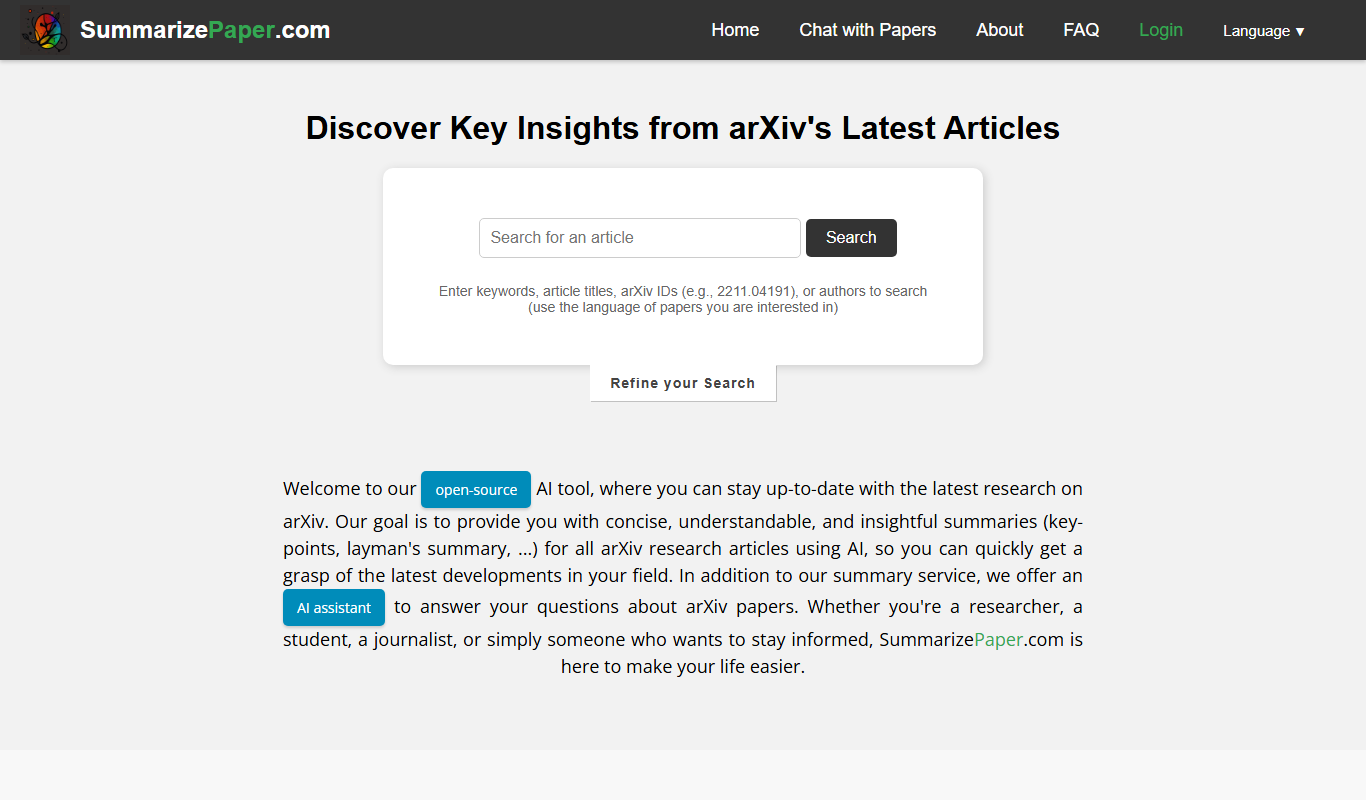
SummarizePaper
SummarizePaper is an AI-driven web tool that generates clear, concise summaries of academic papers to help users quickly understand research content.

Free
Summarize-Youtube Video Summarizer
Summarize YouTube Video Summarizer is a web tool that uses AI to extract and condense YouTube video transcripts into brief summaries, helping users quickly understand video content without watching the full length.

Free
Free AI Article Summarizer
Free AI Article Summarizer is a web tool that quickly condenses articles into brief summaries using AI, requiring no registration and supporting English text and URLs.

Free
Notamify
Notamify is an AI-powered tool that automatically transcribes and summarizes virtual meetings, extracting key points and action items to improve team productivity.
Freemium
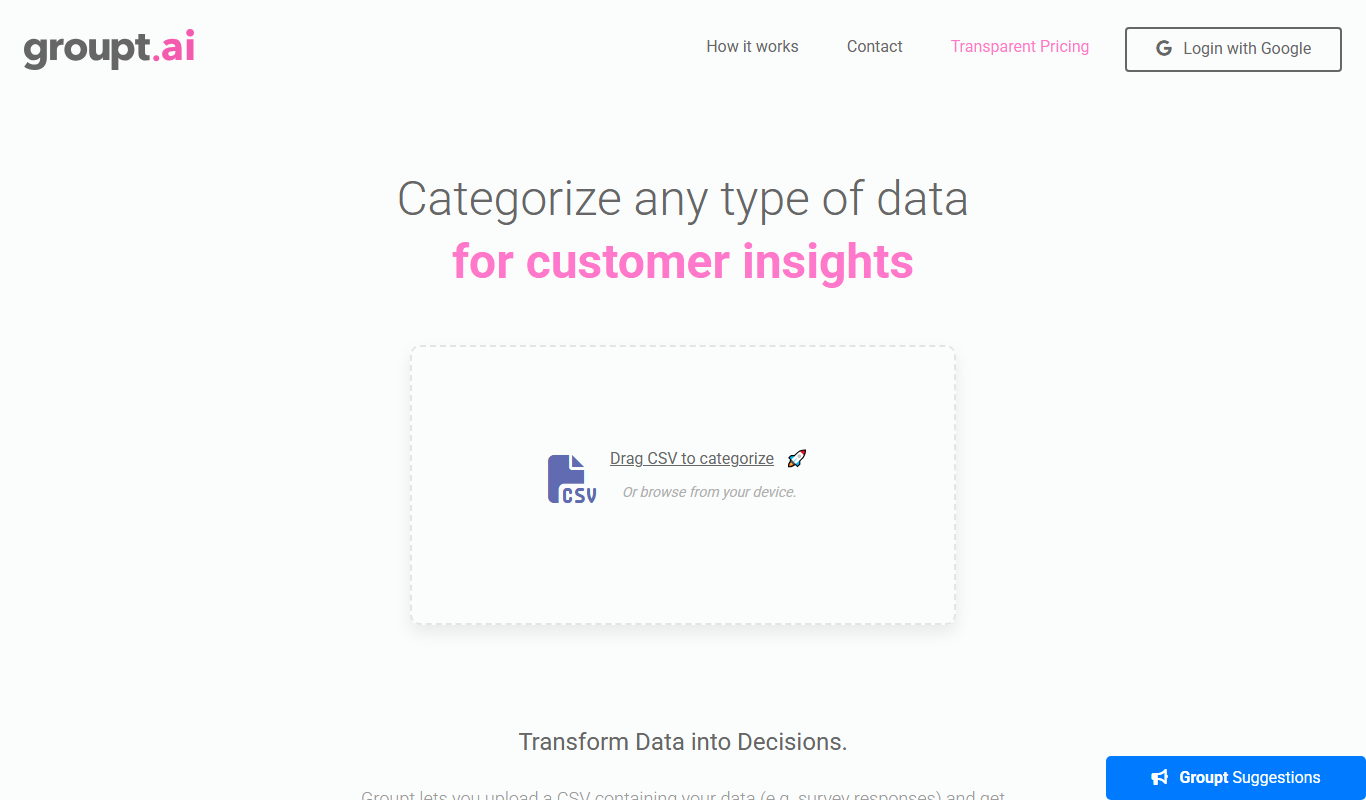
Groupt
Groupt is an AI-powered collaboration platform that combines real-time messaging, task management, and AI automation to improve team productivity and communication.

Freemium
Samurai
Samurai AI is an AI writing assistant designed to help marketers and content creators generate SEO-optimized marketing content, blog posts, and product descriptions efficiently through an easy-to-use web platform.