

From my experience with Profile Avatar AI, I found it excels at quickly generating unique and visually appealing avatars without requiring design skills. The platform’s straightforward interface and variety of styles make it easy to create personalized profile pictures suitable for social media, gaming, or professional networking. However, the free plan’s watermark and limited customization options mean serious users may want to upgrade for full benefits. Overall, if you need a fast and simple way to craft custom avatars, Profile Avatar AI delivers solid results with minimal effort.
Profile Avatar AI - Create Custom AI-Generated Profile Pictures Online
Profile Avatar AI is a web-based tool that uses artificial intelligence to create unique and customizable profile avatars for social media, gaming, and professional networking.
- Best for
- Social Media Profile Pictures
- Key capability
- AI-Powered Avatar Creation
Your actions
Save Profile Avatar AI, follow its updates and vote on it — everything stays in your account.
Sign in or create a free account

What is Profile Avatar AI?
Profile Avatar AI is a web-based tool that uses artificial intelligence to generate unique, customizable profile avatars. Users can create personalized digital portraits by uploading photos or selecting styles, enabling them to craft distinctive profile pictures for social media, gaming, and professional use.
Key features of Profile Avatar AI
The tool offers AI-powered avatar generation with multiple style options, easy customization, and quick download capabilities. It supports batch generation and provides high-resolution images suitable for various online platforms.
AI-Powered Avatar Creation
Leverages advanced AI algorithms to produce unique and artistic avatars from user photos.
Multiple Style Options
Offers a variety of artistic styles including cartoon, digital art, and realistic portraits.
Easy Customization
Allows users to tweak avatar details such as colors, backgrounds, and facial features.
High-Resolution Downloads
Provides avatars in high quality suitable for professional and social media use.
Batch Avatar Generation
Enables users to create multiple avatars quickly for different platforms or purposes.
Pros and cons of Profile Avatar AI
Pros
- User-friendly interface with quick avatar generation
- Multiple artistic styles to choose from
- High-resolution downloads available
- Supports batch avatar creation
- No technical skills required
Cons
- Free plan includes watermarks on avatars
- Customization options are somewhat limited compared to graphic design software
- No mobile app available, web-only platform
Key use cases for Profile Avatar AI
Social Media Profile Pictures
Generate unique and personalized avatars to use as profile pictures on platforms like Twitter, Instagram, and LinkedIn.
Online Gaming Avatars
Create custom avatars to represent yourself in gaming communities and platforms.
Content Creator Branding
Design consistent and eye-catching avatars to establish a recognizable brand across YouTube, Twitch, and other content platforms.
Professional Networking
Use AI-generated avatars as professional yet creative profile images for networking sites and forums.
How Profile Avatar AI works
- 1
Upload Photo or Choose Style
Start by uploading a selfie or selecting from preset avatar styles to guide the AI.
- 2
Customize Avatar
Adjust features, backgrounds, and effects to personalize your avatar.
- 3
Generate and Preview
The AI processes your inputs and generates multiple avatar options for preview.
- 4
Download Avatar
Select your favorite avatar and download it in high resolution for use.
Who is using Profile Avatar AI
Social media users
Content creators and influencers
Online gamers
Small businesses and startups
Professional networkers
Profile Avatar AI pricing
Free
$0/month
Limited avatar generations with standard resolution and watermark.
Pro
$9.99/month
Unlimited avatar generations, high-resolution downloads, and no watermarks.
Enterprise
Custom pricing
Tailored solutions for businesses with bulk generation and API access.
Plans and prices are as published by the vendor and can change. Check the official site before you buy. Open the pricing page (opens in a new tab)
Frequently asked questions about Profile Avatar AI
Yes, Pro and Enterprise plans allow commercial use of generated avatars.
Uploading a photo is optional; you can also create avatars using preset styles.
Yes, the AI generates unique avatars based on your inputs and customization.
Avatars can be downloaded in PNG and JPEG formats.
It depends on your specific needs and how you plan to use the tool. The official website and documentation are the best sources for the latest details.
Yes, it can help with that use case depending on how you configure it and what features are available. You’ll get the best results with clear inputs and a defined goal.
It depends on your specific needs and how you plan to use the tool. The official website and documentation are the best sources for the latest details.
Sign in to review this tool.
Sign In to ReviewNo reviews yet
Be the first to share how this tool worked for you.
Ask about pricing, limits, or how it compares — or answer someone else.
Sign In to AskNo questions yet
Have a question about using or paying for this tool? Be the first to ask.
Featured on TiorAI



More AI Art Generator tools
Other tools in the same category, for when this one is not quite the fit.

Free
A1 Art
A1 Art is a web-based AI image generator that creates digital artwork from text prompts, offering free and subscription plans for users.
Free
QuickDraw
QuickDraw is a free web-based AI drawing game by Google that guesses your sketches in real-time using machine learning.
Free
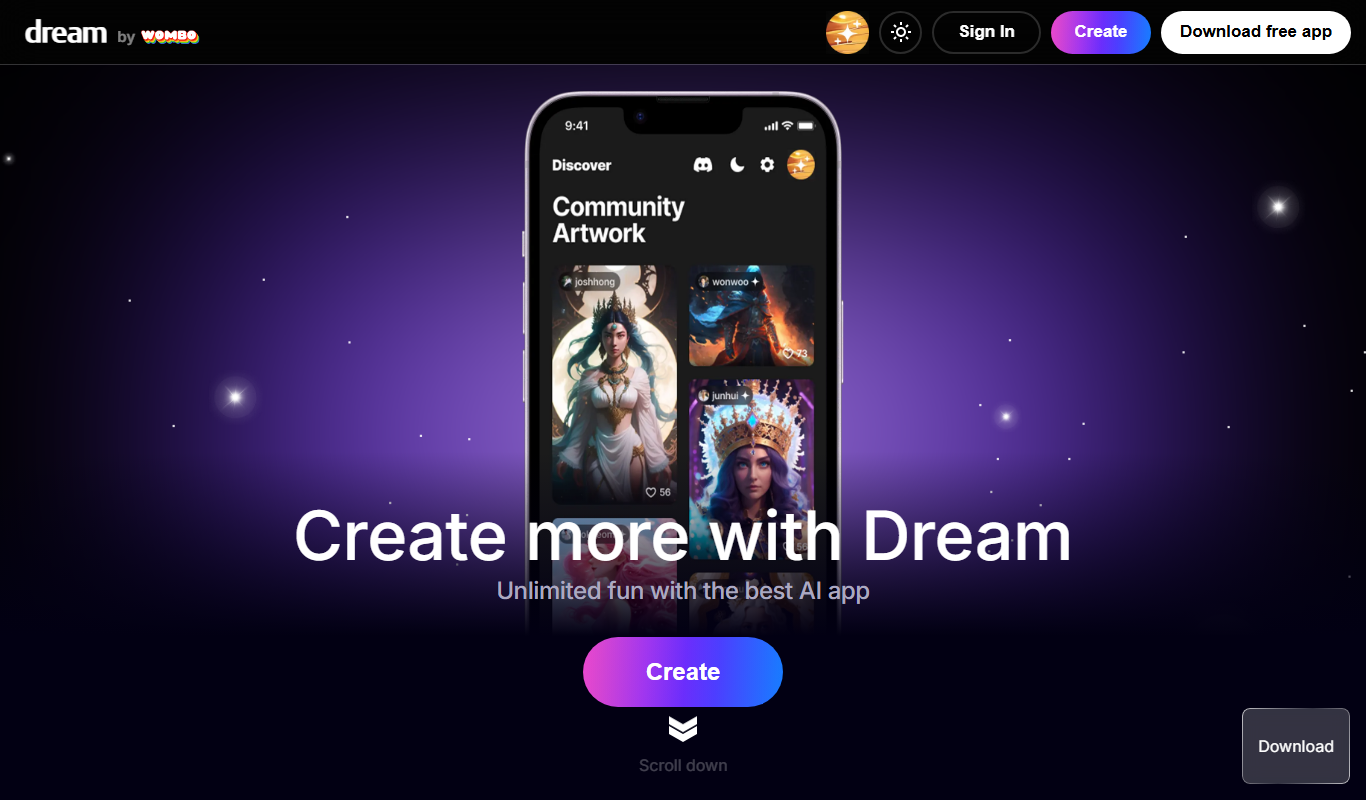
Wombo
Wombo is an AI-powered platform that generates unique digital artwork from text prompts, offering multiple art styles and easy-to-use tools accessible via web and mobile apps.
Subscription
Rapid Resizer Outline Maker
Rapid Resizer Outline Maker refers to the Picture Stencil Maker on Rapid Resizer, a web-based tool for turning photos or drawings into stencils and patterns for crafts and cutting projects.

Freemium
Neural.love Art Generator
Neural.love Art Generator is an AI-powered web tool that creates unique digital artworks from text prompts or images using neural networks, offering features like style transfer and image upscaling.

Free
insMind Ghibli Image Generator
insMind Ghibli Image Generator is a web-based AI tool that transforms photos into artwork inspired by Studio Ghibli’s animation style using AI style transfer.
Free
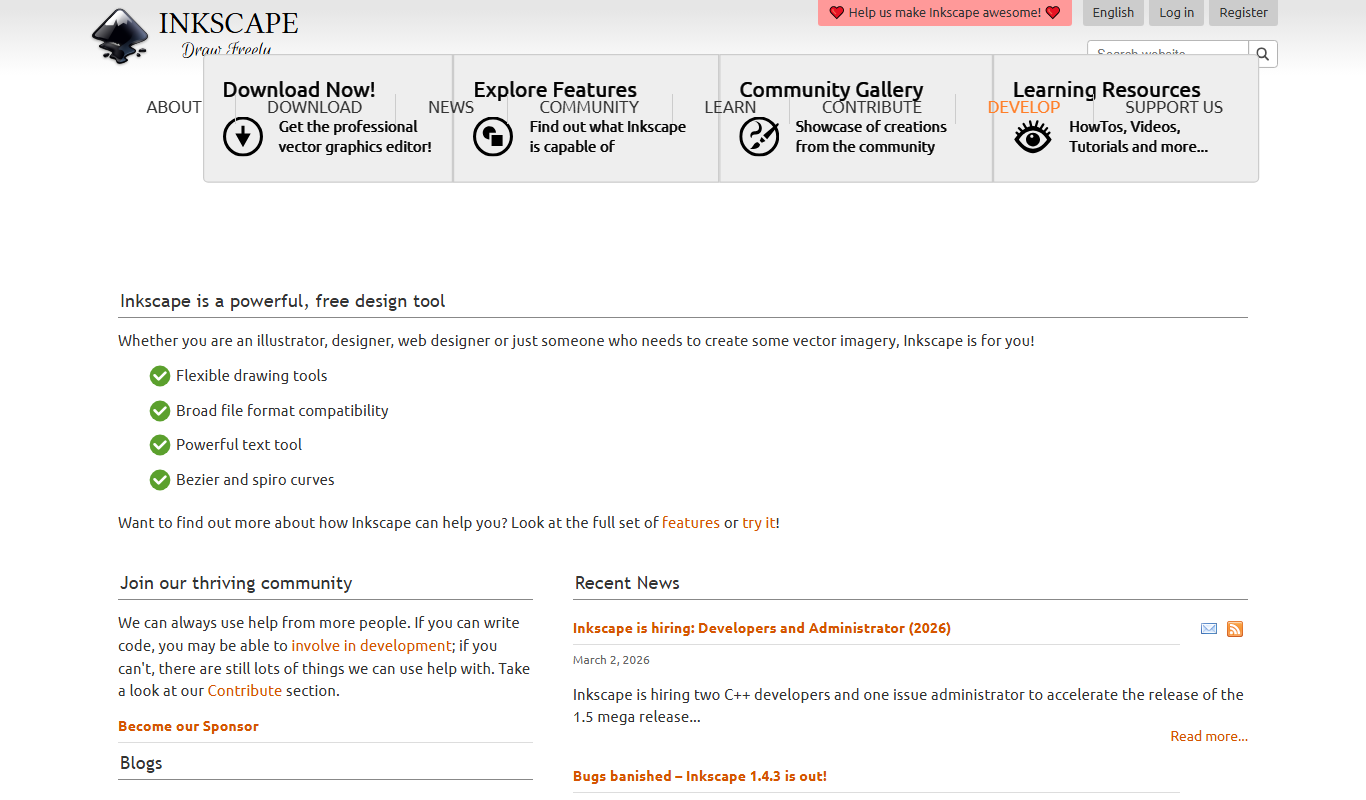
Inkscape
Inkscape is a free and open source vector graphics editor used for creating and editing scalable vector images with advanced tools for illustration and graphic design.
Free
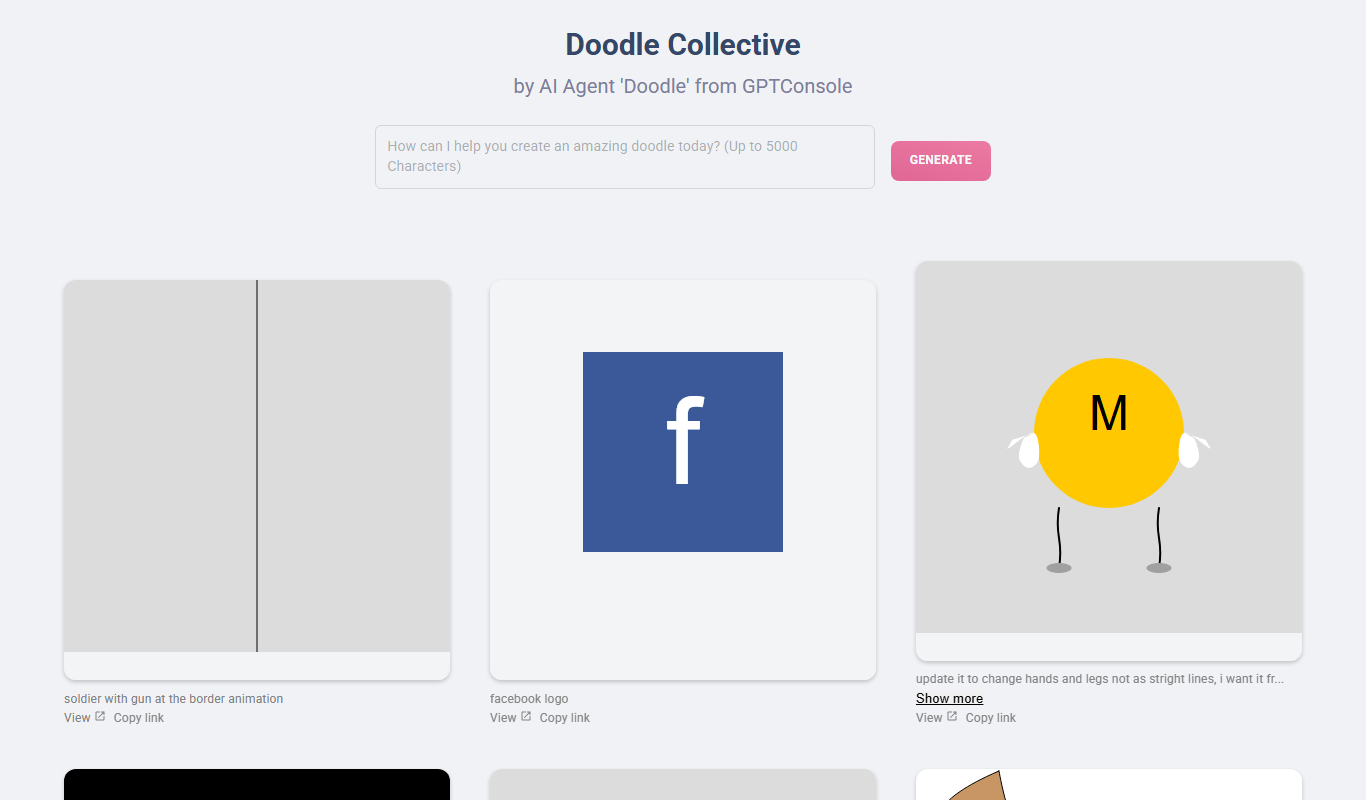
Doodle Collective
Doodle Collective is an AI art generator that transforms text prompts into unique digital images, suitable for creative projects and marketing.