

From my experience with PrintGen AI, I found it excels at simplifying the print design process by automating template creation and enabling easy customization. This makes it especially valuable for small business owners and marketers who need professional print materials quickly without hiring a designer. However, the platform currently supports only English and is limited to a web interface, which might restrict some users. Overall, if you want to create branded flyers, brochures, or posters efficiently, PrintGen offers a practical and affordable solution.
PrintGen AI: Automated Print Design Generator for Marketing Materials
PrintGen AI is a web-based platform that uses artificial intelligence to generate customizable print marketing materials such as flyers and brochures, helping users create professional designs quickly without graphic design skills.
- Best for
- Marketing Material Creation
- Key capability
- AI-Powered Design Generation
Your actions
Save PrintGen, follow its updates and vote on it — everything stays in your account.
Sign in or create a free account
What is PrintGen?
PrintGen AI is an online platform that leverages artificial intelligence to automate the creation of print-ready marketing and branding materials. It simplifies graphic design by generating customized print layouts such as flyers, brochures, and posters based on user inputs and preferences. This tool is ideal for marketers, small business owners, and designers who need quick, professional print designs without extensive design skills.
Key features of PrintGen
PrintGen offers AI-powered template generation, easy customization options, brand consistency tools, and export-ready print files. Users can quickly produce tailored marketing materials with minimal effort, streamlining the print design process.
AI-Powered Design Generation
Automatically creates multiple print design templates tailored to user inputs.
Brand Consistency Tools
Ensures all print materials align with brand colors, fonts, and logos.
Easy Customization Interface
User-friendly editor to adjust text, images, and layouts without design expertise.
High-Resolution Export
Exports print-ready files in formats like PDF suitable for professional printing.
Pros and cons of PrintGen
Pros
- Simplifies print design with AI automation
- User-friendly customization tools
- Ensures brand consistency across materials
- Affordable pricing for small businesses
Cons
- Limited language support (English only)
- No mobile app available, web platform only
Key use cases for PrintGen
Marketing Material Creation
Generate professional print marketing materials such as flyers, brochures, and posters quickly using AI.
Branding and Identity Design
Create consistent branded print assets that align with company identity without needing a graphic designer.
Small Business Promotion
Enable small businesses to produce high-quality print collateral affordably and efficiently.
Event and Campaign Materials
Design event invitations, promotional posters, and campaign flyers with customizable AI-generated templates.
How PrintGen works
- 1
Input Design Preferences
Users provide details about their brand, campaign goals, and preferred style.
- 2
AI Generates Templates
The AI engine creates multiple print design options based on the inputs.
- 3
Customize Designs
Users can tweak colors, text, images, and layouts to fit their needs.
- 4
Download Print-Ready Files
Finalized designs can be exported in formats suitable for professional printing.
Who is using PrintGen
Small business owners
Marketing professionals
Event organizers
Freelance designers
Non-designers needing print materials
PrintGen pricing
Free
$0/month
Access to basic templates with limited customization and downloads.
Pro
$19/month
Full access to all templates, advanced customization, and unlimited downloads.
Plans and prices are as published by the vendor and can change. Check the official site before you buy. Open the pricing page (opens in a new tab)
Frequently asked questions about PrintGen
Yes, PrintGen is designed for users without graphic design skills by automating template creation and providing easy customization.
You can export your designs as high-resolution PDFs suitable for professional printing.
The free plan has limits on downloads and templates, while the Pro plan offers unlimited design creation and downloads.
It depends on your specific needs and how you plan to use the tool. The official website and documentation are the best sources for the latest details.
Yes, it can help with that use case depending on how you configure it and what features are available. You’ll get the best results with clear inputs and a defined goal.
Yes, it can help with that use case depending on how you configure it and what features are available. You’ll get the best results with clear inputs and a defined goal.
Sign in to review this tool.
Sign In to ReviewNo reviews yet
Be the first to share how this tool worked for you.
Ask about pricing, limits, or how it compares — or answer someone else.
Sign In to AskNo questions yet
Have a question about using or paying for this tool? Be the first to ask.
Featured on TiorAI



Alternative Tools
Explore similar AI tools that might fit your needs
Free
VistaCreate
VistaCreate is an online graphic design tool offering templates, stock assets, and animation features to create social media and marketing visuals easily.
More AI Art Generator tools
Other tools in the same category, for when this one is not quite the fit.

Free
A1 Art
A1 Art is a web-based AI image generator that creates digital artwork from text prompts, offering free and subscription plans for users.
Free
QuickDraw
QuickDraw is a free web-based AI drawing game by Google that guesses your sketches in real-time using machine learning.
Free
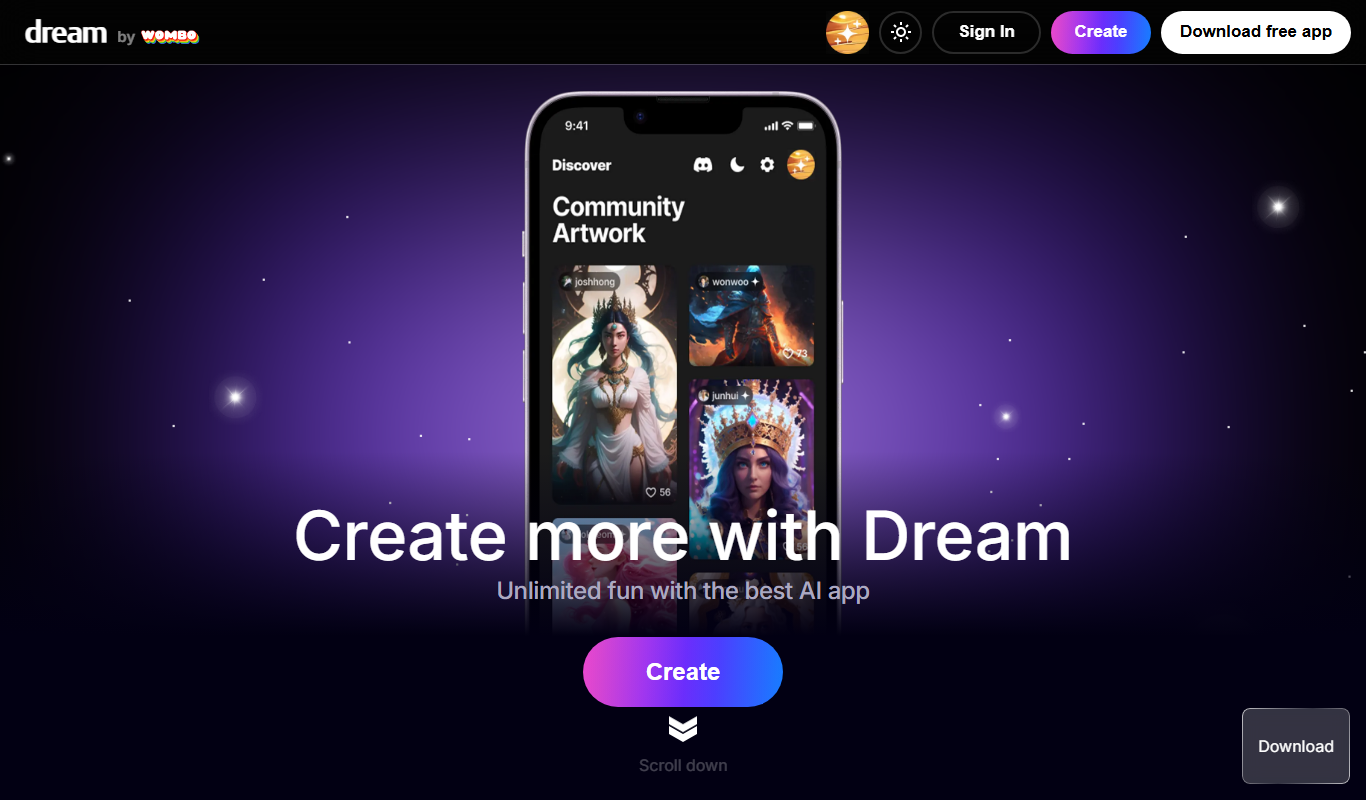
Wombo
Wombo is an AI-powered platform that generates unique digital artwork from text prompts, offering multiple art styles and easy-to-use tools accessible via web and mobile apps.
Subscription
Rapid Resizer Outline Maker
Rapid Resizer Outline Maker refers to the Picture Stencil Maker on Rapid Resizer, a web-based tool for turning photos or drawings into stencils and patterns for crafts and cutting projects.

Freemium
Neural.love Art Generator
Neural.love Art Generator is an AI-powered web tool that creates unique digital artworks from text prompts or images using neural networks, offering features like style transfer and image upscaling.

Free
insMind Ghibli Image Generator
insMind Ghibli Image Generator is a web-based AI tool that transforms photos into artwork inspired by Studio Ghibli’s animation style using AI style transfer.
Free
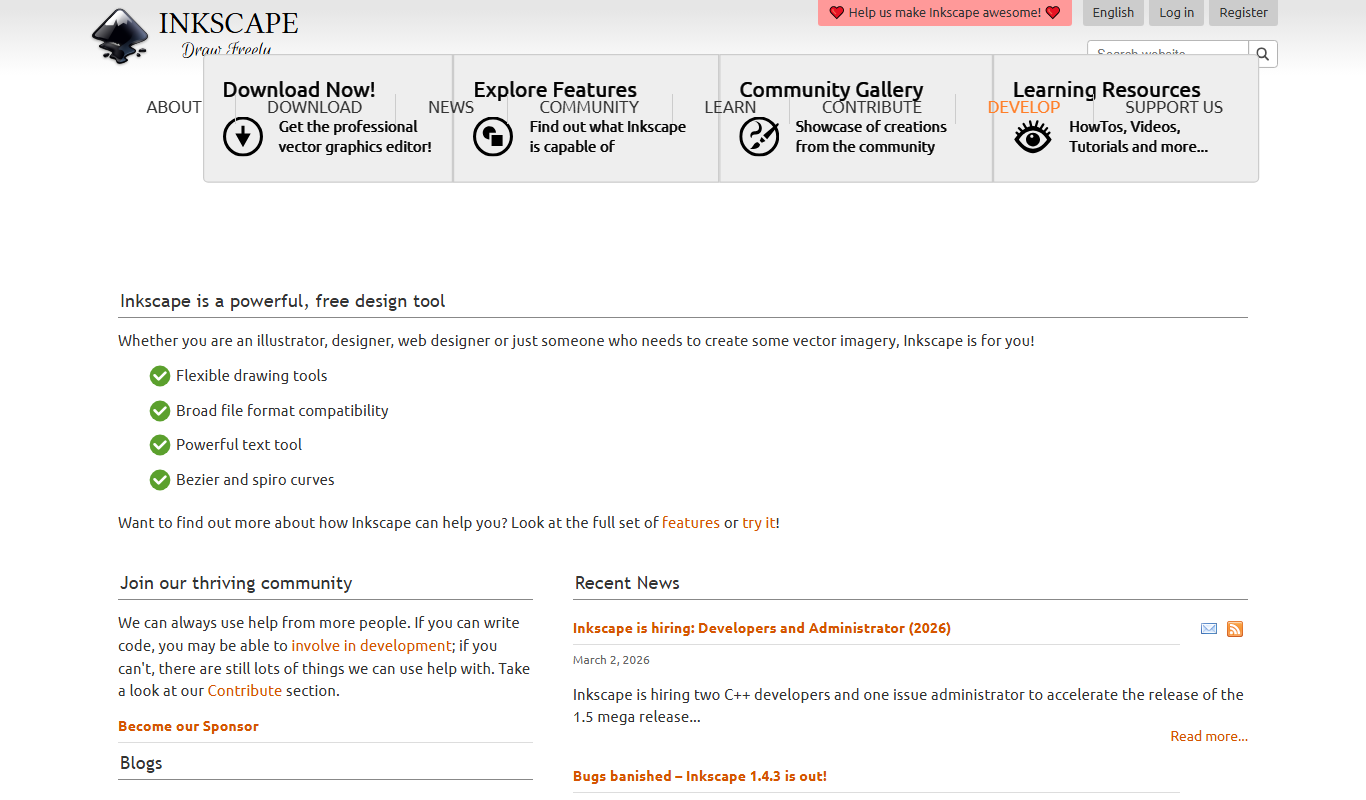
Inkscape
Inkscape is a free and open source vector graphics editor used for creating and editing scalable vector images with advanced tools for illustration and graphic design.
Free
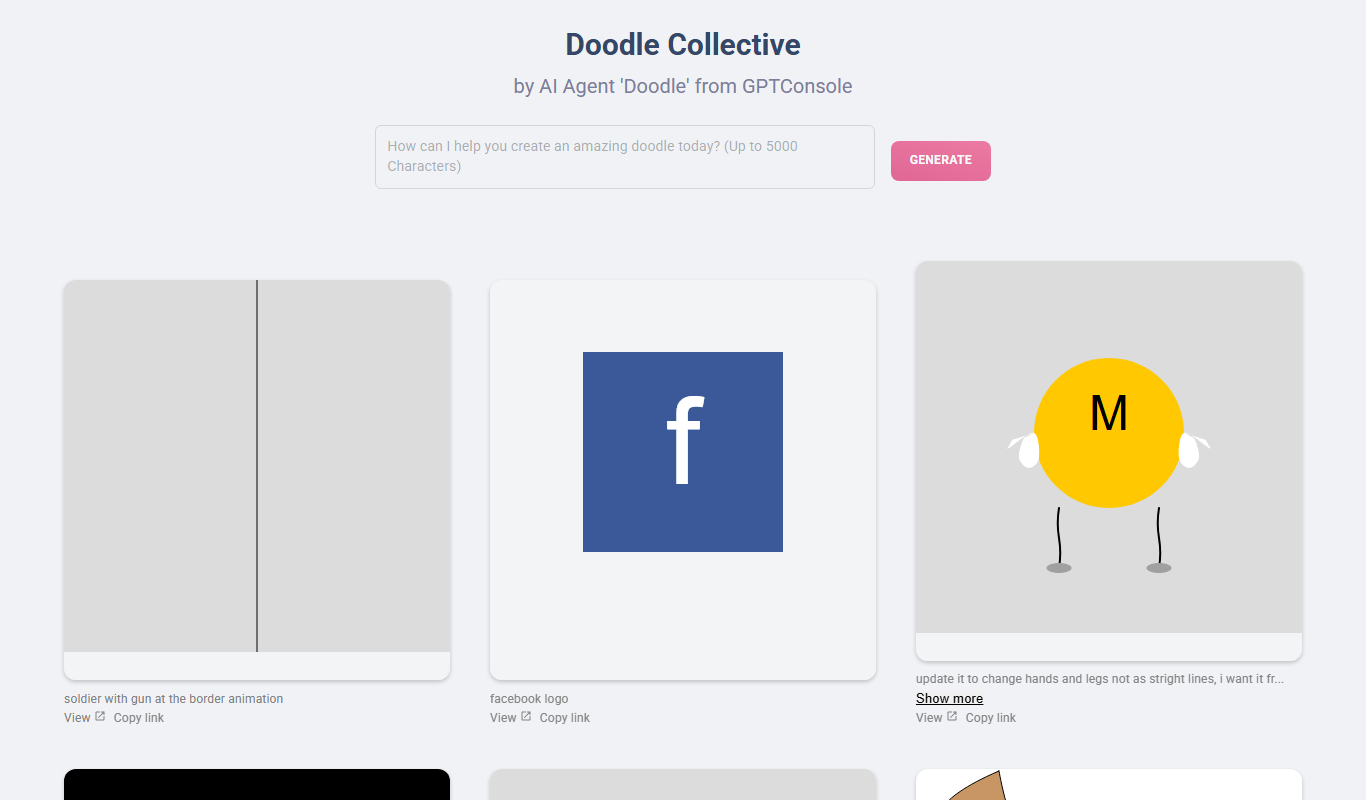
Doodle Collective
Doodle Collective is an AI art generator that transforms text prompts into unique digital images, suitable for creative projects and marketing.