

From my experience with PhotoFeeler, I found it excels at providing objective, crowd-sourced feedback that helps users choose photos that truly resonate in professional, social, or dating contexts. The platform’s trait-based scoring and detailed comments offer practical insights beyond simple likes or dislikes. However, to test your own photos without rating others, you need to purchase credits, which might be a limitation for casual users. Overall, if you want to optimize your profile pictures with real human input and clear metrics, PhotoFeeler delivers a straightforward, effective solution.
PhotoFeeler Review: AI-Powered Photo Feedback for Social & Professional Use
PhotoFeeler is a web-based platform that provides crowd-sourced, context-specific feedback on photos to help users select the best images for business, social, or dating purposes.
- Best for
- Social Media Profile Optimization
- Key capability
- Context-Specific Feedback
Your actions
Save PhotoFeeler, follow its updates and vote on it — everything stays in your account.
Sign in or create a free account
What is PhotoFeeler?
PhotoFeeler is an online platform that uses crowd-sourced feedback and AI to evaluate the effectiveness of photos based on specific contexts such as business, social, or dating. Users upload photos and receive ratings and comments from real people to understand how their images are perceived.
Key features of PhotoFeeler
PhotoFeeler offers targeted photo testing with detailed feedback, categorized by use case (business, social, dating). It provides quantitative scores on traits like competence, likability, and influence, helping users select the best photos for their goals.
Context-Specific Feedback
Tailors photo evaluations to business, social, or dating contexts for relevant insights.
Trait-Based Scoring
Rates photos on traits like competence, likability, and influence to guide selection.
Crowd-Sourced Ratings
Leverages real user votes for unbiased and diverse feedback.
Detailed Comments
Provides qualitative feedback explaining why photos scored as they did.
Credit System
Users earn credits by rating others’ photos or purchase credits to test their own.
Pros and cons of PhotoFeeler
Pros
- Provides objective, crowd-sourced photo feedback
- Tailors feedback to specific use cases
- Free to use by earning credits
- Detailed trait-based scoring and comments
Cons
- Requires active participation to earn credits unless purchasing
- Limited to English language interface
- Only available as a web platform
Key use cases for PhotoFeeler
Social Media Profile Optimization
Users can test and improve their profile pictures to increase likes, followers, and engagement on platforms like LinkedIn, Facebook, and Instagram.
Professional Image Assessment
Job seekers and professionals can get unbiased feedback on their headshots to enhance their chances in networking and recruitment.
Dating Profile Photo Testing
Individuals can receive honest ratings on their dating photos to improve their online dating success.
Marketing and Branding
Businesses and marketers can test images for ads and campaigns to select photos that resonate best with target audiences.
How PhotoFeeler works
- 1
Upload Photos
Users upload one or more photos they want to test.
- 2
Select Test Category
Choose the context for feedback: business, social, or dating.
- 3
Receive Votes and Comments
Photos are rated by other users on specific traits relevant to the category.
- 4
Analyze Results
Users get detailed scores and qualitative feedback to understand photo strengths and weaknesses.
Who is using PhotoFeeler
Job seekers and professionals
Social media users
Online daters
Marketing and branding professionals
Content creators
PhotoFeeler pricing
Free
$0
Earn credits by rating others’ photos to test your own photos.
Credit Purchase
Varies
Buy credits to test photos without rating others.
Plans and prices are as published by the vendor and can change. Check the official site before you buy. Open the pricing page (opens in a new tab)
Frequently asked questions about PhotoFeeler
Feedback comes from a diverse community of users who rate photos anonymously, reducing personal bias.
Yes, you can select from business, social, or dating categories to get tailored feedback.
You can use the platform for free by rating others’ photos to earn credits, or purchase credits directly.
Photos are shared only within the PhotoFeeler community for rating purposes and are not publicly posted elsewhere.
It depends on your specific needs and how you plan to use the tool. The official website and documentation are the best sources for the latest details.
Some tools offer a free plan or trial with limited features. Availability can vary, so confirm on the official website.
Yes, it can help with that use case depending on how you configure it and what features are available. You’ll get the best results with clear inputs and a defined goal.
Yes, it can help with that use case depending on how you configure it and what features are available. You’ll get the best results with clear inputs and a defined goal.
Sign in to review this tool.
Sign In to ReviewNo reviews yet
Be the first to share how this tool worked for you.
Ask about pricing, limits, or how it compares — or answer someone else.
Sign In to AskNo questions yet
Have a question about using or paying for this tool? Be the first to ask.
Featured on TiorAI



Alternative Tools
Explore similar AI tools that might fit your needs

Pay Per Service
Snappr
Snappr is an online platform that allows users to instantly book vetted professional photographers for various photography needs including events, portraits, and business shoots with transparent pricing and digital photo delivery.
More AI Photography tools
Other tools in the same category, for when this one is not quite the fit.

One-time purchase
ON1 Resize AI
ON1 Resize AI is a desktop software that uses AI and fractal interpolation to enlarge images up to 1000% while preserving detail, ideal for photographers and print professionals.
One-time purchase
ProCamera
ProCamera is a professional iOS camera app offering manual controls, AI-enhanced low-light photography, RAW capture, and advanced editing tools for mobile photographers.
Paid
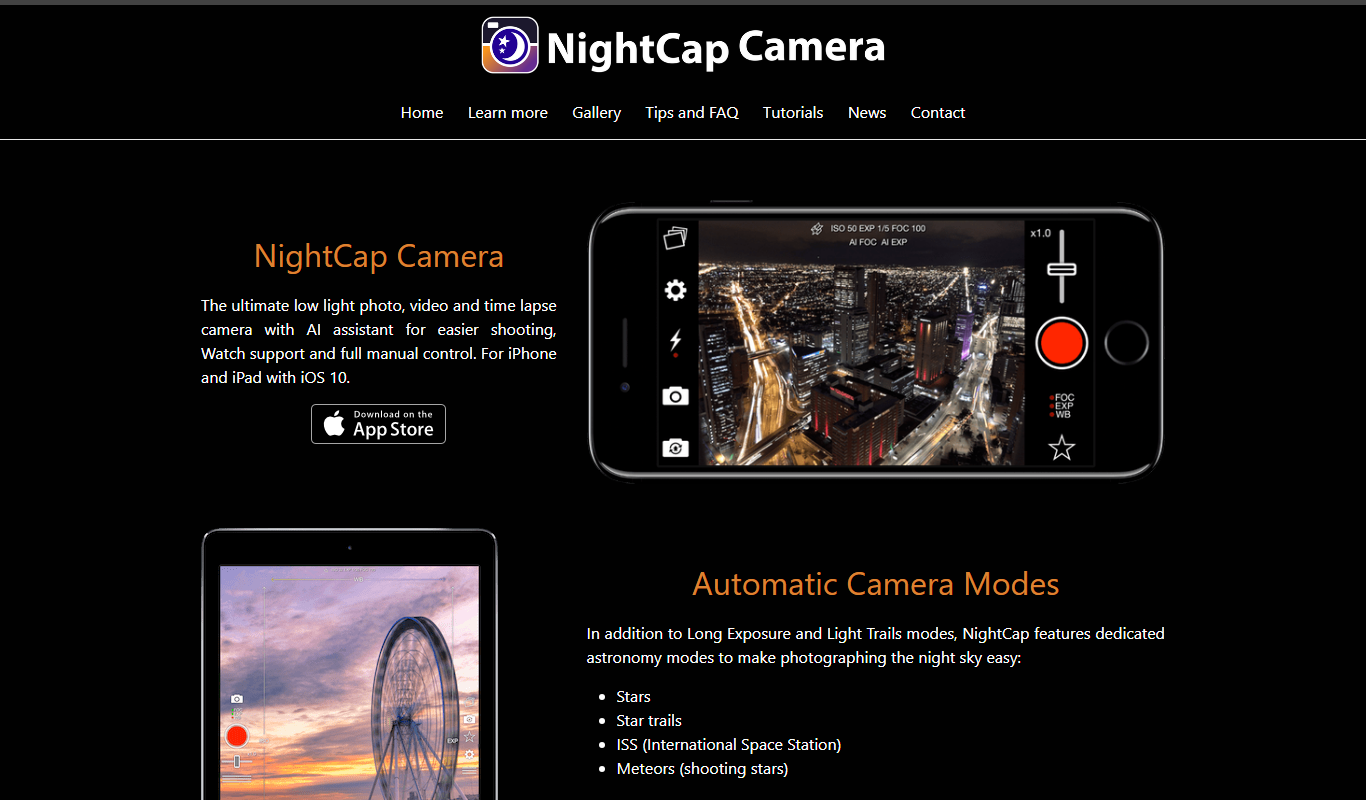
NightCap Camera
NightCap Camera is an iOS app that uses AI to enhance low light and night photography by combining multiple exposures, reducing noise, and enabling astrophotography with long exposure modes.

One-time purchase
Halide Mark III
Halide Mark III is an iPhone camera app with manual controls, RAW and ProRAW capture, and computational photography features for photo and video.

Free
Enhance.Pho.to
Enhance.Pho.to is a free web-based AI photo enhancement tool that automatically improves photo quality, removes backgrounds, retouches faces, and restores old images without requiring user registration.

Free
Autotracer
Autotracer is a free web-based tool that automatically converts raster images into vector graphics in formats like SVG and EPS, enabling scalable and editable designs.
One-time purchase
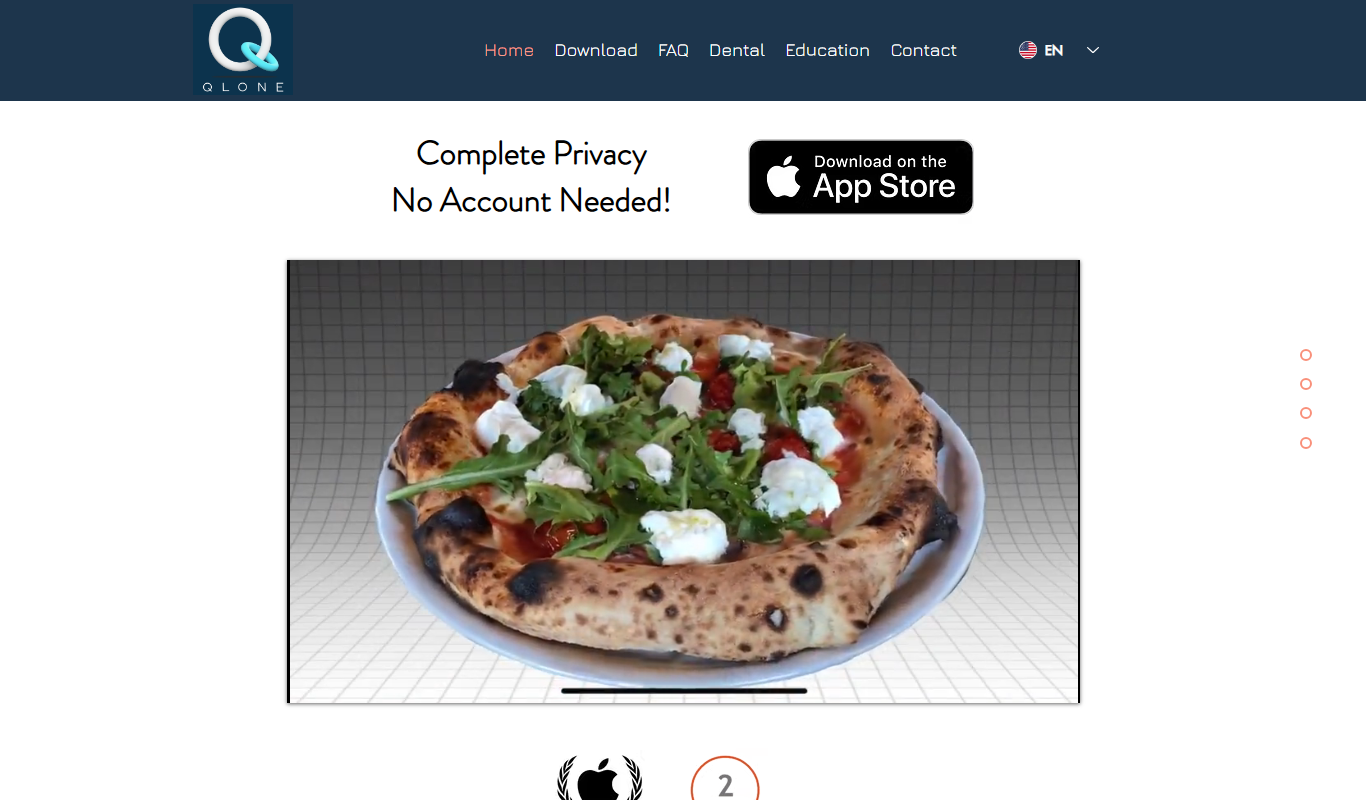
Qlone
Qlone is a mobile app that uses your smartphone camera and a printed mat to scan physical objects and create detailed 3D models for use in AR, 3D printing, and design projects.

Donationware
ImageOptim
ImageOptim is a free MacOS-based image compression tool that reduces image file sizes using lossless and lossy methods to improve web performance without sacrificing quality.