

Qlone 3D Scanning App for Easy Object Digitization and AR Integration
Qlone is a mobile app that uses your smartphone camera and a printed mat to scan physical objects and create detailed 3D models for use in AR, 3D printing, and design projects.
- Best for
- 3D Object Digitization
- Key capability
- Interactive Scanning Mat
Save Qlone, follow its updates and vote on it — everything stays in your account.
Sign in or create a free account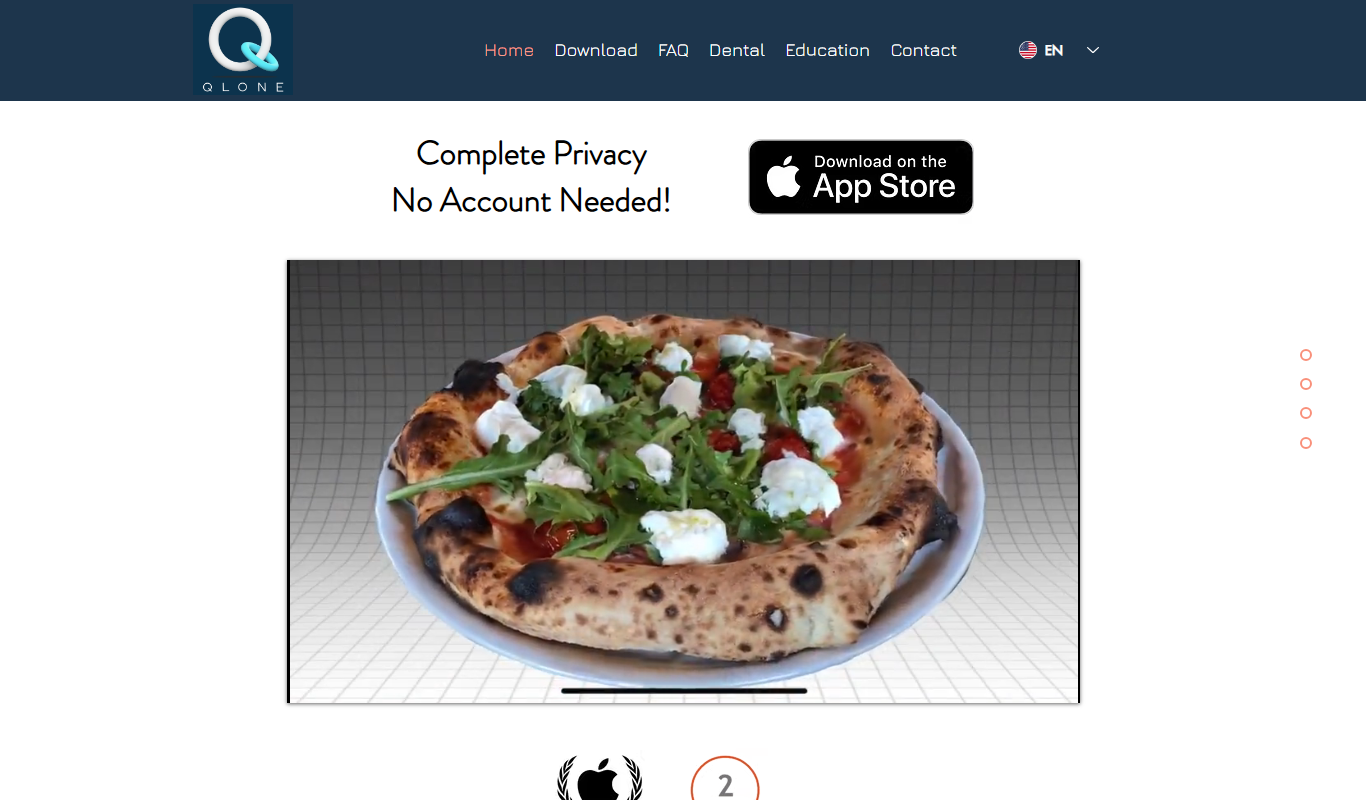
What is Qlone?
Qlone is a mobile 3D scanning application that allows users to easily capture and create 3D models of physical objects using their smartphone or tablet camera. It simplifies the process of digitizing real-world items by guiding users through scanning with an interactive mat and providing tools to edit, export, and share the resulting 3D models. Qlone supports various export formats compatible with 3D printing, AR, and other 3D applications.
Key features of Qlone
Qlone offers an intuitive scanning process with a patented mat system, real-time 3D model preview, multi-angle capture, editing tools, and flexible export options including OBJ, STL, and USDZ. It supports AR viewing and integrates with popular 3D platforms, making it accessible for hobbyists, educators, designers, and professionals.
Interactive Scanning Mat
A patented mat that simplifies object recognition and scanning accuracy.
Real-Time 3D Preview
Visualize the 3D model as you scan, enabling immediate feedback and corrections.
Multi-Format Export
Export models in OBJ, STL, USDZ, GLB, and other formats compatible with 3D printing and AR.
Editing Tools
Basic model editing features such as scaling, smoothing, and texture adjustments.
Augmented Reality Support
View and share 3D models in AR directly from the app.
Pros and cons of Qlone
Pros
- User-friendly scanning process with guided steps
- Supports multiple export formats for diverse applications
- Real-time 3D preview enhances scanning accuracy
- Works on both iOS and Android devices
Cons
- Requires printing a special scanning mat
- Editing tools are basic compared to professional 3D software
Key use cases for Qlone
3D Object Digitization
Capture real-world objects using your smartphone camera and convert them into detailed 3D models.
Augmented Reality Integration
Use scanned 3D models in AR applications for visualization, education, or marketing purposes.
3D Printing Preparation
Export scanned objects in formats compatible with 3D printers for prototyping or manufacturing.
E-commerce Product Visualization
Create interactive 3D product models to enhance online shopping experiences.
Educational Content Creation
Generate 3D models for teaching materials in subjects like biology, archaeology, and design.
How Qlone works
- 1
Print the Scanning Mat
Download and print the special mat that helps the app recognize the object and environment.
- 2
Scan the Object
Place the object on the mat and use your device camera to capture it from multiple angles guided by the app.
- 3
Process and Preview
Qlone processes the images into a 3D model and provides a real-time preview for adjustments.
- 4
Edit and Export
Use built-in tools to refine the model, then export it in various formats for 3D printing, AR, or other uses.
Who is using Qlone
Qlone pricing
Free
$0
Exporting requires premium or export credits.
Pro
$9.99/month
High-resolution exports, watermark removal, unlimited scans, and advanced editing.
Plans and prices are as published by the vendor and can change. Check the official site before you buy. Open the pricing page (opens in a new tab)
Frequently asked questions about Qlone
Qlone is compatible with most modern iOS and Android smartphones and tablets with a camera.
Yes, the scanning mat is required to help the app accurately capture and reconstruct the 3D model.
Yes, Qlone exports models in formats like STL that are widely used for 3D printing.
Exporting requires the premium one-time purchase or export credits.
Yes, it can help with that use case depending on how you configure it and what features are available. You’ll get the best results with clear inputs and a defined goal.
Yes, it can help with that use case depending on how you configure it and what features are available. You’ll get the best results with clear inputs and a defined goal.
Some tools offer a free plan or trial with limited features. Availability can vary, so confirm on the official website.
It depends on your specific needs and how you plan to use the tool. The official website and documentation are the best sources for the latest details.
Conclusion
A printed mat is the core of the method: the object sits on it while the device camera captures it from multiple angles guided by the app. The images are processed into a 3D model with a real-time preview, and basic editing covers scaling, smoothing and texture adjustments. Models can be viewed and shared in AR directly from the app or exported in OBJ, STL, USDZ and GLB for 3D printing.
Premium is a one-time purchase with cloud and export credits, and exporting requires premium or export credits. The app is published on the App Store. Printing the special scanning mat is required, and the editing tools are basic compared to professional 3D software.
Sources
Sign in to review this tool.
Sign In to ReviewNo reviews yet
Be the first to share how this tool worked for you.
Ask about pricing, limits, or how it compares — or answer someone else.
Sign In to AskNo questions yet
Have a question about using or paying for this tool? Be the first to ask.
Featured on TiorAI



Alternative Tools
Explore similar AI tools that might fit your needs

Polycam
Polycam is a 3D scanning app for iOS, Android and the web that uses LiDAR and photogrammetry to create 3D models, floor plans and measurements of real-world objects and spaces.
More AI Design Generator tools
Other tools in the same category, for when this one is not quite the fit.

BlackInk AI
BlackInk AI is an AI tattoo generator for designing custom tattoos in seconds and visualizing them on your body.

Gentype.io
Gentype.io offers AI generated themed 3D alphabets in 5K resolution as PNG, Figma and PSD files, now free for all and supported by donations.

Illusion Diffusion Web
Illusion Diffusion Web is an AI photo illusion generator that turns uploaded photos or patterns into optical illusion artwork from a text prompt.

Propertify Ai
Propertify Ai is an AI virtual staging tool that furnishes uploaded room photos in seconds and can remove existing furniture with text prompts.

LogoGen
LogoGen is an AI-powered logo generator that creates custom logos based on your brand details and style preferences, offering easy customization and high-resolution downloads.
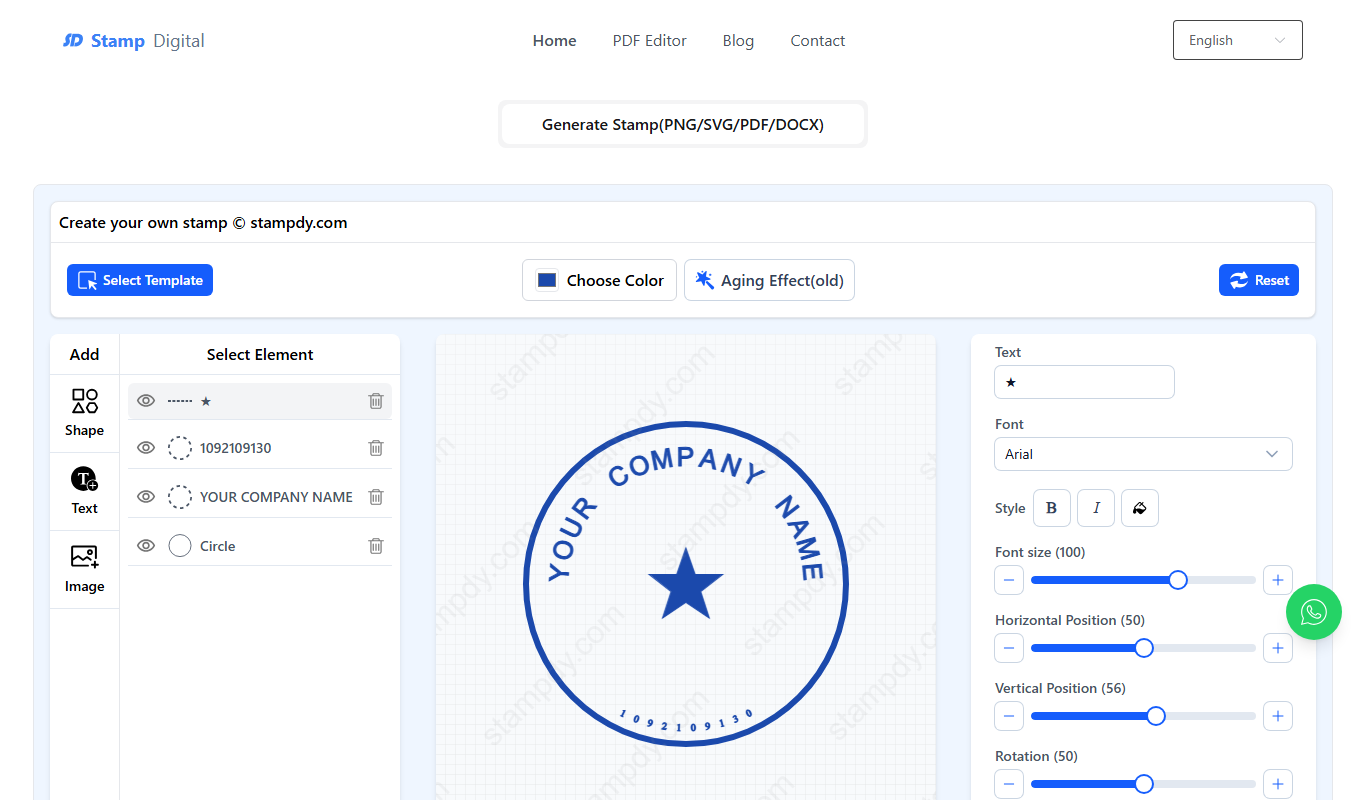
DigitalSeal Studio
DigitalSeal Studio (SealsDigital) is an online stamp maker for designing custom business stamps with templates and a live preview, then exporting them as PNG or vector files.

Image Prompt
Image Prompt (ImagePrompt.org) is a suite of AI tools, including Image to Prompt, Magic Enhance, an AI Image Describer and an AI Image Generator, for creating image prompts for Midjourney, Flux, Stable Diffusion and more.

Blunge
Blunge is an AI design agent that turns ideas into on-brand designs, applying a brand kit across campaign formats.