

From my experience with Gentype.io, I found it excels at quickly generating relevant code snippets from simple prompts, which can significantly reduce the time spent on repetitive coding tasks. After spending time with the platform, I can say it’s particularly well-suited for developers and startups looking to accelerate prototyping and development without writing every line manually. However, there’s a trade-off: the generated code often requires review and refinement to fit specific project needs and maintain quality standards. Overall, if you need to boost coding productivity with AI assistance, Gentype.io delivers solid, practical results.
Gentype.io AI Code Generator for Faster Software Development
Gentype.io is an AI-based platform that generates code snippets from natural language prompts to help developers speed up software development.
- Best for
- Automated Code Generation
- Key capability
- AI-Powered Code Generation

Do you recommend this tool?
What is Gentype.io?
Gentype.io is an AI-powered code generation platform designed to assist developers by automating the creation of code snippets and boilerplate code. It leverages artificial intelligence to understand developer prompts and generate relevant code, helping to accelerate software development workflows and reduce manual coding effort.
Key features of Gentype.io
Gentype.io offers features such as AI-driven code generation, support for multiple programming languages, context-aware suggestions, and integration-friendly outputs that help developers write code faster and with fewer errors.
AI-Powered Code Generation
Automatically generate code snippets based on natural language prompts.
Multi-Language Support
Supports generating code in various popular programming languages.
Context-Aware Suggestions
Provides code suggestions that consider the context of your project.
Easy Integration
Outputs code that can be easily integrated into existing projects.
Pros and cons of Gentype.io
Pros
- Speeds up coding by automating boilerplate generation
- Supports multiple programming languages
- Easy to use with natural language prompts
Cons
- Limited free usage before subscription required
- Generated code may require manual refinement
Key use cases for Gentype.io
Automated Code Generation
Generate code snippets and boilerplate code automatically to speed up development.
Code Refactoring Assistance
Use AI suggestions to improve and refactor existing code for better quality.
Learning and Prototyping
Quickly prototype software ideas by generating functional code samples.
Developer Productivity Enhancement
Reduce repetitive coding tasks and focus on higher-level design and logic.
How Gentype.io works
- 1
Sign Up
Create an account on Gentype.io to access the AI code generation platform.
- 2
Input Your Requirements
Provide a description or prompt of the code you want to generate.
- 3
Generate Code
The AI processes your input and produces relevant code snippets.
- 4
Review and Integrate
Review the generated code, make adjustments if needed, and integrate it into your project.
Who is using Gentype.io
Software developers
Startup founders
Freelance programmers
Development teams
Technical learners
Gentype.io pricing
Free Trial
$0 for limited usage
Try Gentype.io with limited code generation credits.
Pro
$29/month
Unlimited code generation with priority support and advanced features.
Plans and prices are as published by the vendor and can change. Check the official site before you buy. Open the pricing page (opens in a new tab)
Frequently asked questions about Gentype.io
Gentype.io supports multiple popular programming languages including JavaScript, Python, and more.
Yes, Gentype.io offers a free trial with limited usage to test the platform.
The generated code is intended to accelerate development but should be reviewed and tested before production use.
It depends on your specific needs and how you plan to use the tool. The official website and documentation are the best sources for the latest details.
Yes, it can help with that use case depending on how you configure it and what features are available. You’ll get the best results with clear inputs and a defined goal.
It depends on your specific needs and how you plan to use the tool. The official website and documentation are the best sources for the latest details.
Sign in to review this tool.
Sign In to ReviewNo reviews yet
Be the first to share how this tool worked for you.
Ask about pricing, limits, or how it compares — or answer someone else.
Sign In to AskNo questions yet
Have a question about using or paying for this tool? Be the first to ask.
Featured on TiorAI



More AI Coding Tools tools
Other tools in the same category, for when this one is not quite the fit.

Free
OHMYSYNT
OHMYSYNT is an AI-driven platform that generates and completes code snippets from natural language input, supporting multiple programming languages and offering API integration for developers.

Free
Fabric
Fabric is an AI assistant designed to help developers generate code, fix bugs, and automate documentation, improving coding efficiency and quality.

Freemium
Devv.AI
Devv.AI is an AI-driven platform that assists developers by generating code snippets, reviewing code, detecting bugs, and providing API integration to streamline software development.

Freemium
Leetcode Wizard
Leetcode Wizard is an AI-driven tool that helps users prepare for coding interviews by providing detailed solutions, hints, and explanations for Leetcode problems across multiple programming languages.

Free
JamGPT
JamGPT is an AI coding assistant that uses GPT technology to help developers generate code, explain existing code, and suggest bug fixes through natural language prompts.

Free
Countless.dev
Countless.dev is an AI-driven code generation platform that assists developers by generating and completing code snippets in real-time, supporting multiple programming languages and offering API integration.
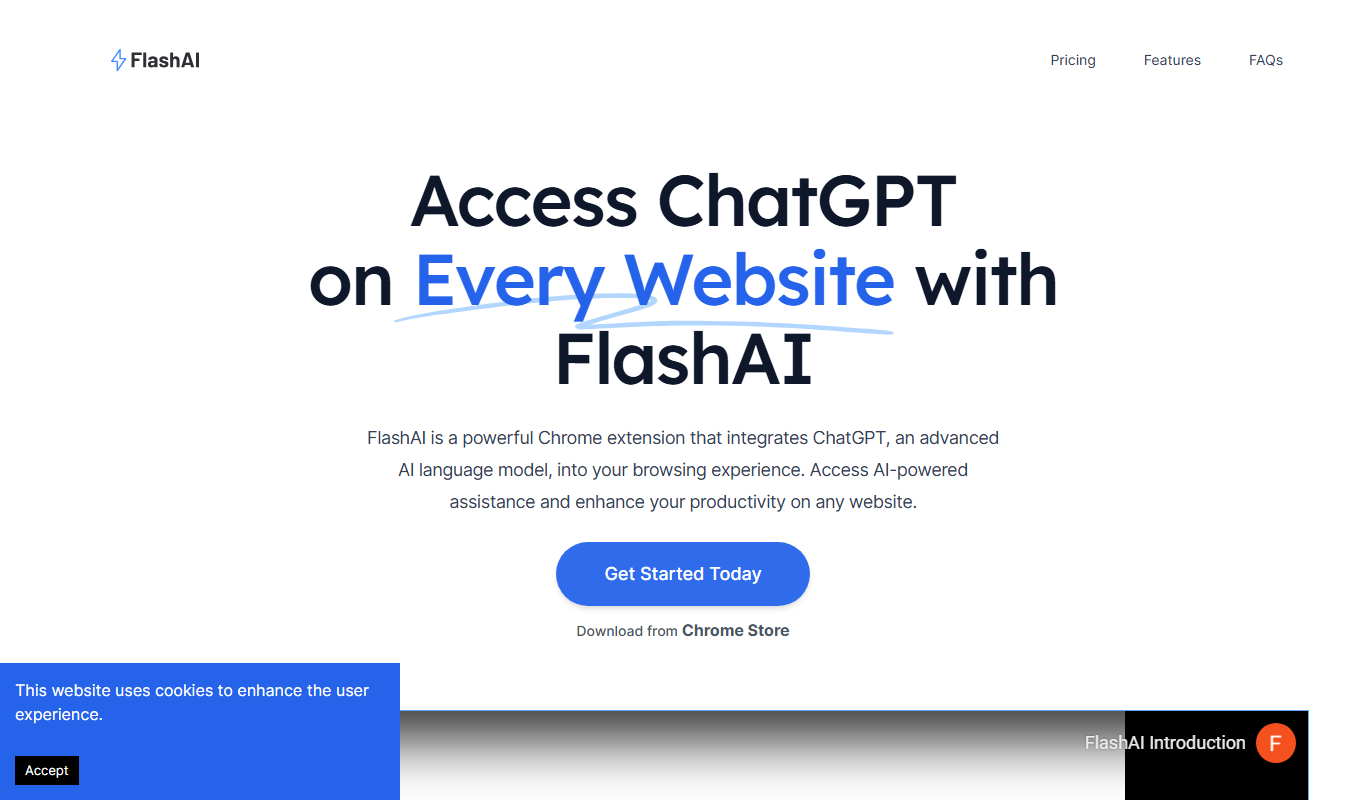
Freemium
FlashAI
FlashAI is an AI-driven code generation platform that converts natural language prompts into code snippets, supports multiple programming languages, and offers API integration to enhance developer productivity.
Freemium
MasterScript
MasterScript is an AI-driven platform that generates software code automatically based on user input, supporting multiple programming languages and offering API integration for developers.