

From my experience with Pool Studio, I found it excels at delivering highly detailed and photorealistic 3D pool designs that help visualize complex outdoor projects effectively. After spending time with the software, I can say it’s particularly well-suited for professional pool builders and landscape designers who need precise modeling and construction documentation. However, there’s a trade-off: the software is Windows-only and has a learning curve for new users. Overall, if you require comprehensive pool design and visualization tools with strong presentation capabilities, Pool Studio delivers solid results.
Pool Studio Software for 3D Pool Design and Landscape Visualization
Pool Studio is a Windows-based 3D pool and landscape design software that helps professionals create detailed models, photorealistic renderings, and construction plans for swimming pool projects.
- Best for
- Swimming Pool Design
- Key capability
- 3D Pool Modeling

What is Pool Studio?
Pool Studio is a professional 3D pool and landscape design software developed by Structure Studios. It enables pool builders, designers, and landscapers to create detailed, photorealistic models of swimming pools and outdoor environments. The software combines intuitive design tools with powerful rendering capabilities to help visualize projects before construction.
Key features of Pool Studio
Pool Studio offers a comprehensive set of features including 3D modeling of pools and landscapes, realistic material libraries, lighting and shadow effects, video walkthroughs, and detailed construction documentation. It supports customization of pool shapes, water effects, and surrounding environments to create immersive presentations.
3D Pool Modeling
Design pools with customizable shapes, depths, and finishes.
Realistic Rendering
Create high-quality images and animations with accurate lighting and water effects.
Landscape Design Tools
Add patios, decks, plants, and outdoor furniture to complement pool designs.
Video Walkthroughs
Produce immersive fly-through videos to showcase designs to clients.
Construction Documentation
Generate detailed blueprints, plans, and material estimates.
Pros and cons of Pool Studio
Pros
- Highly detailed 3D pool and landscape modeling
- Photorealistic rendering capabilities
- Comprehensive construction documentation tools
Cons
- Windows-only software limits platform accessibility
- Pricing details require direct contact with vendor
- Steep learning curve for beginners
Key use cases for Pool Studio
Swimming Pool Design
Create detailed 3D models of custom swimming pools with realistic textures and shapes.
Landscape Visualization
Design and visualize outdoor spaces including decks, patios, and landscaping around pools.
Client Presentations
Generate photorealistic renderings and walkthroughs to showcase designs to clients.
Construction Planning
Produce detailed plans and blueprints to assist contractors during pool construction.
Material and Cost Estimation
Estimate materials and project costs based on the designed pool and landscape features.
How Pool Studio works
-
1
Install Software
Download and install Pool Studio on a Windows desktop computer.
-
2
Create Project
Start a new pool design project by defining the pool shape and dimensions.
-
3
Add Features
Incorporate landscape elements, decking, water features, and lighting.
-
4
Render and Visualize
Generate photorealistic images and videos to review the design.
-
5
Export Plans
Produce construction documents and material lists for project execution.
Who is using Pool Studio
Pool builders and contractors
Landscape architects and designers
Homeowners planning custom pools
Construction project managers
Pool Studio pricing
Standard License
Contact for pricing
Full access to Pool Studio software with updates and support.
Plans and prices are as published by the vendor and can change. Check the official site before you buy. Open the pricing page (opens in a new tab)
Frequently asked questions about Pool Studio
Pool Studio is currently only available for Windows operating systems.
Structure Studios offers a demo version with limited features to try before purchasing.
Yes, Pool Studio allows exporting detailed plans and material lists for contractors.
Yes, it can help with that use case depending on how you configure it and what features are available. You’ll get the best results with clear inputs and a defined goal.
Yes, it can help with that use case depending on how you configure it and what features are available. You’ll get the best results with clear inputs and a defined goal.
Some tools offer a free plan or trial with limited features. Availability can vary, so confirm on the official website.
Sign in to review this tool.
Sign In to ReviewNo reviews yet
Be the first to share how this tool worked for you.
Ask about pricing, limits, or how it compares — or answer someone else.
Sign In to AskNo questions yet
Have a question about using or paying for this tool? Be the first to ask.
Featured on TiorAI



Alternative Tools
Explore similar AI tools that might fit your needs
Free
SketchUp
SketchUp is a 3D modeling software used primarily for architectural and design projects, offering both free and paid versions with tools for creating detailed 3D models and construction documents.
Paid
Lumion
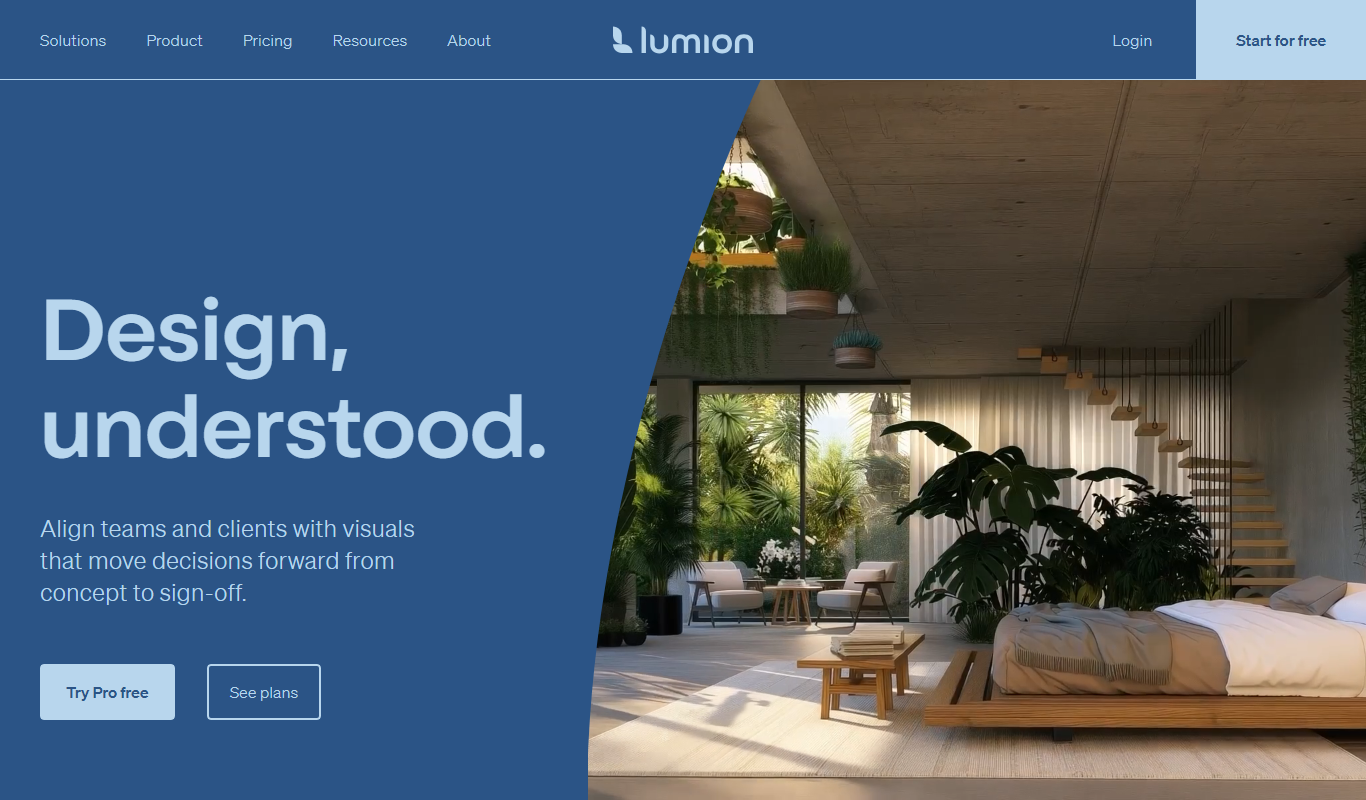
Lumion is a Windows-based real-time 3D rendering software designed for architects and designers to create photorealistic images, videos, and panoramas from 3D models quickly and intuitively.
More AI 3D Modeling tools
Other tools in the same category, for when this one is not quite the fit.

Freemium
RealityCapture
RealityCapture is a photogrammetry software that creates accurate 3D models from images and laser scans, widely used in gaming, architecture, and cultural heritage preservation.