
From my experience with DigitalSeal Studio, it excels at providing a secure and compliant digital signature solution tailored for businesses that require trustworthy document workflows. The platform’s cryptographic security and detailed audit trails give peace of mind for legal and financial documents. It’s particularly well-suited for enterprises and organizations needing multi-party signing and workflow automation. However, the lack of mobile apps and limited language support may be a drawback for some users. Overall, if your priority is secure, legally binding digital signatures integrated into business processes, DigitalSeal Studio delivers reliable and professional results.
DigitalSeal Studio - Secure Digital Signature Software for Businesses
DigitalSeal Studio is a secure digital signature platform designed for businesses to sign, manage, and authenticate documents electronically with cryptographic security and workflow automation.
Tech Stack:
JavaScript
Node.js
React
What is DigitalSeal Studio?
DigitalSeal Studio is a secure digital signature software designed for businesses to sign, manage, and authenticate documents electronically. It provides a robust platform that ensures document integrity, legal compliance, and streamlined workflows by replacing traditional paper-based signatures with trusted digital alternatives.
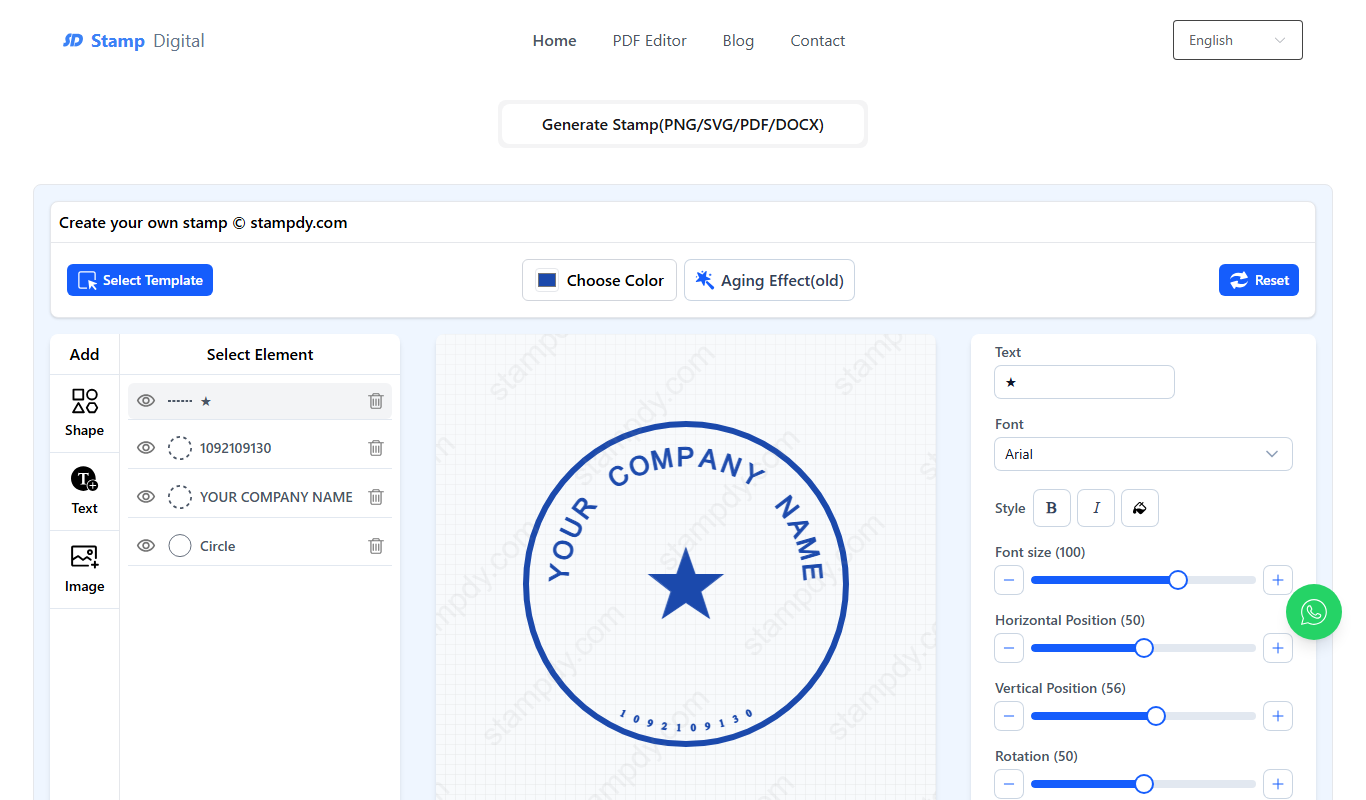
Key Features of DigitalSeal Studio
Cryptographically Secure Signatures
Ensures signatures are tamper-proof and legally binding using advanced encryption methods.
Comprehensive Audit Trails
Tracks every action taken on a document, providing transparency and compliance support.
Multi-User Collaboration
Supports multiple signers with customizable signing orders and notifications.
Workflow Automation
Automates repetitive tasks such as reminders and approvals to speed up document processing.
Enterprise Integration
Offers APIs and connectors to integrate with CRM, ERP, and document management systems.
Pros and Cons of DigitalSeal Studio
Pros
- Strong security with cryptographic signatures
- Detailed audit trails for compliance
- Supports multi-party signing workflows
- Integrates with enterprise software
- User-friendly interface for easy adoption
Cons
- Limited language support (English only)
- Pricing may be high for very small businesses
- No mobile app currently available
Key Use Cases for DigitalSeal Studio
Secure Document Signing
Allows businesses to securely sign contracts, agreements, and official documents digitally, ensuring authenticity and integrity.
Compliance and Audit Trails
Maintains detailed logs and audit trails for signed documents to meet regulatory compliance requirements.
Workflow Automation
Automates document approval and signing workflows to streamline business processes and reduce turnaround times.
Multi-Party Signatures
Supports multiple signatories on a single document, facilitating collaborative approvals.
Integration with Business Systems
Integrates with existing enterprise software to embed digital signature capabilities within broader business workflows.
How DigitalSeal Studio Works
-
1
Upload Document
Users upload the document that requires signatures into the DigitalSeal Studio platform.
-
2
Set Signature Fields
Define where signatures and other required information should be placed on the document.
-
3
Invite Signatories
Send secure invitations to all parties who need to sign the document.
-
4
Sign and Authenticate
Each signatory applies their digital signature, which is cryptographically secured and timestamped.
-
5
Audit and Store
The signed document is stored securely with a complete audit trail for compliance and future reference.
Who's Using DigitalSeal Studio
Legal firms
Financial institutions
Enterprise businesses
Government agencies
SMBs requiring secure document workflows
DigitalSeal Studio Pricing
Standard
$25/month
Basic digital signature features suitable for small teams with limited document volume.
Professional
$75/month
Enhanced features including workflow automation and multi-party signatures for growing businesses.
Enterprise
Custom pricing
Tailored solutions with advanced integrations, dedicated support, and compliance certifications.
Frequently Asked Questions About DigitalSeal Studio
Yes, DigitalSeal Studio uses cryptographic digital signatures that comply with international e-signature laws.
Yes, the platform offers APIs and connectors to integrate with popular business systems.
Yes, it supports multi-party signatures with customizable signing workflows.
Documents and signatures are encrypted, and the platform maintains detailed audit trails to ensure integrity.
Data handling and security practices vary by provider. Review the official privacy policy to understand how your data is stored and used.
Yes, it can help with that use case depending on how you configure it and what features are available. You’ll get the best results with clear inputs and a defined goal.
Integration support depends on the tool and its available connectors or API. Check the official documentation or integrations page to confirm what is supported.
Share your review
Reviews are limited to one per logged-in user and are published after moderation.
You need an account to review this tool.
0.0
★
★
★
★
★
0 reviews
5 star
0
4 star
0
3 star
0
2 star
0
1 star
0
No reviews yet
Be the first to share how this tool worked for you.
Questions from the community
Read questions and answers about this tool, or ask your own.
No questions yet
Start the conversation by asking the first question about this tool.
Is this tool helpful?
Alternative Tools
Explore similar AI tools that might fit your needs

Free Trial
DocuSign
DocuSign is a cloud-based electronic signature platform that enables secure, legally binding digital signing and management of documents, streamlining workflows and ensuring compliance.

Free
HelloSign
HelloSign is an electronic signature software that allows users to securely sign, send, and manage legally binding digital documents online with compliance to major e-signature laws.
Free Trial
Latte
Latte is a web-based social media management tool designed for teams and agencies to schedule content, collaborate, manage clients, and analyze social media performance.

Free Trial
Opener
Opener is an AI-powered chatbot platform designed to automate customer support, capture leads, and enhance sales engagement through conversational AI on websites.

Free Trial
AI Pro Management
AI Pro Management is a web-based platform that uses AI to automate business workflows, manage projects, and enhance team collaboration, designed for small to medium businesses.

Free
Atozai
Atozai is an AI-powered no-code chatbot platform designed to automate customer interactions across multiple channels, improving support and engagement.

Free Trial
Supergrow
Supergrow is an AI-powered CRM automation platform that automates personalized sales outreach, lead nurturing, and pipeline management to help sales teams increase efficiency and close deals faster.
Free
Boltic
Boltic is a no-code platform that allows users to create web applications and APIs quickly using a visual drag-and-drop interface, without needing programming skills.

Freemium
FastFlux AI
FastFlux AI is a web-based platform that uses AI to generate SEO-friendly marketing content, including blog posts, social media captions, and email copy, helping businesses automate and speed up content creation.
Free Trial
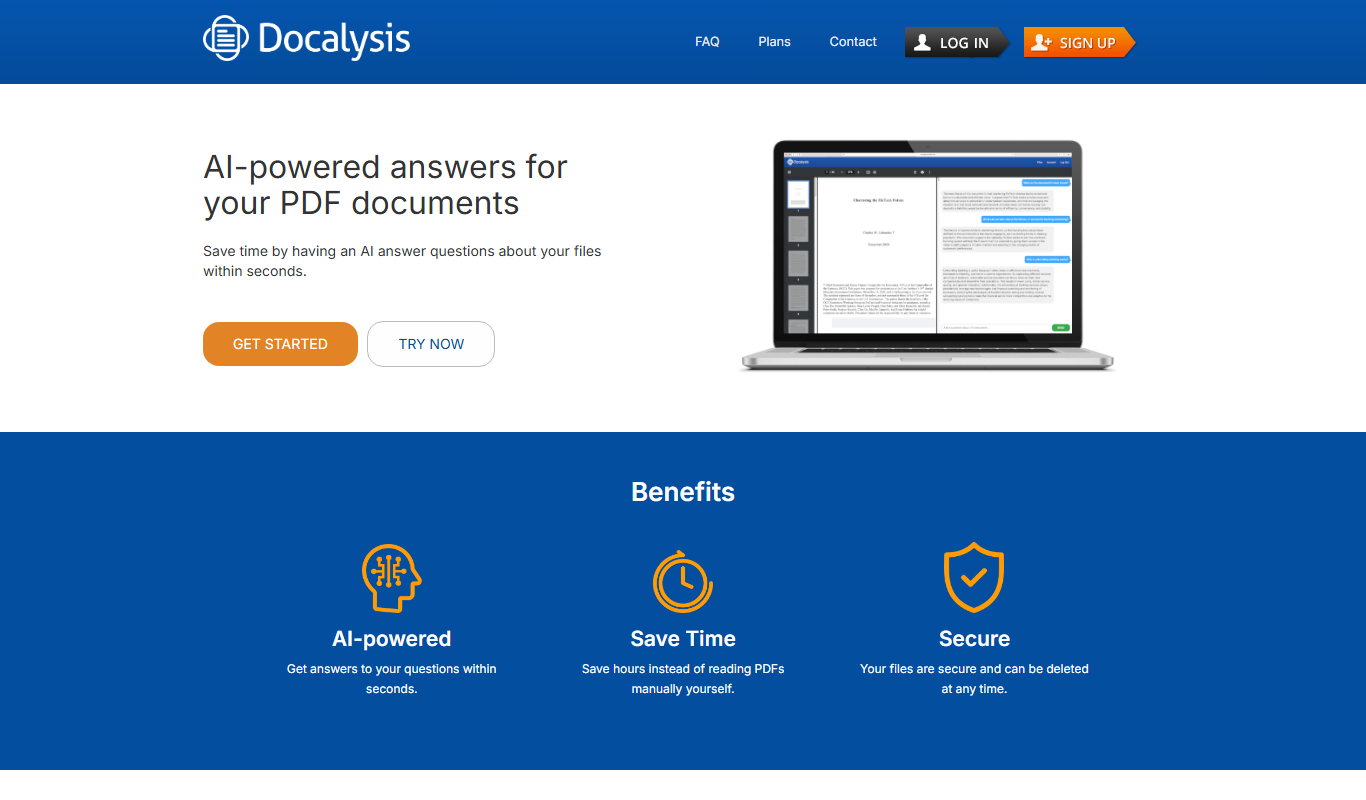
Docalysis
Docalysis is an AI-driven document analysis platform that automates extraction of structured data from unstructured documents like PDFs and invoices, improving workflow efficiency.