

MyVocal Voice Synthesizer AI Tool for Realistic Text-to-Speech Creation
MyVocal Voice Synthesizer is an AI voice platform that clones your voice, turns text into multilingual speech and creates AI song covers and songs with Text-to-Music.
- Best for
- Content Creation
- Key capability
- Neural Voice Synthesis
Save MyVocal Voice Synthesizer, follow its updates and vote on it — everything stays in your account.
Sign in or create a free account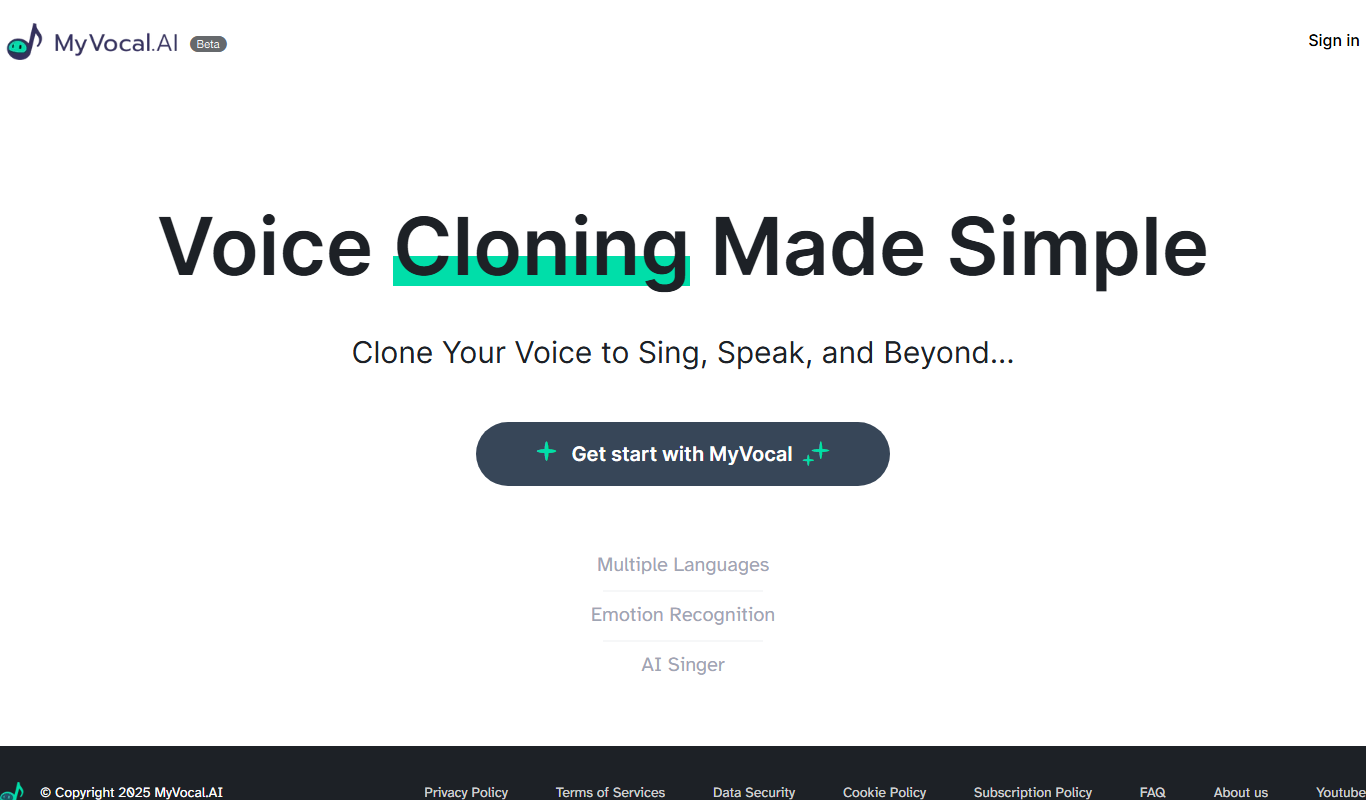
What is MyVocal Voice Synthesizer?
MyVocal Voice Synthesizer (MyVocal AI) is an AI voice platform with voice cloning, text to speech, AI cover and Text-to-Music workflows for speech and music creation. It clones a speaking or singing voice from a short sample and generates natural, multilingual speech, song covers and songs.
Key features of MyVocal Voice Synthesizer
The tool offers customizable voice options, including tone, pitch, and speed adjustments, along with multiple voice styles. It supports easy text input and delivers fast audio generation. Users can download audio files in various formats for use in multimedia projects.
Neural Voice Synthesis
Uses deep learning models to produce natural and expressive speech.
Emotion Tags
Insert emotion cues such as [Happy] and sound effects into your text to generate expressive voices.
Multiple Voice Profiles
Access a range of AI voices including different genders and styles.
Fast Audio Generation
Quickly converts text to speech with minimal waiting time.
Downloadable Audio Files
Download generated speech as MP3.
Pros and cons of MyVocal Voice Synthesizer
Pros
- Produces highly natural and expressive AI voices
- Easy to use web interface with quick audio generation
- Customizable voice parameters for tailored output
Cons
- Limited language support focused on English
- Plan prices and included characters are shown only after signing in
Key use cases for MyVocal Voice Synthesizer
Content Creation
Generate realistic voiceovers for videos, podcasts, and presentations without recording your own voice.
Accessibility
Create natural-sounding speech for assistive technologies to help visually impaired users consume content.
Entertainment
Produce character voices for games, animations, and audiobooks using AI-generated speech.
Marketing
Develop engaging audio ads and promotional materials with customizable AI voices.
Language Learning
Use synthesized voices to practice pronunciation and listening skills with clear, natural speech.
How MyVocal Voice Synthesizer works
- 1
Input Text
Enter or paste the text you want to convert into speech.
- 2
Select Voice
Choose from a variety of AI-generated voice profiles and customize parameters like pitch and speed.
- 3
Generate Audio
Click the generate button to synthesize the voice audio from your text.
- 4
Download and Use
Download the generated audio file in your preferred format for use in your projects.
Who is using MyVocal Voice Synthesizer
MyVocal Voice Synthesizer pricing
Free
$0
Every account starts on the free plan; paid plans add benefits such as more characters and faster generation.
Subscription
Varies
Access full features with higher usage limits and premium voices.
Plans and prices are as published by the vendor and can change. Check the official site before you buy. Open the pricing page (opens in a new tab)
Frequently asked questions about MyVocal Voice Synthesizer
Yes, commercial use is allowed under the terms of the subscription plan.
MyVocal supports US English, English (original accent), German, Spanish, Portuguese, French, Arabic and Japanese as text-to-speech output languages.
Yes. Accounts start on a free plan, and guests can generate a small number of text to speech samples before signing in.
Yes, you can adjust pitch, speed, and tone to customize the voice.
It depends on your specific needs and how you plan to use the tool. The official website and documentation are the best sources for the latest details.
Yes, it can help with that use case depending on how you configure it and what features are available. You’ll get the best results with clear inputs and a defined goal.
Conclusion
Voice cloning sits at the center: a clip of at least one minute, uploaded or recorded, trains a custom voice that can then speak, narrate or sing. A single cloned voice can speak over 100 languages and sing AI song covers, while the text to speech editor adds premade voices with emotion tags and sound cues. Text-to-Music, the newest workflow, turns song ideas into tracks.
Supported text to speech output languages range from US English to Arabic and Japanese, and results download as MP3. An API lets apps and AI agents keep using the same cloned identity. Uploaded voice files have to belong to the uploader, who is solely responsible for everything uploaded and generated.
Accounts start on a free plan and guests can try a few samples without signing in, but plan prices and included characters are shown only after sign-in.
Sources
Sign in to review this tool.
Sign In to ReviewNo reviews yet
Be the first to share how this tool worked for you.
Ask about pricing, limits, or how it compares — or answer someone else.
Sign In to AskNo questions yet
Have a question about using or paying for this tool? Be the first to ask.
Featured on TiorAI



More AI Music & Audio Tools tools
Other tools in the same category, for when this one is not quite the fit.

Soundify
Soundify is a free AI generator that creates sound effects from text descriptions, with 5 free generations a day for signed-in users.

AI Song Generator
AI Song Generator is a web tool that creates original songs and lyrics from your genre, mood and topic, with a limited free plan and paid subscriptions.

A.V. Mapping
A.V. Mapping is an AI platform that analyzes your video or photo, recommends licensed music and sound effects from musicians, and handles the music license in one place.

ampedstudio.com
Amped Studio is an online DAW with AI music tools to create beats, record vocals, mix tracks and produce songs in your browser without installation.

Beatoven.ai
Beatoven.ai is an AI-driven platform that generates custom royalty-free music tracks tailored to your project's mood and style, ideal for content creators and marketers.
Endel
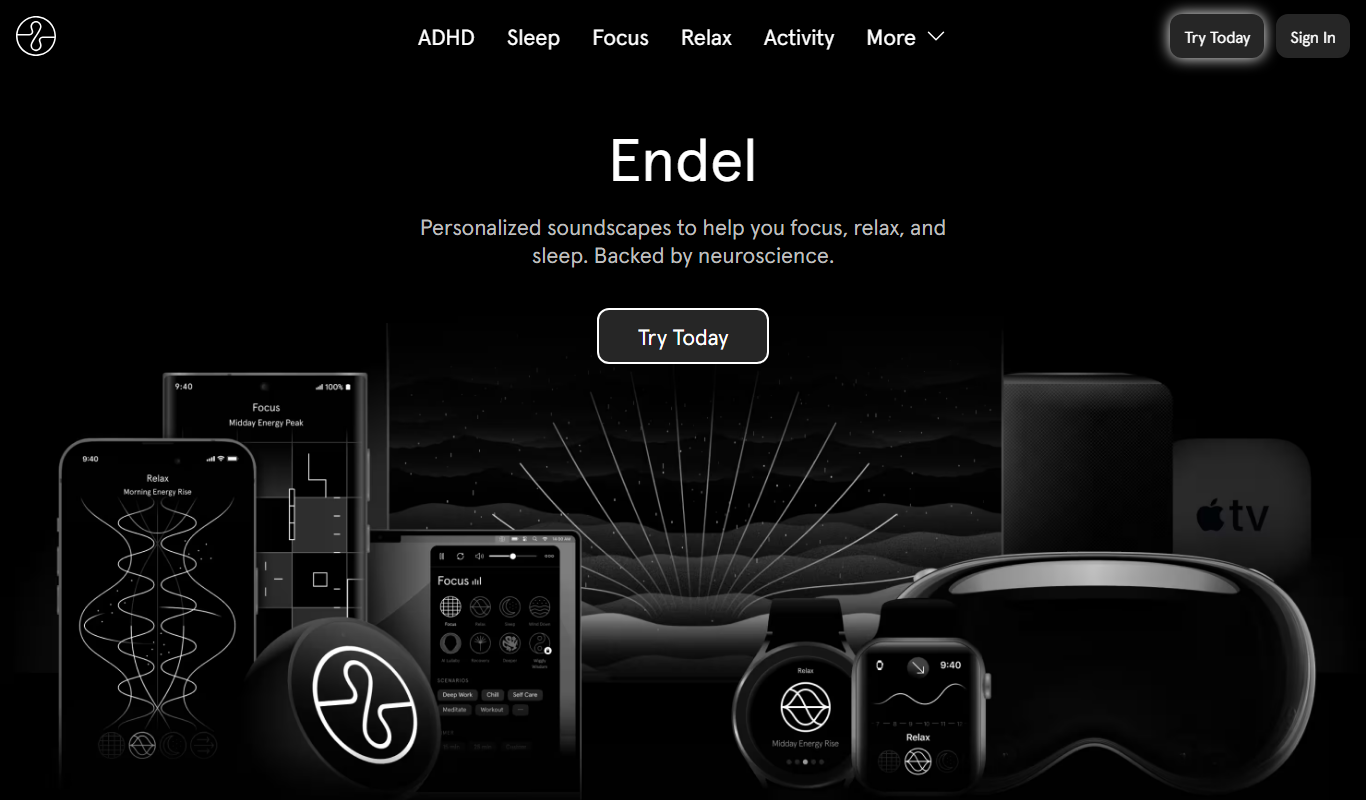
Endel is an AI-driven app that generates adaptive soundscapes tailored to improve focus, relaxation, and sleep by using real-time data such as time, location, and biometric inputs.

SONOTELLER
SONOTELLER.AI is an AI song analyzer that tags lyrics and music (genres, moods, instruments, BPM and key) and autotags music catalogs through its API.

AI Song Generator-Make Song
AI Song Generator-Make Song is an online tool that uses artificial intelligence to create original songs by generating melodies and lyrics based on user inputs such as themes or moods.