

From my experience with Live3D, it stands out for its straightforward no-code approach to embedding interactive 3D models on websites and mobile devices. The platform’s AR support and analytics add practical value for businesses looking to engage customers with immersive content. While it may not offer deep 3D modeling capabilities, its ease of use makes it ideal for marketers, educators, and e-commerce professionals who want to enhance their digital presence without technical hurdles. The trade-off is that advanced users might find customization options somewhat limited. Overall, Live3D delivers a solid solution for interactive 3D visualization accessible to a broad audience.
Live3D Interactive 3D Model Viewer for Web and Mobile Platforms
Live3D is a cloud-based platform that enables users to upload, customize, and embed interactive 3D models on websites and mobile devices without coding, featuring AR support and analytics.
- Best for
- E-commerce Product Visualization
- Key capability
- No-Code 3D Customization


Do you recommend this tool?
What is Live3D?
Live3D is a cloud-based platform that allows users to upload, customize, and embed interactive 3D models on websites and mobile devices without requiring coding skills. It supports real-time rendering and interactive features such as color changes, animations, and AR viewing, making 3D content accessible and engaging for various industries.
Key features of Live3D
Live3D offers an easy-to-use interface for uploading 3D models, customizing their appearance and behavior, and embedding them seamlessly into web pages. It supports real-time interaction, AR integration, and analytics to track user engagement.
No-Code 3D Customization
Modify model colors, animations, and interactions without programming.
Cross-Platform Compatibility
Works seamlessly on desktop browsers and mobile devices.
Augmented Reality Support
Enable AR viewing of 3D models directly from the web.
Analytics Dashboard
Track user engagement metrics to optimize 3D content performance.
Fast Loading and Real-Time Rendering
Optimized for quick load times and smooth interactive experiences.
Pros and cons of Live3D
Pros
- User-friendly no-code customization
- Supports AR and mobile viewing
- Fast loading interactive 3D models
- Built-in analytics for engagement tracking
Cons
- Limited advanced 3D editing features
- Pricing may be restrictive for large-scale use
Key use cases for Live3D
E-commerce Product Visualization
Enable customers to interact with 3D models of products directly on your website to improve engagement and conversion rates.
Architectural and Design Presentations
Showcase architectural models and design prototypes interactively to clients and stakeholders in an immersive way.
Education and Training
Use interactive 3D models to enhance learning experiences in educational content and professional training programs.
Marketing and Advertising
Create engaging marketing campaigns by embedding interactive 3D content that captures user attention.
How Live3D works
- 1
Upload 3D Model
Import your 3D model files (e.g., glTF, OBJ) into the Live3D platform.
- 2
Customize Model
Adjust colors, animations, and interactive hotspots using the intuitive editor.
- 3
Embed on Website
Generate embed code and place it on your website or share via mobile-friendly links.
- 4
Analyze Engagement
Use built-in analytics to monitor how users interact with your 3D content.
Who is using Live3D
E-commerce businesses
Architects and designers
Educators and trainers
Marketing professionals
Web developers seeking 3D integration
Live3D pricing
Free
$0/month
Basic features with limited model uploads and standard support.
Pro
$29/month
Advanced customization, higher upload limits, AR features, and priority support.
Plans and prices are as published by the vendor and can change. Check the official site before you buy. Open the pricing page (opens in a new tab)
Frequently asked questions about Live3D
Live3D supports common 3D file formats such as glTF, OBJ, and FBX.
Yes, Live3D provides embed codes compatible with most website builders and CMS platforms.
No, Live3D offers a no-code editor for easy customization of models.
Yes, Live3D enables AR viewing of models on supported devices directly from the web.
It depends on your specific needs and how you plan to use the tool. The official website and documentation are the best sources for the latest details.
Yes, it can help with that use case depending on how you configure it and what features are available. You’ll get the best results with clear inputs and a defined goal.
Yes, it can help with that use case depending on how you configure it and what features are available. You’ll get the best results with clear inputs and a defined goal.
Sign in to review this tool.
Sign In to ReviewNo reviews yet
Be the first to share how this tool worked for you.
Ask about pricing, limits, or how it compares — or answer someone else.
Sign In to AskNo questions yet
Have a question about using or paying for this tool? Be the first to ask.
Featured on TiorAI



Alternative Tools
Explore similar AI tools that might fit your needs
Free
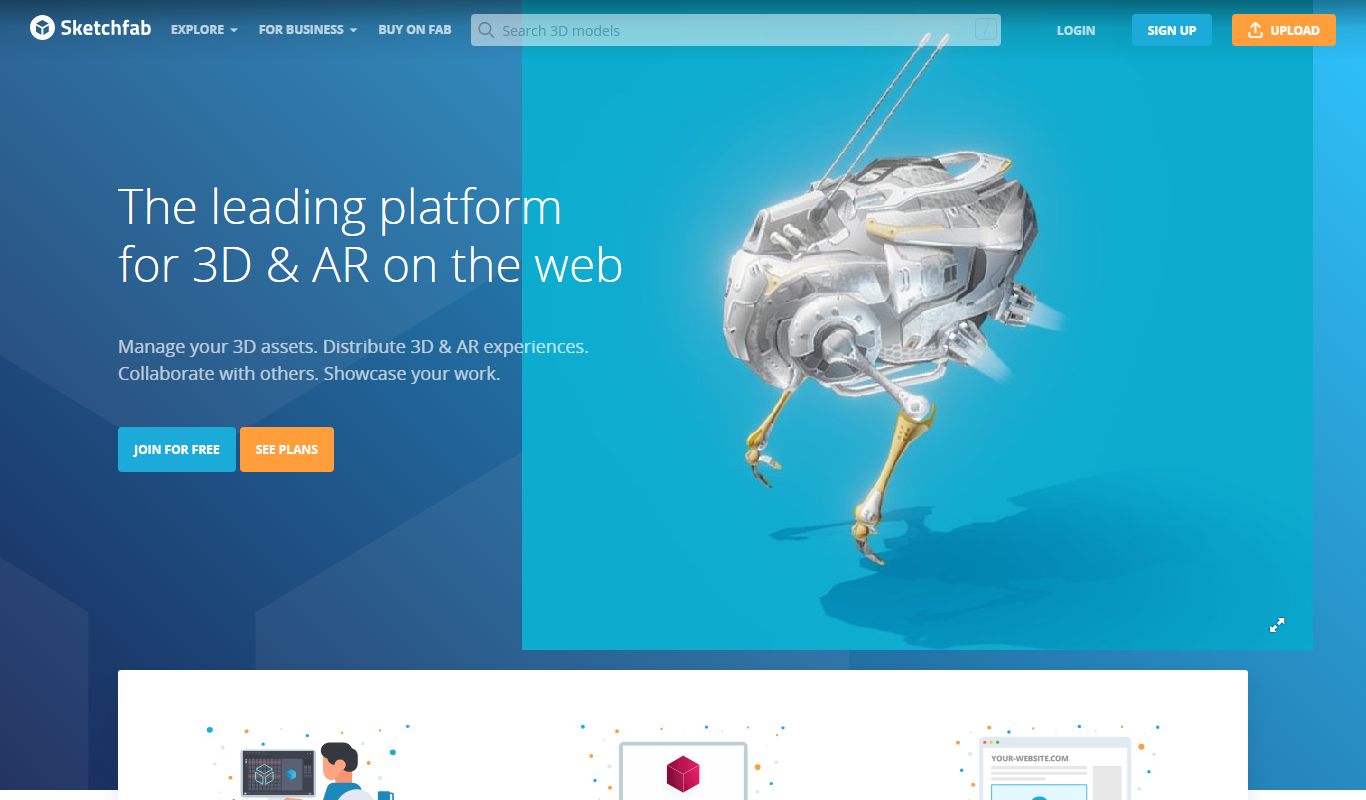
Sketchfab
Sketchfab is a web platform for publishing, sharing, and embedding interactive 3D models with support for VR and AR, widely used by artists, marketers, and developers.

Free
Vectary
Vectary is a cloud-based 3D design platform that allows users to create, collaborate on, and embed 3D models directly in a web browser without software installation.

Free
Clara.io
Clara.io is a cloud-based 3D modeling and animation software that runs entirely in the browser, offering real-time collaboration, cloud rendering, and support for multiple 3D file formats.
More 3D Visualization tools
Other tools in the same category, for when this one is not quite the fit.

Free
Rerun
Rerun is a developer-focused platform that enables real-time 3D visualization and playback of streaming data, ideal for robotics, simulations, and complex data analysis.

Free Trial
Quick Home Dreamviz
Quick Home Dreamviz is an AI-driven web platform that transforms property plans and photos into realistic 3D visualizations and virtual tours, helping real estate professionals and homeowners showcase and plan properties effectively.

Free Trial
Space Make
Space Make is an AI platform that automates interior design by generating optimized layouts and photorealistic 3D visualizations, helping professionals and homeowners plan and visualize spaces efficiently.

Freemium
Imaginary Interiors
Imaginary Interiors is a web-based virtual room design tool that helps users create 3D interior layouts to visualize furniture and decor before making changes or purchases.

Freemium
CommonAR
CommonAR is a cloud-based AR platform that allows users to create, publish, and share interactive 3D augmented reality experiences accessible via web browsers without requiring app downloads.
Freemium
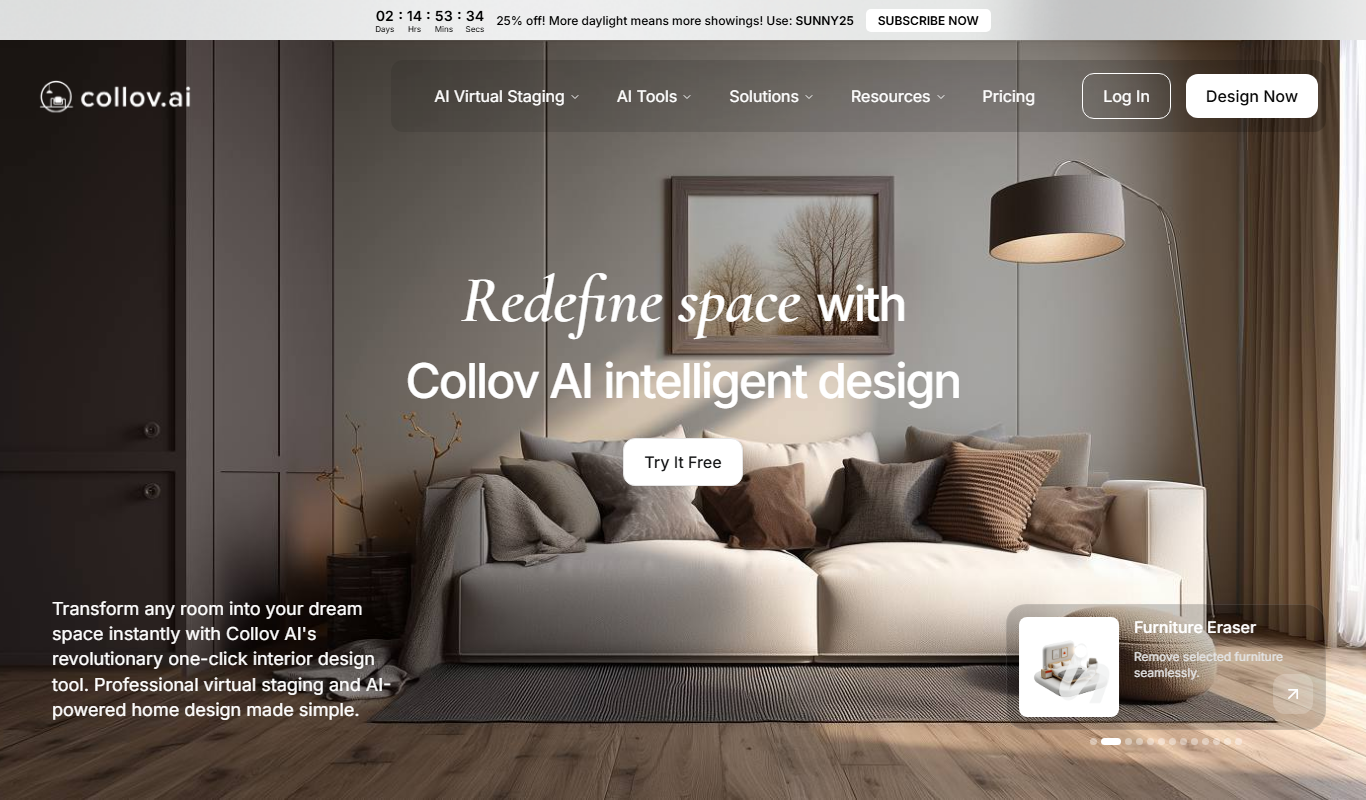
Collov AI
Collov AI is an AI-powered web-based interior design tool that generates photorealistic 3D room visualizations and design options to help users plan and customize interior spaces easily.

Enterprise
Immersive Fox
Immersive Fox is a VR platform that enables creation and sharing of interactive 3D environments accessible on VR devices and web browsers.