
From my experience with Clara.io, I found it excels at providing a powerful 3D modeling and animation environment entirely within the browser. This eliminates the need for complex installations and makes collaboration seamless for remote teams. The cloud rendering feature is particularly useful for users without high-end hardware, allowing them to produce quality visuals efficiently. However, the reliance on internet connectivity can impact performance, and some advanced features require a paid subscription. Overall, Clara.io is a solid choice for designers, educators, and developers seeking accessible and collaborative 3D design tools.
Clara.io Cloud-Based 3D Modeling and Animation Software for Designers
Clara.io is a cloud-based 3D modeling and animation software that runs entirely in the browser, offering real-time collaboration, cloud rendering, and support for multiple 3D file formats.
Tech Stack:
JavaScript
Three.js
WebGL
What is Clara.io?
Clara.io is a fully cloud-based 3D modeling, animation, and rendering software that runs entirely in a web browser. It enables users to create, animate, and render 3D content without the need for local installations or powerful hardware. Clara.io supports collaborative workflows, making it suitable for teams working remotely on 3D projects.

Key Features of Clara.io
Cloud-Based 3D Modeling
No software installation required; model directly in the browser with a full-featured editor.
Real-Time Collaboration
Multiple users can work on the same 3D scene simultaneously with live updates.
Animation Tools
Supports skeletal rigs, keyframe animation, and morph targets for complex animations.
Cloud Rendering
Render high-quality images and animations using cloud resources without taxing local hardware.
Extensive File Format Support
Import and export popular 3D formats including OBJ, FBX, STL, Collada, and more.
Pros and Cons of Clara.io
Pros
- No installation needed; fully browser-based
- Supports real-time team collaboration
- Cloud rendering reduces local hardware requirements
- Wide range of supported 3D file formats
- Intuitive interface suitable for beginners and professionals
Cons
- Performance depends on internet connection quality
- Advanced features require paid subscription
- Limited offline capabilities
Key Use Cases for Clara.io
3D Modeling
Create detailed 3D models directly in the browser without installing software.
Animation
Design and animate 3D characters and objects with keyframe animation tools.
Collaborative Design
Work with teams in real-time on 3D projects using cloud-based collaboration features.
Rendering
Render photorealistic images and animations using cloud rendering services.
Game Asset Creation
Develop and export 3D assets compatible with game engines like Unity and Unreal.
How Clara.io Works
-
1
Sign Up
Create a free account on Clara.io to access the cloud-based 3D modeling platform.
-
2
Start Modeling
Use the intuitive web interface to build 3D models with polygonal and subdivision surface tools.
-
3
Animate
Add animations using keyframes and skeletal rigs directly in the browser.
-
4
Collaborate
Invite team members to view or edit projects in real-time with cloud collaboration features.
-
5
Render and Export
Render scenes using cloud rendering or export models in formats like OBJ, FBX, and STL for use in other applications.
Who's Using Clara.io
3D artists and designers
Game developers
Animation studios
Educational institutions teaching 3D modeling
Remote creative teams
Clara.io Pricing
Free
$0/month
Access to basic modeling and animation tools with limited cloud storage and rendering credits.
Pro
$15/month
Enhanced storage, higher rendering priority, and advanced collaboration features.
Business
$50/month
Full feature set with priority support, unlimited projects, and team management tools.
Frequently Asked Questions About Clara.io
No, Clara.io runs entirely in your web browser, so no installation is required.
Yes, Clara.io supports real-time collaboration allowing multiple users to work on projects simultaneously.
It supports importing and exporting formats such as OBJ, FBX, STL, Collada, and more.
The free plan has limits on storage and projects, while paid plans offer increased or unlimited project capacity.
Some tools offer a free plan or trial with limited features. Availability can vary, so confirm on the official website.
Yes, it can help with that use case depending on how you configure it and what features are available. You’ll get the best results with clear inputs and a defined goal.
Yes, it can help with that use case depending on how you configure it and what features are available. You’ll get the best results with clear inputs and a defined goal.
It depends on your specific needs and how you plan to use the tool. The official website and documentation are the best sources for the latest details.
Share your review
Reviews are limited to one per logged-in user and are published after moderation.
You need an account to review this tool.
0.0
★
★
★
★
★
0 reviews
5 star
0
4 star
0
3 star
0
2 star
0
1 star
0
No reviews yet
Be the first to share how this tool worked for you.
Questions from the community
Read questions and answers about this tool, or ask your own.
No questions yet
Start the conversation by asking the first question about this tool.
Is this tool helpful?
Alternative Tools
Explore similar AI tools that might fit your needs

Free
Vectary
Vectary is a cloud-based 3D design platform that allows users to create, collaborate on, and embed 3D models directly in a web browser without software installation.

Free
Tinkercad
Tinkercad is a free, browser-based 3D design and electronics simulation tool by Autodesk, perfect for beginners and educators to create models and circuits without prior CAD experience.
Free
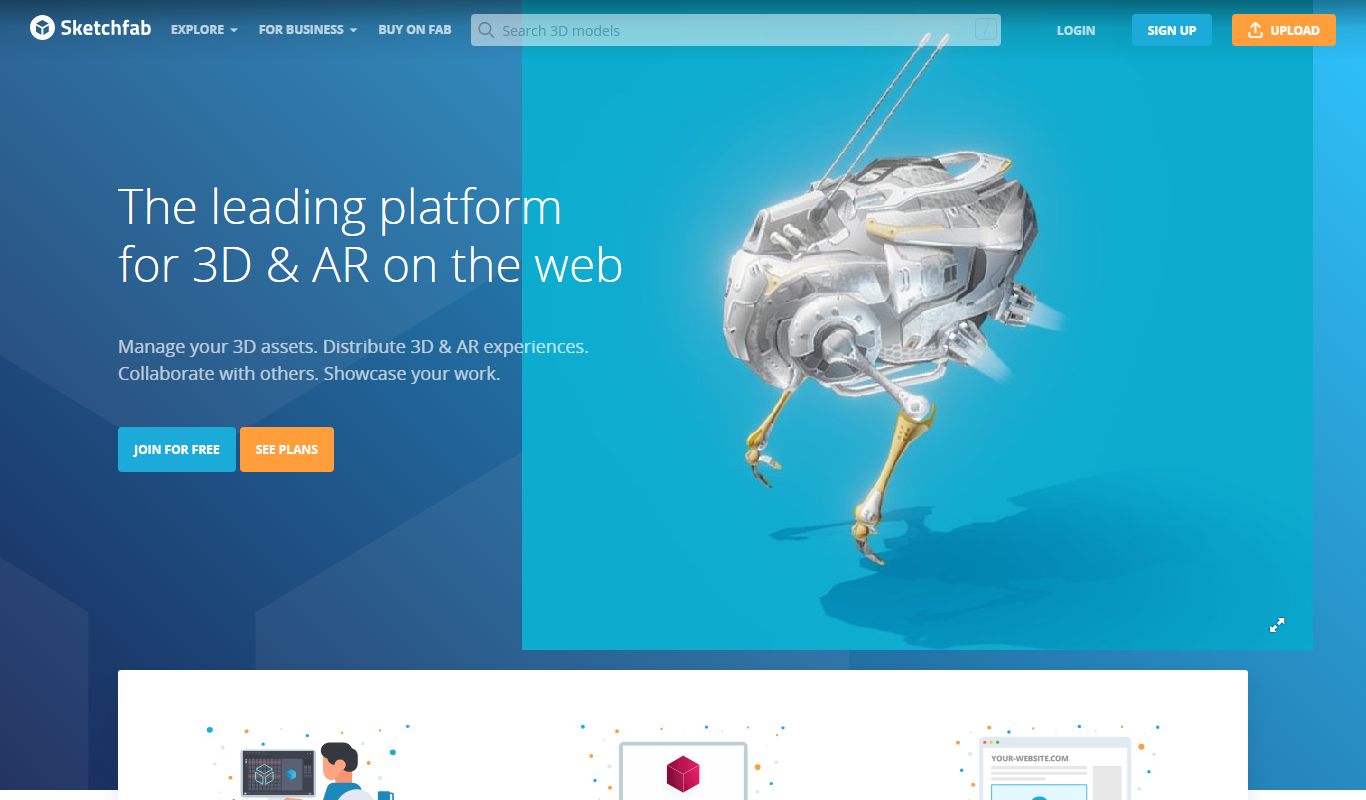
Sketchfab
Sketchfab is a web platform for publishing, sharing, and embedding interactive 3D models with support for VR and AR, widely used by artists, marketers, and developers.

Freemium
Studio Neiro AI
Studio Neiro AI is a web platform that uses artificial intelligence to generate and edit images from text prompts or existing images, offering multiple artistic styles and easy-to-use tools for creatives.
Custom Pricing
Bold Metrics
Bold Metrics is an AI-driven platform that predicts accurate clothing sizes using minimal customer data, helping apparel brands reduce returns and enhance fit accuracy through API integration.

Freemium
PrintGen
PrintGen AI is a web-based platform that uses artificial intelligence to generate customizable print marketing materials such as flyers and brochures, helping users create professional designs quickly without graphic design skills.
Free
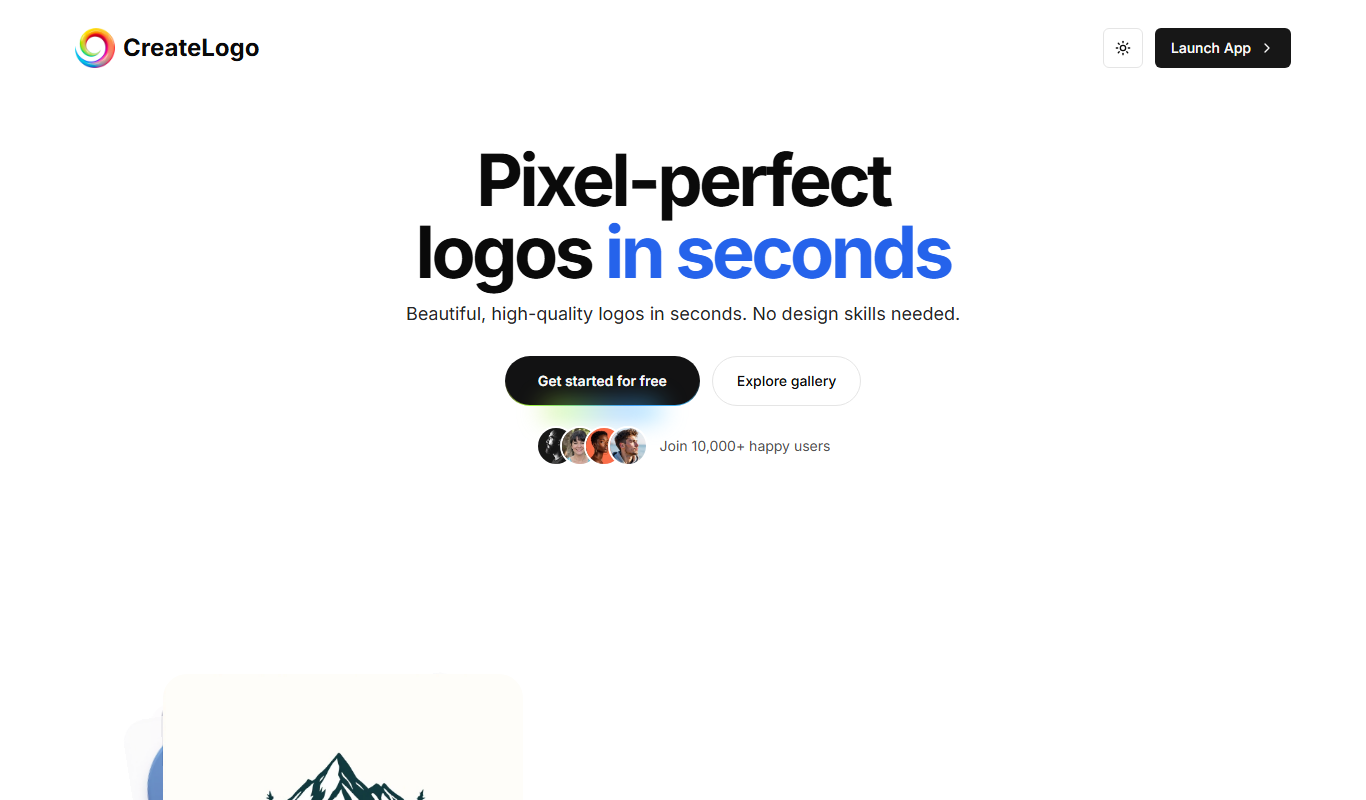
CreateLogo
CreateLogo is a web-based logo maker that helps users design custom logos quickly using templates and an easy drag-and-drop editor, suitable for businesses and freelancers.

Freemium
SomniAI : Dream analysis with AI Power
SomniAI is an AI-powered web tool that analyzes and interprets your dreams to provide personalized insights into your subconscious mind and sleep patterns.

Freemium
MagicShot
MagicShot is an AI-powered tool that creates images from text prompts, enabling users to generate custom visuals quickly and easily.

Free
HelloKids
HelloKids is a free online platform offering printable coloring pages, educational games, and creative stories for children aged 3 to 12, supporting multiple languages and designed for parents and educators.

Free Trial
FacesearchAI
FacesearchAI is a facial recognition platform that uses AI to verify identities quickly and accurately through image and video analysis, suitable for security and compliance applications.