

From my experience with Collov AI, I found it excels at simplifying interior design through AI-generated 3D visualizations that make it easy to experiment with room layouts and furniture placement. The web-based platform is intuitive, allowing both professionals and homeowners to create realistic designs without advanced skills. However, the free plan is limited with watermarked outputs, and the customization options are not as deep as specialized CAD software. Overall, if you want a quick, accessible way to visualize interior design ideas with AI assistance, Collov AI delivers practical and visually appealing results.
Collov AI Interior Design Software with AI-Powered 3D Visualization Tools
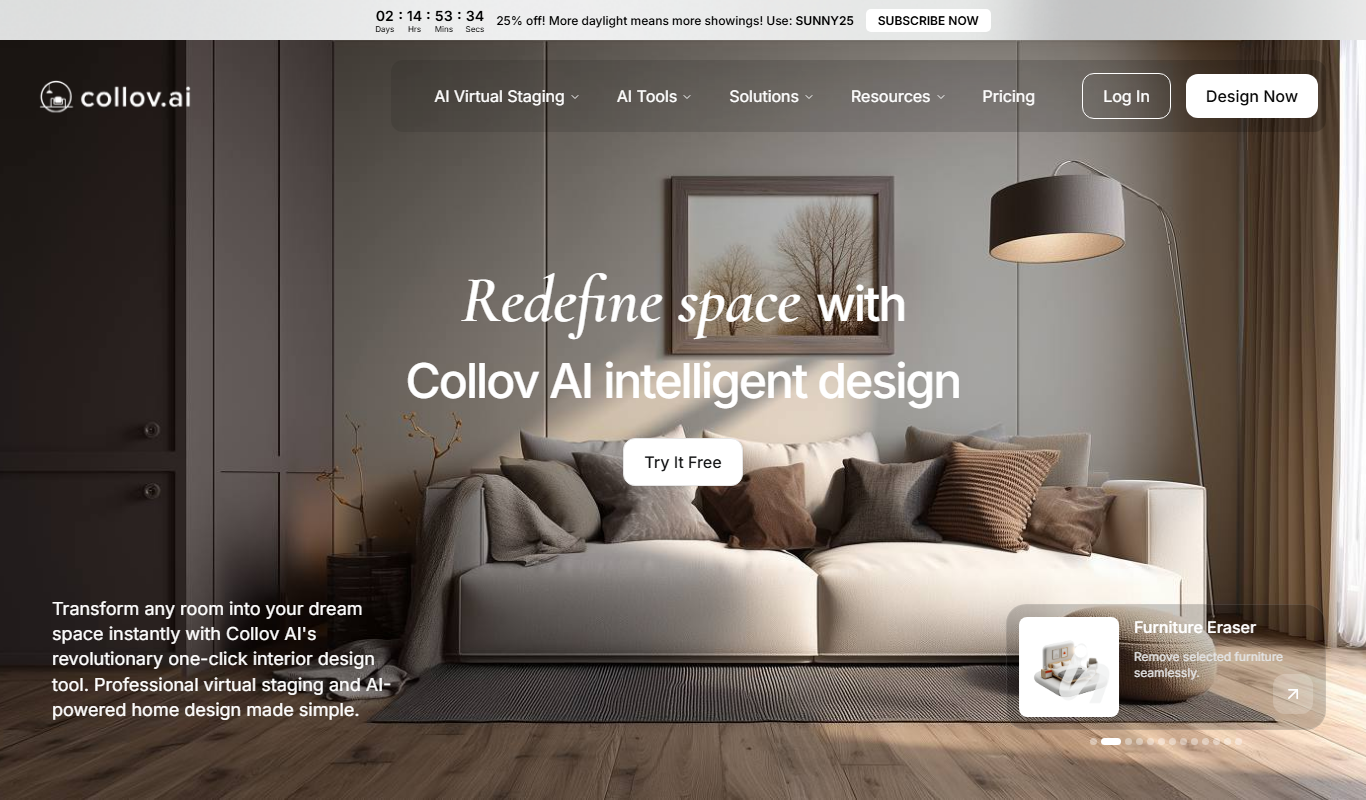
Collov AI is an AI-powered web-based interior design tool that generates photorealistic 3D room visualizations and design options to help users plan and customize interior spaces easily.
- Best for
- Home Interior Design
- Key capability
- AI-Powered Design Generation
Do you recommend this tool?
What is Collov AI?
Collov AI is an AI-powered interior design platform that enables users to create detailed 3D visualizations of rooms and interiors. It combines artificial intelligence with 3D modeling to help both professionals and homeowners plan and visualize interior spaces effectively. The tool offers a user-friendly web interface where users can upload room photos or blueprints and generate realistic design proposals with furniture, colors, and layouts.
Key features of Collov AI
Collov AI provides AI-driven room rendering, automatic furniture placement, style recommendations, and photorealistic 3D visualization. It supports quick design iterations and customization, making interior design accessible to non-experts and efficient for professionals.
AI-Powered Design Generation
Automatically creates multiple interior design options based on room input.
Photorealistic 3D Rendering
Provides high-quality 3D visualizations to realistically showcase design ideas.
Furniture and Decor Library
Includes a wide range of furniture and decor items to customize room layouts.
User-Friendly Web Interface
Accessible through browsers without the need for software installation.
Customization Tools
Allows users to adjust colors, materials, and furniture placement easily.
Pros and cons of Collov AI
Pros
- Easy to use with AI-generated design options
- High-quality photorealistic 3D visualizations
- No software installation required, web-based
- Good for both professionals and DIY users
Cons
- Limited free plan features and watermarked outputs
- No dedicated mobile app available
- Customization options can be basic compared to advanced CAD tools
Key use cases for Collov AI
Home Interior Design
Users can create realistic 3D models of home interiors to visualize design ideas before implementation.
Professional Interior Planning
Interior designers can use Collov AI to generate design concepts and present them to clients with photorealistic renders.
Furniture and Decor Visualization
The tool allows users to place furniture and decor items in virtual rooms to assess style and layout.
DIY Renovation Projects
Homeowners can experiment with different design styles and layouts for renovation projects without professional help.
How Collov AI works
- 1
Upload Room Photo or Blueprint
Start by uploading a photo or blueprint of the room you want to design.
- 2
AI Generates Design Options
The AI analyzes the space and generates multiple interior design proposals with furniture and decor.
- 3
Customize and Edit
Users can customize furniture, colors, and layouts to fit their preferences.
- 4
View 3D Visualization
Explore photorealistic 3D renders of the designed room from different angles.
- 5
Download or Share Designs
Save your designs or share them with clients, contractors, or friends.
Who is using Collov AI
Interior designers
Homeowners planning renovations
Real estate agents
Furniture retailers
DIY home decorators
Collov AI pricing
Free
$0/month
Basic access with limited design generations and watermarked renders.
Pro
$29/month
Unlimited design generations, high-resolution downloads, and no watermarks.
Plans and prices are as published by the vendor and can change. Check the official site before you buy. Open the pricing page (opens in a new tab)
Frequently asked questions about Collov AI
Yes, Collov AI is designed to be user-friendly for both professionals and beginners.
You can upload photos and blueprints in common image formats like JPG and PNG.
Currently, Collov AI is accessible via web browsers and does not have a dedicated mobile app.
Yes, Pro users can download high-resolution images suitable for presentations and client sharing.
It depends on your specific needs and how you plan to use the tool. The official website and documentation are the best sources for the latest details.
Some tools offer a free plan or trial with limited features. Availability can vary, so confirm on the official website.
Yes, it can help with that use case depending on how you configure it and what features are available. You’ll get the best results with clear inputs and a defined goal.
Yes, it can help with that use case depending on how you configure it and what features are available. You’ll get the best results with clear inputs and a defined goal.
Sign in to review this tool.
Sign In to ReviewNo reviews yet
Be the first to share how this tool worked for you.
Ask about pricing, limits, or how it compares — or answer someone else.
Sign In to AskNo questions yet
Have a question about using or paying for this tool? Be the first to ask.
Featured on TiorAI



Alternative Tools
Explore similar AI tools that might fit your needs

Free
Planner 5D
Planner 5D is a versatile home design software that allows users to create detailed 2D floor plans and immersive 3D visualizations for interior and exterior spaces, suitable for both beginners and professionals.
Free
Homestyler
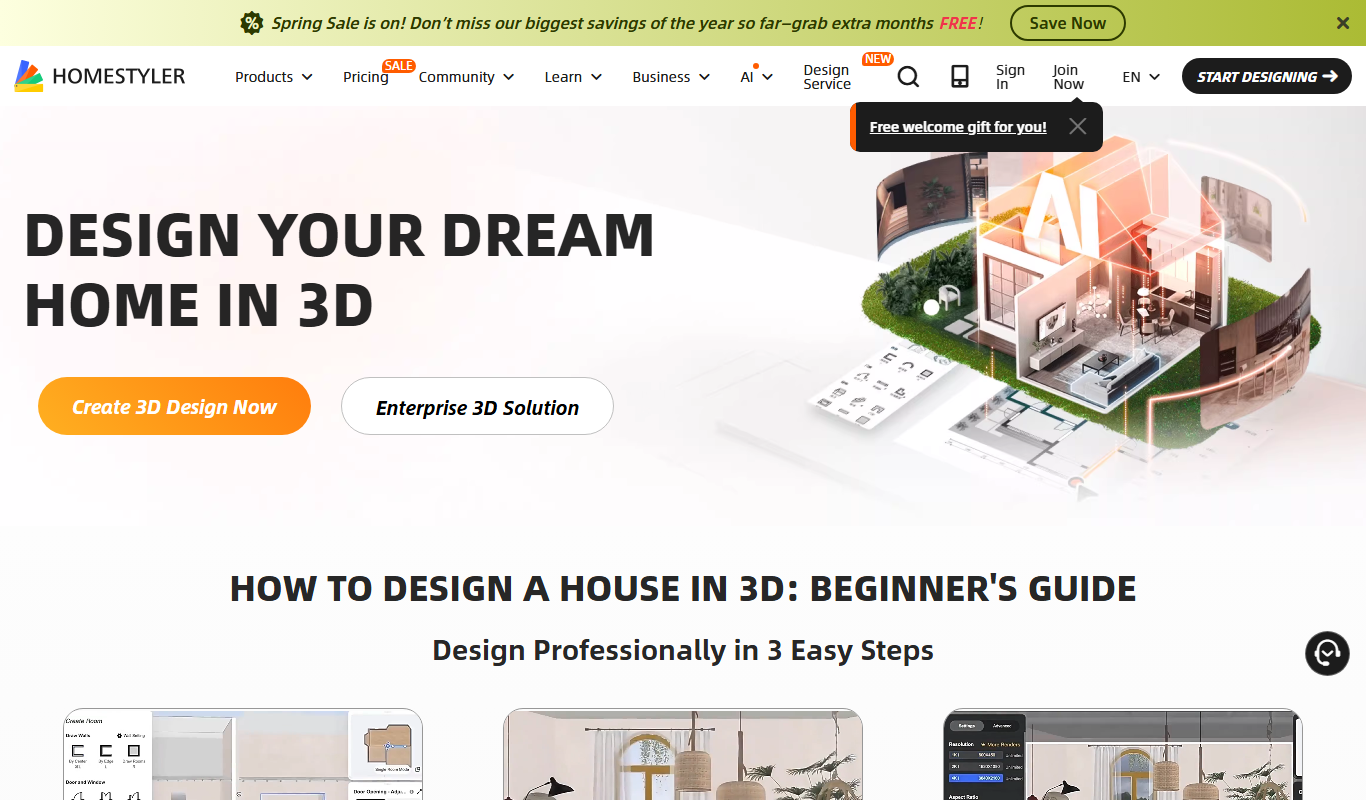
Homestyler is an online interior design tool that allows users to create 2D floor plans and 3D home visualizations with photorealistic rendering, suitable for both DIY users and professionals.
More 3D Visualization tools
Other tools in the same category, for when this one is not quite the fit.

Free
Rerun
Rerun is a developer-focused platform that enables real-time 3D visualization and playback of streaming data, ideal for robotics, simulations, and complex data analysis.

Free Trial
Quick Home Dreamviz
Quick Home Dreamviz is an AI-driven web platform that transforms property plans and photos into realistic 3D visualizations and virtual tours, helping real estate professionals and homeowners showcase and plan properties effectively.

Free Trial
Space Make
Space Make is an AI platform that automates interior design by generating optimized layouts and photorealistic 3D visualizations, helping professionals and homeowners plan and visualize spaces efficiently.

Freemium
Imaginary Interiors
Imaginary Interiors is a web-based virtual room design tool that helps users create 3D interior layouts to visualize furniture and decor before making changes or purchases.

Freemium
CommonAR
CommonAR is a cloud-based AR platform that allows users to create, publish, and share interactive 3D augmented reality experiences accessible via web browsers without requiring app downloads.

Enterprise
Immersive Fox
Immersive Fox is a VR platform that enables creation and sharing of interactive 3D environments accessible on VR devices and web browsers.

Free
Live3D
Live3D is a cloud-based platform that enables users to upload, customize, and embed interactive 3D models on websites and mobile devices without coding, featuring AR support and analytics.