

From my experience with Evidence Me, I found it excels at simplifying the complex task of documenting early childhood development through an intuitive multimedia interface. The ability to link observations directly to educational frameworks like EYFS makes assessment and reporting straightforward. It’s particularly well-suited for early years educators and childcare providers who need to maintain detailed records and communicate effectively with parents. However, the lack of transparent pricing and limited language options may be a barrier for some users. Overall, if you require a robust tool for early years observation and parent engagement, Evidence Me delivers reliable and practical features.
Evidence Me App for Early Years Observation and Child Development Tracking
Evidence Me is an app designed for early years educators to capture and track children's development through multimedia observations, linked to educational frameworks, with secure parent sharing and reporting features.
- Best for
- Early Years Observation
- Key capability
- Multimedia Evidence Capture
Your actions
Save Evidence Me, follow its updates and vote on it — everything stays in your account.
Sign in or create a free account
What is Evidence Me?
Evidence Me is a digital observation and assessment app designed for early years educators and childcare professionals. It enables users to capture, organize, and share evidence of children’s learning and development in a secure and efficient way. The app supports photo and video uploads, note-taking, and links observations to developmental frameworks, helping educators track progress and communicate effectively with parents and inspectors.
Key features of Evidence Me
Key features include multimedia observation capture, developmental milestone tracking, customizable reporting, secure parent communication portals, and team collaboration tools. The app is accessible via web and mobile devices, making it convenient for educators to document learning in real-time.
Multimedia Evidence Capture
Easily record photos, videos, and notes to document children's learning moments.
Developmental Framework Integration
Link observations to recognized early years frameworks like EYFS for structured assessment.
Customizable Reporting
Generate detailed reports tailored for parents, inspectors, or internal use.
Secure Parent Portal
Share observations and progress securely with parents to keep them engaged.
Team Collaboration Tools
Multiple educators can contribute and access shared observations within a setting.
Pros and cons of Evidence Me
Pros
- User-friendly interface tailored for early years educators
- Supports multimedia evidence capture for richer observations
- Secure and easy parent communication features
- Facilitates compliance with educational inspection requirements
- Accessible on multiple platforms including mobile apps
Cons
- Pricing details are not transparent without direct contact
- Limited language support (English only)
- No offline mode for observation capture
Key use cases for Evidence Me
Early Years Observation
Capture and document children's learning and development through photos, videos, and notes.
Child Development Tracking
Monitor progress against developmental milestones and educational frameworks.
Parent Communication
Share observations and reports securely with parents to keep them involved in their child's learning.
Assessment and Reporting
Generate detailed reports and evidence portfolios for Ofsted inspections and educational assessments.
Team Collaboration
Allow multiple educators to contribute observations and share insights within a childcare setting.
How Evidence Me works
- 1
Create an Account
Sign up on the Evidence Me website or app to start your free trial or subscription.
- 2
Add Children Profiles
Input details for each child to organize observations and assessments.
- 3
Capture Observations
Use the app to take photos, videos, and notes linked to specific children and developmental goals.
- 4
Review and Tag
Tag observations with relevant learning frameworks and milestones for easy tracking.
- 5
Share with Parents and Team
Send secure reports and updates to parents and collaborate with other educators.
Who is using Evidence Me
Early years educators
Childcare providers
Nursery managers
Educational inspectors
Parents involved in early learning
Evidence Me pricing
Free Trial
$0 for 14 days
Full access to all features for two weeks to evaluate the app.
Subscription
Contact for pricing
Ongoing access with support and updates, pricing varies by number of children and users.
Plans and prices are as published by the vendor and can change. Check the official site before you buy. Open the pricing page (opens in a new tab)
Frequently asked questions about Evidence Me
Evidence Me offers a 14-day free trial with full feature access, after which a subscription is required.
Yes, the app includes a secure parent portal to share observations and reports confidentially.
Yes, it allows team collaboration so multiple educators can contribute and view observations.
It supports frameworks such as the Early Years Foundation Stage (EYFS) used in the UK.
Yes, it can help with that use case depending on how you configure it and what features are available. You’ll get the best results with clear inputs and a defined goal.
Yes, it can help with that use case depending on how you configure it and what features are available. You’ll get the best results with clear inputs and a defined goal.
It depends on your specific needs and how you plan to use the tool. The official website and documentation are the best sources for the latest details.
Sign in to review this tool.
Sign In to ReviewNo reviews yet
Be the first to share how this tool worked for you.
Ask about pricing, limits, or how it compares — or answer someone else.
Sign In to AskNo questions yet
Have a question about using or paying for this tool? Be the first to ask.
Featured on TiorAI



More AI Parenting tools
Other tools in the same category, for when this one is not quite the fit.
Free
Love Language Quiz
The Love Language Quiz is a free online tool that identifies your primary way of expressing and receiving love among five categories, helping improve your relationships.
Free
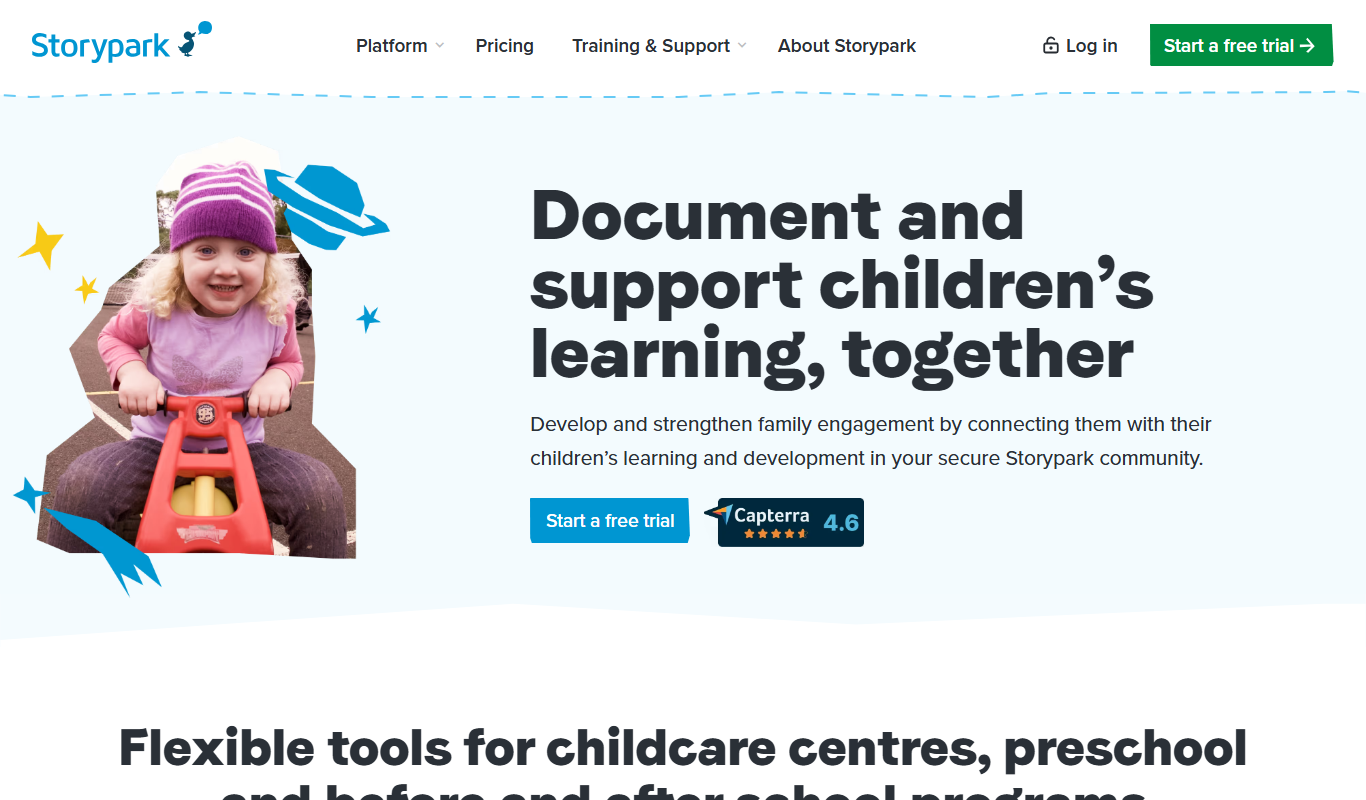
Storypark
Storypark is a cloud-based platform that helps early childhood educators document children's learning and engage parents through digital portfolios and communication tools accessible via web and mobile apps.

Free
Fatherly
Fatherly is a free digital platform offering expert parenting advice, lifestyle content, and product recommendations specifically for fathers.

Free
KidloLand
KidloLand is an educational app providing interactive games, songs, stories, and videos for young children, aged 1-7 according to the official site, to support early learning and development.

Freemium
Otsimo
Otsimo is a special education app designed to support children with autism and learning disabilities through interactive games and speech therapy exercises, available on multiple platforms.
Subscription
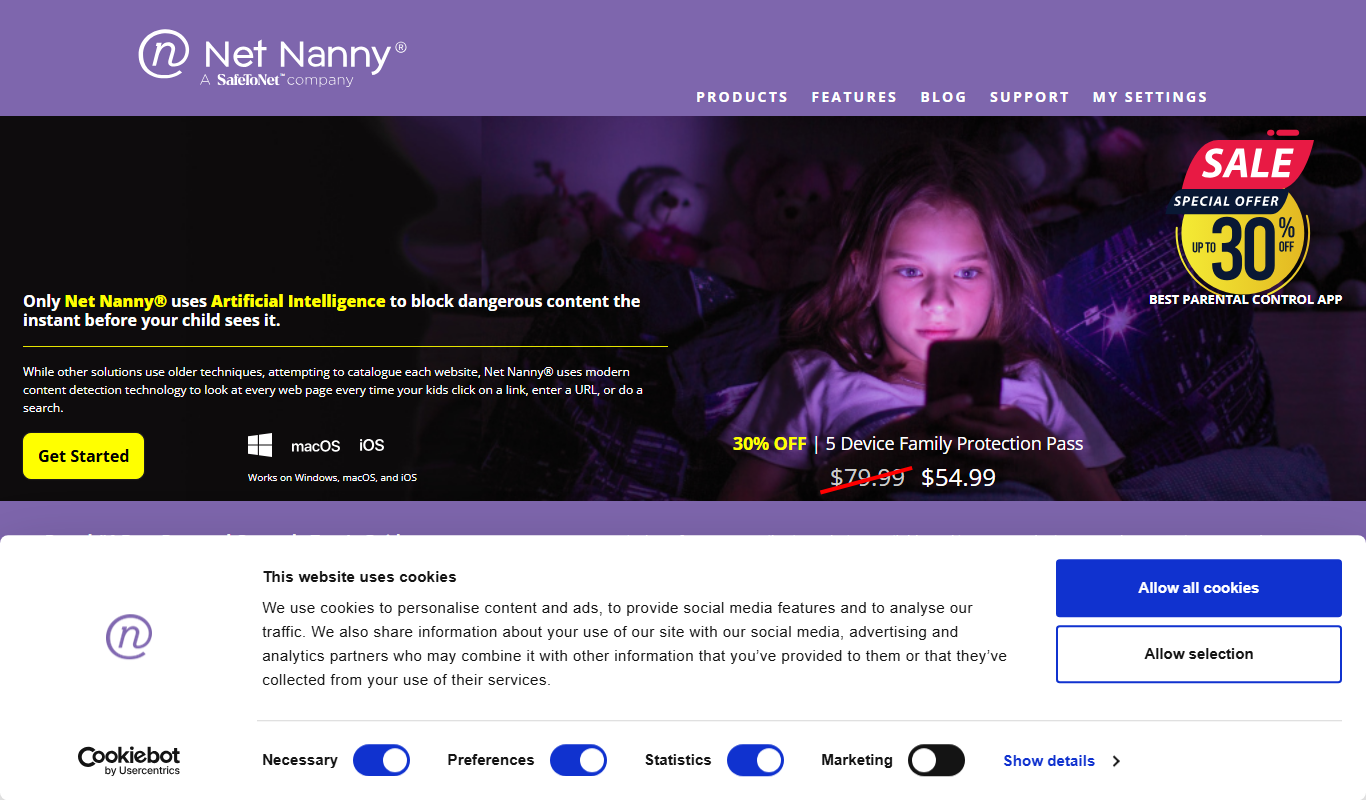
Net Nanny
Net Nanny is a parental control software that provides real-time internet filtering, screen time management, social media monitoring, and location tracking to help parents protect their children online.

Free
Cozi Family Organizer
Cozi Family Organizer is a multi-platform app that centralizes family scheduling, meal planning, and task management with shared calendars and real-time syncing.
Subscription
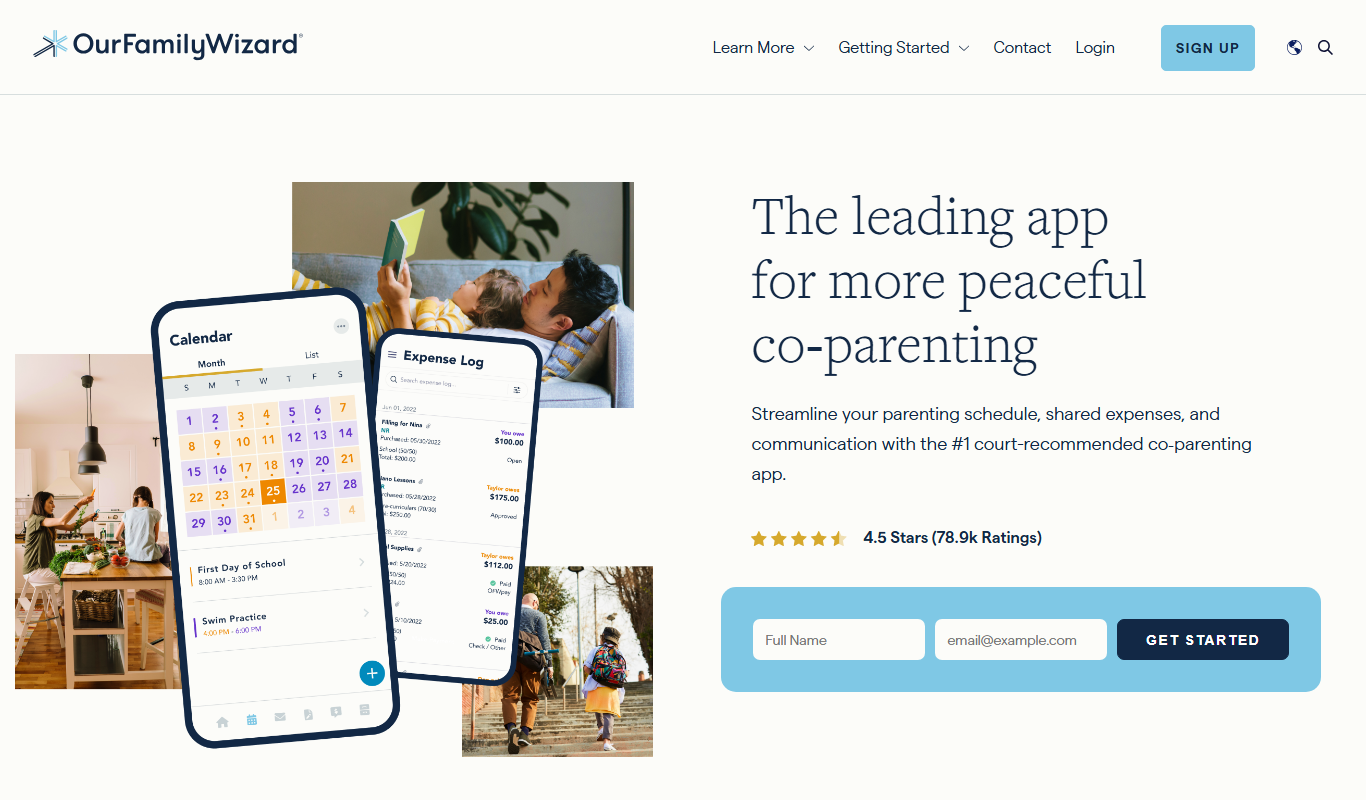
OurFamilyWizard
OurFamilyWizard is a co-parenting communication platform designed to help separated parents coordinate schedules, share information, track expenses, and communicate securely to reduce conflict.