

String Difference Checker
Process and transform your code with the free string difference checker. Paste your input, hit the button, and get clean, formatted output — perfect for developers and engineers.
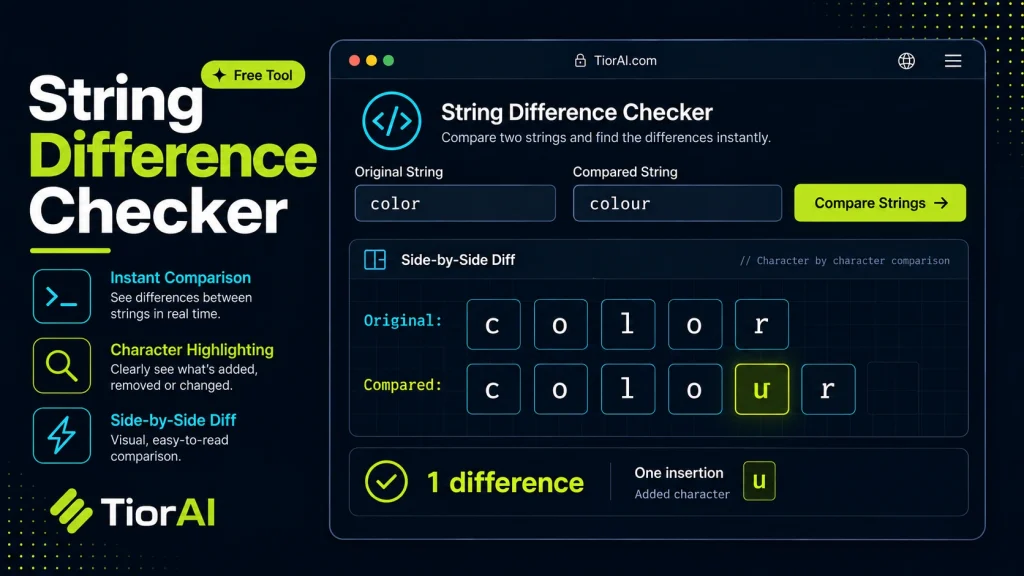
How to use it
- Paste Your Input Paste your code or data into the String Difference Checker. The tool accepts standard input formats and validates your entry.
- Process and Transform Click the action button to process your input. Results are generated instantly with proper formatting.
- Export the Output Copy the processed output to your clipboard or download it for use in your development workflow.
Tip Pair the String Difference Checker with other developer tools on TiorAI to build a complete online development toolkit.
Understanding String Difference Checking
In software development and text processing, comparing two strings to identify differences is a common task. A string difference checker is a tool or algorithm designed to highlight the differences between two sequences of characters. This process is often referred to as diffing.
At its core, string difference checking involves analyzing two strings and pinpointing insertions, deletions, or substitutions that distinguish one from the other. This is crucial in version control systems, code reviews, data validation, and debugging.
The underlying technology often relies on algorithms such as the Longest Common Subsequence (LCS) or Myers’ diff algorithm. These algorithms compute the minimal set of changes required to transform one string into another, which helps in generating human-readable difference reports.
For example, the LCS algorithm finds the longest sequence of characters common to both strings, allowing the tool to infer which parts have changed. Myers’ algorithm is optimized for speed and is widely used in tools like Git.
Standards and specifications related to diffing include the diff utility format used in Unix-like systems, which outputs differences in a standardized way. Developers often use these outputs to apply patches or merge changes.
In real projects, developers use string difference checkers to:
- Compare source code files to identify changes between versions.
- Validate user input against expected strings.
- Debug issues by comparing logs or configuration files.
- Perform text analysis and data cleaning by detecting discrepancies.
Overall, string difference checking is a foundational technique that supports many development workflows and quality assurance processes.
What is String Difference Checking?
String difference checking is the process of comparing two text strings to identify differences such as insertions, deletions, or substitutions. This technique is fundamental in software development, especially when tracking changes in source code, configuration files, or any textual data.
At the heart of string difference checking are algorithms like the Longest Common Subsequence (LCS) and Myers’ diff algorithm. These algorithms determine the minimal edits needed to convert one string into another, which helps in generating clear and concise difference reports.
Developers rely on these tools to understand changes between file versions, validate data, and debug issues by comparing outputs or logs.
When to Use a String Difference Checker
- Reviewing code changes to identify exactly what has been modified.
- Comparing configuration files or JSON data to detect discrepancies.
- Debugging by comparing error logs or program outputs from different runs.
- Merging text content from multiple sources to reconcile differences.
Common Mistakes When Using String Difference Checkers
- Overlooking whitespace differences that can cause unexpected mismatches.
- Applying the tool to very large files without considering performance impacts.
- Expecting the tool to interpret semantic or logical differences rather than just textual ones.
Understanding these limitations helps developers use string difference checkers effectively and avoid misinterpretations.
Technical Context
String difference checking is closely related to the concept of diff utilities in Unix-like systems, which output differences in a standardized format. These outputs can be used to create patches or merge changes automatically. The algorithms behind these tools are optimized for speed and minimal output, making them suitable for integration into version control systems like Git.
In summary, string difference checking is a practical and widely used technique that supports many aspects of software development and text processing.
Common use cases
- Comparing two similar code snippets
- Detecting whitespace differences
Frequently asked questions
Reviews and questions
Whether this tool gave people the answer they needed, and what they asked about it.
Sign in to review this tool.
Sign In to ReviewNo reviews yet
Be the first to say whether this tool gave you what you needed.
Ask how to read the result, or what the tool does with an edge case — or answer someone else.
Sign In to AskNo questions yet
Not sure how to read a result? Be the first to ask.
AI tools related to this topic
Tools from the TiorAI directory that work on the same kind of job.
Ask String
Ask String is an AI chatbot platform that enables businesses to build and deploy conversational chatbots without coding, automating customer support and engagement.
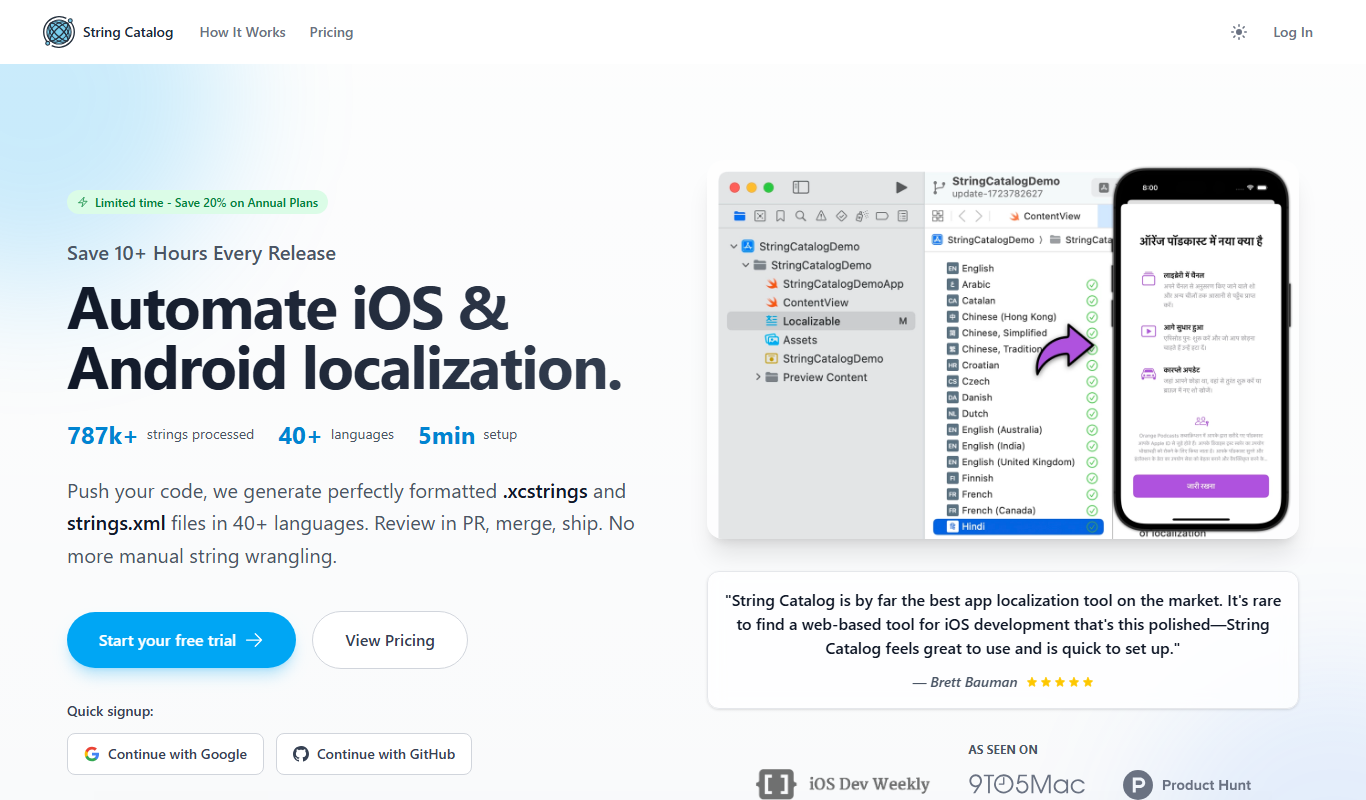
String Catalog
String Catalog is a web platform that centralizes software string management and streamlines localization workflows by enabling collaboration between developers and translators, automating translation processes, and ensuring quality control.