

From my experience with String Catalog, I found it excels at centralizing software strings and bridging the gap between developers and localization teams. The platform’s streamlined workflows and integration capabilities make managing translations less error-prone and more efficient. It’s particularly well-suited for software teams aiming to scale their internationalization efforts without losing control over string versions and quality. However, the lack of publicly available pricing and limited language support may require direct engagement with their sales team to assess fit. Overall, if you need a robust solution to unify string management and localization, String Catalog delivers solid, practical tools.
String Catalog - Centralized Software String Management and Localization Tool
String Catalog is a web platform that centralizes software string management and streamlines localization workflows by enabling collaboration between developers and translators, automating translation processes, and ensuring quality control.
- Best for
- Centralized String Management
- Key capability
- Centralized String Repository
Your actions
Save String Catalog, follow its updates and vote on it — everything stays in your account.
Sign in or create a free account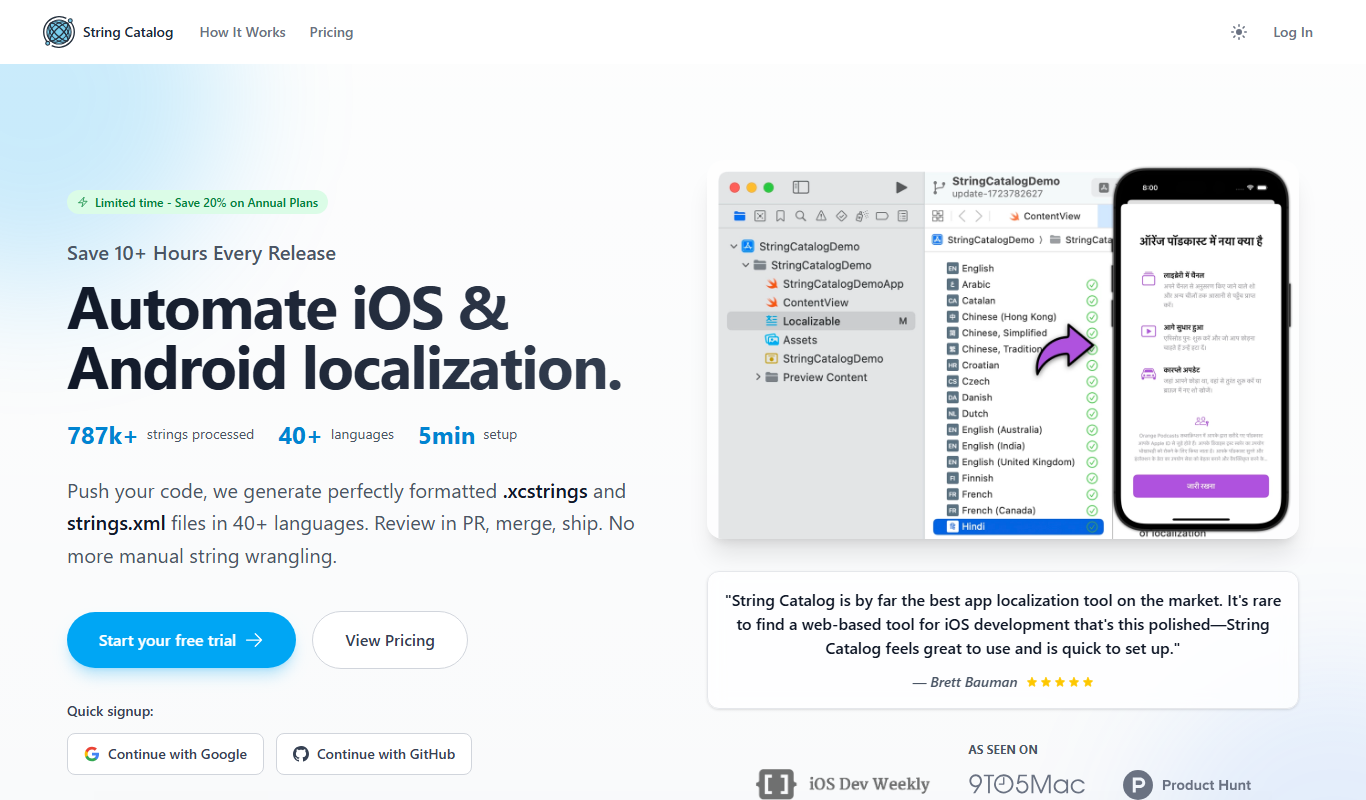
What is String Catalog?
String Catalog is a web-based platform designed to centralize and streamline the management of software strings used in applications. It helps engineering and localization teams collaborate efficiently by providing a single source of truth for all user-facing text, enabling better translation workflows, quality control, and version tracking.
Key features of String Catalog
The tool offers centralized string storage, automated localization workflows, collaboration tools, quality assurance checks, and integrations with development pipelines to simplify internationalization and localization efforts.
Centralized String Repository
A single platform to store and manage all application strings for easier access and control.
Integration with Development Tools
Supports syncing with Git repositories and CI/CD pipelines to keep strings up-to-date.
Collaboration and Communication
Built-in tools for developers and translators to share context and feedback.
Automated Localization Workflows
Trigger translation jobs automatically and manage localization progress efficiently.
Quality Assurance Features
Validation checks and review processes to ensure translation accuracy and completeness.
Pros and cons of String Catalog
Pros
- Centralizes all software strings for better management
- Facilitates collaboration between developers and translators
- Automates localization workflows to save time
- Supports integration with development pipelines
- Includes quality assurance tools for translations
Cons
- Pricing details are not publicly listed and require contacting sales
- Currently supports only English interface
- Limited to web platform, no desktop or mobile apps
Key use cases for String Catalog
Centralized String Management
Manage all software strings in a single platform to improve consistency and reduce duplication.
Localization Workflow Automation
Streamline translation and localization processes with automated workflows and integrations.
Collaboration Between Developers and Translators
Facilitate communication and collaboration between engineering and localization teams.
Quality Assurance for Translations
Use built-in validation and review features to ensure translation accuracy and completeness.
Version Control and Change Tracking
Track changes to strings over time and maintain version history for audit and rollback.
How String Catalog works
- 1
Import Strings
Upload or sync your software strings from your codebase or repositories into String Catalog.
- 2
Organize and Manage
Categorize, tag, and manage strings centrally to maintain consistency and avoid duplication.
- 3
Collaborate with Translators
Assign translation tasks, communicate context, and review translations within the platform.
- 4
Automate Localization
Use built-in workflows and integrations to automate translation requests and updates.
- 5
Track Changes and QA
Monitor string changes, review translation quality, and maintain version history.
Who is using String Catalog
Software development teams
Localization and translation teams
Product managers overseeing internationalization
Startups and enterprises with multilingual apps
Quality assurance teams for software localization
String Catalog pricing
Free Trial
$0 for 14 days
Full access to all features for evaluation purposes.
Team Plan
Custom pricing
Subscription-based plan tailored for teams with advanced features and support.
Plans and prices are as published by the vendor and can change. Check the official site before you buy. Open the pricing page (opens in a new tab)
Frequently asked questions about String Catalog
You can manage all user-facing software strings including UI text, error messages, notifications, and more.
Yes, it supports integration with Git repositories to sync strings automatically.
Yes, the platform provides tools for assigning tasks, sharing context, and reviewing translations.
There is a free 14-day trial to test all features, after which subscription plans apply.
It depends on your specific needs and how you plan to use the tool. The official website and documentation are the best sources for the latest details.
Integration support depends on the tool and its available connectors or API. Check the official documentation or integrations page to confirm what is supported.
It depends on your specific needs and how you plan to use the tool. The official website and documentation are the best sources for the latest details.
Sign in to review this tool.
Sign In to ReviewNo reviews yet
Be the first to share how this tool worked for you.
Ask about pricing, limits, or how it compares — or answer someone else.
Sign In to AskNo questions yet
Have a question about using or paying for this tool? Be the first to ask.
Featured on TiorAI



Alternative Tools
Explore similar AI tools that might fit your needs

Free Trial
Phrase
Phrase is a cloud-based localization platform that helps teams manage and automate translations for software, websites, and marketing content with collaboration and API integration.

Free
Crowdin
Crowdin is a cloud-based platform that helps teams manage and automate the translation and localization of software, websites, and apps with collaboration, integrations, and quality assurance features.

Free Trial
Lokalise
Lokalise is a cloud-based translation management platform designed to help software teams automate and streamline localization workflows through API integrations, mobile SDKs, and collaborative tools.
More AI Software Development Tools tools
Other tools in the same category, for when this one is not quite the fit.

Freemium
DrogoAI
DrogoAI is an AI platform that generates and automates code creation from natural language prompts, helping developers speed up software development.

Freemium
Devv.AI
Devv.AI is an AI-driven platform that assists developers by generating code snippets, reviewing code, detecting bugs, and providing API integration to streamline software development.

Custom Pricing
Digital Software Labs
Digital Software Labs is a US-based company providing custom software development, mobile and web applications, and IT consulting services tailored to diverse industries.

Free
Countless.dev
Countless.dev is an AI-driven code generation platform that assists developers by generating and completing code snippets in real-time, supporting multiple programming languages and offering API integration.
Freemium
FlashAI
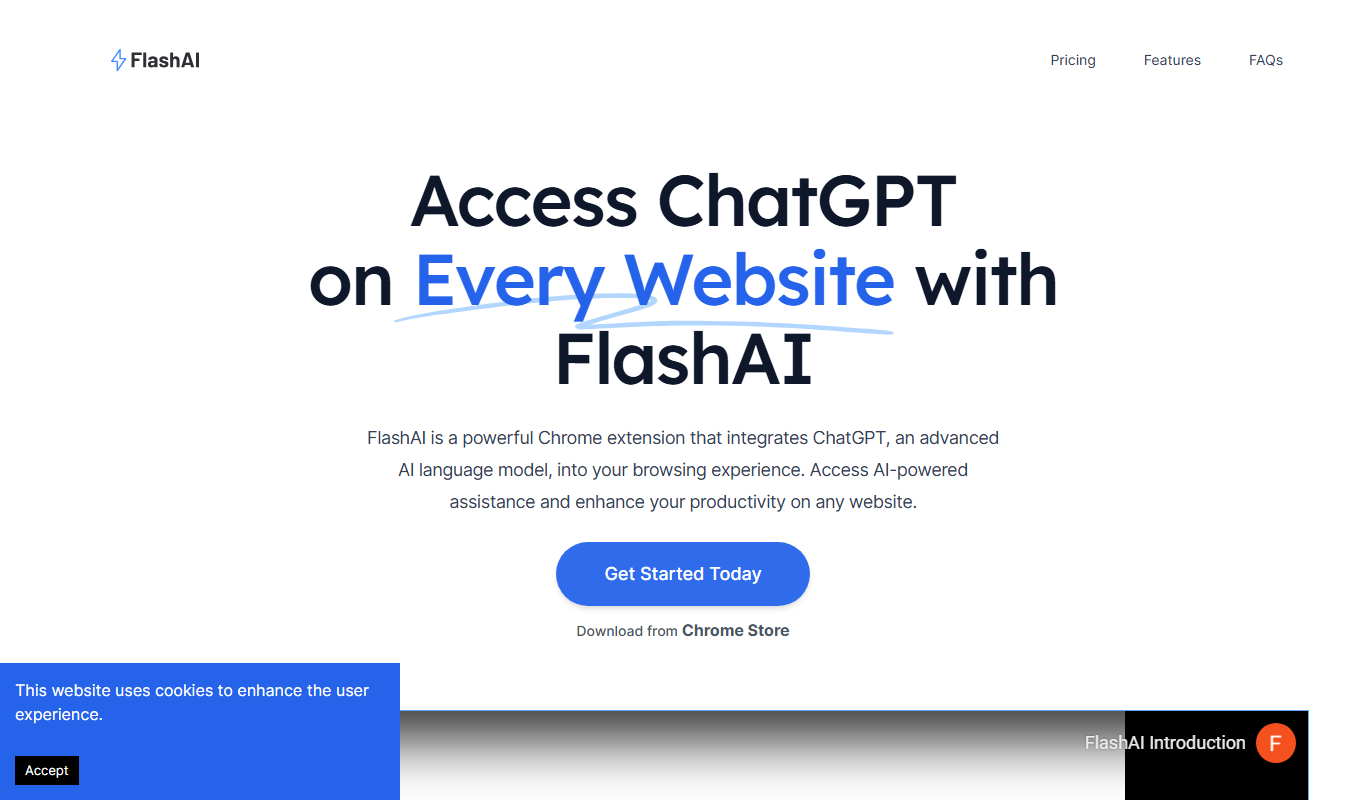
FlashAI is an AI-driven code generation platform that converts natural language prompts into code snippets, supports multiple programming languages, and offers API integration to enhance developer productivity.

Free Trial
Clueso
Clueso is an AI-driven automated code review platform that analyzes source code to detect bugs, security vulnerabilities, and code quality issues, integrating with CI/CD pipelines to enhance developer productivity.

Free
Reppls
Reppls is an AI-driven code generation platform that accelerates software development by providing real-time code suggestions, bug fixes, and multi-language support through a web interface.

Free
Spiral
Spiral is an AI coding assistant that helps developers write, debug, and understand code faster by providing real-time AI-generated code snippets, explanations, and documentation.