

From my experience with Lokalise, it stands out as a robust platform that effectively bridges the gap between developers and translators, making localization workflows much smoother. Its API integrations and mobile SDKs enable continuous localization, which is crucial for agile software teams aiming to release multilingual products rapidly. While the pricing might be steep for smaller teams, the platform’s comprehensive features and collaboration tools justify the investment for medium to large projects. If you manage software or digital content localization, Lokalise offers a practical, scalable solution that integrates well with modern development pipelines.
Lokalise Translation Platform for Agile Localization and Software Teams
Lokalise is a cloud-based translation management platform designed to help software teams automate and streamline localization workflows through API integrations, mobile SDKs, and collaborative tools.
- Best for
- Software Localization
- Key capability
- Translation Memory
Your actions
Save Lokalise, follow its updates and vote on it — everything stays in your account.
Sign in or create a free account
What is Lokalise?
Lokalise is a cloud-based translation management system designed to streamline and automate the localization process for software and digital content. It enables teams to collaborate efficiently on translating apps, websites, games, and marketing materials, supporting agile workflows and continuous localization.
Key features of Lokalise
Lokalise offers features such as translation memory, in-context editing, API integrations, mobile SDKs, workflow automation, and collaboration tools that help teams deliver multilingual products faster and with higher quality.
Translation Memory
Reuses previously translated content to ensure consistency and reduce translation costs.
In-Context Editing
Allows translators to see translations in the actual app or website context for better accuracy.
API and Integrations
Offers robust API and integrations with popular development tools like GitHub, GitLab, Bitbucket, and Slack.
Mobile SDKs
Enables real-time translation updates within mobile apps without requiring app store resubmissions.
Workflow Automation
Customizable workflows and notifications to streamline translation and review processes.
Pros and cons of Lokalise
Pros
- Comprehensive localization platform with strong developer integrations
- Supports continuous localization with API and mobile SDKs
- User-friendly interface for translators and project managers
- Flexible workflows and automation capabilities
- Good support and documentation
Cons
- Pricing can be high for small teams or startups
- Primarily English interface, limited language support for UI
- Learning curve for advanced integrations and workflows
Key use cases for Lokalise
Software Localization
Manage and automate the translation of mobile apps, web apps, and software interfaces to support multiple languages.
Website Translation
Easily translate website content and synchronize updates with your development workflow.
Content Management for Marketing
Coordinate multilingual marketing content translations to maintain brand consistency across regions.
Collaboration Between Developers and Translators
Facilitate real-time collaboration between developers, translators, and project managers to speed up localization cycles.
Continuous Localization
Integrate localization processes into CI/CD pipelines for continuous delivery of translated content.
How Lokalise works
- 1
Create a Project
Start by setting up a localization project and uploading your source files.
- 2
Invite Team Members
Add translators, developers, and project managers to collaborate within the platform.
- 3
Translate and Review
Use built-in translation editors, machine translation, and translation memory to translate content efficiently.
- 4
Integrate with Development
Connect Lokalise with your code repositories and CI/CD pipelines for automated synchronization.
- 5
Publish Translations
Export or deploy translated content directly to your applications or websites.
Who is using Lokalise
Software development teams
Localization managers
Marketing teams managing multilingual content
Mobile app developers
Agencies offering translation services
Lokalise pricing
Starter
$40/month
Basic localization features for small teams with limited strings and languages.
Pro
$200/month
Advanced features including API access, unlimited users, and priority support.
Enterprise
Custom pricing
Tailored solutions with dedicated support, onboarding, and SLAs for large organizations.
Plans and prices are as published by the vendor and can change. Check the official site before you buy. Open the pricing page (opens in a new tab)
Frequently asked questions about Lokalise
Yes, Lokalise supports integrations with GitHub, GitLab, Bitbucket, Slack, and many other tools via API.
Yes, Lokalise offers machine translation integrations to speed up the translation process.
Yes, Lokalise provides a free trial to test the platform before purchasing a subscription.
Absolutely, Lokalise supports website translation and synchronization with your web projects.
This tool is designed to help users accomplish its core tasks more efficiently. It is typically used by individuals or teams looking to improve productivity and workflow.
Integration support depends on the tool and its available connectors or API. Check the official documentation or integrations page to confirm what is supported.
Pricing depends on the plan and included features. For the most accurate and up-to-date details, check the official pricing page.
Sign in to review this tool.
Sign In to ReviewNo reviews yet
Be the first to share how this tool worked for you.
Ask about pricing, limits, or how it compares — or answer someone else.
Sign In to AskNo questions yet
Have a question about using or paying for this tool? Be the first to ask.
Featured on TiorAI



Alternative Tools
Explore similar AI tools that might fit your needs

Free Trial
Phrase
Phrase is a cloud-based localization platform that helps teams manage and automate translations for software, websites, and marketing content with collaboration and API integration.

Free
Crowdin
Crowdin is a cloud-based platform that helps teams manage and automate the translation and localization of software, websites, and apps with collaboration, integrations, and quality assurance features.

Enterprise
Smartling
Smartling is a cloud-based translation management platform that helps businesses automate and manage the localization of digital content across websites, apps, and marketing materials with features like translation memory, machine translation integration, and quality assurance.
More Business Management tools
Other tools in the same category, for when this one is not quite the fit.
Free Trial
ClassMarker
ClassMarker is a secure online testing platform that allows users to create, deliver, and grade exams and quizzes with customizable settings and automated scoring.

Free
Testmoz
Testmoz is a web-based quiz maker that enables users to create, distribute, and automatically grade online tests with multiple question types and secure access.

Free
Renewables.ninja
Renewables.ninja is an online tool that simulates solar and wind power generation worldwide using historical weather data, providing hourly time series data for energy planning and research.
Free
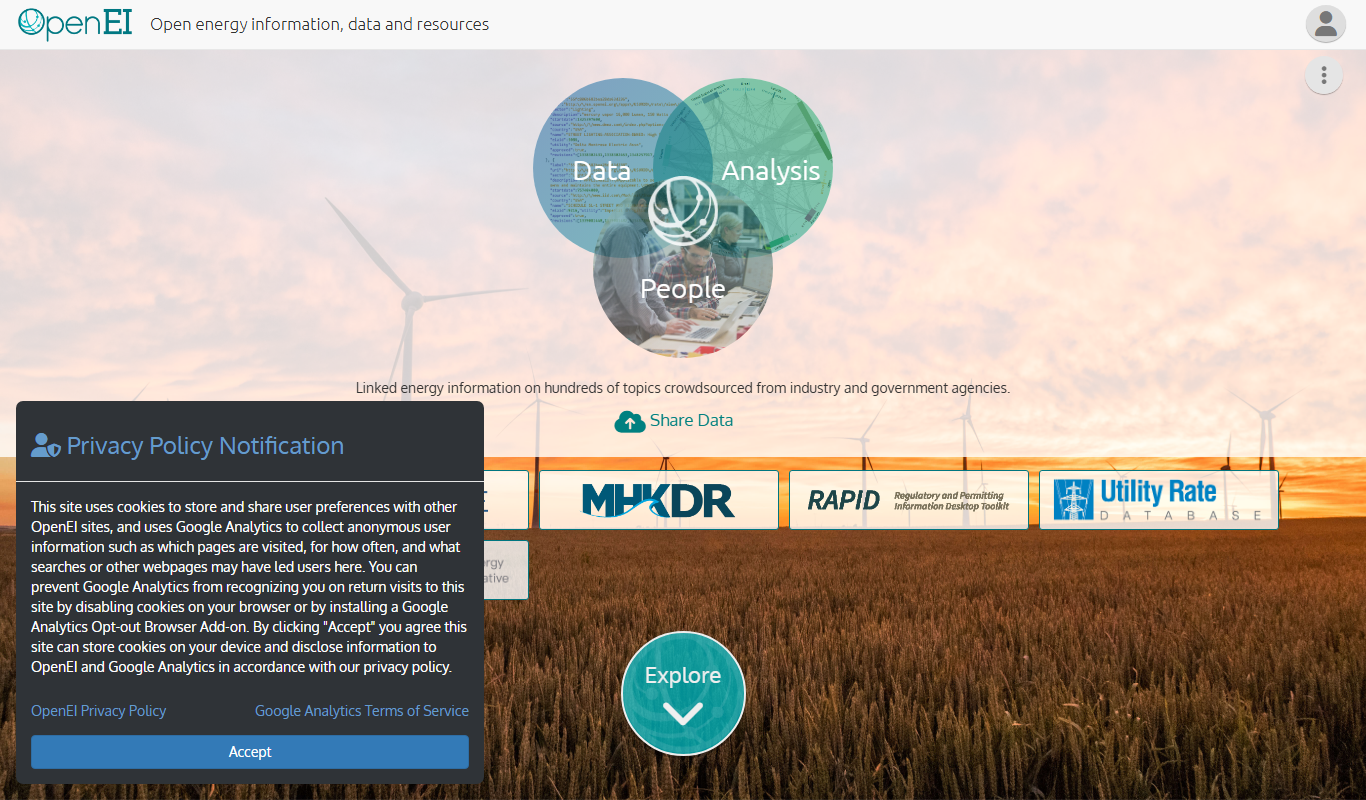
OpenEI
OpenEI is a free, open-source platform from the National Laboratory of the Rockies (formerly NREL) providing energy data, tools and resources to support renewable energy research and policy.

Free Trial
Craft.io
Craft.io is a product management platform designed to help teams plan, prioritize, and collaborate on product development with features like roadmapping, backlog management, and customizable prioritization.

Free Trial
Productboard
Productboard is a product management platform that centralizes customer feedback, prioritizes features, and creates visual roadmaps to align teams and stakeholders.

Free Trial
Aha!
Aha! is a cloud-based product roadmap software that helps teams plan strategy, prioritize features, and manage agile projects with customizable roadmaps and integrations.
Custom Pricing
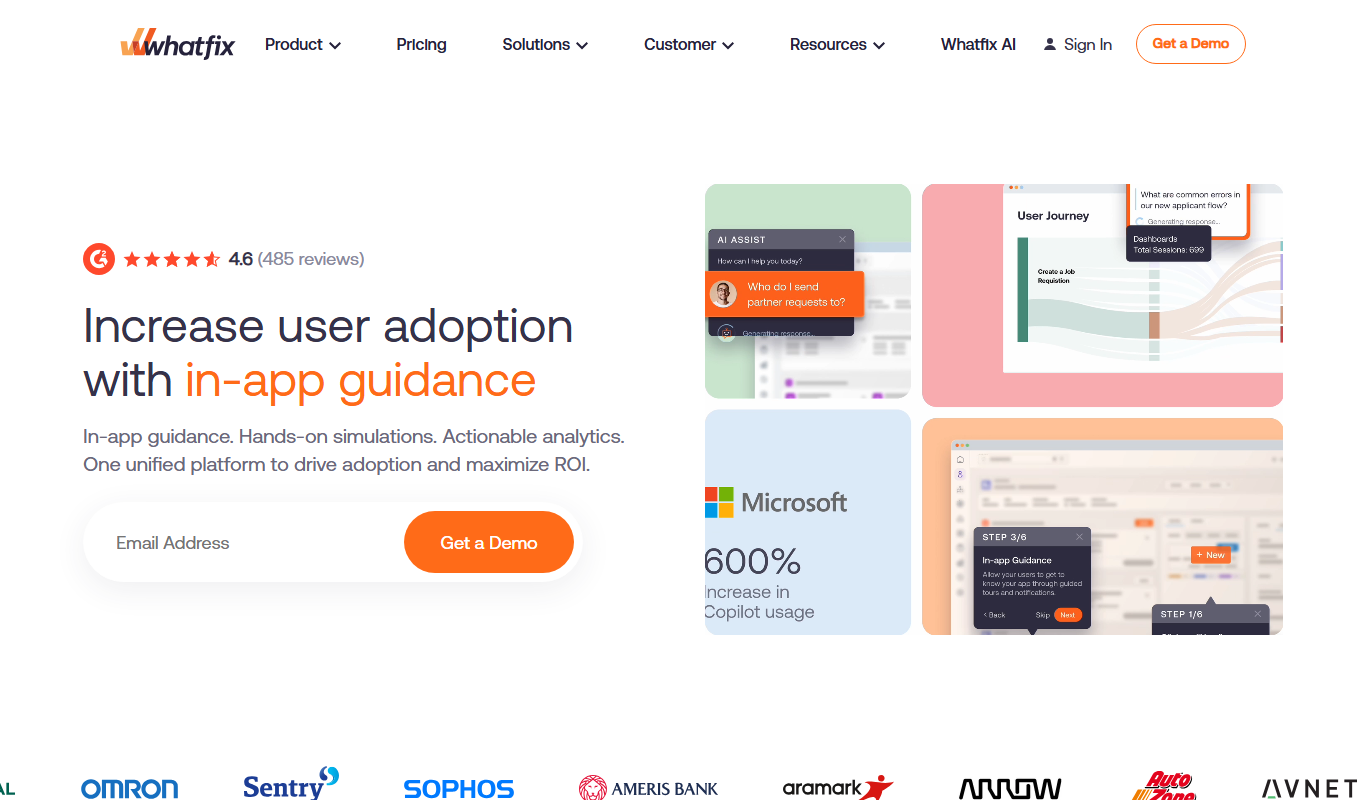
Whatfix
Whatfix is a digital adoption platform that helps businesses create interactive in-app guidance and walkthroughs to improve user onboarding, training, and software adoption.