

Testmoz Online Quiz Maker for Automated Test Creation and Grading
Testmoz is a web-based quiz maker that enables users to create, distribute, and automatically grade online tests with multiple question types and secure access.
- Best for
- Educational Assessments
- Key capability
- Multiple Question Types
Save Testmoz, follow its updates and vote on it — everything stays in your account.
Sign in or create a free account
What is Testmoz?
Testmoz is a web-based quiz and test generator designed to simplify the creation, distribution, and grading of online assessments. It supports multiple question types and automates scoring, making it ideal for educators, trainers, and marketers who need quick and reliable testing solutions without complex setup.
Key features of Testmoz
Testmoz offers an intuitive interface for building quizzes with various question formats, automatic grading, detailed result reports, and secure test delivery. It requires no software installation and works entirely in the browser.
Multiple Question Types
Supports multiple choice, true/false, multiple answer, matching, and short answer questions.
Automatic Grading
Instantly grades quizzes and provides detailed score reports.
Randomization
Randomizes question and answer order to reduce cheating.
Secure Access
Password protection and IP restrictions to control quiz access.
No Software Installation
Fully web-based platform accessible from any modern browser.
Pros and cons of Testmoz
Pros
- Easy to use with minimal setup
- Automatic grading saves time
- Supports multiple question formats
- No software installation required
- Affordable pricing for Pro features
Cons
- Limited customization on free plan
- No built-in AI features for question generation
- Interface is functional but not highly modern
Key use cases for Testmoz
Educational Assessments
Create and administer quizzes and tests for students with automatic grading and reporting.
Employee Training
Design training assessments to evaluate employee knowledge and track progress.
Market Research
Use quizzes to gather customer feedback and insights for marketing campaigns.
Certification Exams
Build certification tests with randomized questions and secure access.
Event Engagement
Engage audiences during webinars or events with interactive quizzes.
How Testmoz works
- 1
Create an Account
Sign up on Testmoz’s website to start building quizzes.
- 2
Build Your Quiz
Add questions using multiple formats such as multiple choice, true/false, and short answer.
- 3
Configure Settings
Set options like randomizing questions, time limits, and access restrictions.
- 4
Distribute the Quiz
Share the quiz link with participants via email or embed it on a website.
- 5
Review Results
Access automatic grading and detailed reports to analyze participant performance.
Who is using Testmoz
Testmoz pricing
Free
$0/month
Create quizzes with up to 50 questions and 100 responses per quiz.
Paid membership
$50/year
Unlocks all features with unlimited tests, questions and results; school teachers qualify for a 50% discount.
Plans and prices are as published by the vendor and can change. Check the official site before you buy. Open the pricing page (opens in a new tab)
Frequently asked questions about Testmoz
Yes. Tests can be created anonymously; data for anonymously created tests is stored for 730 days past the last time the test was taken.
Yes, quizzes are accessible and fully functional on mobile browsers.
Free tests are limited to 50 questions and 100 results per test; paid members get unlimited tests, questions and results.
Yes, results can be exported in CSV format for further analysis.
It depends on your specific needs and how you plan to use the tool. The official website and documentation are the best sources for the latest details.
Some tools offer a free plan or trial with limited features. Availability can vary, so confirm on the official website.
Yes, it can help with that use case depending on how you configure it and what features are available. You’ll get the best results with clear inputs and a defined goal.
It depends on your specific needs and how you plan to use the tool. The official website and documentation are the best sources for the latest details.
Conclusion
A test takes three steps: adjust a few settings, add your questions on a single page, then email the test URL to students or post it on a website. Question types run from multiple choice and matching to numeric, essay and file uploads, grading is automatic, and partial credit or negative marking can be applied. Results can be searched, tagged, emailed to test takers or exported to CSV.
It is designed for teachers and trainers, and employers use it for safety, security and compliance quizzes. Tests work in virtually all browsers on desktops, tablets and phones, including low-bandwidth connections. Free tests are limited to 50 questions and 100 results, a yearly paid membership removes those limits, and school teachers get a 50% discount. Accounts allow up to 300 people to take tests simultaneously unless a custom plan is created.
Sources
Sign in to review this tool.
Sign In to ReviewNo reviews yet
Be the first to share how this tool worked for you.
Ask about pricing, limits, or how it compares — or answer someone else.
Sign In to AskNo questions yet
Have a question about using or paying for this tool? Be the first to ask.
Featured on TiorAI



Alternative Tools
Explore similar AI tools that might fit your needs
Typeform
Typeform is an online platform that enables users to create interactive, conversational forms and surveys to collect data, feedback, and leads with customizable templates and logic jumps.
More Business Management tools
Other tools in the same category, for when this one is not quite the fit.
ClassMarker
ClassMarker is a secure online testing platform that allows users to create, deliver, and grade exams and quizzes with customizable settings and automated scoring.

Renewables.ninja
Renewables.ninja is an online tool that simulates solar and wind power generation worldwide using historical weather data, providing hourly time series data for energy planning and research.
OpenEI
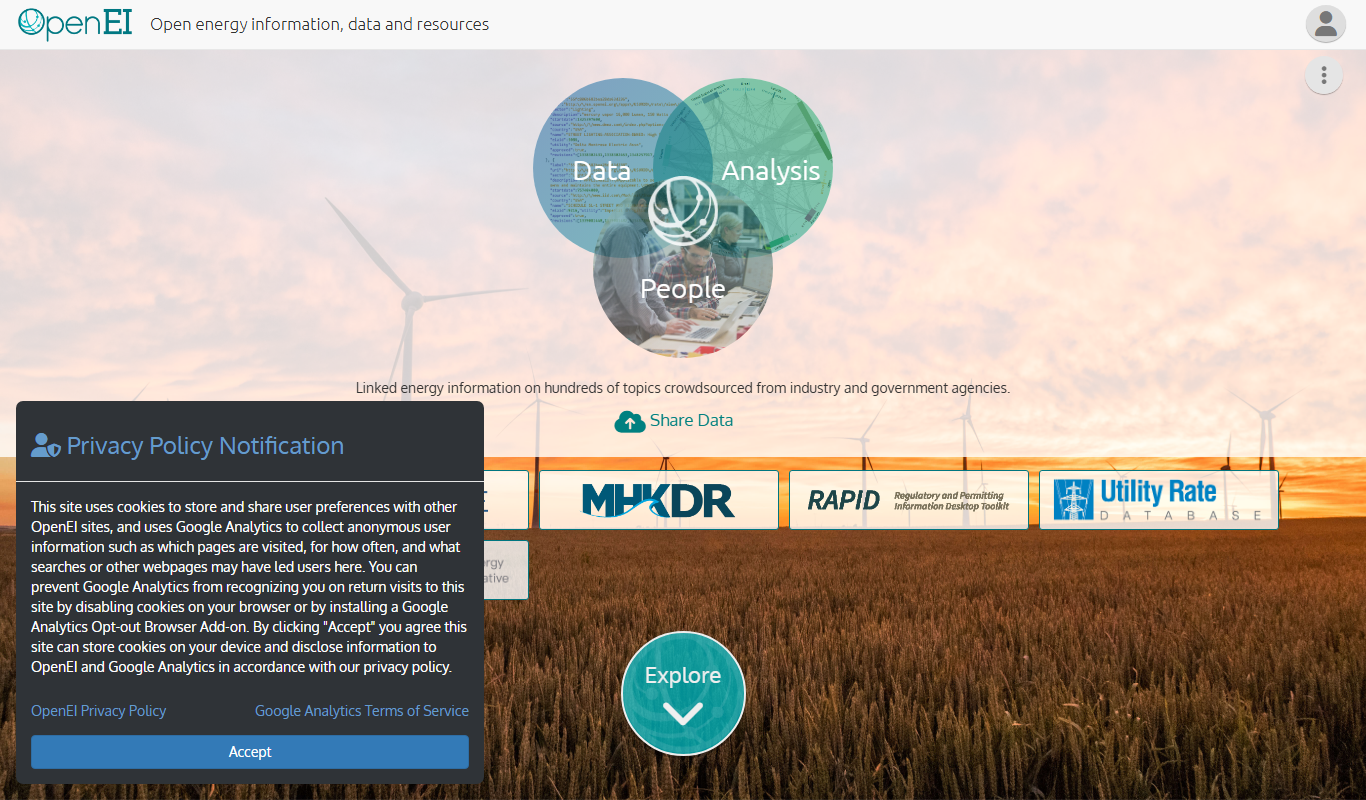
OpenEI is a free, open-source platform from the National Laboratory of the Rockies (formerly NREL) providing energy data, tools and resources to support renewable energy research and policy.

Craft.io
Craft.io is a product management platform designed to help teams plan, prioritize, and collaborate on product development with features like roadmapping, backlog management, and customizable prioritization.

Productboard
Productboard is a product management platform that centralizes customer feedback, prioritizes features, and creates visual roadmaps to align teams and stakeholders.

Aha!
Aha! is a cloud-based product roadmap software that helps teams plan strategy, prioritize features, and manage agile projects with customizable roadmaps and integrations.
Whatfix
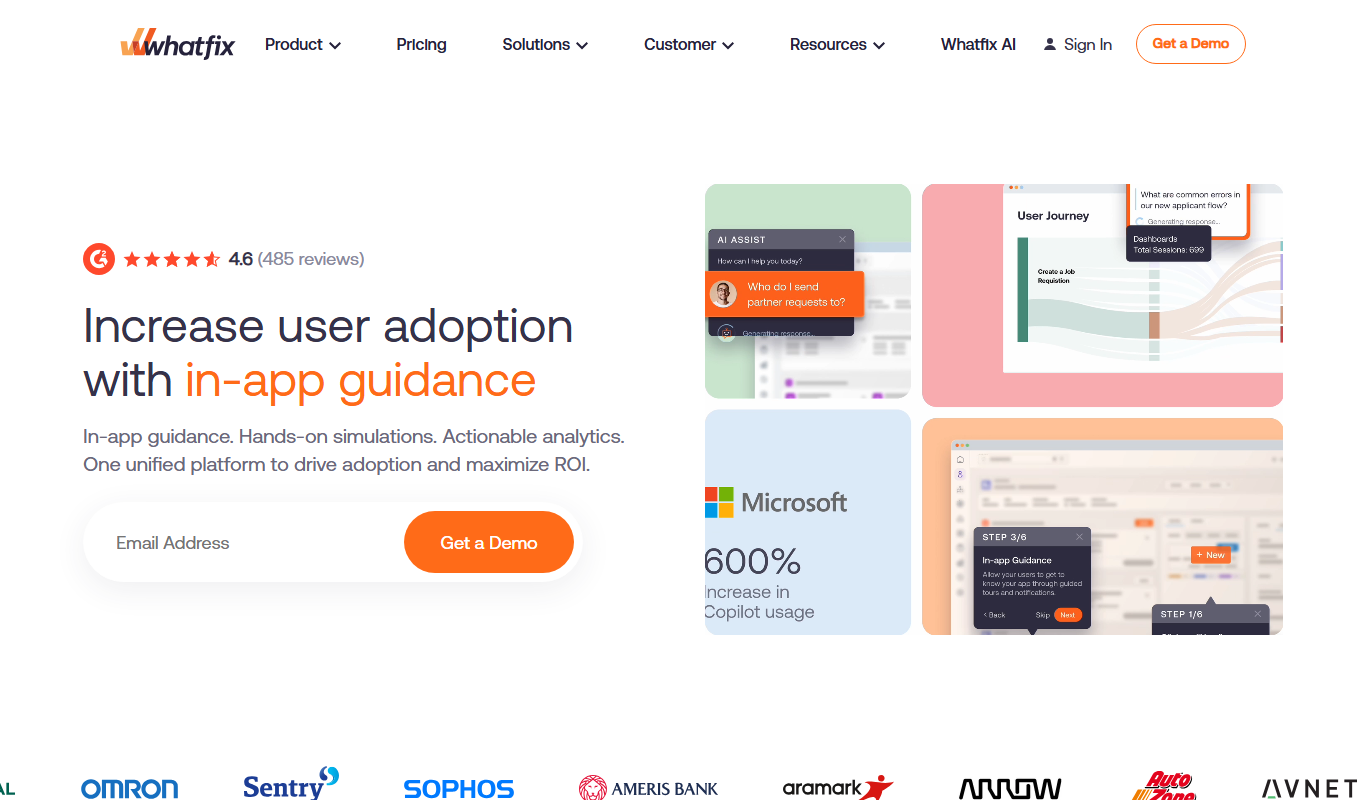
Whatfix is a digital adoption platform that helps businesses create interactive in-app guidance and walkthroughs to improve user onboarding, training, and software adoption.

Userpilot
Userpilot is a no-code SaaS platform that enables companies to create personalized user onboarding experiences, feature adoption flows, and in-app messaging to boost engagement and retention.