

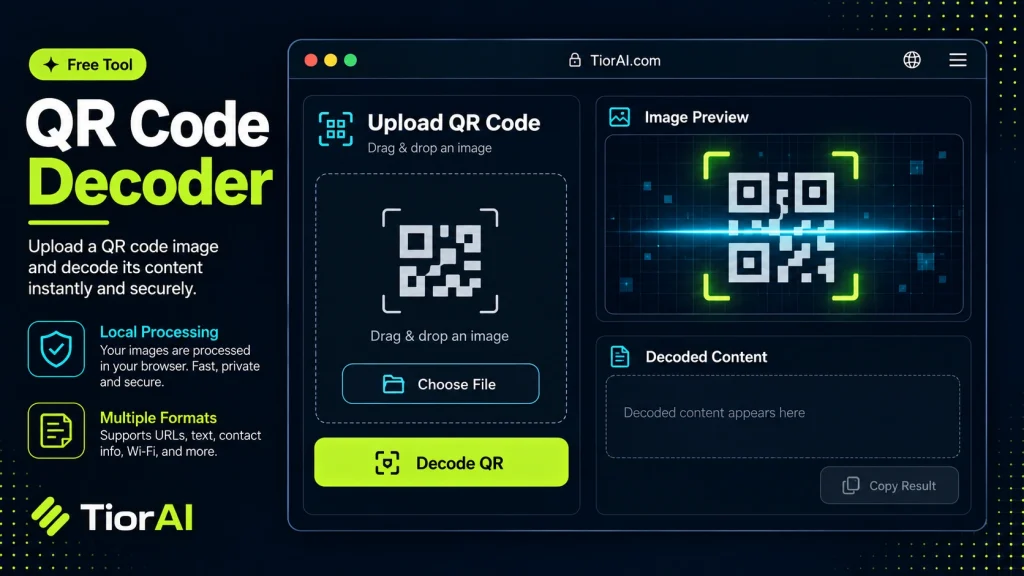
Free plan: 5 uses per 6 hours.
How to use it
- Paste Your Input Paste your code or data into the Qr Code Decoder. The tool accepts standard input formats and validates your entry.
- Process and Transform Click the action button to process your input. Results are generated instantly with proper formatting.
- Export the Output Copy the processed output to your clipboard or download it for use in your development workflow.
Tip Speed up debugging by using the Qr Code Decoder to isolate and test specific code fragments outside your IDE.
Understanding QR Code Decoding
A QR (Quick Response) code is a type of two-dimensional barcode that stores data in a matrix of black and white squares. Unlike traditional barcodes that hold information in one dimension, QR codes can encode significantly more data, including URLs, text, contact information, and more.
The process of decoding a QR code involves scanning the image and interpreting the encoded data. This requires detecting the QR code’s position, orientation, and version, then extracting and error-correcting the data bits to retrieve the original content.
Technical Standards: QR codes follow the ISO/IEC 18004 standard, which defines the structure, encoding modes, error correction levels, and symbol versions. The error correction uses Reed-Solomon codes, allowing the QR code to be read accurately even if partially damaged or obscured.
Developers use QR code decoding in various applications such as mobile apps, inventory management, ticketing systems, and marketing campaigns. Decoding can be done using libraries like ZXing (Zebra Crossing), ZBar, or online tools that accept image uploads or camera input.
In real projects, decoding QR codes enables automation and quick data retrieval without manual input. For example, a logistics app might scan QR codes on packages to track shipments, or a restaurant app might decode QR codes to display menus or process payments.
Online QR code decoders simplify this process by allowing users to upload an image or provide a URL containing a QR code, then returning the decoded content instantly. This is useful for developers testing QR code generation or users verifying QR code data without installing software.
What is QR Code Decoding?
QR codes are two-dimensional barcodes that store data in a grid of black and white squares. Decoding a QR code means extracting the data it contains by analyzing its pattern. This process involves detecting the QR code’s position and orientation, then reading and error-correcting the encoded bits to retrieve the original information.
QR codes follow the ISO/IEC 18004 standard, which defines their structure and encoding methods. They can store various data types such as URLs, plain text, contact details, or Wi-Fi credentials. Error correction using Reed-Solomon codes allows QR codes to be read accurately even if partially damaged.
When to Use a QR Code Decoder
- When you want to quickly extract data from a QR code image without installing software.
- During development to verify that generated QR codes contain the correct information.
- To troubleshoot or validate QR codes found in printed materials or digital media.
- When scanning QR codes from screenshots or photos where a camera scanner app is not practical.
Common Mistakes When Decoding QR Codes
- Uploading low-quality or blurry images that prevent accurate decoding.
- Confusing QR codes with other barcode types, leading to decoding failures.
Understanding these points helps developers and users effectively utilize QR code decoders in their projects and daily tasks. Whether verifying QR codes in an app or extracting data from printed codes, decoding is a fundamental step that bridges physical and digital information.
Common use cases
- Decoding a URL from a QR Code Image
- Extracting Plain Text from a QR Code
Frequently asked questions
Reviews and questions
Whether this tool gave people the answer they needed, and what they asked about it.
Sign in to review this tool.
Sign In to ReviewNo reviews yet
Be the first to say whether this tool gave you what you needed.
Ask how to read the result, or what the tool does with an edge case — or answer someone else.
Sign In to AskNo questions yet
Not sure how to read a result? Be the first to ask.
AI tools related to this topic
Tools from the TiorAI directory that work on the same kind of job.

Legalese Decoder
Legalese Decoder is an AI-powered tool that simplifies complex legal contracts into plain English summaries and highlights potential risks to help users understand and review contracts efficiently.

Code to Flow: Visualize your code
Code to Flow is a web tool that automatically converts source code into flowcharts, helping developers visualize and understand code logic easily.