

From my experience with Ask String, I found it excels at enabling non-technical users to build functional AI chatbots quickly through its no-code interface. The platform is particularly well-suited for small to medium businesses aiming to automate customer support and lead generation without investing in complex development. However, the limitation to English language support and pricing tiers may restrict some users with larger or multilingual needs. Overall, if you need an accessible chatbot solution to improve customer engagement and reduce support workload, Ask String delivers solid, user-friendly results.
Ask String AI Chatbot Platform for Customer Support and Automation
Ask String is an AI chatbot platform that enables businesses to build and deploy conversational chatbots without coding, automating customer support and engagement.
- Best for
- Customer Support Automation
- Key capability
- No-Code Chatbot Builder
Your actions
Save Ask String, follow its updates and vote on it — everything stays in your account.
Sign in or create a free account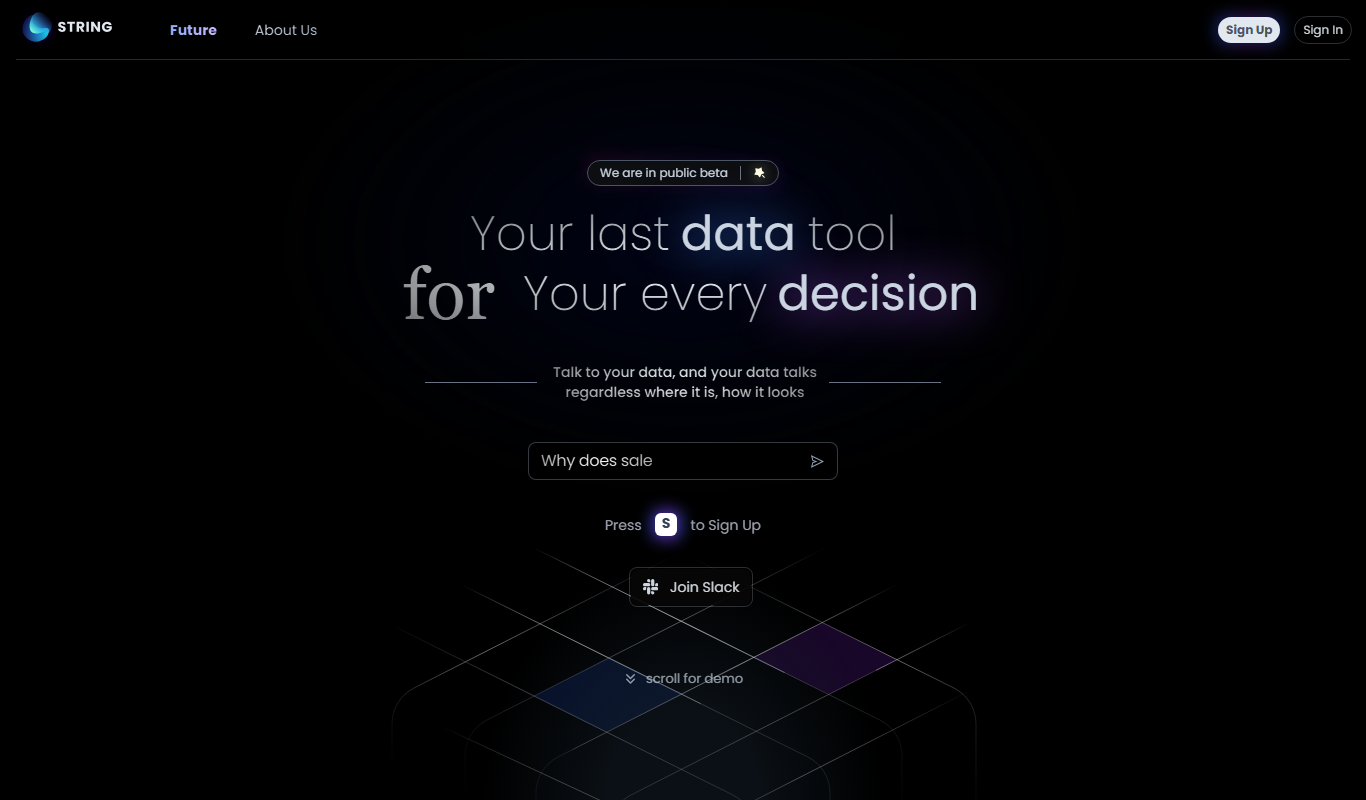
What is Ask String?
Ask String is an AI-powered chatbot platform designed to help businesses automate customer interactions and support. It enables companies to build conversational AI chatbots without coding, integrating with websites and other platforms to provide instant, intelligent responses to user queries.
Key features of Ask String
Ask String offers no-code chatbot creation, natural language understanding, multi-channel deployment, and integration capabilities to streamline customer support and engagement.
No-Code Chatbot Builder
Create and customize chatbots easily without programming knowledge.
Natural Language Processing
Understand and respond to user queries in conversational language.
Multi-Channel Deployment
Deploy chatbots on websites and integrate with other platforms via API.
Analytics Dashboard
Monitor chatbot performance and user interactions to optimize engagement.
Pros and cons of Ask String
Pros
- User-friendly no-code chatbot builder
- Supports natural language understanding
- Multi-channel deployment options
- Free plan available for testing
Cons
- Limited language support (English only)
- Pricing may be high for small businesses with large volumes
Key use cases for Ask String
Customer Support Automation
Automate responses to common customer inquiries to reduce support workload and improve response times.
Lead Generation
Engage website visitors with conversational AI to capture leads and qualify prospects automatically.
Internal Knowledge Base Access
Provide employees with instant answers from company knowledge bases through chatbot interactions.
E-commerce Assistance
Help customers find products, track orders, and answer FAQs to enhance the shopping experience.
How Ask String works
- 1
Sign Up
Create an account on the Ask String platform to start building your chatbot.
- 2
Build Chatbot
Use the no-code interface to design conversational flows and train the AI with your data.
- 3
Integrate
Deploy the chatbot on your website or connect via API to other platforms.
- 4
Monitor & Optimize
Track chatbot interactions and improve responses based on user feedback and analytics.
Who is using Ask String
Small to medium businesses
Customer support teams
E-commerce companies
Marketing agencies
Internal help desks
Ask String pricing
Free
$0/month
Basic chatbot features with limited interactions and support.
Pro
$49/month
Advanced features, higher interaction limits, and priority support.
Plans and prices are as published by the vendor and can change. Check the official site before you buy. Open the pricing page (opens in a new tab)
Frequently asked questions about Ask String
No, Ask String provides a no-code interface that allows anyone to build chatbots without programming.
Yes, you can easily deploy the chatbot on your website using provided integration options.
Yes, Ask String offers a free plan to try basic features before upgrading.
This tool is designed to help users accomplish its core tasks more efficiently. It is typically used by individuals or teams looking to improve productivity and workflow.
Yes, it can help with that use case depending on how you configure it and what features are available. You’ll get the best results with clear inputs and a defined goal.
Sign in to review this tool.
Sign In to ReviewNo reviews yet
Be the first to share how this tool worked for you.
Ask about pricing, limits, or how it compares — or answer someone else.
Sign In to AskNo questions yet
Have a question about using or paying for this tool? Be the first to ask.
Featured on TiorAI


