

File Transcribe - Accurate Audio to Text Transcription Tool Online
File Transcribe is an online tool for students, journalists and creators that turns audio or video uploads into editable transcripts for export, free to try.
- Best for
- Transcribing Interviews
- Key capability
- Supports Multiple Audio Formats
Save File Transcribe, follow its updates and vote on it — everything stays in your account.
Sign in or create a free account

What is File Transcribe?
File Transcribe is an online transcription service that converts audio files into accurate text transcripts. It supports various audio formats and uses automatic speech recognition technology to deliver quick and reliable transcriptions without the need for manual typing.
Key features of File Transcribe
The tool offers easy file uploads, fast processing, and downloadable text transcripts. It supports multiple audio formats and provides a user-friendly interface for managing transcription tasks efficiently.
Supports Multiple Audio Formats
Accepts common audio file types including MP3, WAV, M4A, and more.
Fast and Accurate Transcription
Uses advanced speech recognition to quickly produce reliable text transcripts.
Simple Web Interface
No software installation required; transcribe files directly through the browser.
Downloadable Text Output
Export transcripts in plain text format for easy editing and sharing.
Pros and cons of File Transcribe
Pros
- Quick and easy to use with no software installation
- Supports multiple common audio formats
- Offers free transcription minutes to test the service
Cons
- Accuracy can vary with audio quality
Key use cases for File Transcribe
Transcribing Interviews
Convert recorded interviews into editable text for easier analysis and documentation.
Meeting Notes
Automatically transcribe meeting recordings to generate accurate notes and summaries.
Content Creation
Transform audio content such as podcasts or lectures into text for repurposing or accessibility.
Legal Documentation
Create written records from audio files for legal proceedings or compliance purposes.
Academic Research
Transcribe recorded research discussions or lectures to facilitate study and reference.
How File Transcribe works
- 1
Upload Audio File
Select and upload your audio file in supported formats such as MP3, WAV, or M4A.
- 2
Automatic Transcription
The system processes the audio using speech recognition algorithms to generate text.
- 3
Review and Download
Once transcription is complete, review the text and download it in your preferred format.
Who is using File Transcribe
File Transcribe pricing
Free
$0
5 transcriptions per day, 30 minutes per recording, 250 MB max upload, 3 days retention, TXT and PDF export, automatic speaker labels, timestamps, transcript editor, saved library and search.
Pro
$15/month billed annually
For professionals: 3 hours per recording, 200 transcriptions and 2,000 minutes of audio per day, 1 GB max upload, 30 days retention, SRT and VTT export, AI summary, translation, Ask AI, priority processing.
Plus
$39/month billed annually
For teams and agencies: 500 transcriptions and 6,000 minutes of audio per day, 2 GB max upload, 90 days retention, team workspace (3 seats), custom glossary, YouTube and Drive import, API access.
Plans and prices are as published by the vendor and can change. Check the official site before you buy. Open the pricing page (opens in a new tab)
Frequently asked questions about File Transcribe
It supports popular formats such as MP3, WAV, M4A, and others.
There may be limits depending on the pricing plan; free users have limited minutes.
Accuracy depends on audio quality and clarity of speech but generally provides reliable results.
Some features may require account creation, especially for paid usage.
It depends on your specific needs and how you plan to use the tool. The official website and documentation are the best sources for the latest details.
Yes, it can help with that use case depending on how you configure it and what features are available. You’ll get the best results with clear inputs and a defined goal.
Some tools offer a free plan or trial with limited features. Availability can vary, so confirm on the official website.
Conclusion
Audio and video files such as MP3, WAV, MP4 or MOV come back as an editable transcript with speaker labels and timestamps. A file can be tried on the homepage without an account, and guest uploads are deleted automatically after 24 hours. Language is auto-detected, with multilingual code-switching supported inside a single recording.
It is built for students turning lectures into notes, journalists pulling quotes from interviews and creators repurposing podcasts into captions. A free account saves transcripts in a searchable library, while Pro adds SRT and VTT captions, AI summaries and translation, and Plus adds a team workspace with 3 seats. Guest, free, Pro and Plus accounts each get a set number of transcriptions per day, and these limits reset at midnight UTC.
Sources
Sign in to review this tool.
Sign In to ReviewNo reviews yet
Be the first to share how this tool worked for you.
Ask about pricing, limits, or how it compares — or answer someone else.
Sign In to AskNo questions yet
Have a question about using or paying for this tool? Be the first to ask.
Featured on TiorAI



More AI Music & Audio Tools tools
Other tools in the same category, for when this one is not quite the fit.

Output
Output is a music software company offering virtual instruments and plugins designed for creative sound design and music production, compatible with major DAWs on MacOS and Windows.

Soundify
Soundify is a free AI generator that creates sound effects from text descriptions, with 5 free generations a day for signed-in users.

AI Song Generator
AI Song Generator is a web tool that creates original songs and lyrics from your genre, mood and topic, with a limited free plan and paid subscriptions.

A.V. Mapping
A.V. Mapping is an AI platform that analyzes your video or photo, recommends licensed music and sound effects from musicians, and handles the music license in one place.

ampedstudio.com
Amped Studio is an online DAW with AI music tools to create beats, record vocals, mix tracks and produce songs in your browser without installation.

Beatoven.ai
Beatoven.ai is an AI-driven platform that generates custom royalty-free music tracks tailored to your project's mood and style, ideal for content creators and marketers.
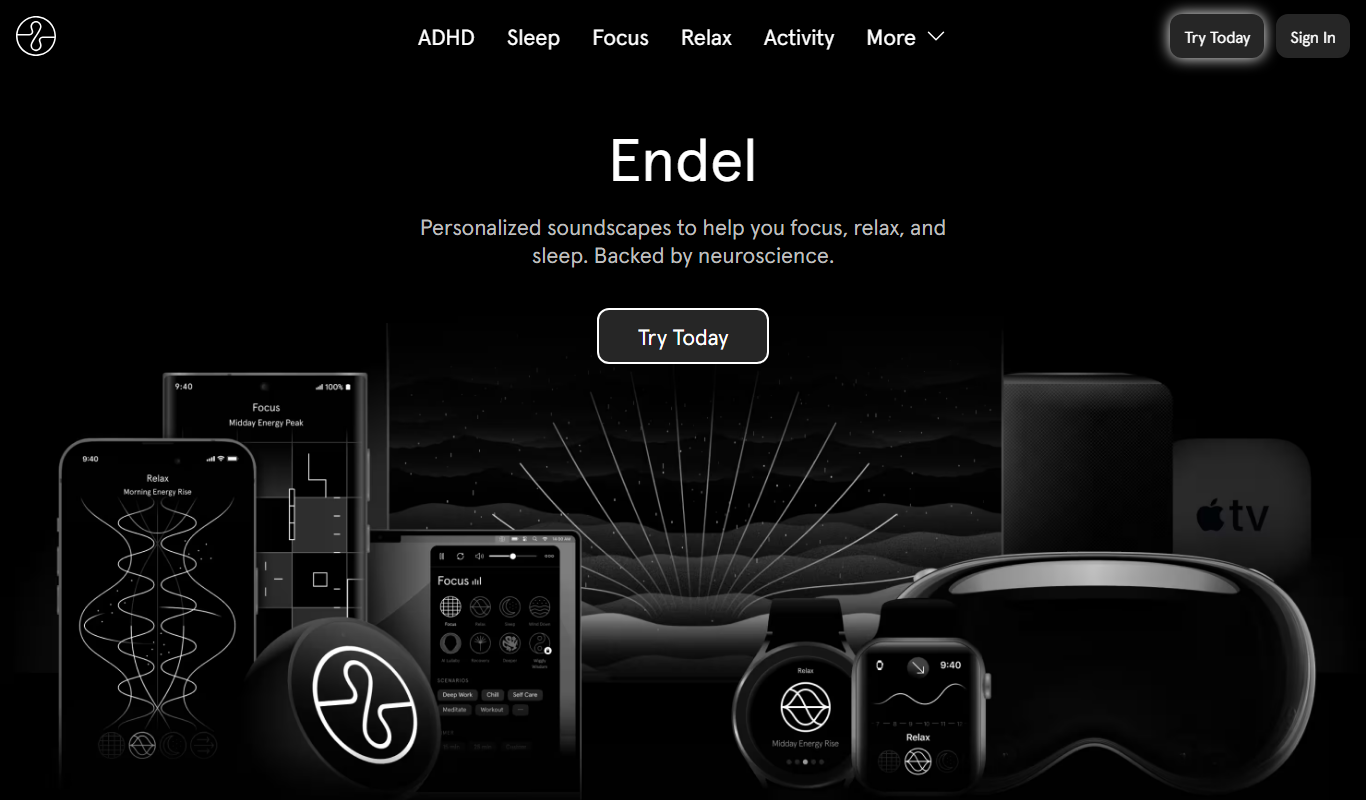
Endel
Endel is an AI-driven app that generates adaptive soundscapes tailored to improve focus, relaxation, and sleep by using real-time data such as time, location, and biometric inputs.

SONOTELLER
SONOTELLER.AI is an AI song analyzer that tags lyrics and music (genres, moods, instruments, BPM and key) and autotags music catalogs through its API.