

Picture Translate App for Instant Image Text Translation and OCR
Picture Translate is a free online tool that reads the text in an uploaded image with OCR and translates it into English or other languages.
- Best for
- Travel Translation
- Key capability
- Optical Character Recognition (OCR)
Save Picture Translate, follow its updates and vote on it — everything stays in your account.
Sign in or create a free account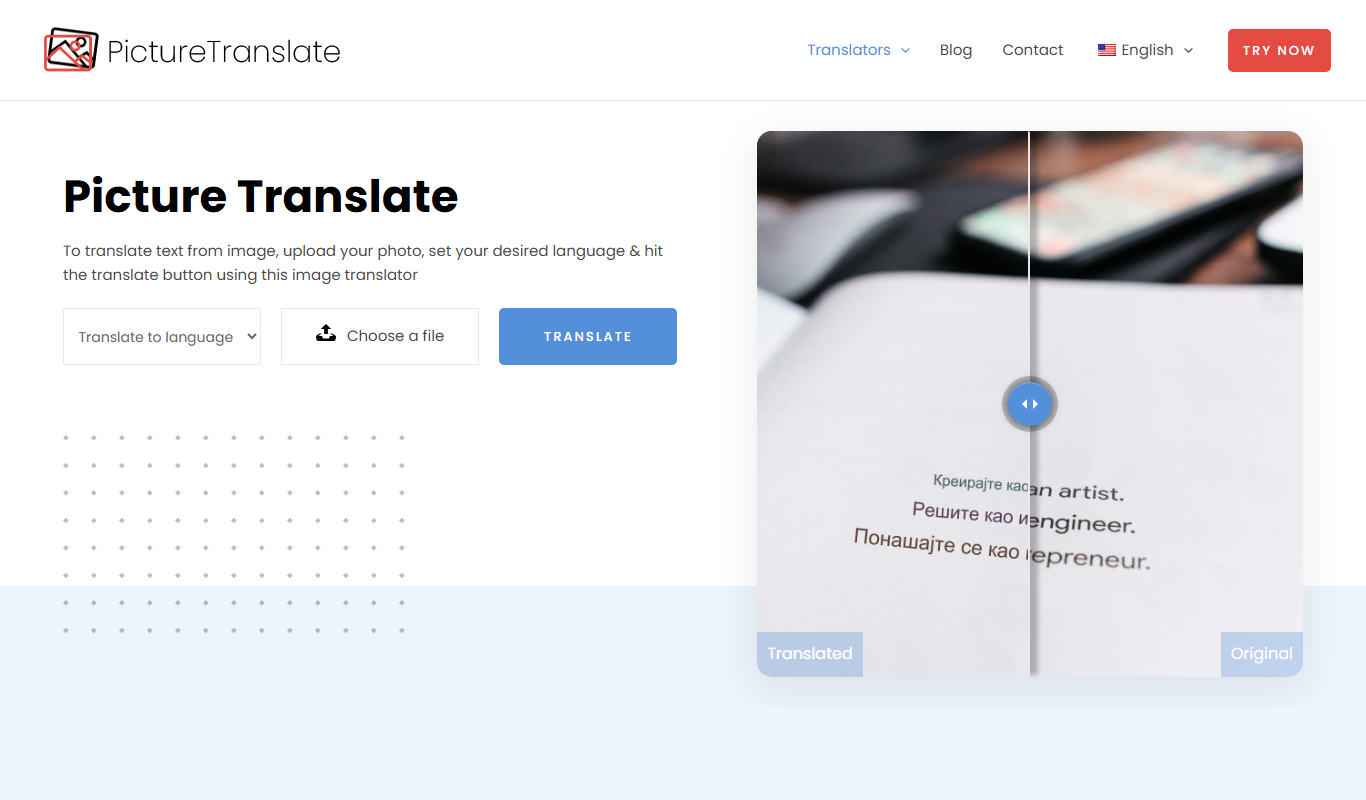

What is Picture Translate?
Picture Translate is a free online image translator. Users upload a picture, choose the language they want, and the tool uses OCR to read the text in the image and translate it into English or other languages. It works in the browser on desktop computers, smartphones and tablets, and the translated text can be copied or the picture downloaded.
Key features of Picture Translate
Picture Translate combines image analysis, OCR, language detection and translation in a free online tool. Users upload a picture, pick a target language and copy the translated text or download the picture, from a desktop computer, smartphone or tablet.
Optical Character Recognition (OCR)
Accurately extracts text from images in various fonts and styles.
Multi-language Support
Supports translation between over 100 languages, including major global languages.
Offline Translation
Allows translation without internet connection for select languages.
Text-to-Speech
Reads out translated text aloud to aid pronunciation and comprehension.
History and Favorites
Saves past translations for quick access and reference.
Pros and cons of Picture Translate
Pros
- Supports a wide range of languages
- Works on desktop computers, smartphones and tablets
- Offline translation available
- Includes text-to-speech functionality
Cons
- Free version has daily limits and ads
- OCR accuracy can vary with image quality
- No desktop or web platform available
Key use cases for Picture Translate
Travel Translation
Translate street signs, menus, transportation schedules and tourist information boards while traveling.
Learning Foreign Languages
Use the app to understand foreign language texts and improve vocabulary by translating images.
Business Communication
Quickly translate documents, labels, or product information in different languages for international business.
Accessibility
Assist users who have difficulty reading foreign languages by providing instant translations from images.
How Picture Translate works
- 1
Upload Image
Upload the picture that contains the text by choosing a file from your device.
- 2
Text Recognition
The app uses OCR technology to detect and extract text from the image.
- 3
Select Target Language
Choose the language you want the text translated into from the supported language list.
- 4
View and Use Translation
Copy the translated text to the clipboard, or download the picture and save it for future use.
Who is using Picture Translate
Picture Translate pricing
Free
Free
Completely free to use with unlimited access and no subscription fees.
Premium
$4.99/month
Unlimited translations, offline mode, ad-free experience, and priority support.
Plans and prices are as published by the vendor and can change. Check the official site before you buy. Open the pricing page (opens in a new tab)
Frequently asked questions about Picture Translate
It supports over 100 languages including English, Spanish, Chinese, French, German, Japanese, Korean, and more.
Yes, offline translation is available for select languages with the Premium subscription.
Yes. Picture Translate is completely free to use, with unlimited access and no subscription fees.
The OCR technology is highly accurate for clear printed text but may have difficulty with handwriting or blurry images.
It depends on your specific needs and how you plan to use the tool. The official website and documentation are the best sources for the latest details.
Some tools offer a free plan or trial with limited features. Availability can vary, so confirm on the official website.
Yes, it can help with that use case depending on how you configure it and what features are available. You’ll get the best results with clear inputs and a defined goal.
Yes, it can help with that use case depending on how you configure it and what features are available. You’ll get the best results with clear inputs and a defined goal.
Conclusion
Translation starts from an uploaded picture rather than from typed text. After the photo is added, the user sets the desired language and presses the translate button, and OCR reads the text in the image before it is translated. The translated text can be copied to the clipboard, or the picture can be downloaded and saved for future use. Accepted images range from official documents and screenshots of menus to pictures with only a few words.
Picture Translate runs online and is accessible from a desktop computer, smartphone or tablet. Dedicated pages cover source languages such as German, Chinese, Arabic and Japanese. Travelers reading street signs and menus are one of the intended uses, along with businesses translating documents, labels or product information. Use is free, with unlimited access and no subscription fees. Recognition accuracy can still vary with image quality.
Sources
Sign in to review this tool.
Sign In to ReviewNo reviews yet
Be the first to share how this tool worked for you.
Ask about pricing, limits, or how it compares — or answer someone else.
Sign In to AskNo questions yet
Have a question about using or paying for this tool? Be the first to ask.
Featured on TiorAI



Alternative Tools
Explore similar AI tools that might fit your needs

iTranslate
iTranslate is a multilingual translation app providing instant text and voice translations in over 100 languages, including offline capabilities and real-time voice conversations.
More AI Translation Tools tools
Other tools in the same category, for when this one is not quite the fit.

Pairaphrase
Pairaphrase is an AI-powered translation platform that combines machine translation with customizable glossaries and translation memory to deliver accurate, secure, and collaborative document translations for businesses.
Banva
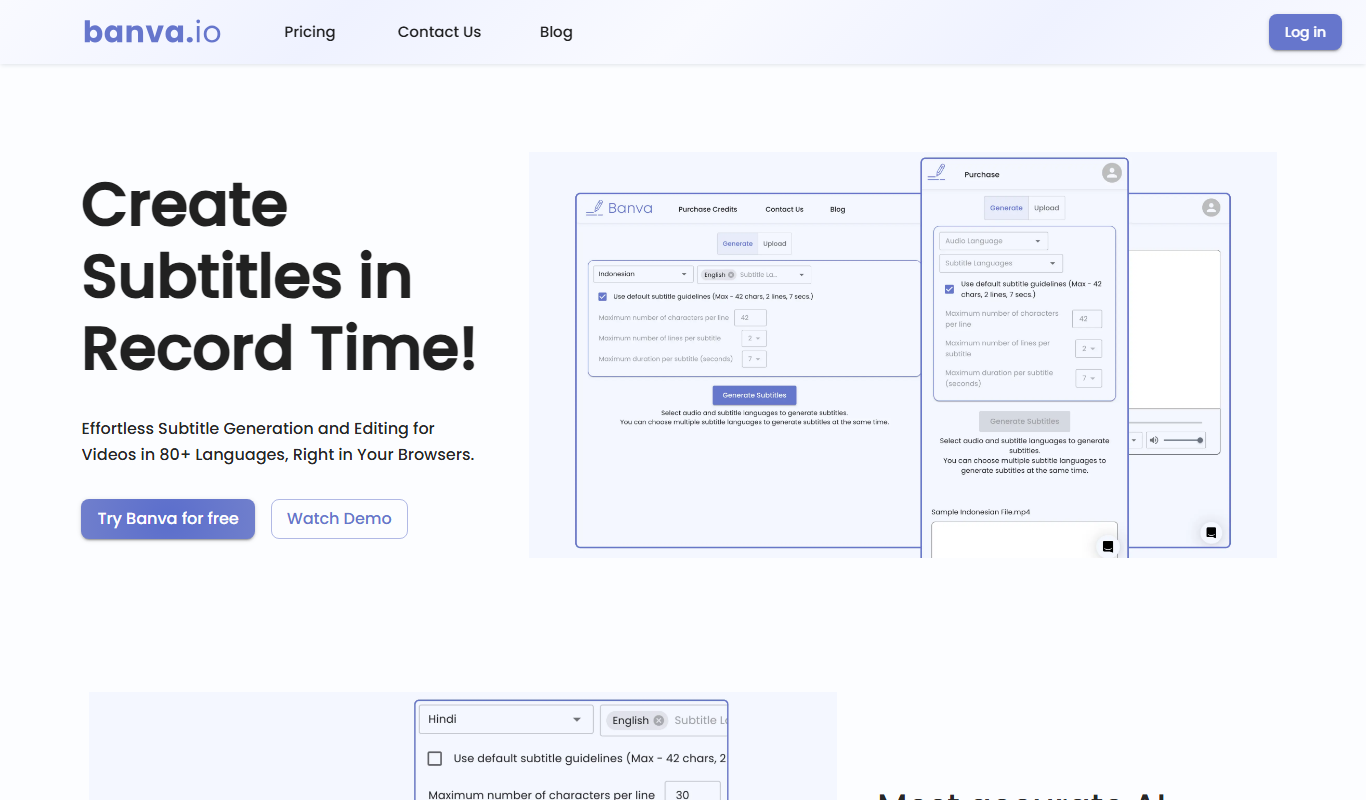
Banva is an AI subtitling, transcription and translation platform for video and audio in 90+ languages, with pay-as-you-go credits after 15 free minutes.

Manga Translator
Manga Translator is an AI extension for Chrome and Edge that translates manga, manhwa, webtoons, raw scans and screenshots into 100+ languages while you read online.

AI Manga Translator
AI Manga Translator is a web tool that uses AI to translate raw manga and comic images into multiple languages while preserving the original artwork and layout.
Lingvanex
Lingvanex is an AI-based translation software that provides real-time text, voice, document, and offline translations in over 100 languages, suitable for individuals, businesses, and developers.

Linguana
Linguana is an AI-driven translation platform that helps businesses efficiently translate and manage multilingual content with CMS integration and collaborative tools.

DocTransGPT
DocTransGPT is a free AI workspace for writing, captions, translation, PDF tools and OCR, with essential tools usable without sign-up.

Tutor Lily
Tutor Lily is an AI language tutor for real conversations in 50+ languages, with a personalized, science-backed method that remembers your goals and mistakes.