

iTranslate Language Translator App for Instant Multilingual Communication
iTranslate is a multilingual translation app providing instant text and voice translations in over 100 languages, including offline capabilities and real-time voice conversations.
- Best for
- Instant Text Translation
- Key capability
- Over 100 Languages Supported
Save iTranslate, follow its updates and vote on it — everything stays in your account.
Sign in or create a free account
What is iTranslate?
iTranslate is a comprehensive language translation app designed to facilitate communication across languages through text and voice translation. It supports over 100 languages and offers features such as offline translation, voice-to-voice conversations, and detailed dictionaries. Available on multiple platforms including mobile and desktop, iTranslate helps users travel, learn languages, and communicate globally with ease.
Key features of iTranslate
Key features include instant text translation, real-time voice translation, offline mode, phrasebooks, and voice output for pronunciation assistance. The app integrates seamlessly across devices and supports a wide range of languages.
Over 100 Languages Supported
Extensive language coverage for text and voice translation.
Voice-to-Voice Conversations
Real-time spoken language translation for natural conversations.
Offline Translation Mode
Translate without internet by downloading language packs.
Phrasebook and Dictionary
Learn common phrases and detailed word meanings.
Cross-Platform Availability
Use iTranslate on smartphones, tablets, desktops, and smartwatches.
Pros and cons of iTranslate
Pros
- Supports a wide range of languages
- Real-time voice translation enhances communication
- Offline mode useful for travel without internet
- Cross-platform availability including Apple Watch
- User-friendly interface with phrasebooks and dictionaries
Cons
- Free version has ads and limited features
- Some advanced features require subscription
- Offline translations require prior download of language packs
Key use cases for iTranslate
Instant Text Translation
Translate text between over 100 languages instantly for communication, travel, or study.
Voice-to-Voice Translation
Use voice input to translate spoken language in real-time, facilitating conversations across languages.
Offline Translation
Download language packs to translate text and voice without an internet connection.
Dictionary and Phrasebook
Access detailed dictionary entries and phrasebooks to learn language nuances and common expressions.
Language Learning Support
Practice pronunciation and vocabulary with voice output and interactive features.
How iTranslate works
- 1
Download and Install
Get the iTranslate app from your device’s app store or access the web version.
- 2
Select Languages
Choose the source and target languages for translation.
- 3
Input Text or Voice
Type or speak the phrase you want to translate.
- 4
Receive Translation
View or listen to the translated text instantly.
- 5
Use Additional Features
Access offline mode, phrasebooks, and pronunciation guides as needed.
Who is using iTranslate
iTranslate pricing
Free
$0/month
Basic translation features with ads and limited offline access.
Pro
$5.99/month
Ad-free experience, offline translation, voice-to-voice conversations, and unlimited translations.
Pro Annual
$49.99/year
Annual subscription with all Pro features at a discounted rate.
Plans and prices are as published by the vendor and can change. Check the official site before you buy. Open the pricing page (opens in a new tab)
Frequently asked questions about iTranslate
Yes, by downloading language packs, you can use text and voice translation without internet.
iTranslate supports over 100 languages for text and voice translation.
Yes, the free version offers basic translation features with some limitations and ads.
Yes, the Pro version supports real-time voice-to-voice translation for conversations.
It depends on your specific needs and how you plan to use the tool. The official website and documentation are the best sources for the latest details.
Yes, it can help with that use case depending on how you configure it and what features are available. You’ll get the best results with clear inputs and a defined goal.
Some tools offer a free plan or trial with limited features. Availability can vary, so confirm on the official website.
Yes, it can help with that use case depending on how you configure it and what features are available. You’ll get the best results with clear inputs and a defined goal.
Conclusion
A translation starts with choosing the source and target languages, then typing or speaking the phrase and viewing or listening to the result. Text and voice translation covers over 100 languages, and voice-to-voice mode translates spoken language in real time for conversations. Language packs have to be downloaded in advance to translate without an internet connection.
It is designed for travelers needing instant translation, language learners seeking practice tools and business professionals communicating internationally. Besides smartphones and tablets, it runs on desktops and smartwatches. The free version has ads and limited features, while Pro costs $5.99 per month or $49.99 per year.
Sources
Sign in to review this tool.
Sign In to ReviewNo reviews yet
Be the first to share how this tool worked for you.
Ask about pricing, limits, or how it compares — or answer someone else.
Sign In to AskNo questions yet
Have a question about using or paying for this tool? Be the first to ask.
Featured on TiorAI



More AI Speech-to-Text tools
Other tools in the same category, for when this one is not quite the fit.

Veritone
Veritone is an AI-powered media intelligence platform that automates transcription, content analysis, and advertising verification for audio and video media.
Verbling
Verbling is an online platform that connects language learners with native-speaking tutors for live video lessons, offering personalized and flexible language education.

i2OCR
i2OCR is a free online OCR tool that extracts editable text from images and PDFs in over 100 languages without requiring registration or software installation.
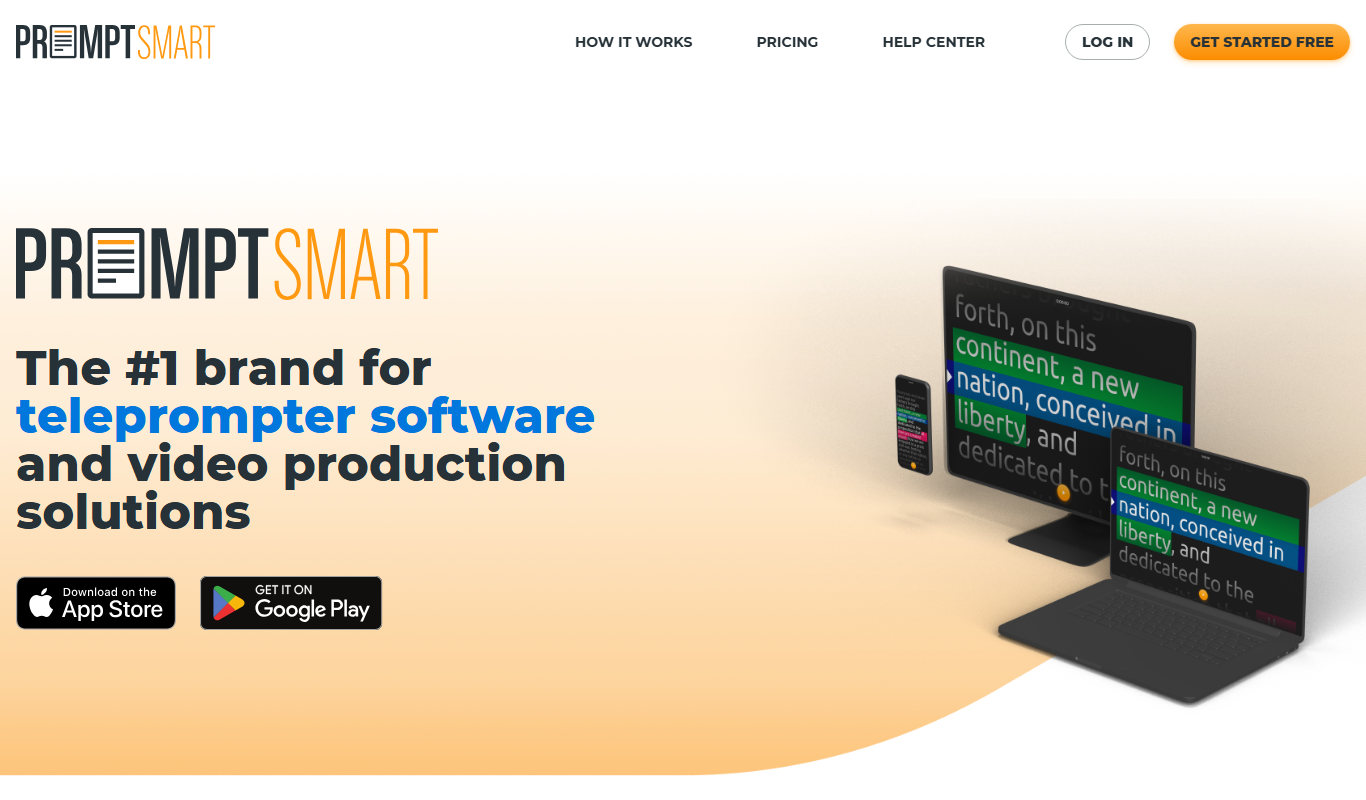
PromptSmart
PromptSmart is a teleprompter app that uses voice recognition technology called VoiceTrack to scroll your script in real time as you speak, allowing for natural and flexible presentations.

E2Language
E2Language is an online platform offering comprehensive preparation courses for IELTS, PTE, and TOEFL exams, featuring AI-powered speaking practice and personalized writing correction.

Augmedix
Augmedix is an AI-powered medical documentation platform that combines speech recognition and remote medical scribes to automate clinical note-taking for healthcare providers.

KUDO
KUDO is a cloud-based platform providing real-time multilingual interpretation for virtual and hybrid events, supporting over 100 languages and accessible via web and mobile apps.
Amberscript
Amberscript is an AI-driven platform that converts audio and video files into accurate transcripts and subtitles, supporting multiple languages and offering both automated and human-assisted transcription services.