

From my experience with Tutor Lily, I found it excels at providing flexible, personalized tutoring sessions that adapt well to individual student needs. The platform’s straightforward interface and qualified tutors make it easy to get targeted academic support, especially for homework and test prep. However, the lack of publicly available subscription pricing and limited language support could be a drawback for some users. Overall, if you’re seeking convenient, one-on-one tutoring in English with flexible scheduling, Tutor Lily offers a solid, user-friendly option.
Tutor Lily Online Tutoring Platform for Personalized Learning Support
Tutor Lily is an online tutoring platform providing personalized one-on-one sessions with qualified tutors across multiple subjects, designed to help students with homework, test prep, and concept understanding.
- Best for
- Homework Assistance
- Key capability
- Live One-on-One Tutoring
Your actions
Save Tutor Lily, follow its updates and vote on it — everything stays in your account.
Sign in or create a free account
What is Tutor Lily?
Tutor Lily is an online tutoring platform that connects students with expert tutors for personalized learning support. It offers one-on-one sessions to help students improve academic performance, clarify concepts, and prepare for exams. The platform emphasizes flexibility and accessibility, allowing students to schedule sessions as needed and receive tailored assistance in a variety of subjects.
Key features of Tutor Lily
Tutor Lily provides live, interactive tutoring sessions with qualified tutors, flexible scheduling options, and support across multiple academic subjects. The platform focuses on personalized learning experiences to address individual student needs and learning styles.
Live One-on-One Tutoring
Interactive sessions tailored to the student's individual learning needs.
Flexible Scheduling
Ability to book sessions at times that fit the student's schedule.
Wide Subject Coverage
Support for a variety of academic subjects including math, science, and English.
Qualified Tutors
Access to experienced tutors with expertise in their subject areas.
User-Friendly Interface
Simple platform design that makes booking and attending sessions easy.
Pros and cons of Tutor Lily
Pros
- Personalized one-on-one tutoring sessions
- Flexible scheduling to accommodate busy students
- Wide range of academic subjects supported
- Access to qualified and experienced tutors
Cons
- Pricing details for subscriptions are not publicly listed
- Platform currently supports only English language
Key use cases for Tutor Lily
Homework Assistance
Students can get help with homework questions and assignments across various subjects.
Test Preparation
Personalized tutoring sessions to prepare for exams and standardized tests.
Concept Clarification
One-on-one sessions to clarify difficult concepts and improve understanding.
Skill Building
Focused tutoring to build foundational skills in subjects like math, science, and English.
Flexible Scheduling
Students can schedule sessions at convenient times to fit their busy routines.
How Tutor Lily works
- 1
Create an Account
Sign up on Tutor Lily’s website to access the tutoring services.
- 2
Select Subject and Tutor
Choose the subject area and browse available tutors based on expertise.
- 3
Schedule a Session
Pick a convenient time slot for a live tutoring session.
- 4
Attend Live Session
Engage in a one-on-one interactive session with the tutor to get help.
- 5
Provide Feedback
Rate the session and provide feedback to improve future tutoring experiences.
Who is using Tutor Lily
K-12 students needing homework help
High school students preparing for exams
Parents seeking tutoring support for their children
Adult learners looking to improve academic skills
Homeschooling families requiring supplemental instruction
Tutor Lily pricing
Pay-as-you-go
Varies per session
Pay for individual tutoring sessions without a subscription.
Subscription
Contact for pricing
Options for recurring tutoring sessions with potential discounts.
Plans and prices are as published by the vendor and can change. Check the official site before you buy. Open the pricing page (opens in a new tab)
Frequently asked questions about Tutor Lily
Tutor Lily offers tutoring in a wide range of subjects including math, science, English, and more.
After creating an account, you can select a subject and tutor, then choose an available time slot to book your session.
Yes, Tutor Lily provides personalized sessions focused on preparing for exams and standardized tests.
Yes, Tutor Lily offers subscription options for regular tutoring sessions. Pricing details can be obtained by contacting their support.
It depends on your specific needs and how you plan to use the tool. The official website and documentation are the best sources for the latest details.
Yes, it can help with that use case depending on how you configure it and what features are available. You’ll get the best results with clear inputs and a defined goal.
It depends on your specific needs and how you plan to use the tool. The official website and documentation are the best sources for the latest details.
Pricing depends on the plan and included features. For the most accurate and up-to-date details, check the official pricing page.
Sign in to review this tool.
Sign In to ReviewNo reviews yet
Be the first to share how this tool worked for you.
Ask about pricing, limits, or how it compares — or answer someone else.
Sign In to AskNo questions yet
Have a question about using or paying for this tool? Be the first to ask.
Featured on TiorAI



More AI Course tools
Other tools in the same category, for when this one is not quite the fit.

Freemium
Duomly – Interact, Engage and Learn!
Duomly offers short 5-minute lessons in career, management, sales, marketing and IT skills, on the web and in an app on Google Play.

Freemium
CourseMind
CourseMind is an AI-driven tool that automates the creation of online courses, lesson plans, and quizzes, enabling educators and trainers to build e-learning content quickly and efficiently.
Free
elementsofai.de
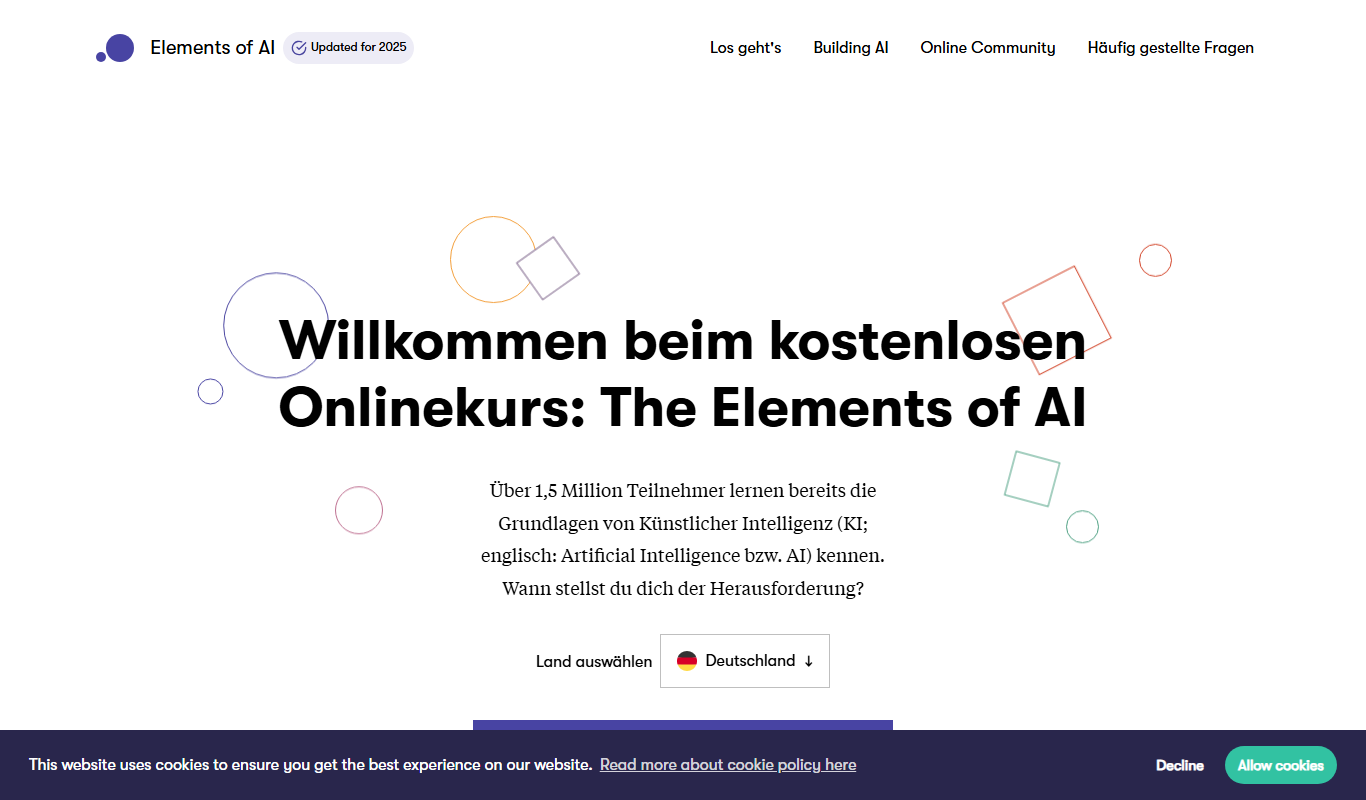
Elements of AI is a free, self-paced online course created by the University of Helsinki and Reaktor that teaches foundational AI concepts to beginners and professionals without requiring programming skills.

Free
Cream: IELTS Speaking Prep App
Cream IELTS Speaking Prep App helps IELTS candidates practice speaking questions, record responses, and improve fluency with model answers and progress tracking.

Freemium
Learnrithm Ai
Learnrithm AI is an adaptive online education platform that uses artificial intelligence to personalize learning paths, helping users acquire skills efficiently through customized courses and progress tracking.

Free
Learn Prompting
Learn Prompting is a free, open-source platform that teaches users how to design effective prompts for AI language models through structured lessons and interactive examples.

Freemium
DocteurQuiz
DocteurQuiz is a French online platform providing medical quizzes for students and healthcare professionals to improve knowledge and prepare for exams.

Custom Pricing
AI Course Creator – AcademyOcean
AcademyOcean's AI Course Creator is a web platform that uses AI to automate the creation of online courses, helping educators and trainers quickly generate structured content, customize lessons, and manage learner progress.