

From my experience with TextPixie, I found it excels at simplifying the content creation process with its intuitive interface and useful templates. It’s particularly well-suited for marketers and small business owners who need to generate SEO-friendly and engaging copy quickly without extensive writing skills. However, the tool currently supports only English and offers limited advanced customization, which might be a constraint for some users. Overall, if you want a straightforward AI writing assistant to boost your content output efficiently, TextPixie delivers solid value.
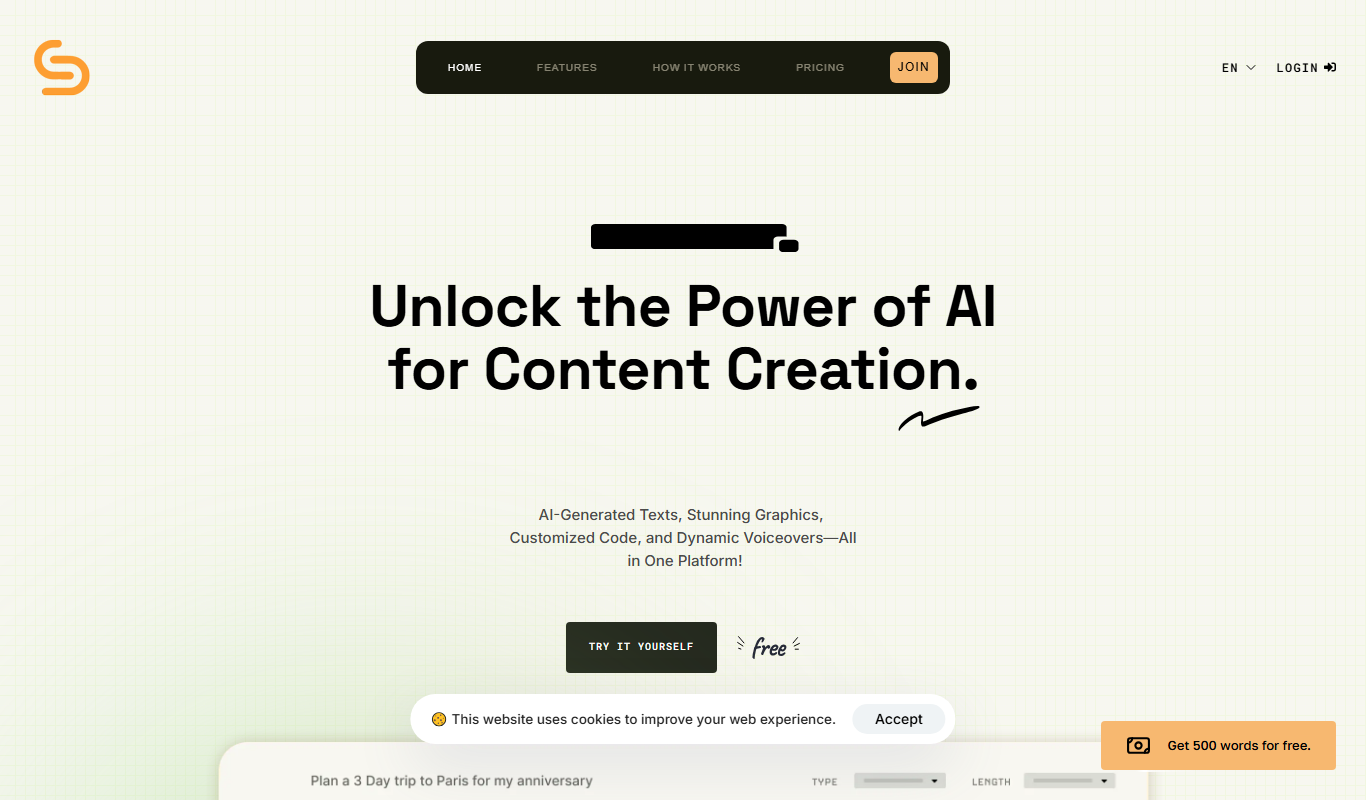
TextPixie AI Writing Assistant for Content Creation and Copywriting
TextPixie is an AI-powered writing assistant that generates high-quality content for blogs, marketing, and social media, helping users create engaging text efficiently.
- Best for
- Blog Content Creation
- Key capability
- AI Content Generation
Your actions
Save TextPixie, follow its updates and vote on it — everything stays in your account.
Sign in or create a free account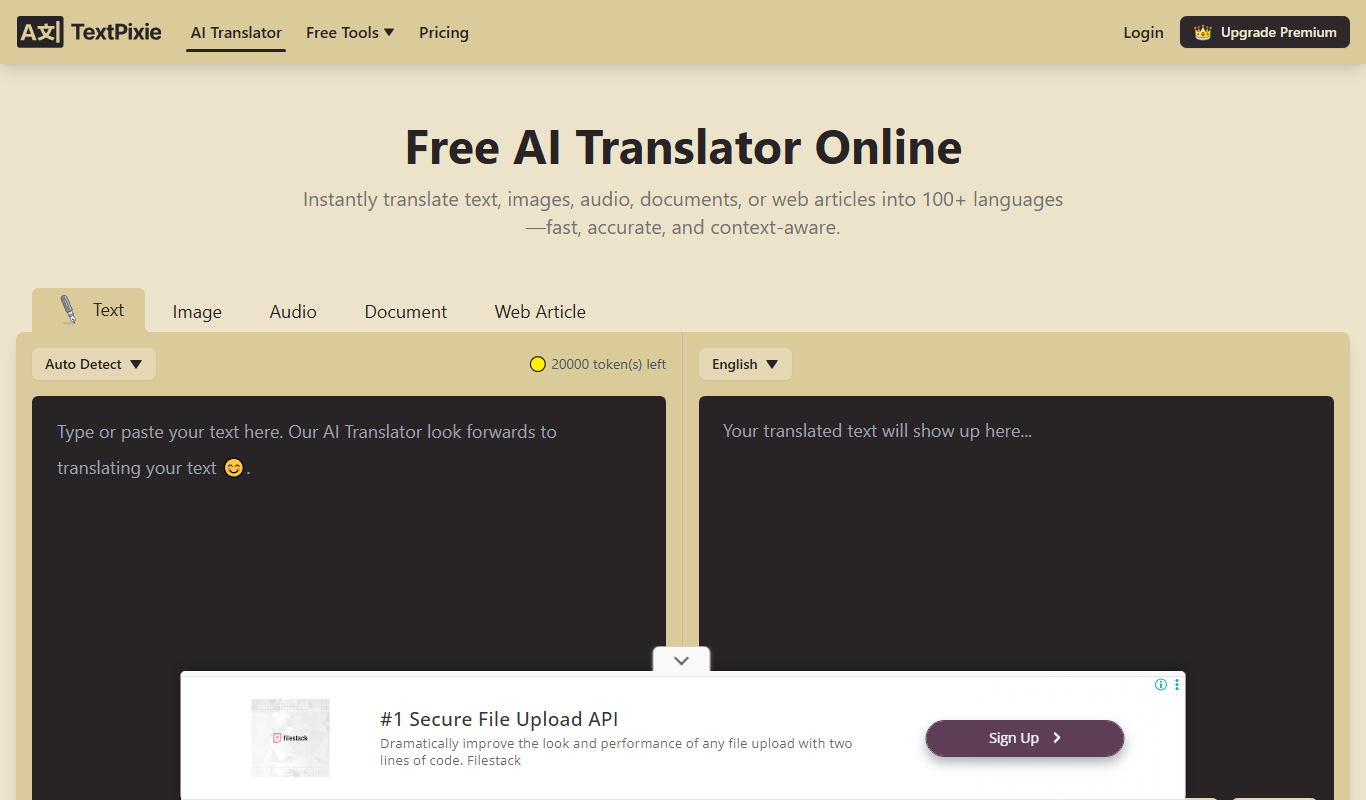
What is TextPixie?
TextPixie is an AI-powered writing assistant designed to help users create high-quality written content efficiently. It leverages advanced natural language processing to generate text for various purposes including blogs, marketing copy, product descriptions, and social media posts. The tool aims to reduce the time and effort required for content creation while maintaining readability and engagement.
Key features of TextPixie
TextPixie offers features such as AI-generated content templates, SEO optimization suggestions, multiple writing styles, and easy-to-use editing tools. It supports content creation workflows for marketers, bloggers, and businesses seeking to scale their writing output.
AI Content Generation
Automatically generate high-quality text tailored to your needs.
Multiple Writing Templates
Access a variety of templates for different content types and goals.
SEO Optimization
Receive suggestions to improve content SEO and keyword usage.
User-Friendly Interface
Intuitive design that simplifies the content creation process.
Content Editing Tools
Built-in editor to customize and polish AI-generated text.
Pros and cons of TextPixie
Pros
- Easy to use with a clean interface
- Multiple content templates for diverse needs
- SEO-friendly content generation
- Affordable pricing with a free trial
Cons
- Supports only English language
- Limited advanced customization options
Key use cases for TextPixie
Blog Content Creation
Generate SEO-friendly blog posts and articles quickly with AI assistance.
Marketing Copywriting
Create compelling marketing copy for ads, emails, and social media posts.
Product Descriptions
Write engaging product descriptions that highlight features and benefits.
Social Media Content
Produce creative and relevant social media posts to boost engagement.
Email Campaigns
Draft persuasive email content for newsletters and promotional campaigns.
How TextPixie works
- 1
Sign Up
Create an account on the TextPixie website to access the platform.
- 2
Choose a Template
Select from various content templates like blog posts, ads, or emails.
- 3
Input Keywords or Brief
Provide keywords or a brief description to guide the AI content generation.
- 4
Generate Content
Let the AI produce text based on your inputs and chosen template.
- 5
Edit and Refine
Review the generated content and make any necessary edits before publishing.
Who is using TextPixie
Content marketers
Small business owners
Bloggers and writers
Digital marketing agencies
E-commerce sellers
TextPixie pricing
Free Trial
$0
Limited access to features to test the platform.
Pro
$29/month
Full access to all features with higher usage limits.
Plans and prices are as published by the vendor and can change. Check the official site before you buy. Open the pricing page (opens in a new tab)
Frequently asked questions about TextPixie
Yes, TextPixie offers a free trial with limited features to test the platform.
TextPixie generates original content using AI, but it’s recommended to review and customize it.
Currently, TextPixie supports content generation in English.
Yes, the tool provides SEO optimization suggestions to improve your content’s search ranking.
It depends on your specific needs and how you plan to use the tool. The official website and documentation are the best sources for the latest details.
It depends on your specific needs and how you plan to use the tool. The official website and documentation are the best sources for the latest details.
Pricing depends on the plan and included features. For the most accurate and up-to-date details, check the official pricing page.
Sign in to review this tool.
Sign In to ReviewNo reviews yet
Be the first to share how this tool worked for you.
Ask about pricing, limits, or how it compares — or answer someone else.
Sign In to AskNo questions yet
Have a question about using or paying for this tool? Be the first to ask.
Featured on TiorAI



More AI Copywriting tools
Other tools in the same category, for when this one is not quite the fit.
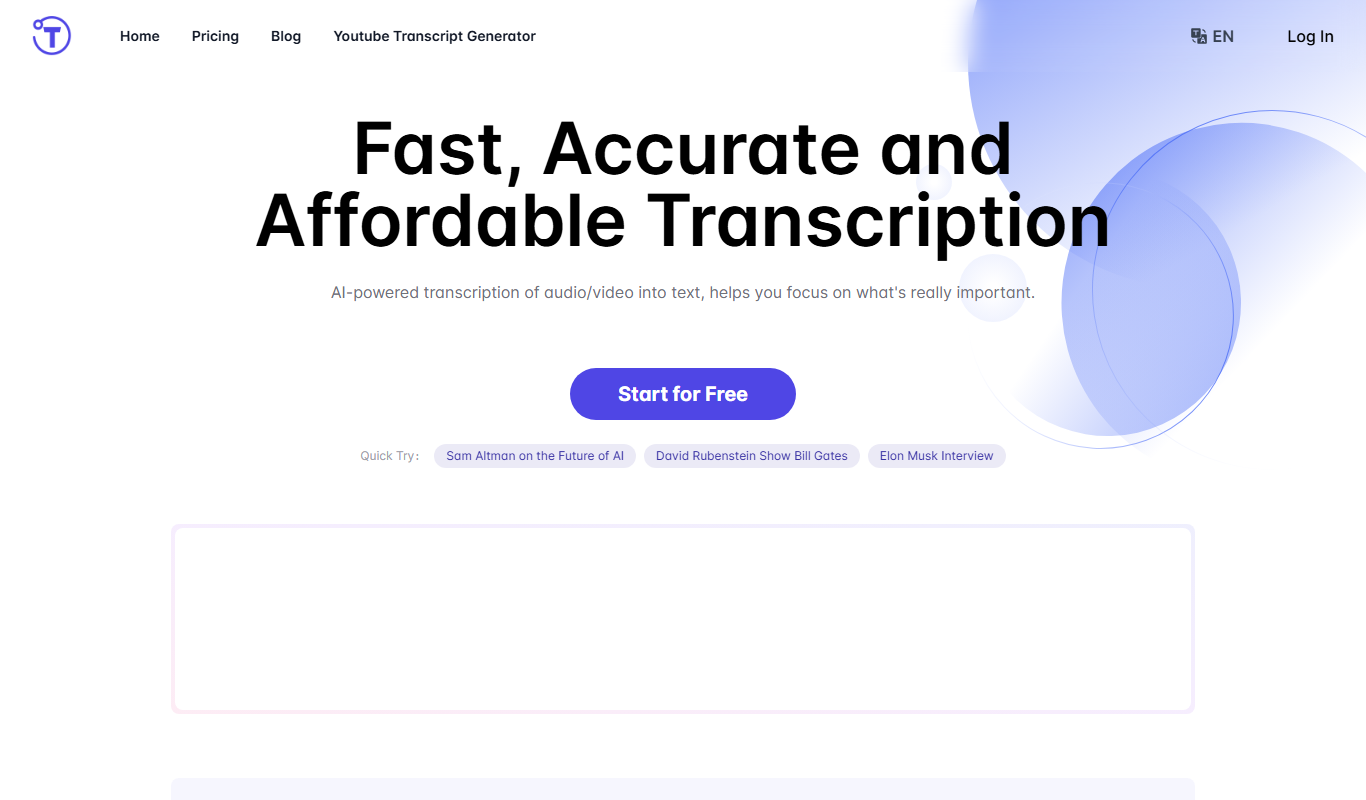
Free Trial
Yescribe.ai
Yescribe.ai is an AI-powered writing assistant that helps users generate and optimize written content such as blogs, marketing copy, and emails through an easy-to-use web platform.

Freemium
Little Bro
Little Bro is an AI-powered writing assistant designed to help users generate, rewrite, and optimize content for blogs, marketing, and SEO purposes through an easy-to-use web platform.
Freemium
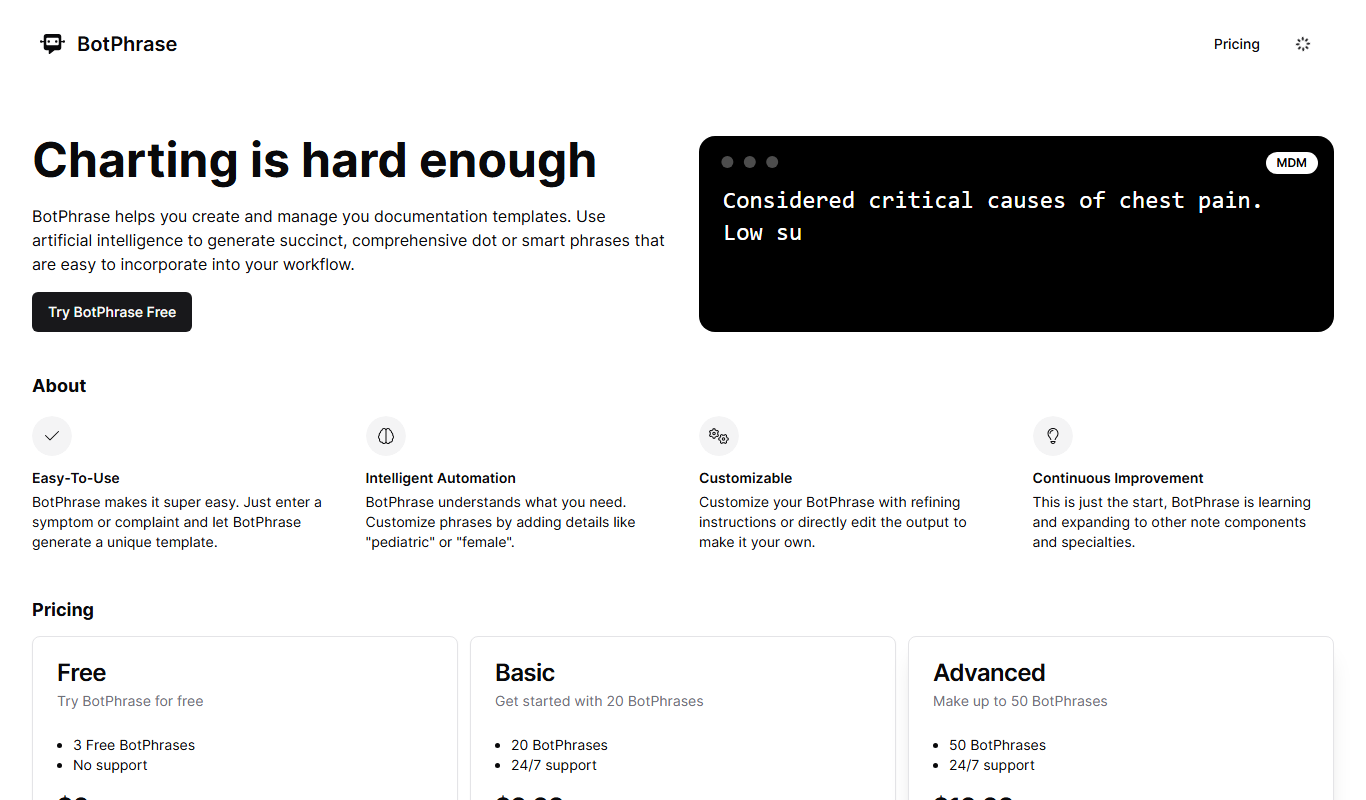
BotPhrase
BotPhrase is an AI-powered writing assistant designed to help marketers and content creators generate high-quality marketing copy, blog posts, emails, and social media content efficiently.
Free
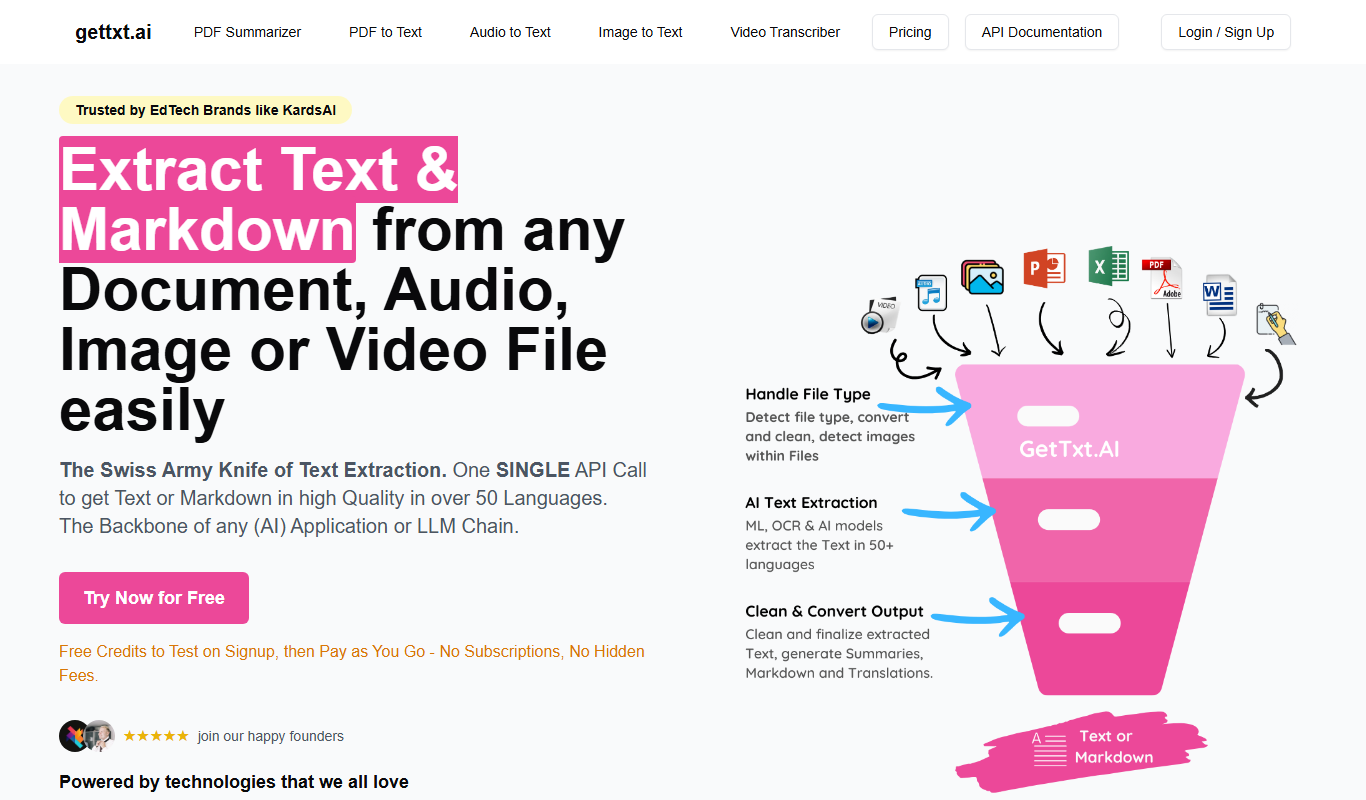
GetTxt.AI
GetTxt.AI is an AI-powered platform that generates high-quality written content such as blog posts, ads, and social media text to help users create content faster and more efficiently.
Free Trial
Scribbyo
Scribbyo is an AI-powered writing assistant designed to generate and optimize content such as blogs, marketing copy, and emails, helping users create high-quality text quickly.

Free Trial
Hey Stoke
Hey Stoke is an AI writing assistant designed to help marketers and content creators generate high-quality marketing copy, blog posts, and emails with customizable tone and SEO optimization.

Freemium
Stylo
Stylo is an AI-powered writing assistant that helps users create and edit creative and professional content through an easy-to-use web platform.
Free
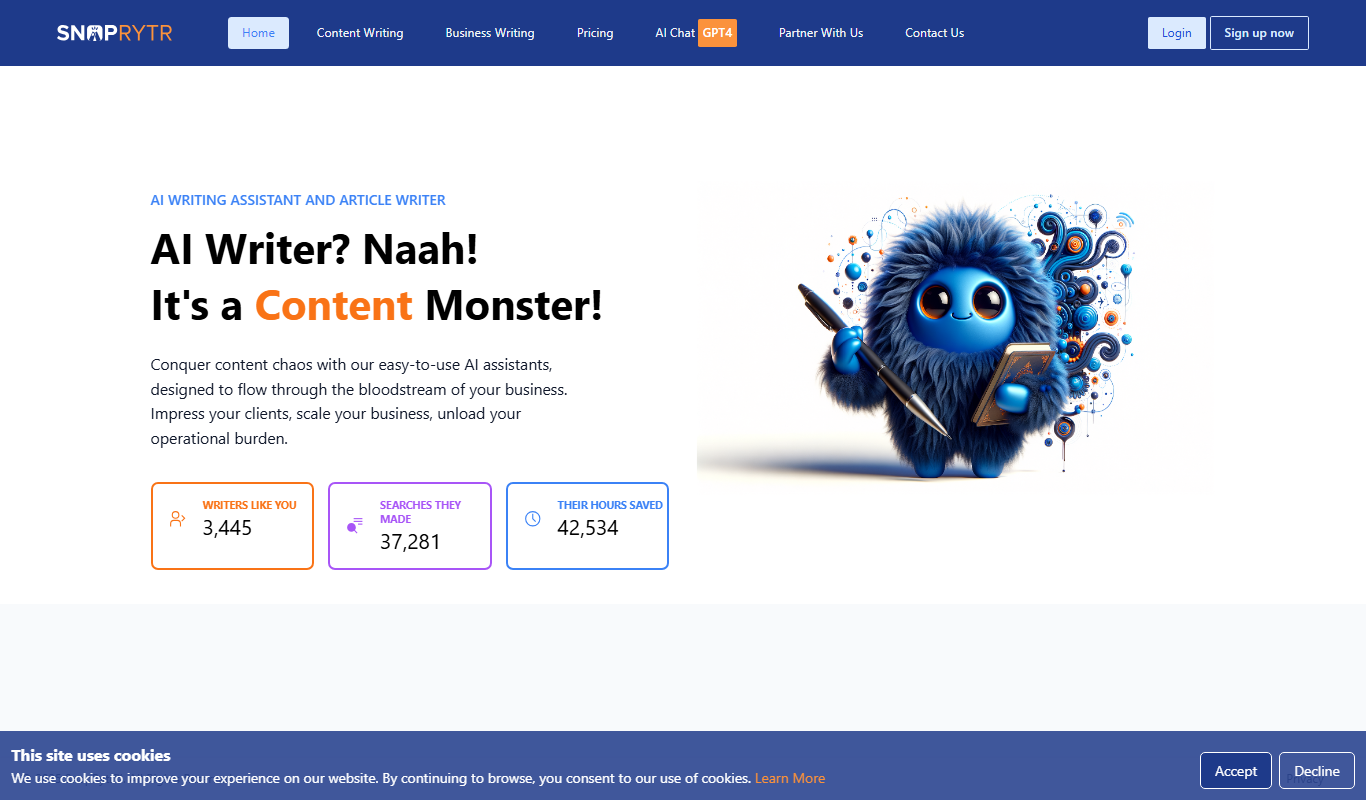
SnapRytr
SnapRytr is an AI-powered writing assistant that generates high-quality content for blogs, marketing, and SEO, helping users create text faster and with customizable tone.