

Manga Translator Online Tool for Fast and Accurate Manga Translation
Manga Translator is an AI extension for Chrome and Edge that translates manga, manhwa, webtoons, raw scans and screenshots into 100+ languages while you read online.
- Best for
- Manga Translation
- Key capability
- Optical Character Recognition (OCR)
Save Manga Translator, follow its updates and vote on it — everything stays in your account.
Sign in or create a free account

What is Manga Translator?
Manga Translator is an AI manga translator extension for Chrome and Edge. It translates manga, manhwa, manhua, comics, webtoons, raw scans, screenshots and images into 100+ languages while you read online.
Key features of Manga Translator
The tool offers image upload for manga pages, automatic text extraction, and instant translation. It supports multiple languages and provides a user-friendly interface for manga enthusiasts to translate and read foreign manga content seamlessly.
Optical Character Recognition (OCR)
Accurately extracts text from manga images for translation.
Instant Machine Translation
Provides quick translations of extracted text into English and other languages.
User-Friendly Interface
Simple upload and translation process accessible to all users.
Free to Use
No cost for accessing translation features.
Pros and cons of Manga Translator
Pros
- Free and easy to use
- Supports direct image uploads
- Quick text extraction and translation
- No registration required
Cons
- Translation quality varies with image clarity
- Limited language support beyond Japanese-English
- No advanced editing or proofreading features
Key use cases for Manga Translator
Manga Translation
Translate manga pages from Japanese to English or other supported languages quickly and accurately.
Image Text Extraction
Extract text from manga images using OCR technology to enable translation.
Reading Foreign Manga
Help manga readers understand foreign language manga without waiting for official translations.
Language Learning
Assist language learners by providing translated manga content alongside original text.
How Manga Translator works
- 1
Install the extension
Add Manga Translator to Chrome or Edge, pin it to your toolbar, and sign in if you want to use account credits across devices.
- 2
Text Extraction
The tool uses OCR to detect and extract text from the uploaded image.
- 3
Automatic Translation
Extracted text is translated into the selected target language instantly.
- 4
View Translated Manga
Users can read the translated text alongside the original manga image.
Who is using Manga Translator
Manga Translator pricing
Starter
$89/month (listed down from $99)
100 credits valid for 1 month, AI translation of raw manga pages, multi-language text output and PNG, JPG and WebP image support.
Standard
$169/month (listed down from $199)
Everything in Starter plus 200 credits valid for 1 month, usage history for credits and priority email support.
Premium
$249/month (listed down from $299)
Everything in Standard plus 300 credits valid for 1 month, team-ready translation review and priority support.
Plans and prices are as published by the vendor and can change. Check the official site before you buy. Open the pricing page (opens in a new tab)
Frequently asked questions about Manga Translator
No. Manga Translator is paid through monthly credit packs: Starter, Standard and Premium.
It translates into 100+ languages, including English, Chinese, Japanese, Korean, French and Spanish.
Yes. PNG, JPG and WebP images are supported.
Translation accuracy depends on the quality of the image and the complexity of the text; it uses machine translation which may not be perfect.
It depends on your specific needs and how you plan to use the tool. The official website and documentation are the best sources for the latest details.
Some tools offer a free plan or trial with limited features. Availability can vary, so confirm on the official website.
Yes, it can help with that use case depending on how you configure it and what features are available. You’ll get the best results with clear inputs and a defined goal.
It depends on your specific needs and how you plan to use the tool. The official website and documentation are the best sources for the latest details.
Conclusion
Translation happens inside the browser, since Manga Translator is an extension for Chrome and Edge that works on comics while they are being read online. It detects text in speech bubbles, narration boxes and vertical Japanese layouts, then translates the bubbles and renders readable results on the page. When a custom reader or canvas blocks normal detection, a screenshot mode captures a panel or page region and translates that. Output covers 100+ languages, and the source can be Japanese manga, Korean manhwa, Chinese manhua, webtoons or raw scans.
Readers who want to understand chapters immediately are the main audience, along with language learners who compare source text. Supported reading sites include MangaDex, MANGA Plus, WEBTOON and VIZ. Use is paid through monthly credit packs, and each pack’s credits stay valid for 1 month.
Sources
Sign in to review this tool.
Sign In to ReviewNo reviews yet
Be the first to share how this tool worked for you.
Ask about pricing, limits, or how it compares — or answer someone else.
Sign In to AskNo questions yet
Have a question about using or paying for this tool? Be the first to ask.
Featured on TiorAI



Alternative Tools
Explore similar AI tools that might fit your needs

Yandex Translate
Yandex Translate is a free AI-powered translation service by Yandex LLC that supports instant text, voice, and image translations in over 90 languages, with offline capabilities and developer API access.
More AI Translation Tools tools
Other tools in the same category, for when this one is not quite the fit.
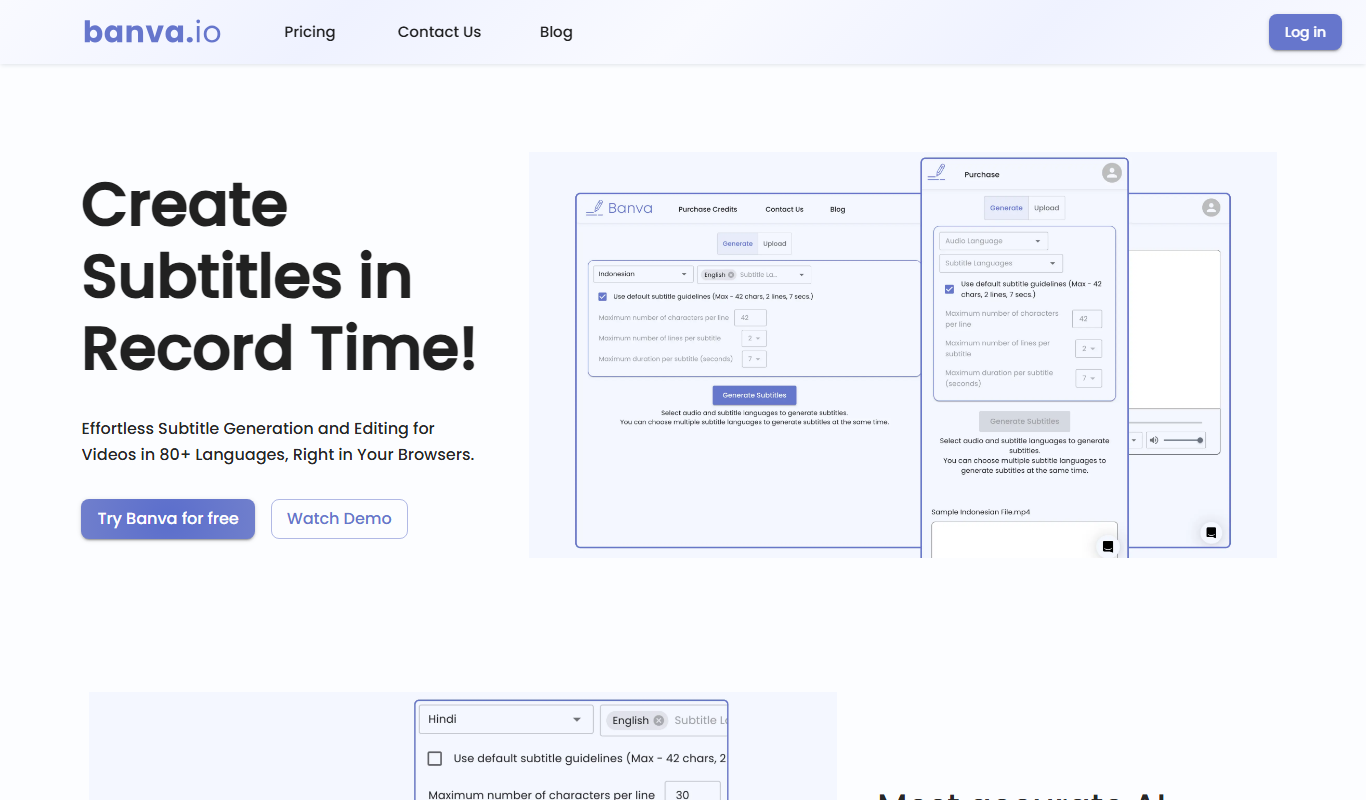
Banva
Banva is an AI subtitling, transcription and translation platform for video and audio in 90+ languages, with pay-as-you-go credits after 15 free minutes.

AI Manga Translator
AI Manga Translator is a web tool that uses AI to translate raw manga and comic images into multiple languages while preserving the original artwork and layout.
Lingvanex
Lingvanex is an AI-based translation software that provides real-time text, voice, document, and offline translations in over 100 languages, suitable for individuals, businesses, and developers.

Linguana
Linguana is an AI-driven translation platform that helps businesses efficiently translate and manage multilingual content with CMS integration and collaborative tools.

DocTransGPT
DocTransGPT is a free AI workspace for writing, captions, translation, PDF tools and OCR, with essential tools usable without sign-up.

Tutor Lily
Tutor Lily is an AI language tutor for real conversations in 50+ languages, with a personalized, science-backed method that remembers your goals and mistakes.

gengo.app
gengo.app is a free manga and light novel reader with an integrated OCR dictionary and other language learning tools, designed for learning Japanese.
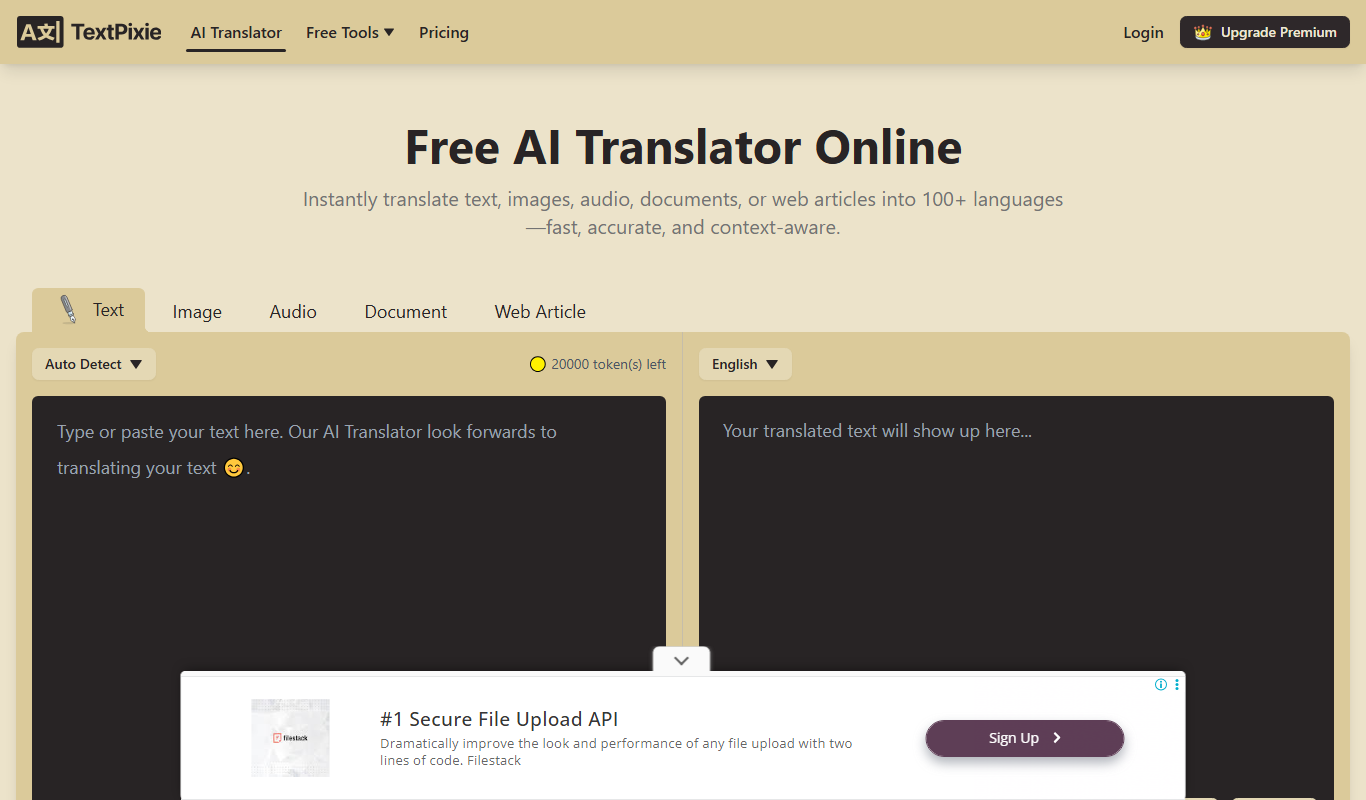
TextPixie
TextPixie is a free AI translator that translates text, images, audio, documents and web articles into 100+ languages.