

From my experience with LingoSub, I found it excels at quickly generating accurate subtitles and translating them into multiple languages without complex setup. The web-based platform is intuitive, making it accessible for creators and marketers who need to expand their video reach globally. However, the free plan limits video length, which might be restrictive for longer content creators. Also, the lack of desktop or mobile apps means users must rely on the web interface. Overall, if you want a straightforward AI subtitle and translation tool to improve video accessibility and engagement, LingoSub delivers reliable results with minimal effort.
LingoSub AI Subtitle Generator for Multilingual Video Captions and Translation
LingoSub is an AI-driven platform that automatically generates and translates video subtitles into multiple languages, enhancing accessibility and audience reach.
- Best for
- Content Creators
- Key capability
- Automatic Subtitle Generation
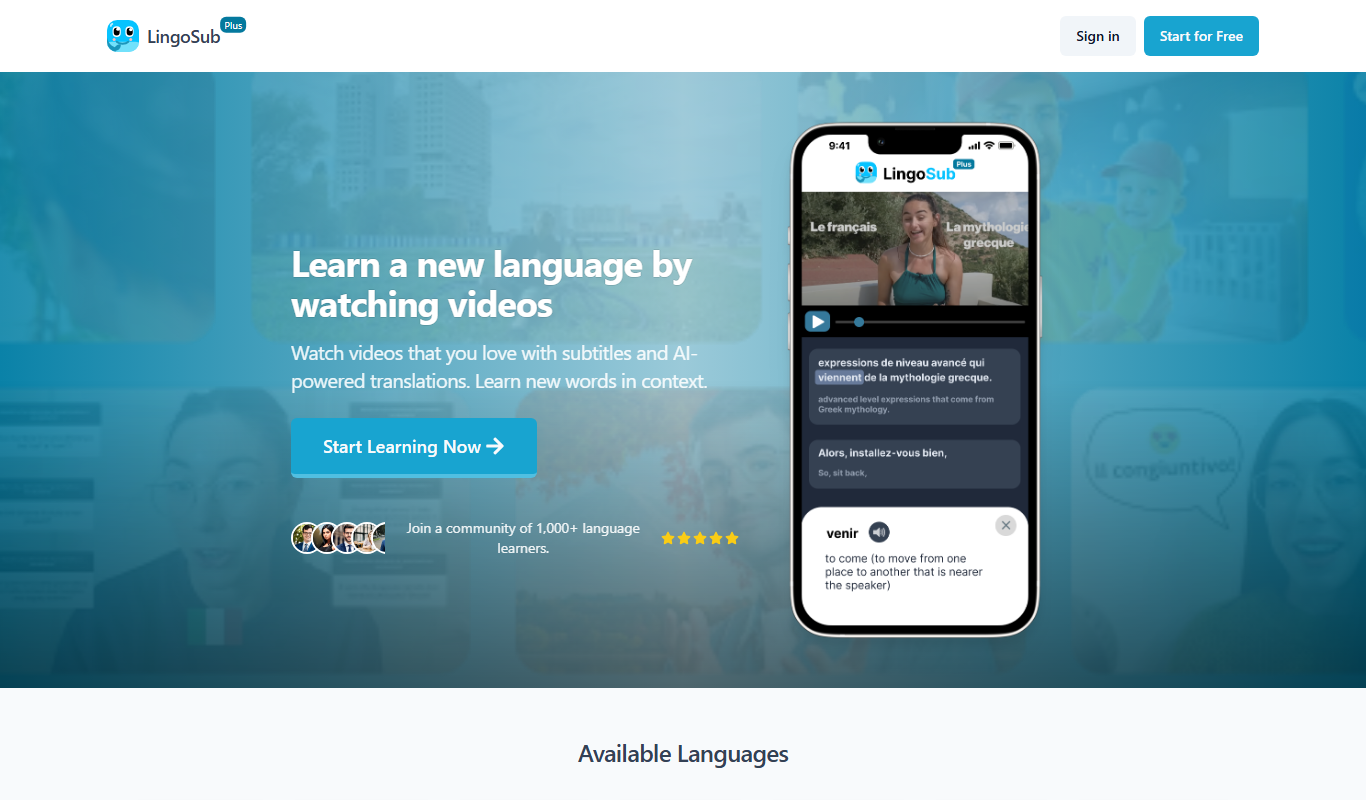
What is LingoSub?
LingoSub is an AI-powered online platform designed to automatically generate subtitles and translate video captions into multiple languages. It simplifies the process of creating accurate, time-synced subtitles for videos, making content more accessible and engaging for global audiences.
Key features of LingoSub
LingoSub offers automatic subtitle generation, multi-language translation, subtitle editing, and export options in various formats. Its AI engine ensures high accuracy and synchronization, supporting a wide range of languages to cater to diverse user needs.
Automatic Subtitle Generation
AI-powered transcription creates precise subtitles quickly without manual effort.
Multilingual Translation
Supports translation of subtitles into numerous languages to expand audience reach.
Subtitle Editing Tools
Built-in editor allows users to fine-tune timing, text, and formatting.
Multiple Export Formats
Export subtitles in SRT, VTT, or embed directly into videos for flexible use.
User-Friendly Web Interface
Intuitive platform accessible via web browser without software installation.
Pros and cons of LingoSub
Pros
- Fast and accurate AI subtitle generation
- Supports multiple languages for translation
- Easy-to-use web interface with editing tools
- Flexible export options for various platforms
Cons
- Limited video length on free plan
- No desktop or mobile app versions currently
Key use cases for LingoSub
Content Creators
Automatically generate accurate subtitles and translations to reach a broader audience.
Marketing Teams
Create multilingual captions to improve video engagement and accessibility across global markets.
Educational Institutions
Provide subtitles and translations for video lectures to support diverse learners.
Media and Entertainment
Streamline the subtitling process for films, TV shows, and online videos with AI-powered tools.
Corporate Training
Enhance training videos with subtitles in multiple languages for international employees.
How LingoSub works
-
1
Upload Video
Users upload their video files directly to the LingoSub platform.
-
2
Generate Subtitles
The AI analyzes the audio to create accurate, time-coded subtitles automatically.
-
3
Translate Subtitles
Users select target languages for automatic subtitle translation.
-
4
Edit and Customize
Users can review, edit, and adjust subtitles for accuracy and style.
-
5
Export and Use
Subtitles can be exported in popular formats like SRT, VTT, or embedded directly into videos.
Who is using LingoSub
Video content creators
Marketing professionals
Educators and trainers
Media production teams
Corporate communication departments
LingoSub pricing
Free
$0/month
Basic subtitle generation with limited video length and features.
Pro
$19/month
Extended video length, faster processing, and access to translation features.
Business
$49/month
Priority support, team collaboration, and advanced customization options.
Plans and prices are as published by the vendor and can change. Check the official site before you buy. Open the pricing page (opens in a new tab)
Frequently asked questions about LingoSub
LingoSub supports common video formats including MP4, MOV, AVI, and more.
Accuracy depends on audio quality, but LingoSub’s AI provides high-precision subtitles that can be edited for perfection.
Yes, LingoSub supports automatic translation into many popular languages.
The free plan has restrictions on maximum video length and number of subtitles generated.
It depends on your specific needs and how you plan to use the tool. The official website and documentation are the best sources for the latest details.
Yes, it can help with that use case depending on how you configure it and what features are available. You’ll get the best results with clear inputs and a defined goal.
Yes, it can help with that use case depending on how you configure it and what features are available. You’ll get the best results with clear inputs and a defined goal.
Some tools offer a free plan or trial with limited features. Availability can vary, so confirm on the official website.
Sign in to review this tool.
Sign In to ReviewNo reviews yet
Be the first to share how this tool worked for you.
Ask about pricing, limits, or how it compares — or answer someone else.
Sign In to AskNo questions yet
Have a question about using or paying for this tool? Be the first to ask.
Featured on TiorAI



Alternative Tools
Explore similar AI tools that might fit your needs
Free
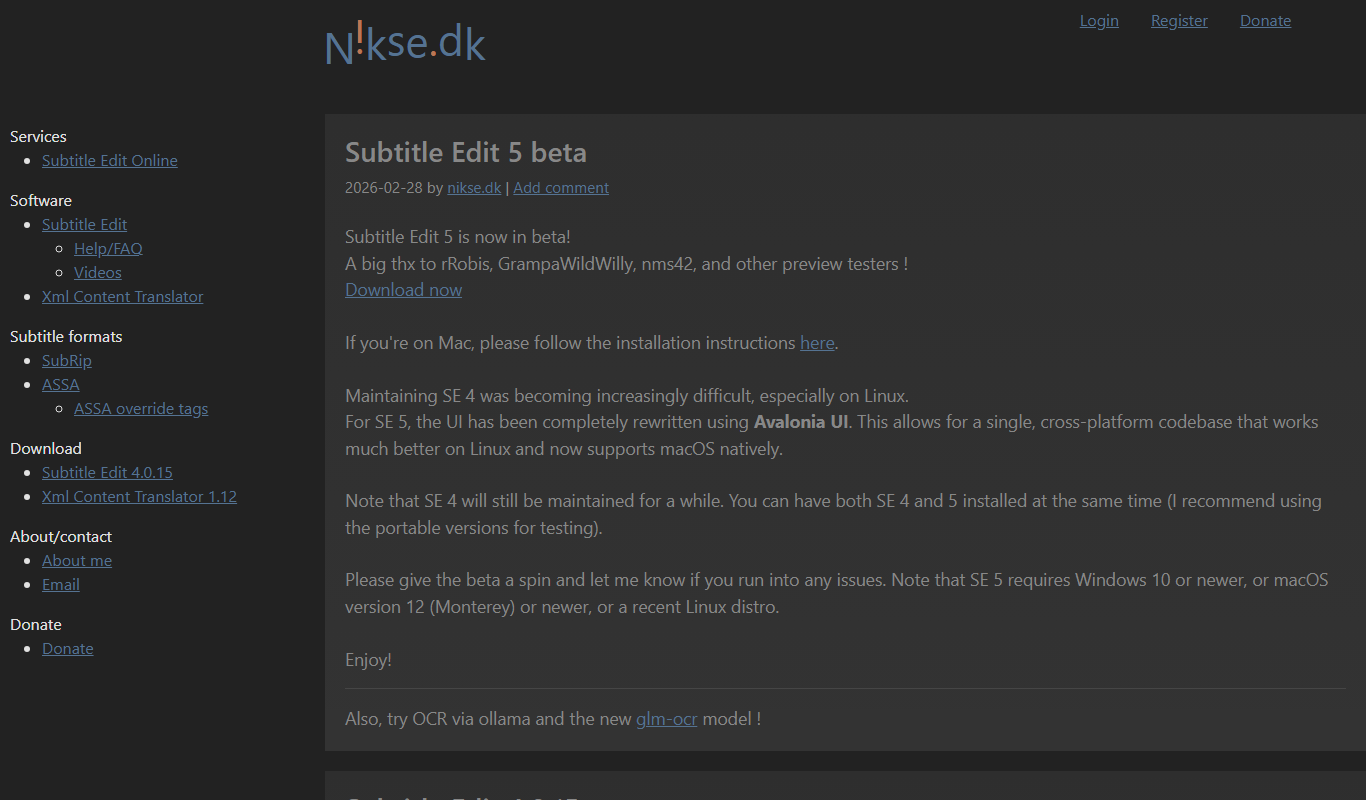
Subtitle Edit
Subtitle Edit is a free, open-source subtitle editor that allows users to create, edit, synchronize, and translate subtitles for video files with support for over 200 subtitle formats.
More AI Subtitle Generator tools
Other tools in the same category, for when this one is not quite the fit.

Free Trial
Sqriblr
Sqriblr is an AI-powered writing assistant designed to help users generate high-quality, SEO-optimized content for blogs, marketing, and social media.

Free
Free Ai text Generator
Free AI Text Generator by Copyson is a web-based tool that allows users to generate written content instantly without registration or payment, supporting English language content creation for various use cases.

Free
Alt Text AI Generator
Alt Text AI Generator is a web tool that uses AI to create descriptive alternative text for images, helping improve website accessibility and SEO.
Free Trial
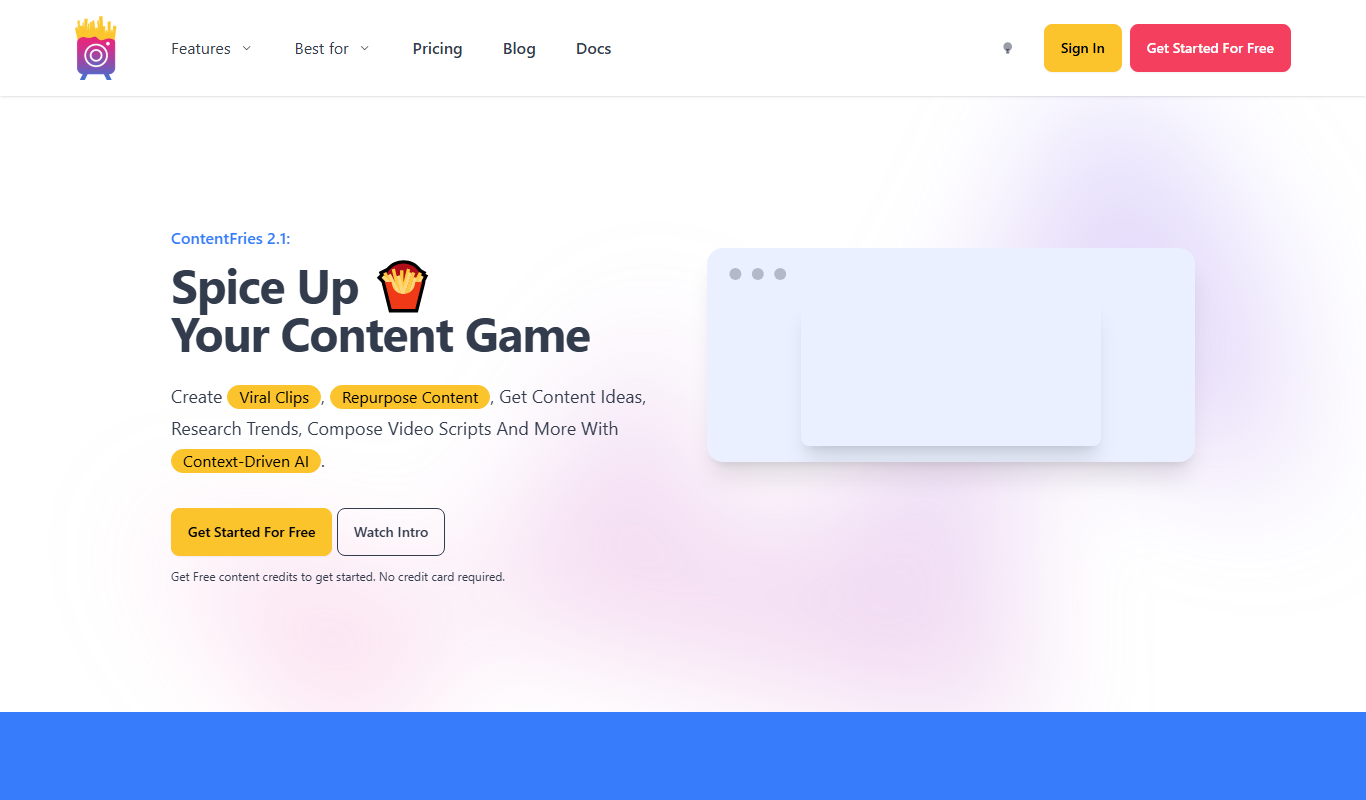
Contentfries
Contentfries is an AI-driven platform that transforms long-form video and audio content into multiple short clips optimized for social media, helping marketers and creators save time and increase engagement.

Free
Subscribr
Subscribr AI is an email marketing automation platform that uses artificial intelligence to help small businesses and creators generate, schedule, and manage email campaigns efficiently.
Custom Pricing
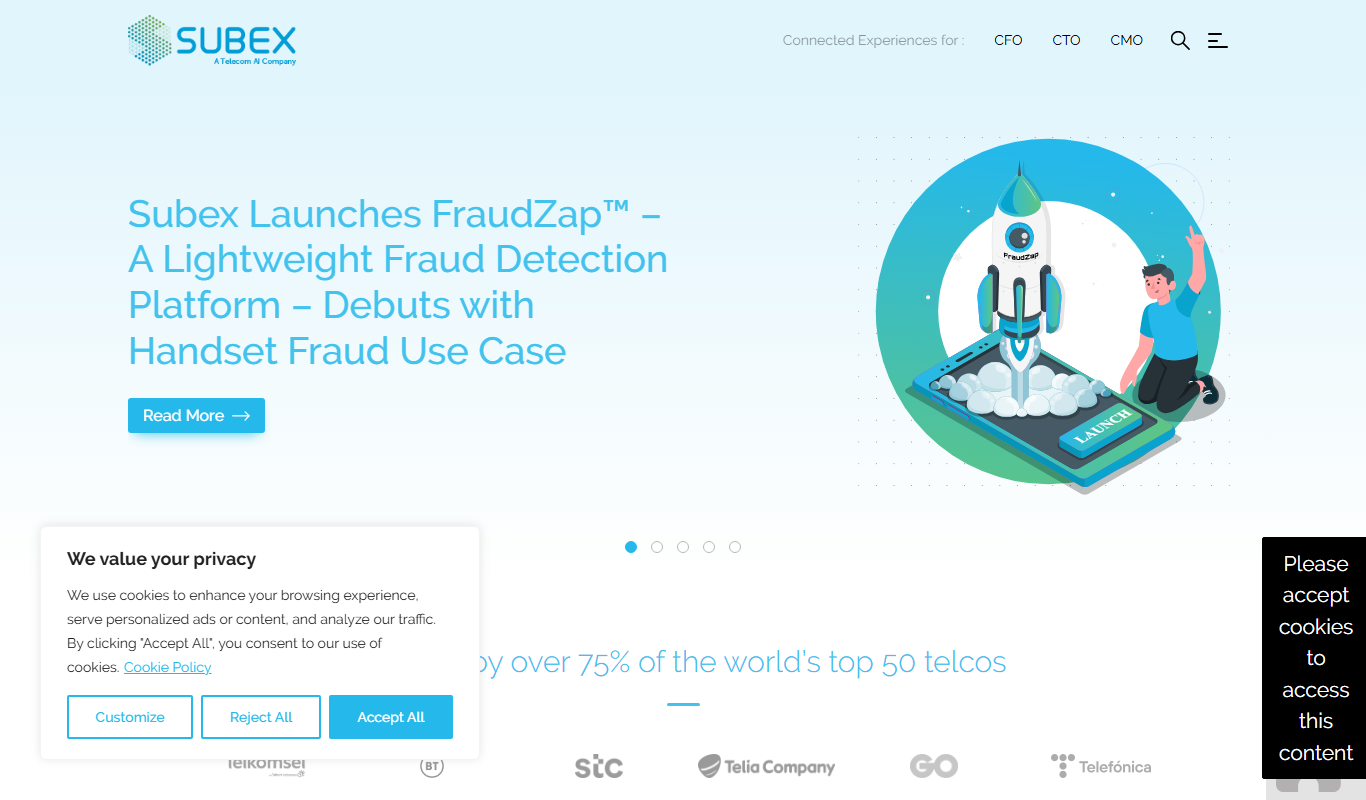
subex.com
Subex is a telecom-focused analytics and risk management software platform that uses AI to detect fraud, assure revenue, and manage operational risks for telecom operators.
Freemium
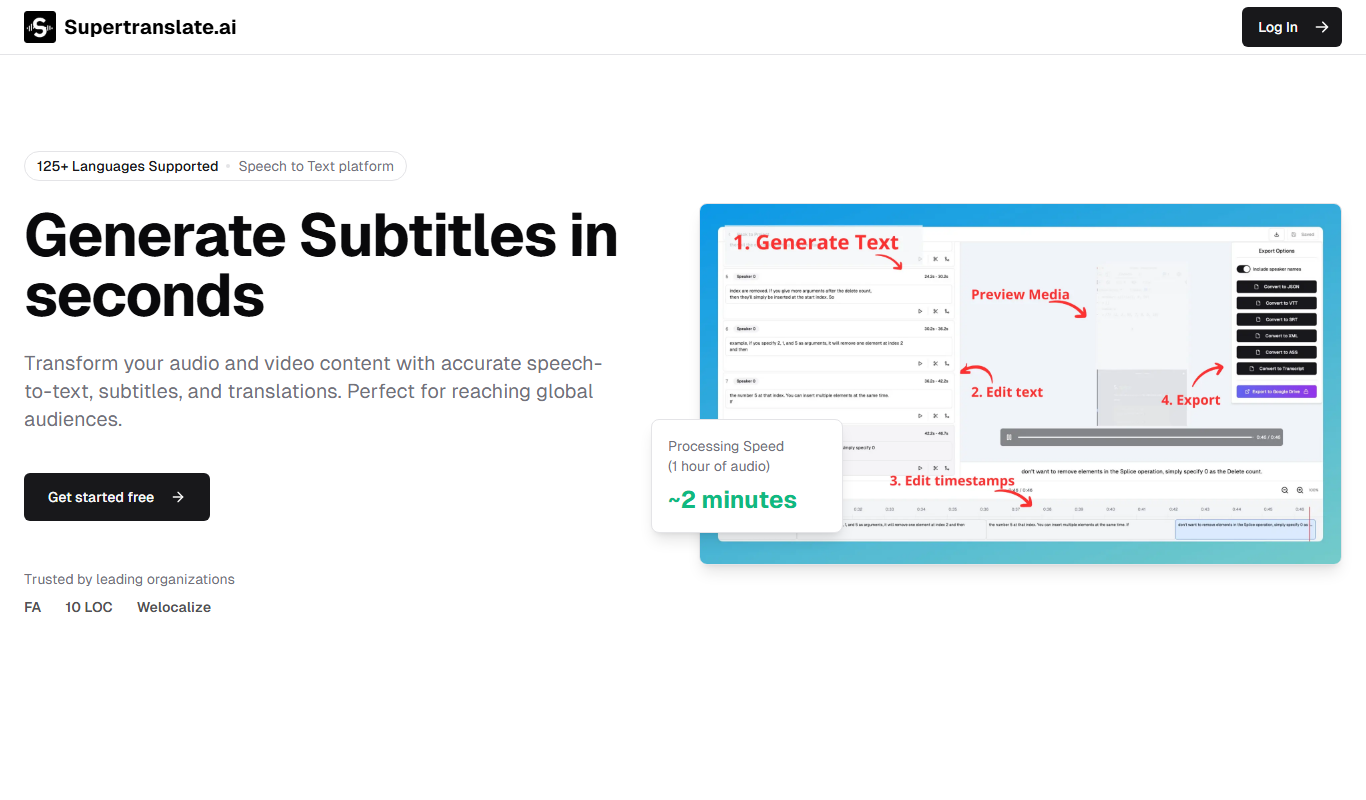
Supertranslate
Supertranslate is an AI-powered translation platform that provides accurate, context-aware translations for businesses, supporting over 50 languages with API integration and customizable glossaries.
Freemium
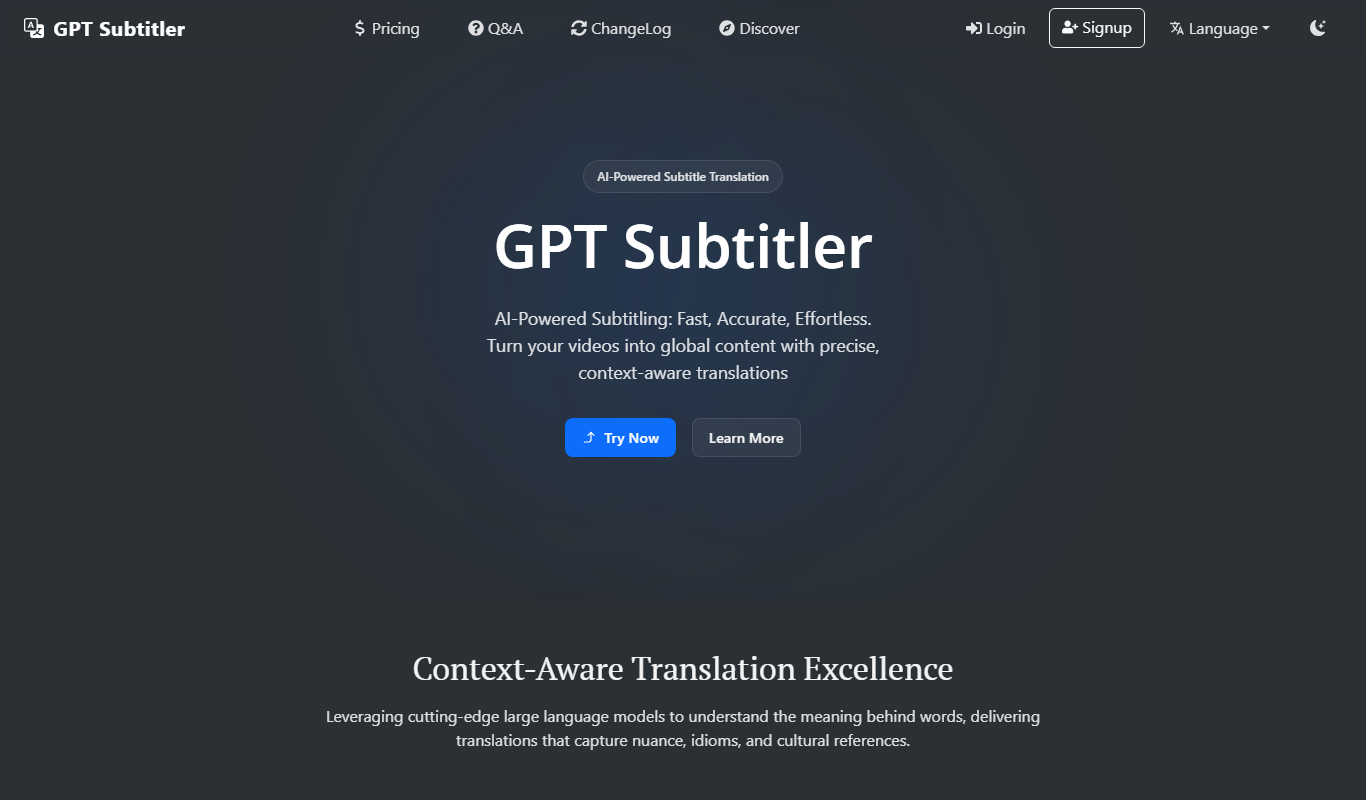
GPT Subtitler
GPT Subtitler is an AI-based tool that automatically generates synchronized subtitles for videos, enabling quick and accurate captioning to improve accessibility and engagement.