

From my experience with Contentfries, I found it excels at automating the tedious process of slicing long videos and podcasts into multiple social media-ready clips. The AI-driven approach saves significant time, especially for marketers managing multiple platforms. It’s particularly well-suited for content creators and marketing teams looking to maximize content reach without manual editing. However, the platform currently supports only English and is web-based, which might limit flexibility for some users. Overall, if you need efficient content repurposing with easy social media integration, Contentfries delivers solid, practical results.
Contentfries AI Content Repurposing Tool for Social Media and Marketing
Contentfries is an AI-driven platform that transforms long-form video and audio content into multiple short clips optimized for social media, helping marketers and creators save time and increase engagement.
- Best for
- Social Media Content Creation
- Key capability
- AI-Powered Content Slicing
Your actions
Save Contentfries, follow its updates and vote on it — everything stays in your account.
Sign in or create a free account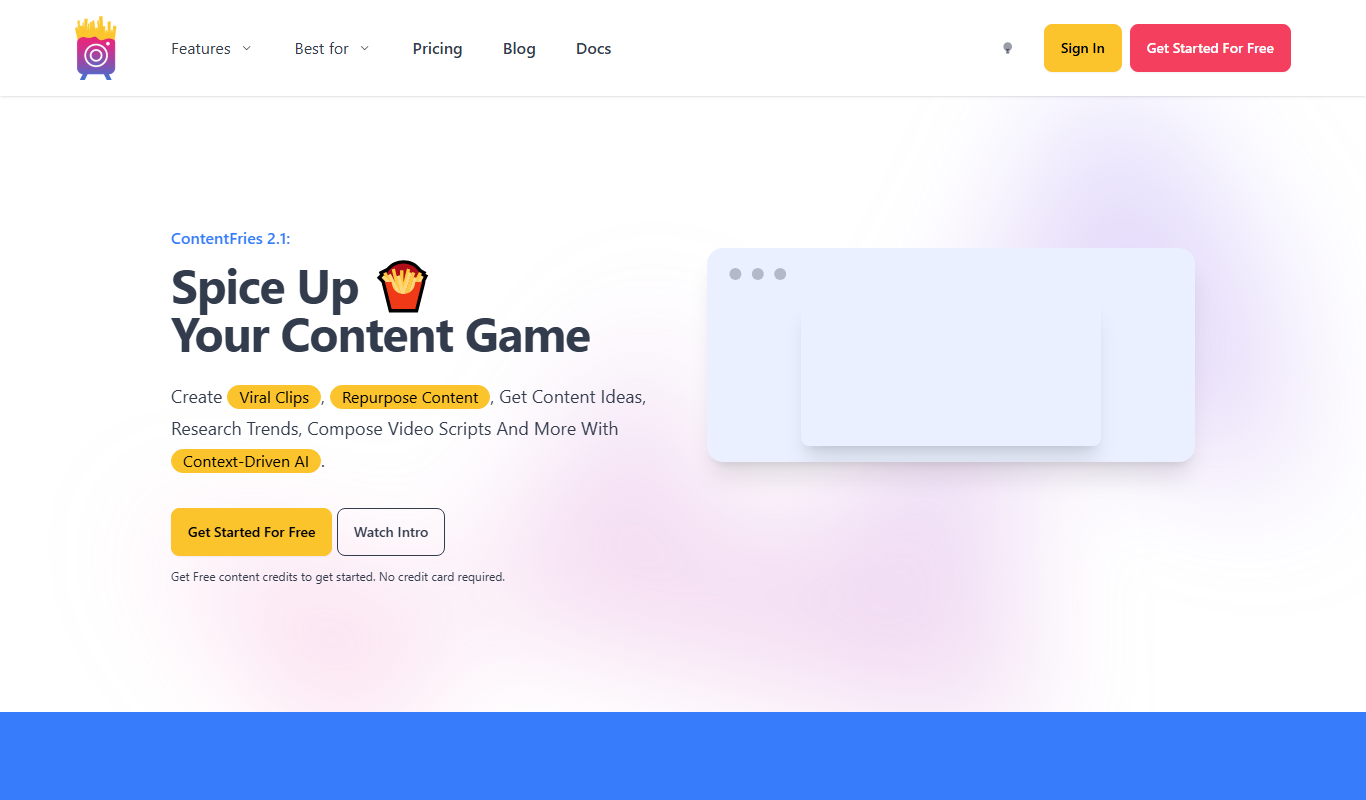

What is Contentfries?
Contentfries is an AI-powered content repurposing platform designed to help marketers, creators, and businesses transform long-form video and audio content into multiple short, engaging clips optimized for social media and marketing campaigns. It automates the process of slicing, editing, and formatting content to fit different platform requirements, saving time and increasing content reach.
Key features of Contentfries
Contentfries offers automated video clipping, multi-format export options, social media scheduling integrations, and AI-driven content suggestions to streamline repurposing workflows for marketing teams and content creators.
AI-Powered Content Slicing
Automatically detects highlights and segments in long-form content for repurposing.
Multi-Platform Export
Export videos optimized for Instagram, TikTok, LinkedIn, YouTube, and more.
Caption and Subtitle Generation
Automatically generate captions to improve accessibility and engagement.
Brand Customization
Add logos, colors, and fonts to maintain brand consistency across clips.
Social Media Scheduling
Integrate with scheduling tools to publish content directly from Contentfries.
Pros and cons of Contentfries
Pros
- Automates time-consuming content repurposing tasks
- Supports multiple social media formats and platforms
- Easy-to-use interface with AI assistance
- Customizable branding options
- Integrates with scheduling tools
Cons
- Limited language support (English only)
- No desktop or mobile app, web-only platform
- Pricing may be high for small creators
Key use cases for Contentfries
Social Media Content Creation
Automatically generate multiple social media posts from long-form videos or podcasts to increase engagement.
Video Content Repurposing
Transform webinars, interviews, and podcasts into short clips optimized for different platforms.
Marketing Campaign Efficiency
Save time by automating the content slicing and formatting process for various marketing channels.
Content Distribution
Easily export and schedule repurposed content across multiple social media platforms.
How Contentfries works
- 1
Upload Content
Import your long-form videos or podcasts into the platform.
- 2
AI Content Analysis
The AI analyzes your content to identify key moments and segments.
- 3
Create Clips
Automatically generate multiple short clips tailored for different social media formats.
- 4
Edit and Customize
Fine-tune clips with editing tools, add captions, and brand elements.
- 5
Export and Schedule
Export clips in various formats or schedule them directly to social media platforms.
Who is using Contentfries
Social media marketers
Content creators and influencers
Marketing agencies
Small to medium businesses
Podcast producers
Contentfries pricing
Starter
$29/month
Basic features with limited exports and standard support.
Pro
$79/month
Advanced features including unlimited exports, priority support, and team collaboration.
Enterprise
Custom pricing
Tailored solutions with dedicated support and custom integrations.
Plans and prices are as published by the vendor and can change. Check the official site before you buy. Open the pricing page (opens in a new tab)
Frequently asked questions about Contentfries
Yes, Contentfries supports repurposing audio content by generating video clips with captions and visuals.
Contentfries integrates with popular scheduling tools, allowing you to schedule posts directly, but direct posting depends on the integration.
Yes, Contentfries offers a free trial so users can test the platform before subscribing.
It depends on your specific needs and how you plan to use the tool. The official website and documentation are the best sources for the latest details.
Yes, it can help with that use case depending on how you configure it and what features are available. You’ll get the best results with clear inputs and a defined goal.
It depends on your specific needs and how you plan to use the tool. The official website and documentation are the best sources for the latest details.
Sign in to review this tool.
Sign In to ReviewNo reviews yet
Be the first to share how this tool worked for you.
Ask about pricing, limits, or how it compares — or answer someone else.
Sign In to AskNo questions yet
Have a question about using or paying for this tool? Be the first to ask.
Featured on TiorAI



Alternative Tools
Explore similar AI tools that might fit your needs

Free Trial
Repurpose.io
Repurpose.io is a web-based platform that automates converting long-form videos and podcasts into optimized clips for social media, enabling content creators to save time and expand reach.
More AI Subtitle Generator tools
Other tools in the same category, for when this one is not quite the fit.

Free Trial
Sqriblr
Sqriblr is an AI-powered writing assistant designed to help users generate high-quality, SEO-optimized content for blogs, marketing, and social media.

Free
Free Ai text Generator
Free AI Text Generator by Copyson is a web-based tool that allows users to generate written content instantly without registration or payment, supporting English language content creation for various use cases.

Free
Alt Text AI Generator
Alt Text AI Generator is a web tool that uses AI to create descriptive alternative text for images, helping improve website accessibility and SEO.
Custom Pricing
subex.com
Subex is a telecom-focused analytics and risk management software platform that uses AI to detect fraud, assure revenue, and manage operational risks for telecom operators.
Freemium
GPT Subtitler
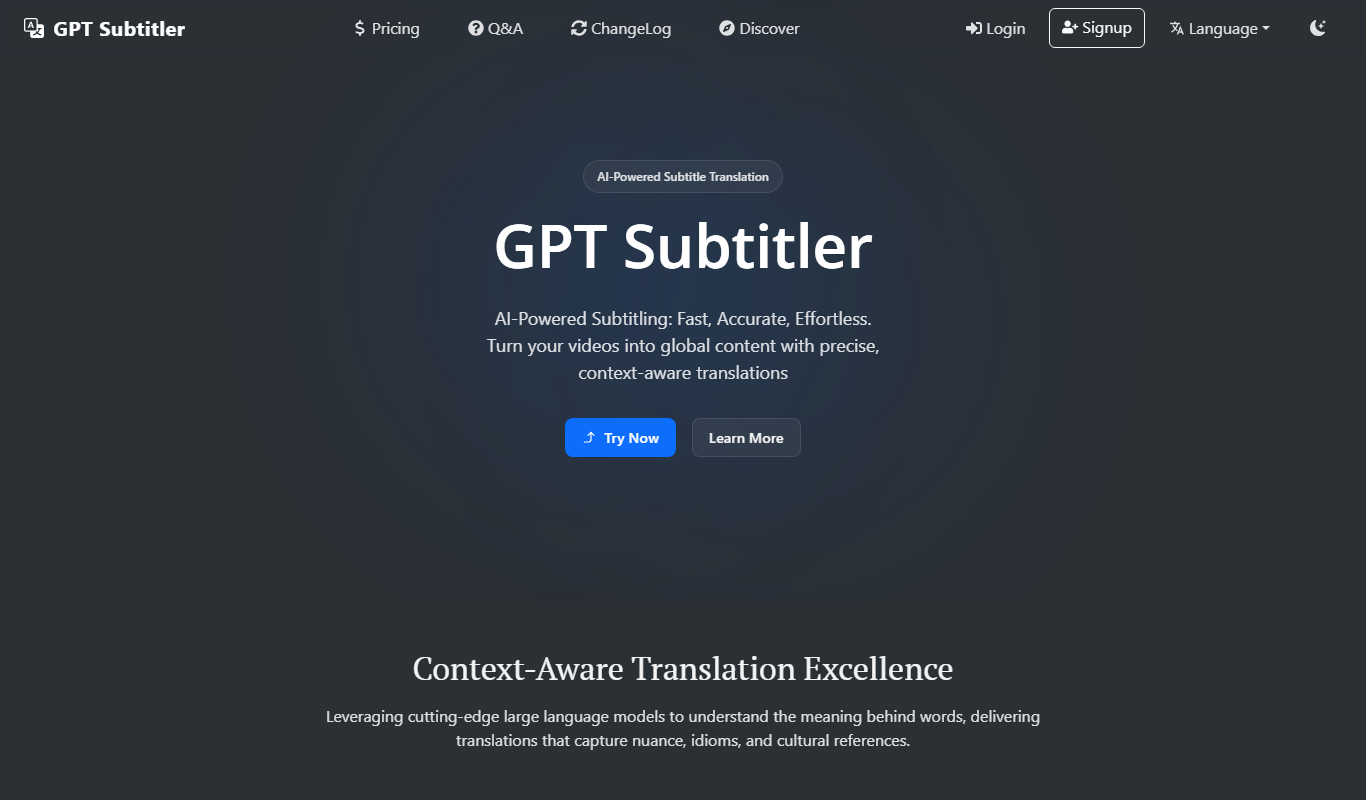
GPT Subtitler is an AI-based tool that automatically generates synchronized subtitles for videos, enabling quick and accurate captioning to improve accessibility and engagement.

Freemium
CaptionMaster
CaptionMaster is an AI-driven tool that automatically generates engaging captions for videos and images to enhance social media content.
Free
LingoSub
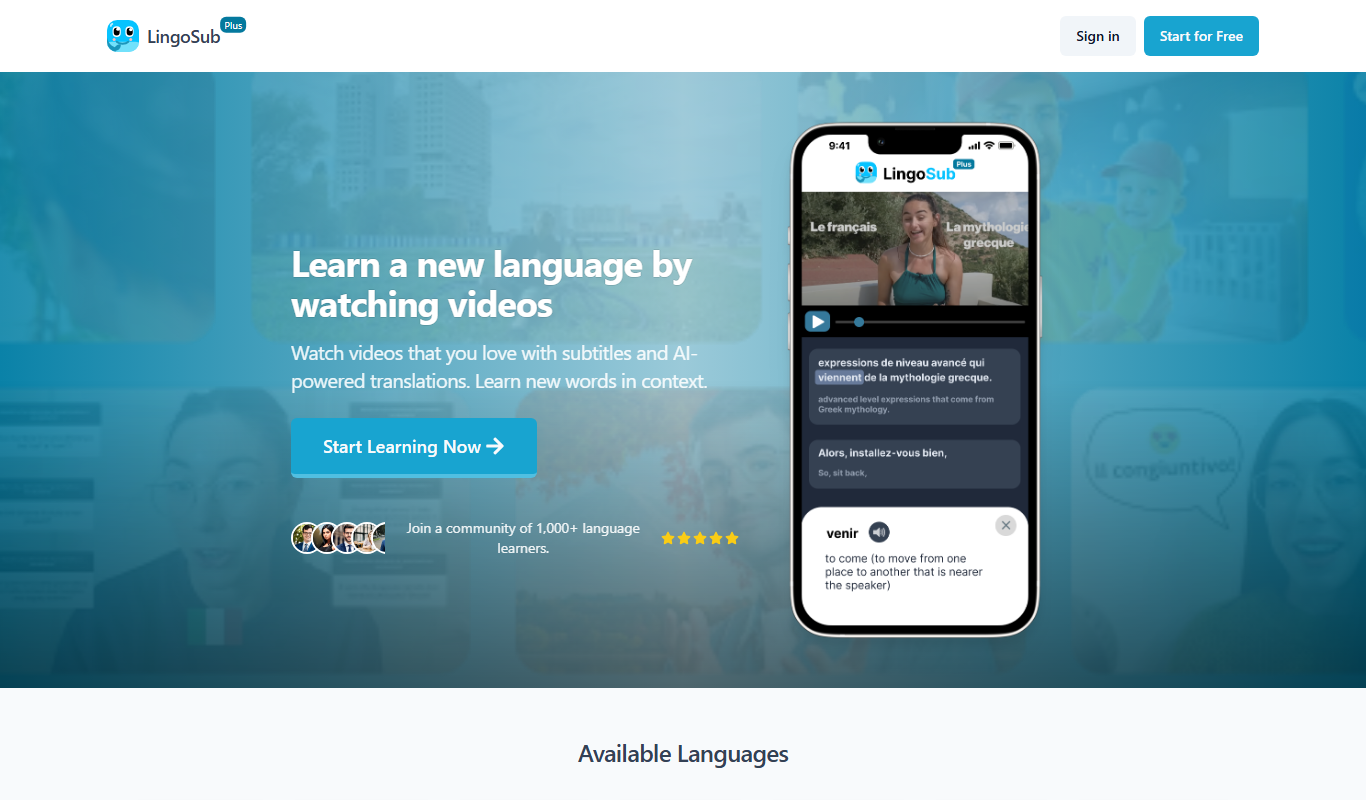
LingoSub is an AI-driven platform that automatically generates and translates video subtitles into multiple languages, enhancing accessibility and audience reach.
Free Trial
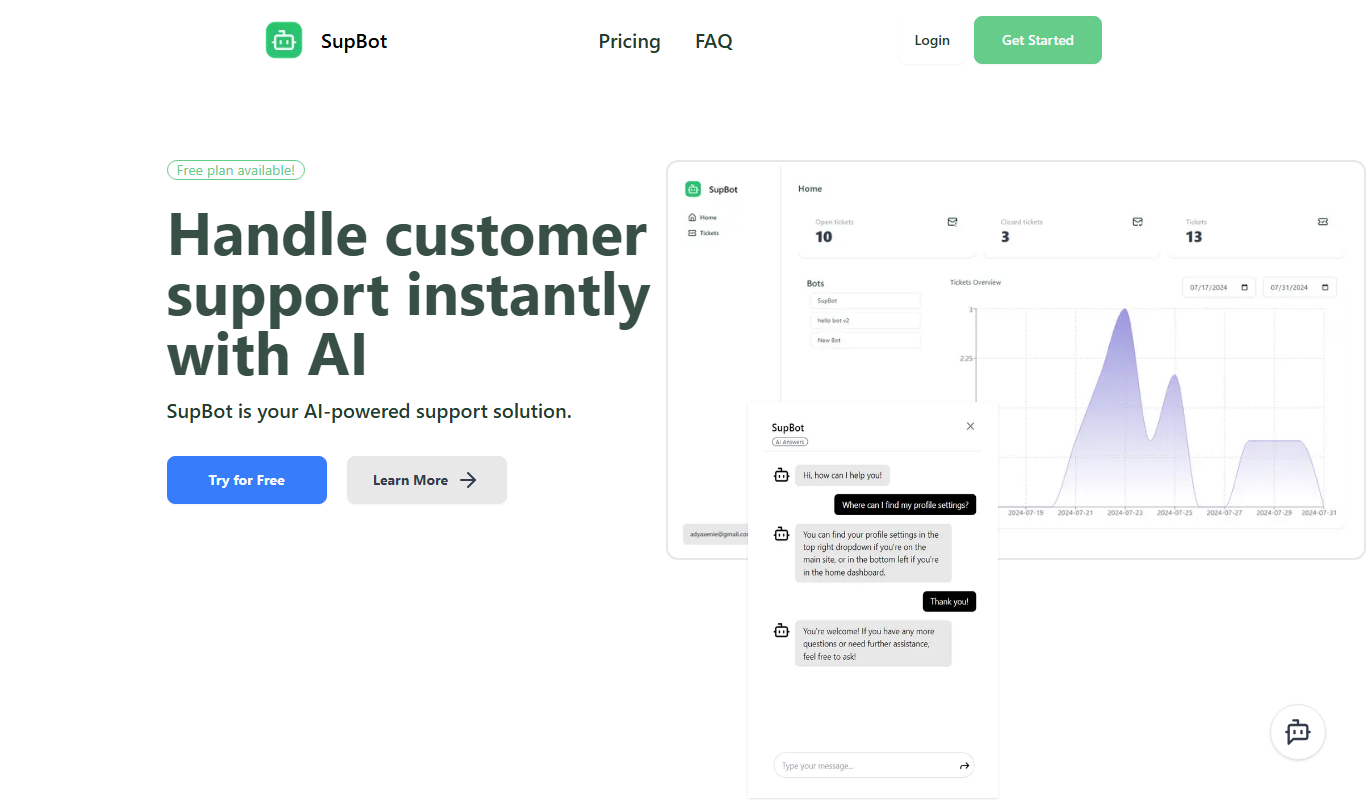
SupBot
SupBot is an AI-powered chatbot platform designed to automate customer support and engagement by providing customizable chatbots that operate across multiple channels.