

Repurpose.io Review: Automate Social Media Video Content Repurposing Tools
Repurpose.io is a web-based platform that automates converting long-form videos and podcasts into optimized clips for social media, enabling content creators to save time and expand reach.
- Best for
- Social Media Video Repurposing
- Key capability
- Multi-Platform Integration
Save Repurpose.io, follow its updates and vote on it — everything stays in your account.
Sign in or create a free account
What is Repurpose.io?
Repurpose.io is a web-based platform designed to automate the process of repurposing video and audio content for social media and other digital channels. It helps content creators, marketers, and businesses efficiently convert their existing long-form videos or podcasts into multiple shorter clips tailored for different platforms, saving time and increasing content reach.
Key features of Repurpose.io
The platform offers automated workflows that connect to popular content sources like YouTube, Facebook, Zoom, and podcasts, enabling seamless video clipping, formatting, branding, and publishing to social media channels. Features include multi-platform distribution, customizable video templates, captioning, and scheduling.
Multi-Platform Integration
Supports YouTube, Facebook, Instagram, LinkedIn, TikTok, Twitter, and podcast platforms.
Automated Video Clipping
Automatically extracts clips from long videos or podcasts based on your workflow settings.
Custom Branding
Add logos, intros, outros, and watermarks to maintain consistent branding.
Captioning and Subtitles
Generate captions automatically to improve accessibility and engagement.
Scheduling and Publishing
Schedule posts or publish immediately to multiple social media accounts.
Pros and cons of Repurpose.io
Pros
- Automates time-consuming video repurposing tasks
- Supports a wide range of social media platforms
- Easy-to-use workflow automation without technical skills
- Custom branding options to maintain consistent identity
- Reliable scheduling and publishing features
Cons
- No desktop or mobile app; web-only platform
- Limited advanced video editing capabilities
- Pricing may be high for casual users
Key use cases for Repurpose.io
Social Media Video Repurposing
Automatically convert long-form videos into clips optimized for various social media platforms like Instagram, TikTok, Facebook, and YouTube.
Content Distribution Automation
Streamline the process of publishing video content across multiple channels without manual uploads.
Podcast Video Creation
Transform audio podcasts into engaging video formats with captions and branding for wider audience reach.
Video Workflow Management
Set up automated workflows to handle video processing, formatting, and publishing, saving time and effort.
Branding and Customization
Add custom intros, outros, and watermarks to videos automatically during repurposing.
How Repurpose.io works
- 1
Connect Your Content Sources
Link your YouTube, Facebook, podcast RSS feed, or cloud storage accounts to Repurpose.io.
- 2
Create Automated Workflows
Set up workflows that define how videos or audio are clipped, formatted, and where they are published.
- 3
Customize Video Output
Add intros, outros, captions, and branding elements to your videos automatically.
- 4
Publish and Monitor
Repurpose.io automatically publishes your repurposed content to selected social media platforms and tracks performance.
Who is using Repurpose.io
Repurpose.io pricing
Free Trial
$0 for 14 days
Access to all features with limited usage to test the platform.
Starter
$35/month
Basic plan with limited workflows and video outputs.
Pro
$79/month
Advanced features with more workflows, outputs, and priority support.
Agency
$179/month
Up to 25 accounts per social network and unlimited published videos. Aimed at agencies and teams handling multiple clients and platforms.
Plans and prices are as published by the vendor and can change. Check the official site before you buy. Open the pricing page (opens in a new tab)
Frequently asked questions about Repurpose.io
Yes, Repurpose.io allows you to connect and publish to multiple accounts across supported platforms.
Yes, you can convert podcast audio into video clips with captions for social media sharing.
Yes, a 14-day free trial is offered to test all features.
Absolutely, you can add intros, outros, logos, and watermarks automatically.
This tool is designed to help users accomplish its core tasks more efficiently. It is typically used by individuals or teams looking to improve productivity and workflow.
It depends on your specific needs and how you plan to use the tool. The official website and documentation are the best sources for the latest details.
Yes, it can help with that use case depending on how you configure it and what features are available. You’ll get the best results with clear inputs and a defined goal.
Some tools offer a free plan or trial with limited features. Availability can vary, so confirm on the official website.
Conclusion
Linking a source comes first, such as a YouTube or Facebook account, a podcast RSS feed or cloud storage. Workflows then define how videos or audio are clipped and formatted and where they are published. Along the way, intros, outros, captions and branding elements can be added automatically. Podcast audio can also become video clips with captions for social media sharing. Finished posts go to platforms including Instagram, TikTok, LinkedIn and YouTube, either scheduled or published immediately.
Podcast producers and social media marketers are its intended users, as are content creators and influencers. The whole service is web-based, and advanced video editing capabilities are limited. After a 14-day free trial, plans cost $35 a month for Starter, $79 for Pro and $179 for Agency.
Sources
Sign in to review this tool.
Sign In to ReviewNo reviews yet
Be the first to share how this tool worked for you.
Ask about pricing, limits, or how it compares — or answer someone else.
Sign In to AskNo questions yet
Have a question about using or paying for this tool? Be the first to ask.
Featured on TiorAI



More Marketing & Advertising tools
Other tools in the same category, for when this one is not quite the fit.

Geofencing.com
Geofencing.com is a location-based marketing platform that enables businesses to target customers with digital ads when they enter specific geographic areas, improving ad relevance and measuring offline conversions.

vMix
vMix is a Windows-based live video production software that enables users to stream, record, and mix multiple video inputs with professional features like virtual sets and instant replay.

Percepto Autonomous Inspection
Percepto Autonomous Inspection is an AI-powered autonomous drone platform that automates industrial site inspections, providing real-time anomaly detection, 3D mapping, and remote asset monitoring to enhance safety and operational efficiency.

Visier People Analytics
Visier People Analytics is a cloud-based platform that helps organizations analyze workforce data to improve talent management, predict turnover, and support strategic HR decisions.
BrainyQuote
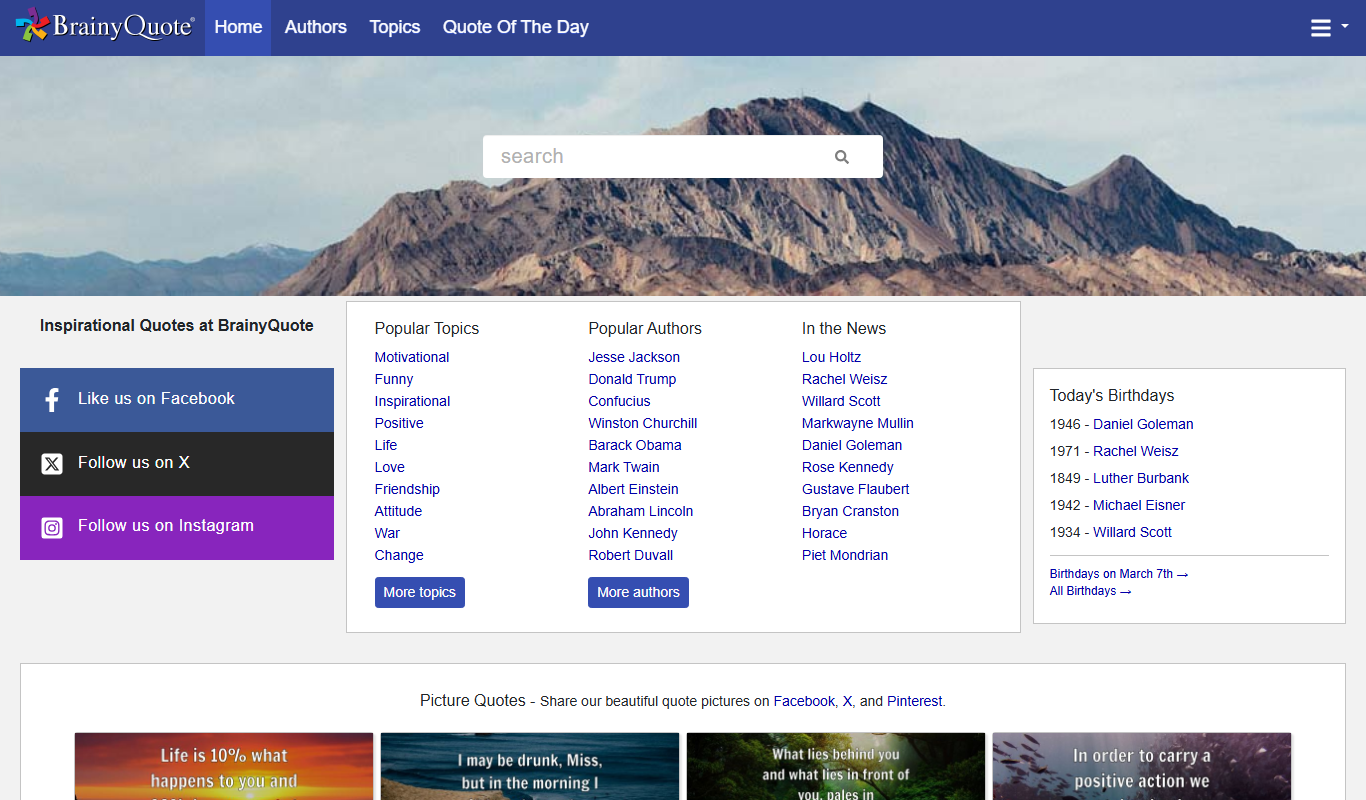
BrainyQuote is a free online platform offering a vast collection of quotes from famous authors and celebrities, useful for inspiration, writing, and social media content.
Podpage
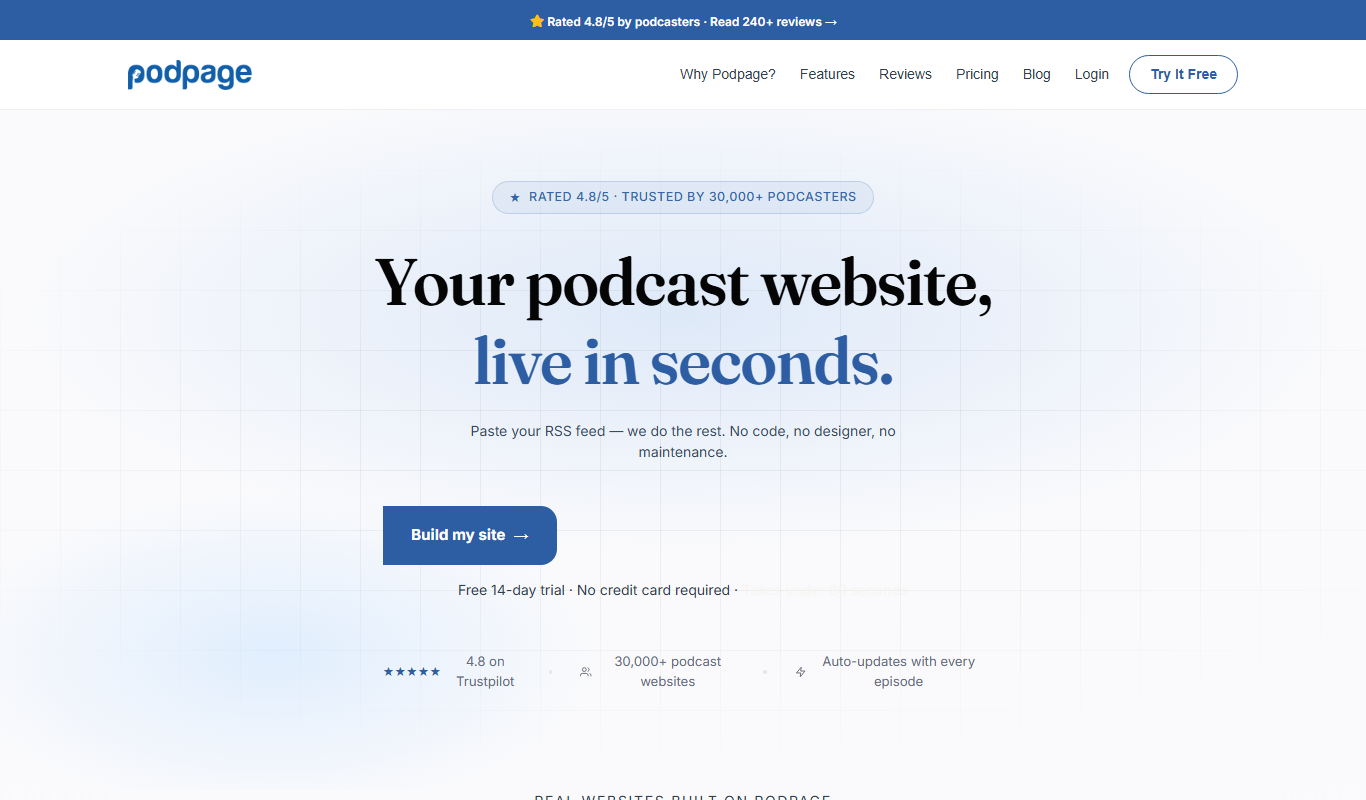
Podpage is a web platform that automatically creates and manages podcast websites by importing episodes from your RSS feed, offering SEO optimization and customization without coding.
VinSolutions CRM
VinSolutions CRM is a specialized customer relationship management platform designed for automotive dealerships to manage leads, automate sales processes, and run targeted marketing campaigns.

DealerSocket
DealerSocket is an automotive dealership software platform that combines CRM, inventory management, marketing automation, and sales analytics to help dealerships manage operations and improve customer engagement.