

DealerSocket CRM and Automotive Sales Software for Dealer Management
DealerSocket is an automotive dealership software platform that combines CRM, inventory management, marketing automation, and sales analytics to help dealerships manage operations and improve customer engagement.
- Best for
- Automotive Dealer CRM
- Key capability
- Automotive CRM
Save DealerSocket, follow its updates and vote on it — everything stays in your account.
Sign in or create a free account
What is DealerSocket?
DealerSocket is a comprehensive automotive dealership software platform designed to help dealers manage customer relationships, inventory, sales, and marketing efforts. It integrates CRM capabilities with dealer management tools to streamline operations and improve customer engagement in the automotive retail industry.
Key features of DealerSocket
DealerSocket offers features such as lead and contact management, inventory tracking, marketing automation, service scheduling, and sales analytics, all tailored specifically for automotive dealerships to optimize their sales and service processes.
Automotive CRM
Centralized platform to manage customer data, leads, and communications.
Inventory Management
Real-time tracking and organization of vehicle stock.
Marketing Automation
Tools to create and automate email and digital marketing campaigns.
Service Scheduling
Manage service appointments and customer follow-ups efficiently.
Sales Analytics
Detailed reports and dashboards to track dealership performance.
Pros and cons of DealerSocket
Pros
- Comprehensive automotive-specific CRM and dealer management features
- Customizable to fit different dealership sizes and needs
- Strong marketing automation capabilities
- Integrated sales analytics and reporting
- Mobile-friendly platform for on-the-go access
Cons
- Pricing is not transparent and requires direct contact
- May have a learning curve for users new to dealership software
- Limited publicly available technical stack information
Key use cases for DealerSocket
Automotive Dealer CRM
Manage customer relationships, track leads, and streamline sales processes for automotive dealerships.
Inventory Management
Organize and control vehicle inventory with real-time updates and reporting.
Marketing Automation
Automate targeted marketing campaigns to engage potential buyers and retain customers.
Service Department Management
Schedule and track vehicle service appointments and customer communications.
Sales Analytics and Reporting
Gain insights into sales performance and customer behavior with detailed analytics.
How DealerSocket works
- 1
Sign Up and Setup
Create an account and configure your dealership profile and inventory details.
- 2
Import Inventory and Contacts
Upload vehicle inventory and customer data to begin managing your dealership operations.
- 3
Manage Leads and Customers
Track and nurture leads through the sales funnel using the CRM tools.
- 4
Automate Marketing Campaigns
Set up targeted marketing campaigns to engage customers and promote inventory.
- 5
Analyze Performance
Use built-in analytics to monitor sales trends and customer interactions.
Who is using DealerSocket
DealerSocket pricing
Custom Pricing
Contact DealerSocket
Pricing tailored to dealership size and feature requirements.
Plans and prices are as published by the vendor and can change. Check the official site before you buy. Open the pricing page (opens in a new tab)
Frequently asked questions about DealerSocket
Yes, DealerSocket offers scalable solutions that can be customized to fit dealerships of various sizes.
DealerSocket supports integrations with various third-party automotive tools and platforms to streamline workflows.
DealerSocket offers onboarding and training resources to help dealerships get started effectively.
This tool is designed to help users accomplish its core tasks more efficiently. It is typically used by individuals or teams looking to improve productivity and workflow.
Pricing depends on the plan and included features. For the most accurate and up-to-date details, check the official pricing page.
It depends on your specific needs and how you plan to use the tool. The official website and documentation are the best sources for the latest details.
Conclusion
DealerSocket onboarding begins with creating an account, configuring the dealership profile and uploading vehicle inventory and customer data. From there, customer data, leads and communications live in a centralized automotive CRM, while inventory management provides real-time tracking and organization of vehicle stock. Leads are tracked and nurtured through the sales funnel using the CRM tools. The service side is included as well, with service scheduling that manages service appointments and customer follow-ups. Marketing automation creates email and digital campaigns to engage potential buyers, retain customers and promote inventory.
Built-in analytics and dashboards track sales trends, customer interactions and dealership performance, offering insights into sales performance and customer behavior. The software is aimed at automotive dealerships, from car sales managers and dealer marketing teams to service department managers. Scalable solutions can be customized to fit dealerships of various sizes, and integrations with third-party automotive tools are supported.
Costs are not published, since pricing is tailored to dealership size and feature requirements and requires direct contact. Onboarding and training resources are offered, and users new to dealership software may face a learning curve.
Sources
Sign in to review this tool.
Sign In to ReviewNo reviews yet
Be the first to share how this tool worked for you.
Ask about pricing, limits, or how it compares — or answer someone else.
Sign In to AskNo questions yet
Have a question about using or paying for this tool? Be the first to ask.
Featured on TiorAI



Alternative Tools
Explore similar AI tools that might fit your needs
AutoRaptor
AutoRaptor is an automotive CRM software that automates lead management and sales workflows for car dealerships, improving efficiency and customer engagement.
More AI CRM tools
Other tools in the same category, for when this one is not quite the fit.
VinSolutions CRM
VinSolutions CRM is a specialized customer relationship management platform designed for automotive dealerships to manage leads, automate sales processes, and run targeted marketing campaigns.

Privy
Privy is an e-commerce marketing platform that helps online stores grow email lists, recover abandoned carts, and increase sales through targeted popups, automated emails, and SMS campaigns.
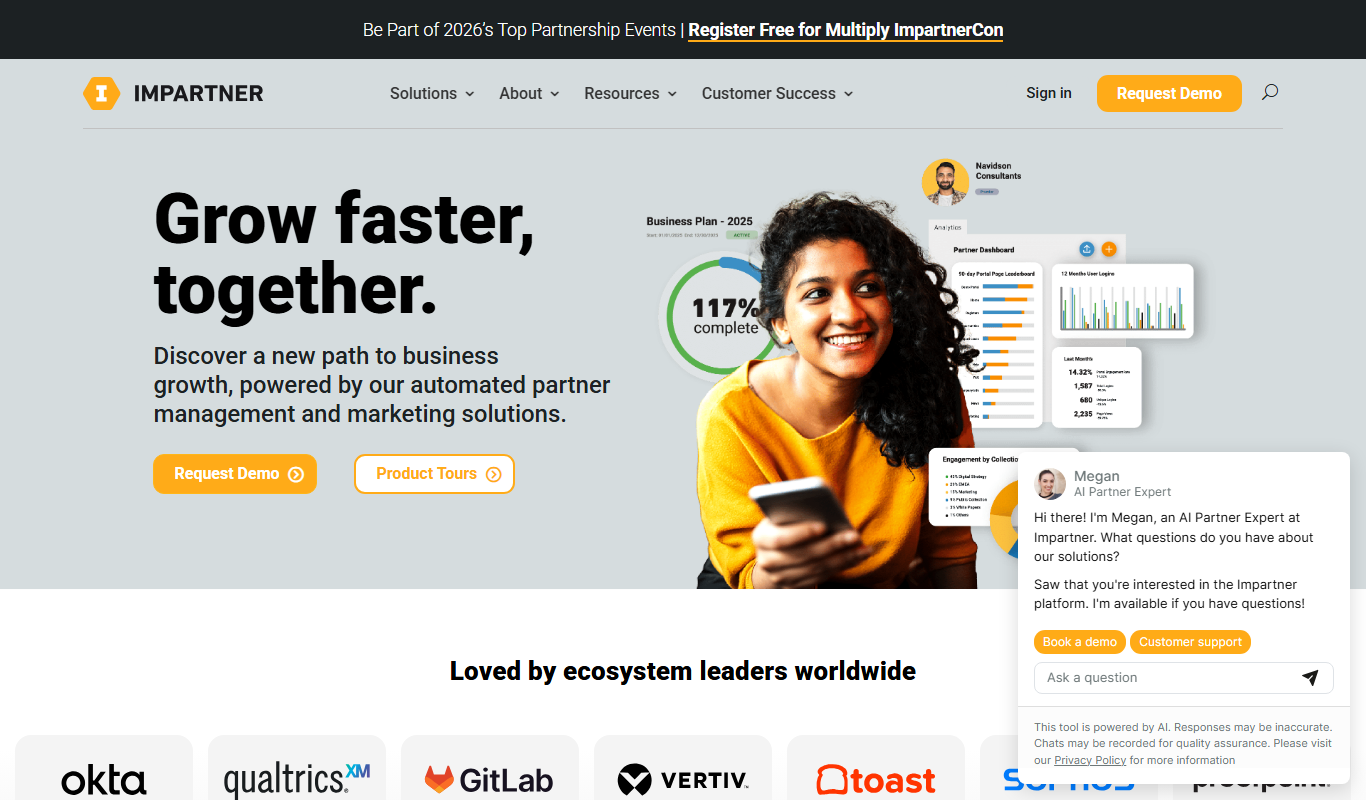
Impartner PRM
Impartner PRM is a partner relationship management platform that helps businesses manage channel partners, streamline onboarding, enable sales and marketing collaboration, and track partner performance.

Route4Me
Route4Me is a route planning and optimization software that helps businesses efficiently plan multi-stop routes, track drivers in real-time, and manage fleet operations to reduce costs and improve delivery speed.

Meet Alfred
Meet Alfred is a LinkedIn automation platform that enables sales and marketing professionals to automate outreach campaigns across LinkedIn, email, and Twitter, helping generate leads and manage multi-channel prospecting efficiently.
Glofox
Glofox is a gym management software designed to help fitness studios manage memberships, class schedules, payments, and member engagement through web and mobile apps.

Albacross
Albacross is a B2B lead generation platform that identifies anonymous website visitors, provides detailed company insights, and integrates with CRM systems to help businesses convert visitors into qualified leads.

Market Leader
Market Leader is a real estate CRM and marketing platform that helps agents generate leads, manage contacts, and automate marketing campaigns with customizable IDX websites and integrated tools.