

Create Custom Podcast Websites Easily with Podpage Podcast Website Builder
Podpage is a web platform that automatically creates and manages podcast websites by importing episodes from your RSS feed, offering SEO optimization and customization without coding.
- Best for
- Podcast Website Creation
- Key capability
- Automatic Episode Import
Save Podpage, follow its updates and vote on it — everything stays in your account.
Sign in or create a free account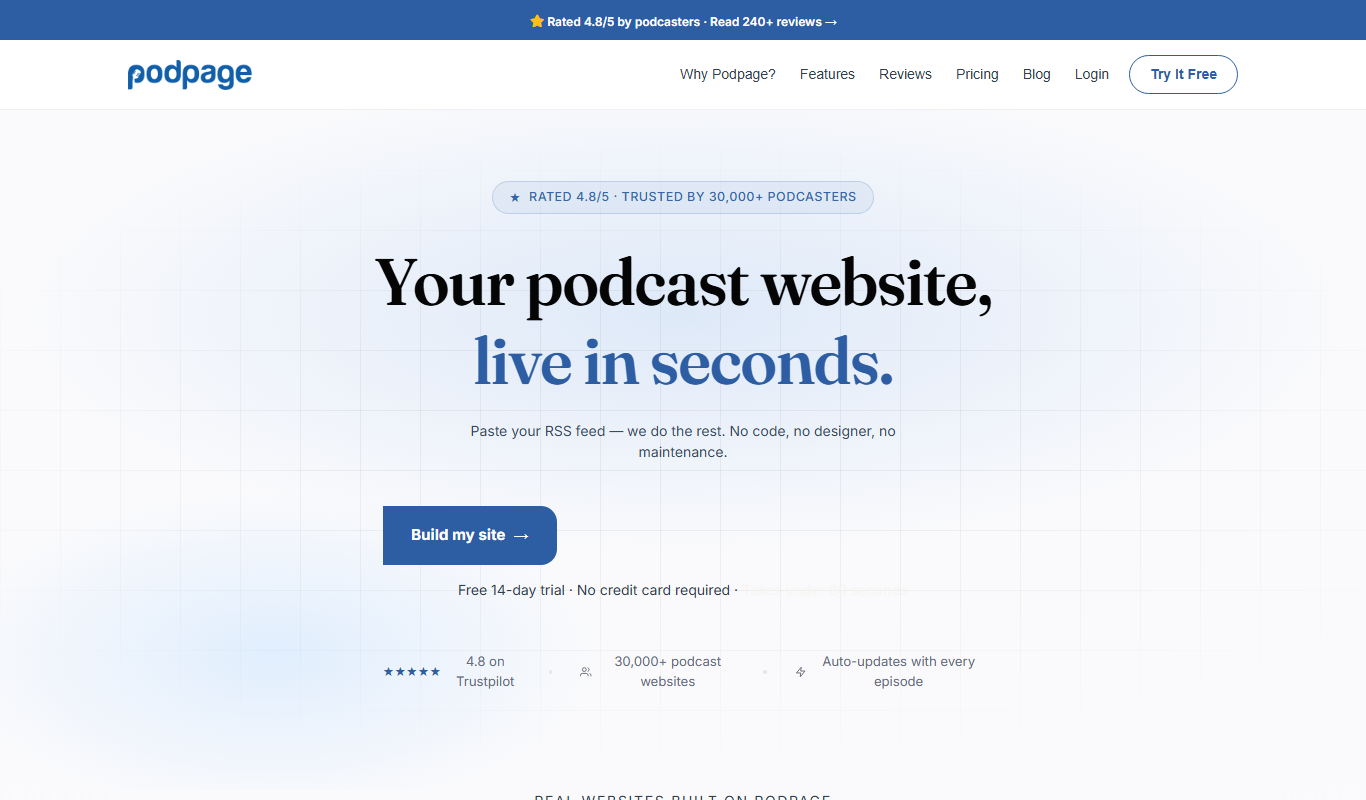
What is Podpage?
Podpage is a web-based platform designed to help podcasters create and manage custom websites for their shows effortlessly. It automatically imports podcast episodes from RSS feeds and generates a professional, SEO-friendly website that showcases episodes, host information, and additional content to grow and engage the podcast audience.
Key features of Podpage
Podpage offers automated podcast website creation, SEO optimization, customizable themes, social media integration, and monetization tools, all accessible through an intuitive web interface without requiring technical skills.
Automatic Episode Import
Sync your podcast episodes automatically from your RSS feed to keep your website up to date.
SEO-Optimized Pages
Built-in SEO features help your podcast rank better on search engines and attract organic traffic.
Customizable Website Themes
Select from multiple themes and customize colors, fonts, and layouts to fit your podcast’s style.
Social Media Integration
Add social links and enable easy sharing of episodes to grow your audience across platforms.
Monetization Tools
Integrate sponsorship sections and Patreon links to support your podcast financially.
Pros and cons of Podpage
Pros
- Automates podcast website creation with minimal effort
- SEO-friendly design improves podcast discoverability
- No coding skills required for setup and updates
- Supports monetization integrations like Patreon
- Responsive customer support and documentation
Cons
- Limited to English language support
- No native podcast hosting included
- Customization options may be basic for advanced users
Key use cases for Podpage
Podcast Website Creation
Automatically generate a professional website for your podcast with episode listings, show notes, and host bios.
Podcast Marketing
Enhance podcast discoverability with SEO-optimized pages and social media integrations.
Audience Engagement
Engage listeners through integrated contact forms, newsletter signups, and social sharing features.
Monetization Support
Add sponsorship sections and Patreon integration to monetize your podcast audience.
Content Management
Easily manage and update podcast episodes and website content without coding knowledge.
How Podpage works
- 1
Connect Your Podcast RSS Feed
Provide your podcast RSS feed URL to Podpage to automatically import episodes and metadata.
- 2
Customize Your Website
Choose themes, add host bios, social links, and customize the layout to match your brand.
- 3
Publish and Promote
Launch your website instantly and use built-in SEO and social sharing tools to attract listeners.
- 4
Manage Content Easily
Update episodes and website content anytime through the Podpage dashboard without coding.
Who is using Podpage
Podpage pricing
Basic
$19/month ($12/month billed annually)
Automated podcast website with SEO-optimized episode pages.
Pro
$29/month ($19/month billed annually)
Adds listener engagement tools: email capture, voicemail, reviews, a blog and 30+ integrations.
Elite
$59/month ($39/month billed annually)
Advanced SEO, coaching and marketing tools for ranking on Google and growing a podcast audience.
Plans and prices are as published by the vendor and can change. Check the official site before you buy. Open the pricing page (opens in a new tab)
Frequently asked questions about Podpage
No, Podpage is designed for podcasters without coding experience, providing an easy drag-and-drop interface.
Yes, Podpage allows you to connect a custom domain to your podcast website.
No, Podpage does not host audio files; it builds websites by importing your podcast RSS feed from your existing host.
There is no permanent free plan; Podpage offers a 14-day trial.
It depends on your specific needs and how you plan to use the tool. The official website and documentation are the best sources for the latest details.
Yes, it can help with that use case depending on how you configure it and what features are available. You’ll get the best results with clear inputs and a defined goal.
It depends on your specific needs and how you plan to use the tool. The official website and documentation are the best sources for the latest details.
Some tools offer a free plan or trial with limited features. Availability can vary, so confirm on the official website.
Conclusion
Everything starts from the podcast RSS feed: once its URL is provided, episodes and metadata are imported automatically and kept in sync. Themes, host bios, social links and layout are then customized to match the brand, and the website can then launch instantly. Built-in SEO features and social sharing tools are there to help the podcast rank on search engines and attract listeners.
Independent podcasters, podcast production companies and marketing agencies managing podcasts are the main groups it is designed for. Sponsorship sections and Patreon links can be added for podcasts that want financial support.
There is no permanent free plan, only a 14-day trial. Basic costs $19 a month or $12 billed annually, Pro $29 or $19, and Elite $59 or $39.
Sources
Sign in to review this tool.
Sign In to ReviewNo reviews yet
Be the first to share how this tool worked for you.
Ask about pricing, limits, or how it compares — or answer someone else.
Sign In to AskNo questions yet
Have a question about using or paying for this tool? Be the first to ask.
Featured on TiorAI



Alternative Tools
Explore similar AI tools that might fit your needs
Buzzsprout
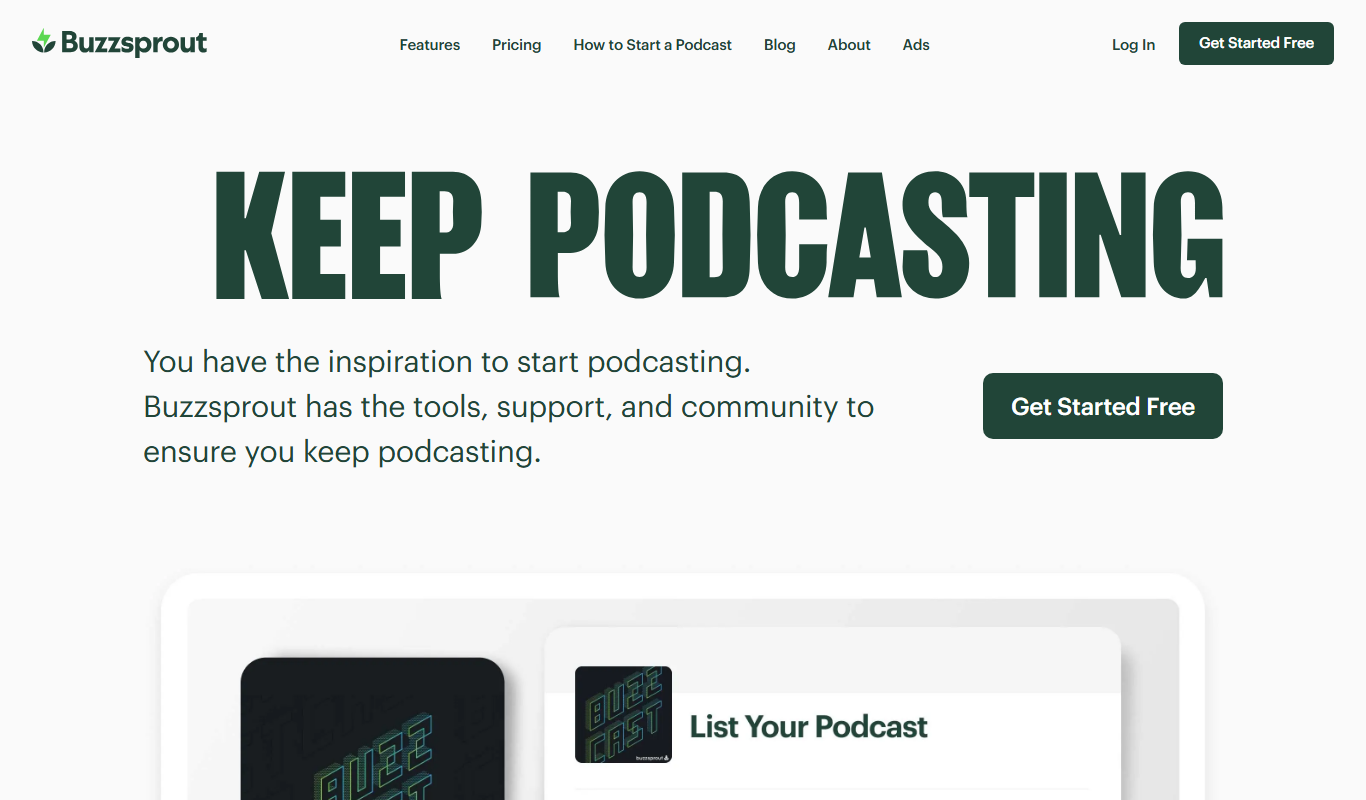
Buzzsprout is a podcast hosting platform that simplifies uploading, distributing, and analyzing podcasts with tools for episode management, automatic distribution, and listener analytics.
Transistor.fm
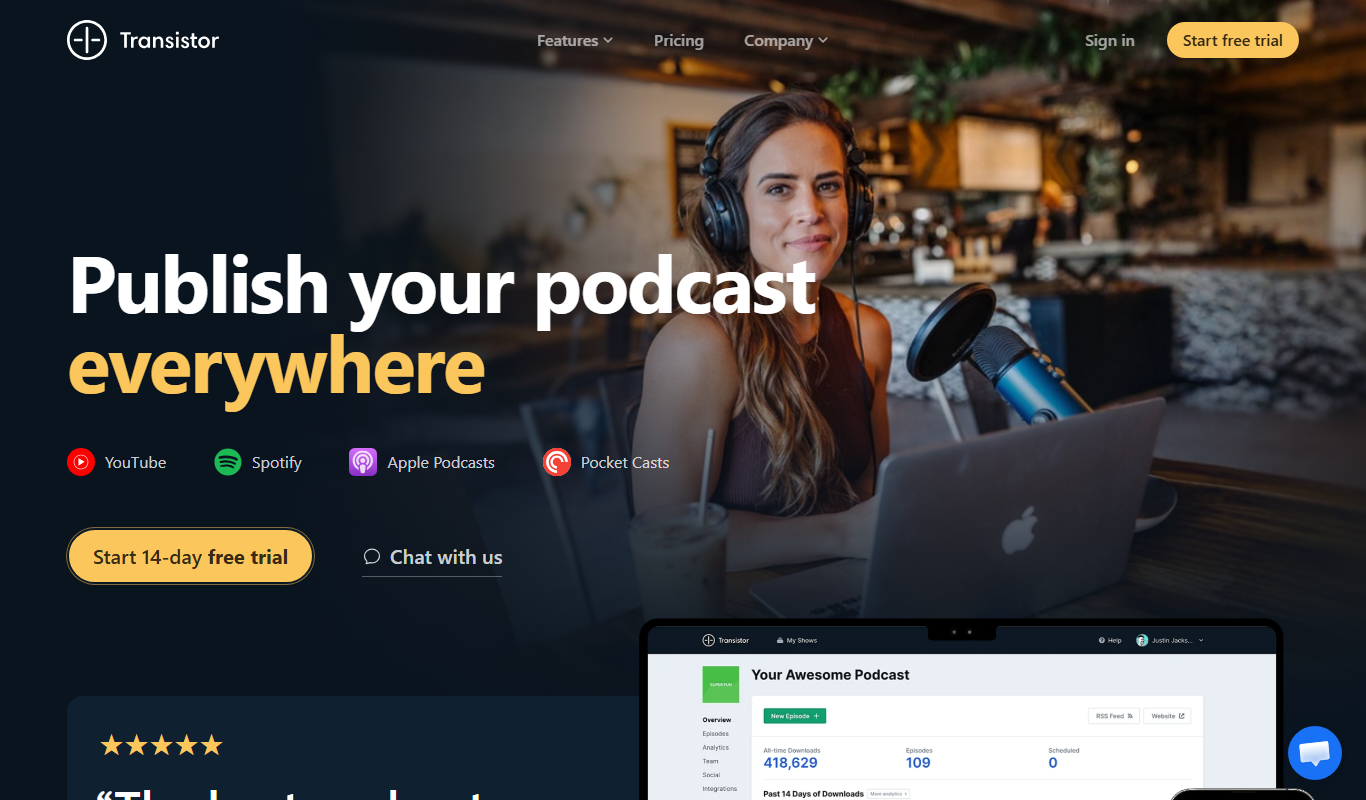
Transistor.fm is a podcast hosting platform that enables creators to upload, distribute, and analyze their podcasts with unlimited storage and advanced features for monetization and team collaboration.
More Business Management tools
Other tools in the same category, for when this one is not quite the fit.

Percepto Autonomous Inspection
Percepto Autonomous Inspection is an AI-powered autonomous drone platform that automates industrial site inspections, providing real-time anomaly detection, 3D mapping, and remote asset monitoring to enhance safety and operational efficiency.

Intuit ProConnect
Intuit ProConnect is a cloud-based tax software designed for professional accountants and tax firms to prepare, review, and electronically file federal and state tax returns efficiently.

Visier People Analytics
Visier People Analytics is a cloud-based platform that helps organizations analyze workforce data to improve talent management, predict turnover, and support strategic HR decisions.

LogicManager
LogicManager is a cloud-based governance, risk, and compliance software platform designed to help organizations identify, assess, and mitigate risks while ensuring regulatory compliance through audit, policy, and incident management tools.
NewsBlur
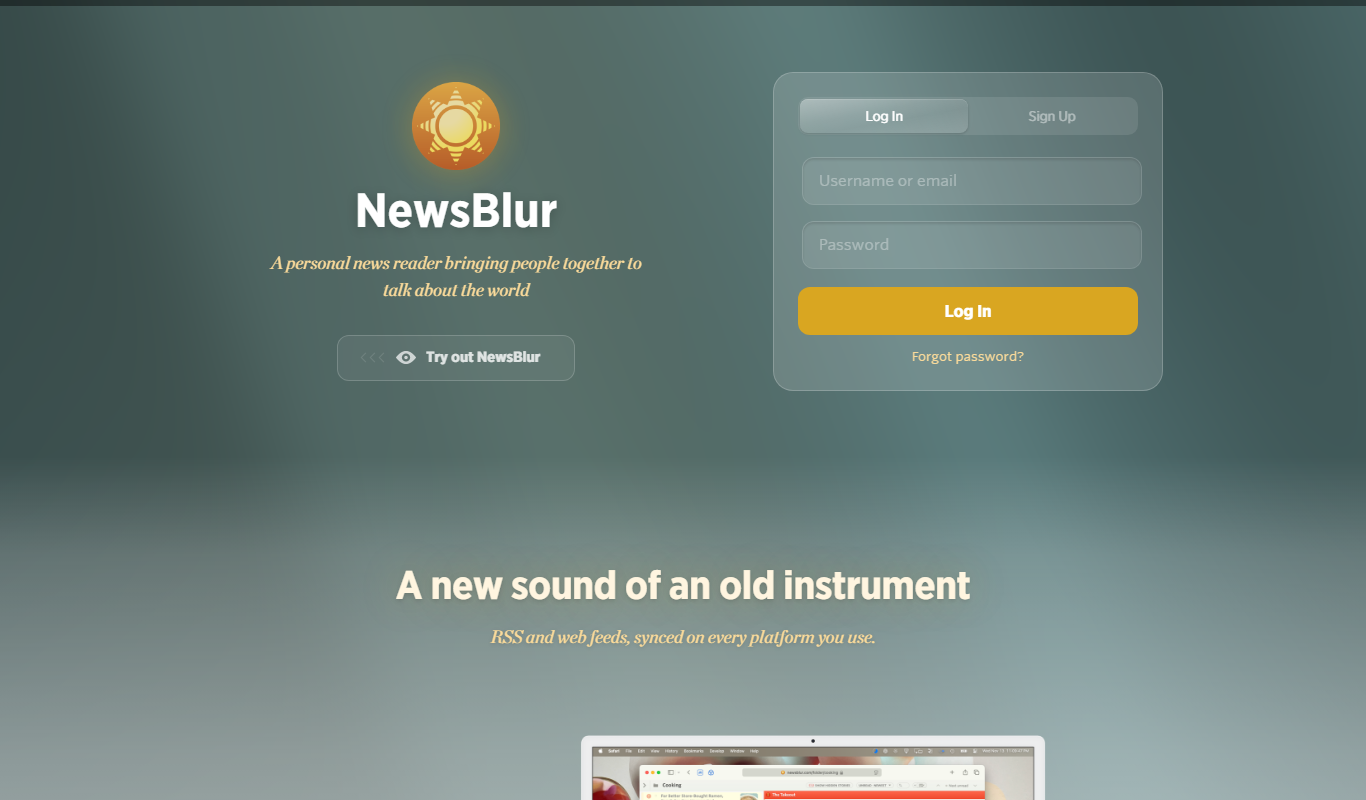
NewsBlur is a personal RSS reader and news aggregator that collects and filters news from multiple sources, allowing users to customize their news feed and read across web and mobile platforms.
Clinked
Clinked is a secure client portal platform that enables businesses to collaborate with clients and teams through file sharing, task management, messaging, and workflow automation in a branded environment.
VinSolutions CRM
VinSolutions CRM is a specialized customer relationship management platform designed for automotive dealerships to manage leads, automate sales processes, and run targeted marketing campaigns.

DealerSocket
DealerSocket is an automotive dealership software platform that combines CRM, inventory management, marketing automation, and sales analytics to help dealerships manage operations and improve customer engagement.