

From my experience with NewsBlur, I found it excels at delivering a highly customizable and efficient RSS reading experience. Its ability to train the system to highlight or hide stories based on user preferences makes news consumption more relevant and less overwhelming. After spending time with the platform, I can say it’s particularly well-suited for news enthusiasts, researchers, and teams who need to stay updated with multiple sources in one place. However, the user interface feels somewhat dated compared to newer apps, and the free plan limits the number of feeds you can follow. Overall, if you want a powerful, personalized news aggregator with offline reading and social features, NewsBlur delivers solid results.
NewsBlur RSS Reader and Personalized News Aggregator for Efficient Reading
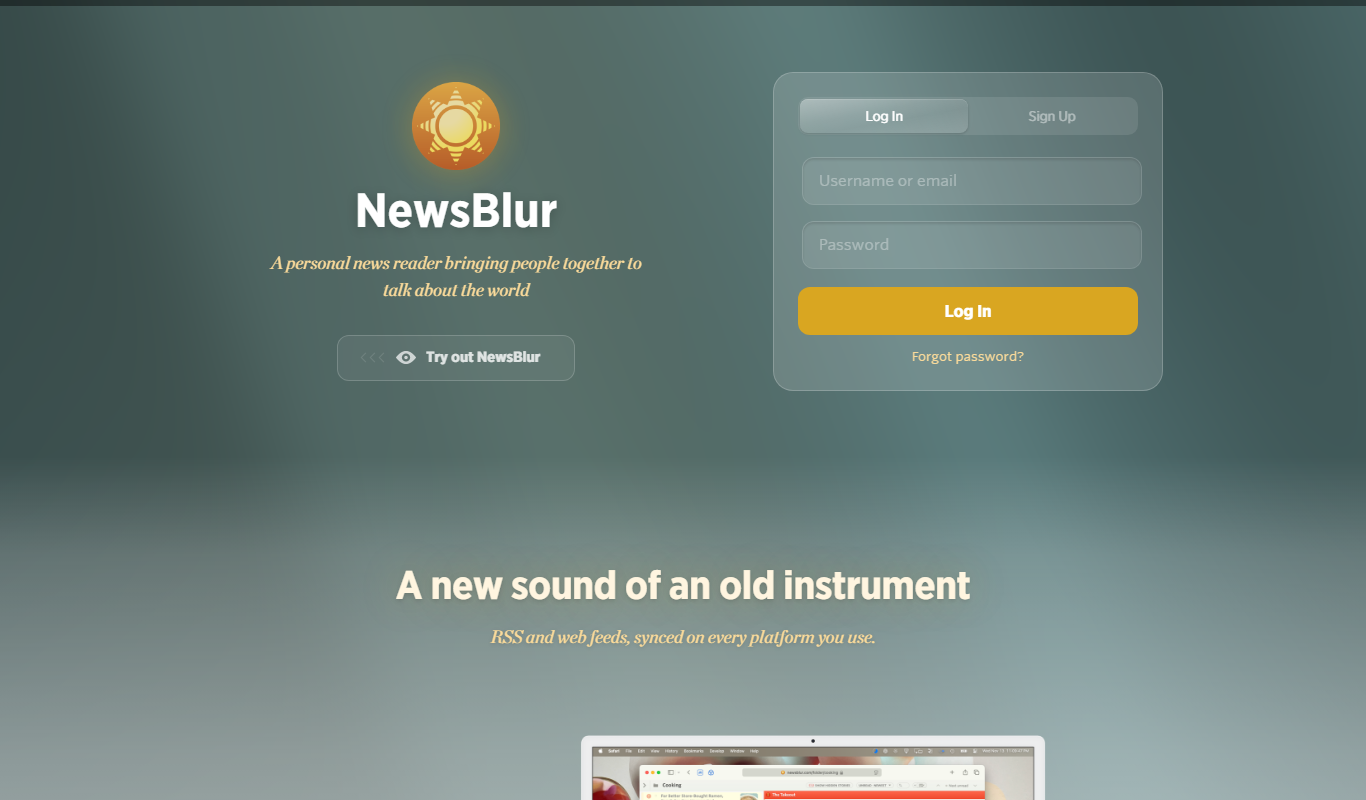
NewsBlur is a personal RSS reader and news aggregator that collects and filters news from multiple sources, allowing users to customize their news feed and read across web and mobile platforms.
- Best for
- Personalized News Reading
- Key capability
- Real-Time RSS Aggregation
Do you recommend this tool?
What is NewsBlur?
NewsBlur is a personal news reader and RSS aggregator that helps users organize, read, and share news from multiple sources in one place. It offers a customizable interface and intelligent filtering to prioritize stories that matter most to the user.
Key features of NewsBlur
NewsBlur provides real-time news aggregation, personalized story filtering, social sharing, offline reading, and cross-platform synchronization to deliver a seamless news reading experience.
Real-Time RSS Aggregation
Collects news from thousands of RSS feeds and updates your feed instantly.
Intelligent Story Filtering
Allows users to train the reader to prioritize or hide stories based on keywords and preferences.
Cross-Platform Sync
Syncs reading progress and preferences across web, iOS, and Android devices.
Social Sharing and Comments
Enables sharing stories with friends and commenting within the NewsBlur community.
Offline Reading Mode
Save articles to read later without an internet connection.
Pros and cons of NewsBlur
Pros
- Highly customizable news filtering
- Cross-platform synchronization
- Supports large number of RSS feeds
- Offline reading capability
- Active community and social features
Cons
- User interface can feel dated compared to modern apps
- Limited free plan with feed count restrictions
- No AI-powered content summarization
Key use cases for NewsBlur
Personalized News Reading
Users can subscribe to their favorite news sources and blogs to receive a customized news feed tailored to their interests.
Efficient News Aggregation
Aggregates news from multiple RSS feeds into one streamlined interface, saving time and effort in news consumption.
Team Collaboration
Allows teams to share and discuss news stories within a shared environment, improving information sharing.
Offline Reading
Enables users to save stories for offline reading, making it convenient to catch up on news without internet access.
News Filtering and Training
Users can train the system to highlight or hide stories based on their preferences, improving relevance over time.
How NewsBlur works
- 1
Sign Up
Create a free or premium account on NewsBlur’s website or mobile app.
- 2
Add RSS Feeds
Subscribe to your favorite news sources by adding their RSS feeds to your account.
- 3
Customize Preferences
Train NewsBlur to highlight or hide stories based on your interests and reading habits.
- 4
Read and Share
Browse your personalized news feed, save stories for offline reading, and share interesting articles with others.
Who is using NewsBlur
News enthusiasts
Researchers and academics
Content curators
Marketing professionals
Teams needing shared news access
NewsBlur pricing
Free
$0/month
Access to basic RSS reading features with a limit on the number of feeds.
Premium
$36/year
Unlimited feeds, full access to all features including training and offline reading.
Plans and prices are as published by the vendor and can change. Check the official site before you buy. Open the pricing page (opens in a new tab)
Frequently asked questions about NewsBlur
Yes, NewsBlur supports importing feeds via OPML files from other RSS readers.
Yes, NewsBlur offers native apps for both iOS and Android devices.
Yes, you can share stories directly through NewsBlur’s social features or via external platforms.
Yes, premium users can save stories for offline access.
This tool is designed to help users accomplish its core tasks more efficiently. It is typically used by individuals or teams looking to improve productivity and workflow.
It depends on your specific needs and how you plan to use the tool. The official website and documentation are the best sources for the latest details.
Pricing depends on the plan and included features. For the most accurate and up-to-date details, check the official pricing page.
Yes, it can help with that use case depending on how you configure it and what features are available. You’ll get the best results with clear inputs and a defined goal.
Sign in to review this tool.
Sign In to ReviewNo reviews yet
Be the first to share how this tool worked for you.
Ask about pricing, limits, or how it compares — or answer someone else.
Sign In to AskNo questions yet
Have a question about using or paying for this tool? Be the first to ask.
Featured on TiorAI



Alternative Tools
Explore similar AI tools that might fit your needs
Free
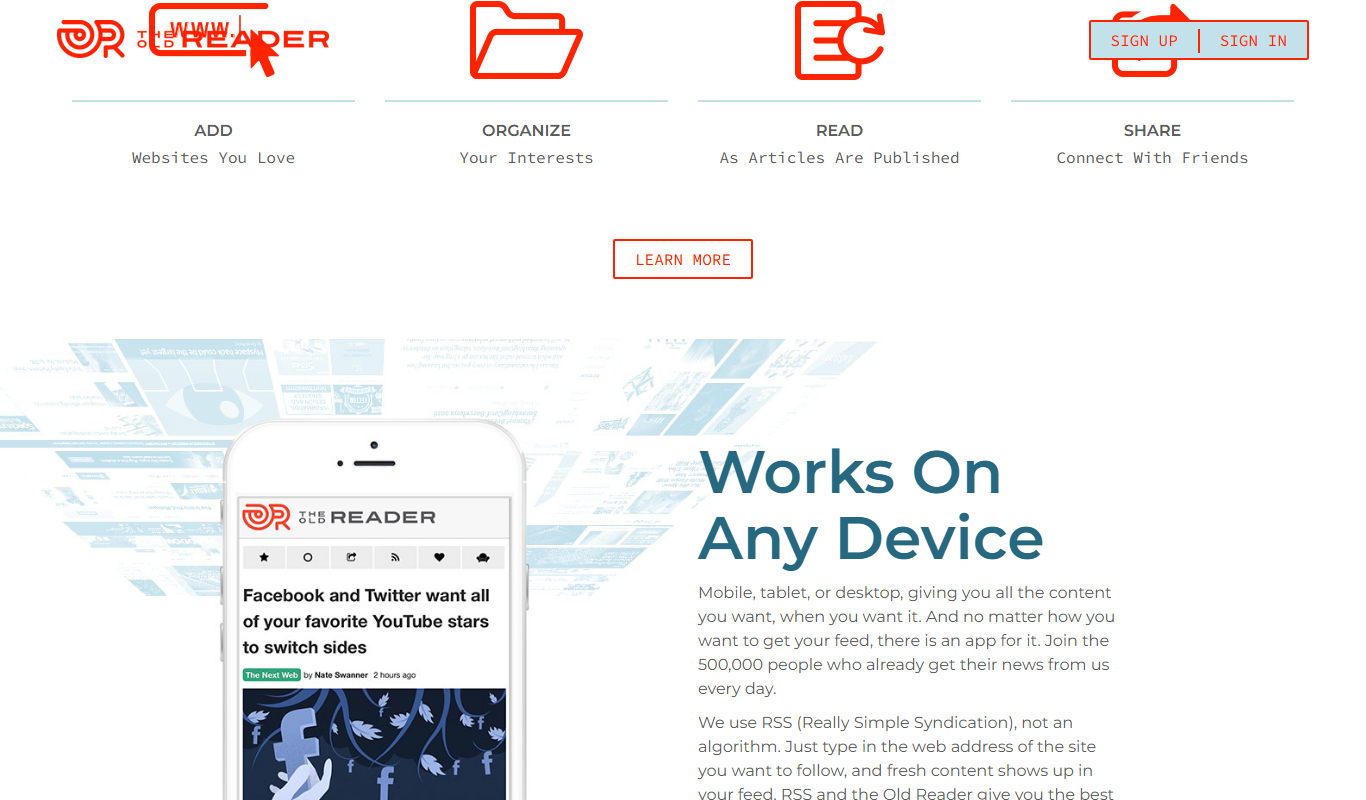
The Old Reader
The Old Reader is a web-based RSS feed reader that aggregates news and blog content from multiple sources, offering a simple interface with social sharing and organizational features.
More AI Customer Service tools
Other tools in the same category, for when this one is not quite the fit.

Free
MobileMonkey
MobileMonkey is an AI-powered chatbot platform that enables businesses to automate marketing, lead generation, and customer support conversations across multiple messaging channels including Facebook Messenger, Instagram, SMS, and web chat.

Pay As You Go
TextMagic
TextMagic is a cloud-based SMS marketing platform that enables businesses to send bulk text messages, automate notifications, and engage customers with two-way messaging and API integration.

Free Trial
EZ Texting
EZ Texting is a cloud-based SMS marketing platform that enables businesses to send mass text messages, automate campaigns, and engage customers with two-way messaging.

Free Trial
SimpleTexting
SimpleTexting is a cloud-based SMS marketing platform that enables businesses to send mass text messages, automate SMS workflows, and engage customers with two-way messaging to improve communication and marketing effectiveness.

Freemium
Komoot
Komoot is an outdoor navigation app that helps users plan and follow hiking, cycling, and other adventure routes with detailed maps, offline access, and voice guidance.

Custom Pricing
Cambridge Mobile Telematics
Cambridge Mobile Telematics provides a mobile telematics platform that uses smartphone sensors and AI to analyze driver behavior, enabling insurers and fleet managers to assess risk, improve safety, and reduce accidents.

Commission-based
Pathrise
Pathrise is a career coaching platform that provides personalized mentorship, interview preparation, resume reviews, and salary negotiation guidance to help job seekers, especially in tech, secure employment. It operates on a commission-based payment model where users pay only after getting hired.

Free
MyHammer
MyHammer is a UK-based online platform connecting customers with local tradesmen and builders by allowing job posting, offer comparison, and secure communication.