

Voicenotes.com - Easy Online Voice Recording and Transcription Tool
Voicenotes records meetings directly from your device and turns them into accurate transcripts, clear summaries, action items and searchable meeting reports.
- Best for
- Quick Voice Memos
- Key capability
- Apps on every platform
Save Voicenotes.com, follow its updates and vote on it — everything stays in your account.
Sign in or create a free account
What is Voicenotes.com?
Voicenotes is an AI notetaker that turns every meeting into notes and instant answers and works with every meeting app. It records online and in-person meetings, memos and dictation, and it is available on desktop and mobile apps as well as the web.
Key features of Voicenotes.com
The main features of Voicenotes.com include instant voice recording via the web, automatic transcription of audio to text, easy sharing options, and a user-friendly interface that works across devices. It supports saving recordings locally or exporting transcripts for further use.
Apps on every platform
Record on macOS, iOS, Windows, Android, Web and Watch.
Automatic Transcription
Convert voice recordings into editable text transcripts quickly.
Easy Sharing
Share recordings and transcripts via links or download them for offline use.
User-Friendly Interface
Simple controls designed for fast and intuitive voice note creation.
Pros and cons of Voicenotes.com
Pros
- No installation or downloads required
- Quick and easy to use interface
- Automatic transcription saves time
- Accessible from any device with a browser
Cons
- Limited transcription languages (English only)
- Free plan has restricted transcription minutes
- No offline recording capability
Key use cases for Voicenotes.com
Quick Voice Memos
Record short voice notes instantly without installing software, ideal for capturing ideas on the go.
Transcription for Meetings
Convert recorded audio into text transcripts to document meetings, interviews, or lectures.
Podcast Recording
Use the web-based recorder to capture podcast segments or interviews easily.
Language Practice
Record and playback voice notes to practice pronunciation or language learning.
How Voicenotes.com works
- 1
Access the Website
Open voicenotes.com on any modern web browser with microphone access.
- 2
Start Recording
Click the record button to capture your voice or any audio input.
- 3
Stop and Save
Stop recording when finished and save the audio file or request transcription.
- 4
Review and Export
Listen to your recording, edit the transcript if needed, and export or share your files.
Who is using Voicenotes.com
Voicenotes.com pricing
Basic
$0
Unlimited recordings with 100 weekly transcription minutes shared across meetings, memos and dictation.
Pro
$9 per user per month
Everything in Basic plus unlimited recordings and transcription minutes, real-time notes and live transcriptions, unlimited history and advanced integrations.
Enterprise
$24 per user per month
Everything in Pro plus SSO and SCIM provisioning.
Plans and prices are as published by the vendor and can change. Check the official site before you buy. Open the pricing page (opens in a new tab)
Frequently asked questions about Voicenotes.com
You can record voice notes without an account, but creating one unlocks transcription and saving features.
Voicenotes.com uses encryption and does not share your recordings without permission.
Yes, Voicenotes has iOS and Android apps, and it is also available on the web.
Transcription supports English, Spanish, French, Portuguese, Italian and other languages.
It depends on your specific needs and how you plan to use the tool. The official website and documentation are the best sources for the latest details.
It depends on your specific needs and how you plan to use the tool. The official website and documentation are the best sources for the latest details.
Some tools offer a free plan or trial with limited features. Availability can vary, so confirm on the official website.
Conclusion
Meetings, memos and dictation all go through the same recorder, and a summary with action items and next steps is ready the moment a meeting ends. Recording happens on the user’s own device for online and in-person meetings alike, and no bot joins the call. The app runs on desktop and mobile as well as in a browser. Finished notes can be sent to the team, exported as a PDF or shared as a link in Slack, and they can also become follow-up emails, reports or to-do lists.
Transcription covers English, Spanish, French, Portuguese, Italian and other languages. According to the pricing page, recordings and transcripts are never used to train AI models on any plan. The free Basic plan keeps recordings unlimited but caps transcription at a weekly number of minutes, while the paid Pro plan lifts that cap and adds unlimited history and integrations.
Sources
Sign in to review this tool.
Sign In to ReviewNo reviews yet
Be the first to share how this tool worked for you.
Ask about pricing, limits, or how it compares — or answer someone else.
Sign In to AskNo questions yet
Have a question about using or paying for this tool? Be the first to ask.
Featured on TiorAI



More AI Music & Audio Tools tools
Other tools in the same category, for when this one is not quite the fit.

Soundify
Soundify is a free AI generator that creates sound effects from text descriptions, with 5 free generations a day for signed-in users.

AI Song Generator
AI Song Generator is a web tool that creates original songs and lyrics from your genre, mood and topic, with a limited free plan and paid subscriptions.

A.V. Mapping
A.V. Mapping is an AI platform that analyzes your video or photo, recommends licensed music and sound effects from musicians, and handles the music license in one place.

ampedstudio.com
Amped Studio is an online DAW with AI music tools to create beats, record vocals, mix tracks and produce songs in your browser without installation.

Beatoven.ai
Beatoven.ai is an AI-driven platform that generates custom royalty-free music tracks tailored to your project's mood and style, ideal for content creators and marketers.
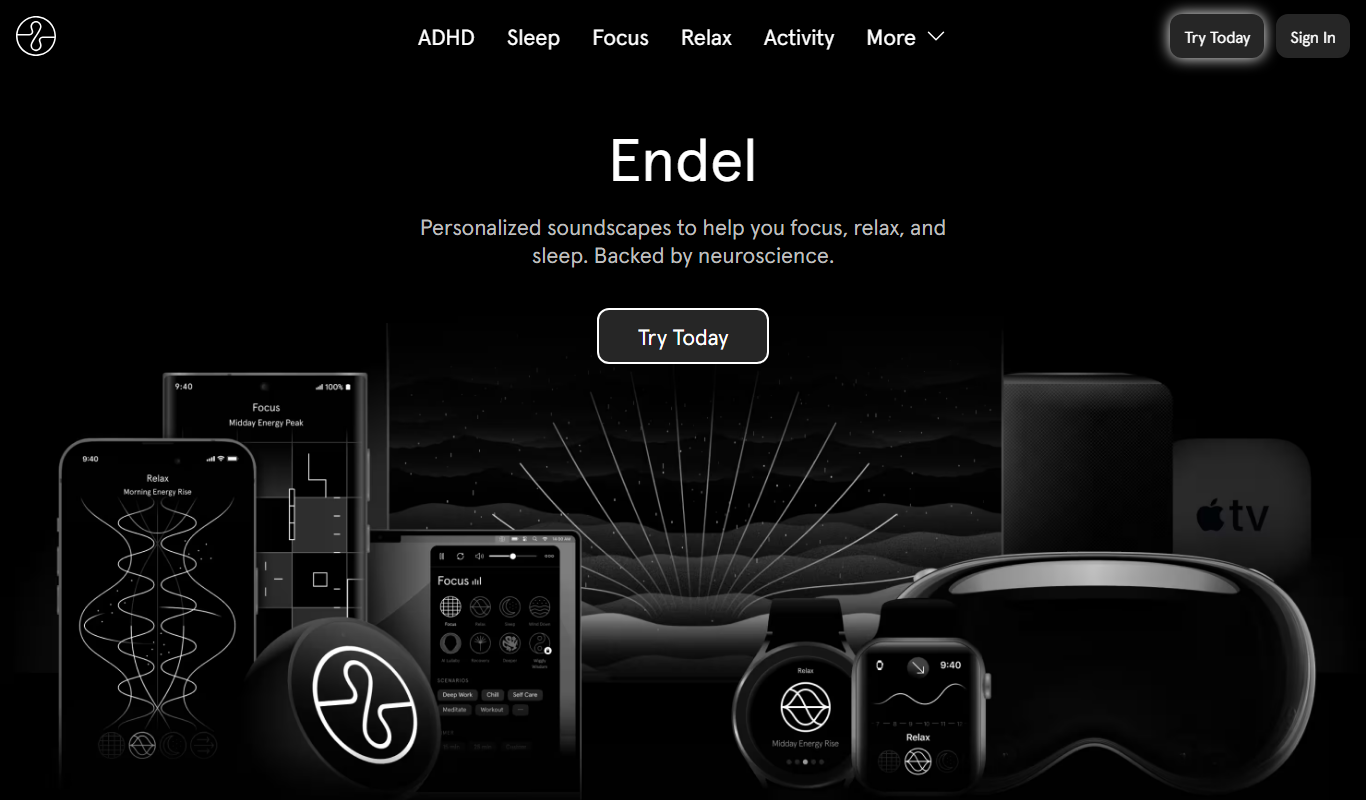
Endel
Endel is an AI-driven app that generates adaptive soundscapes tailored to improve focus, relaxation, and sleep by using real-time data such as time, location, and biometric inputs.

SONOTELLER
SONOTELLER.AI is an AI song analyzer that tags lyrics and music (genres, moods, instruments, BPM and key) and autotags music catalogs through its API.

AI Song Generator-Make Song
AI Song Generator-Make Song is an online tool that uses artificial intelligence to create original songs by generating melodies and lyrics based on user inputs such as themes or moods.