

From my experience with BIGVU, I found it excels at simplifying the creation of scripted videos by integrating a teleprompter directly into the recording process. This feature alone makes it much easier to maintain eye contact and deliver smooth presentations without memorizing scripts. The automatic captioning and branding options add professional polish without requiring advanced video editing skills. BIGVU is particularly well-suited for marketers, educators, and social media content creators who need quick, polished videos on the go. However, the free plan’s watermark and limited editing features mean serious users will likely need a paid subscription. Overall, BIGVU offers a practical, user-friendly solution for scripted video production.
BIGVU Video Maker App for Easy Scripted Video Creation and Editing
BIGVU is a video creation app that uses a built-in teleprompter to help users record scripted videos with automatic captions and easy editing, ideal for marketers, educators, and content creators.
- Best for
- Social Media Video Content
- Key capability
- Built-in Teleprompter

What is BIGVU?
BIGVU is a video creation and editing platform designed to simplify the production of scripted videos using a built-in teleprompter. It enables users to record videos while reading scripts on screen, automatically syncing captions and allowing easy editing and branding. BIGVU is ideal for content creators, marketers, educators, and professionals who want to produce polished videos without complex setups.
Key features of BIGVU
BIGVU offers a teleprompter for smooth script reading, automatic caption generation, video editing tools, branding options like logos and backgrounds, and multi-platform support for mobile and desktop use.
Built-in Teleprompter
Displays scripts on screen for smooth, confident video delivery.
Automatic Captions
Generates captions from the script to improve accessibility and engagement.
Video Editing Tools
Includes trimming, cropping, and adding branding elements like logos and backgrounds.
Multi-Platform Support
Available on web, iOS, and Android for flexible video creation anywhere.
Cloud Storage and Collaboration
Stores videos securely in the cloud and allows team collaboration on projects.
Pros and cons of BIGVU
Pros
- Easy-to-use teleprompter for smooth video delivery
- Automatic caption generation improves accessibility
- Cross-platform availability on web and mobile
- Branding options for professional video appearance
- Cloud storage enables collaboration and access
Cons
- Free plan includes BIGVU watermark on videos
- Limited advanced editing features compared to dedicated video editors
- Some features require subscription upgrade
Key use cases for BIGVU
Social Media Video Content
Create engaging scripted videos optimized for social media platforms like Instagram, Facebook, and LinkedIn.
Marketing and Promotional Videos
Produce professional-looking marketing videos with teleprompter assistance to maintain clear messaging.
Educational and Training Videos
Develop instructional videos with on-screen teleprompter to ensure smooth delivery of educational content.
News and Reporting
Use BIGVU’s teleprompter and video editing tools to create news-style reports and updates efficiently.
Internal Corporate Communications
Facilitate internal messaging and announcements with polished video presentations.
How BIGVU works
- 1
Write or Import Script
Users input their video script directly into BIGVU or import it from other sources.
- 2
Record with Teleprompter
The app displays the script as a teleprompter while recording video, helping maintain eye contact and flow.
- 3
Edit and Brand Video
After recording, users can trim clips, add captions, insert logos, and customize backgrounds.
- 4
Export and Share
Finished videos can be exported in various formats and shared directly to social media or downloaded.
Who is using BIGVU
BIGVU pricing
Free
$0/month
Basic video creation with BIGVU watermark and limited features.
Pro
$24/month
Removes watermark, unlocks HD exports, branding options, and longer video durations.
Business
$49/month
Includes team collaboration, advanced branding, priority support, and bulk video creation.
Plans and prices are as published by the vendor and can change. Check the official site before you buy. Open the pricing page (opens in a new tab)
Frequently asked questions about BIGVU
BIGVU is designed for scripted videos, but you can record without a script; however, teleprompter and caption features require a script.
Yes, exporting watermark-free videos is available on Pro and Business plans.
Yes, BIGVU’s intuitive interface and teleprompter make it easy for beginners to create professional videos.
Yes, branding options including logos and custom backgrounds are available on paid plans.
This tool is designed to help users accomplish its core tasks more efficiently. It is typically used by individuals or teams looking to improve productivity and workflow.
It depends on your specific needs and how you plan to use the tool. The official website and documentation are the best sources for the latest details.
Some tools offer a free plan or trial with limited features. Availability can vary, so confirm on the official website.
Yes, it can help with that use case depending on how you configure it and what features are available. You’ll get the best results with clear inputs and a defined goal.
Sign in to review this tool.
Sign In to ReviewNo reviews yet
Be the first to share how this tool worked for you.
Ask about pricing, limits, or how it compares — or answer someone else.
Sign In to AskNo questions yet
Have a question about using or paying for this tool? Be the first to ask.
Featured on TiorAI



More AI Avatar Generator tools
Other tools in the same category, for when this one is not quite the fit.

SoulGen AI
SoulGen AI is a web-based platform that uses artificial intelligence to generate realistic and artistic digital avatars from text prompts or images, ideal for social media and creative projects.
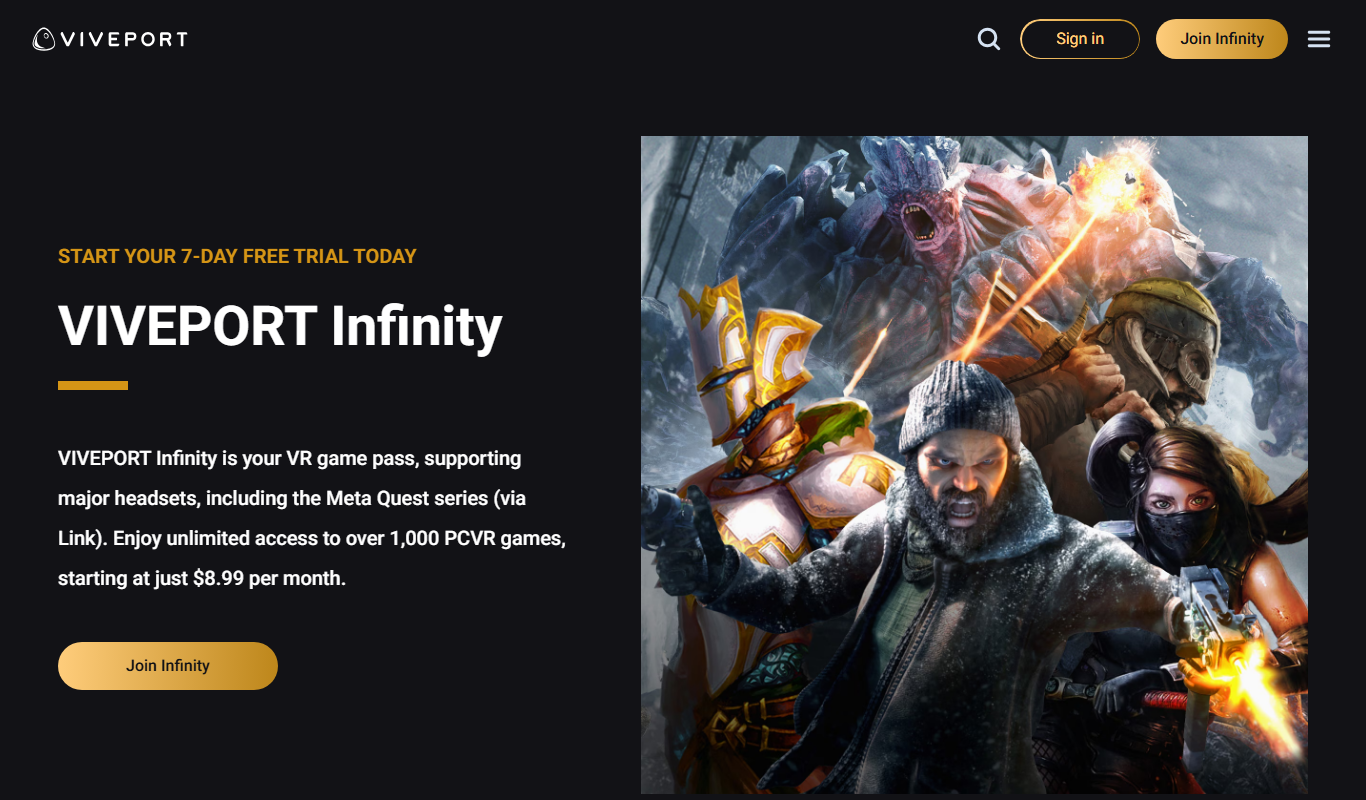
Viveport
Viveport is HTC's virtual reality content platform providing access to VR games and experiences, including a subscription service called Viveport Infinity for unlimited VR content.
HeadshotsPro
HeadshotsPro is an AI-based online tool that converts selfies into professional-quality headshots with customizable backgrounds and styles, ideal for business and social media profiles.

Portrait AI
Portrait AI is a web-based AI avatar generator that creates realistic and artistic digital portraits from user photos using advanced AI technology.
ThisPersonDoesNotExist
ThisPersonDoesNotExist is a free web tool that uses AI to generate photorealistic human faces that do not belong to real people, useful for creative and privacy-conscious applications.

DeepAR SDK
DeepAR SDK is a cross-platform augmented reality development kit that enables real-time face tracking, AI avatar creation, and 3D AR effects for mobile apps, games, and live streaming.

Banuba SDK
Banuba SDK is an AI-powered augmented reality software development kit that enables developers to integrate real-time face tracking, 3D masks, beauty filters, and avatar effects into mobile and desktop applications.

FaceTec
FaceTec is an AI-driven biometric authentication platform specializing in 3D facial recognition and liveness detection to securely verify user identities and prevent fraud.