

ArtiverseHub AI Image Generator for Creative Digital Art and Design
ArtiverseHub AI is an all-in-one AI image and video generation platform where users can create images and videos for free.
- Best for
- Digital Art Creation
- Key capability
- Text-to-Image Generation
Save ArtiverseHub AI Image Generator, follow its updates and vote on it — everything stays in your account.
Sign in or create a free account
What is ArtiverseHub AI Image Generator?
ArtiverseHub AI is an all-in-one AI image and video generation platform that manages multiple image models, including Nano Banana Pro, through a unified interface, so ideas described in natural language can be turned into usable visuals.
Key features of ArtiverseHub AI Image Generator
The tool offers intuitive text-to-image generation, style customization, high-resolution downloads, and a user-friendly interface designed to streamline the creative process for both professionals and hobbyists.
Text-to-Image Generation
Convert descriptive text prompts into detailed digital images using AI.
Multiple Artistic Styles
Supports realistic, illustration, concept art and artistic styles.
High-Resolution Output
Download images in high resolution suitable for printing and professional use.
AI Video Generation
Paid plans add AI video generations and AI video effect features.
Pros and cons of ArtiverseHub AI Image Generator
Pros
- Easy to use with no design experience required
- Wide variety of artistic styles available
- High-quality, high-resolution image outputs
- Affordable subscription plan with generous features
Cons
- Free plan includes watermarked images
- Limited language support (English only)
- Web-only platform with no mobile app
Key use cases for ArtiverseHub AI Image Generator
Digital Art Creation
Generate unique digital artworks using AI-powered image synthesis for personal or commercial projects.
Graphic Design Assistance
Create custom visuals and design elements quickly to enhance marketing materials and presentations.
Creative Brainstorming
Use AI-generated images as inspiration or starting points for creative projects and concept development.
Content Enhancement
Improve blog posts, social media, and websites with original AI-generated images tailored to your content.
How ArtiverseHub AI Image Generator works
- 1
Enter Text Prompt
Users input descriptive text that guides the AI in generating an image.
- 2
Select Style and Settings
Choose from various artistic styles and adjust parameters to customize the output.
- 3
Generate Image
The AI processes the input and creates a unique image based on the prompt and settings.
- 4
Download or Edit
Users can download the generated image or refine it further using available editing tools.
Who is using ArtiverseHub AI Image Generator
ArtiverseHub AI Image Generator pricing
Free
$0
New users get 40 credits and a daily check-in adds 20 credits, with Flux.1 Schnell and Flux.1 Dev generations, 5 free AI tool uses daily, a shared generation queue and 15-day history.
Basic
$9.99 per month (shown with $12.49 and a 20% discount)
4000 credits, unlimited premium features, Nano Banana AI images, AI video generations and AI video effect features, fast generation queue, 365-day history, private generations and commercial right. Credit valid for 100 days, cancel anytime.
Popular
$19.99 per month (shown with $33.32 and a 40% discount)
13000 credits per month with the same premium features as Basic, including AI video generations, fast generation queue and commercial right. Credit valid for 100 days.
Professional
$49.99 per month (shown with $99.99 and a 50% discount)
21000 credits per month with the same premium features, including AI video generations, fast generation queue and commercial right. Credit valid for 100 days.
Plans and prices are as published by the vendor and can change. Check the official site before you buy. Open the pricing page (opens in a new tab)
Frequently asked questions about ArtiverseHub AI Image Generator
The paid Basic, Popular and Professional plans list commercial right.
Generation uses credits. New users get 40 credits and each daily check-in adds 20 credits, while paid plans include monthly credits.
Images can be downloaded in PNG and JPEG formats.
It depends on your specific needs and how you plan to use the tool. The official website and documentation are the best sources for the latest details.
Yes, it can help with that use case depending on how you configure it and what features are available. You’ll get the best results with clear inputs and a defined goal.
It depends on your specific needs and how you plan to use the tool. The official website and documentation are the best sources for the latest details.
Conclusion
Several image models sit behind one unified interface, which is meant to simplify model switching and parameter tuning. The built-in Nano Banana model generates images from natural language descriptions across portraits, scenes and products. With Nano Banana Pro, an uploaded image can also be edited with text prompts, for example to replace the background, while subjects stay consistent across generations. Paid plans extend this to AI video generations and AI video effect features.
Suggested uses include style trials in early-stage projects, base assets for illustrations, posters or social media, and product concept images. Everything runs on credits: new users get 40, a daily check-in adds 20, and paid plans bundle monthly credits valid for 100 days. The free tier uses a shared generation queue with 15-day history, while paid plans list a fast queue, 365-day history and commercial right.
Sources
Sign in to review this tool.
Sign In to ReviewNo reviews yet
Be the first to share how this tool worked for you.
Ask about pricing, limits, or how it compares — or answer someone else.
Sign In to AskNo questions yet
Have a question about using or paying for this tool? Be the first to ask.
Featured on TiorAI


More AI Avatar Generator tools
Other tools in the same category, for when this one is not quite the fit.

Xpression Camera
Xpression Camera is an AI-driven virtual webcam software that animates digital avatars in real time by tracking your facial expressions and head movements, compatible with popular video conferencing and streaming platforms.

DeepReel
DeepReel is an AI video creation platform that turns blogs, prompts and files into professional videos with AI avatars, voiceovers, visuals, captions and music.
InstantPersonas
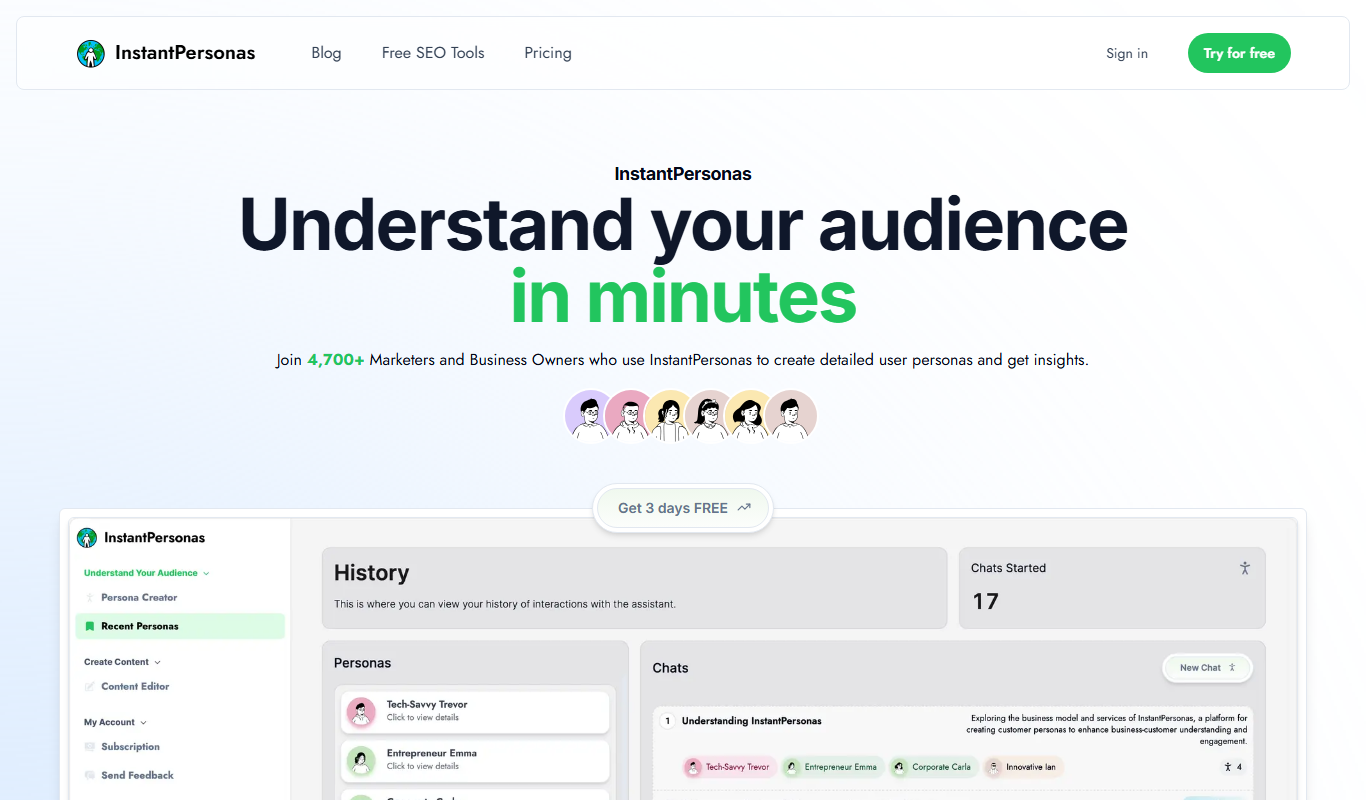
InstantPersonas is a web tool that helps marketing and product teams quickly generate detailed user personas using AI assistance and customizable templates.

UI Faces with AI
UI Faces with AI is a web tool that provides designers and developers with AI-generated and curated user avatars, enabling diverse, realistic, and privacy-safe faces for UI mockups, apps, and marketing content.

CharGen
CharGen is an AI toolkit for tabletop RPGs to generate art, build entire worlds on the fly and never lose a session again.

BIGVU
BIGVU is a video creation app that uses a built-in teleprompter to help users record scripted videos with automatic captions and easy editing, ideal for marketers, educators, and content creators.
Wonder AI
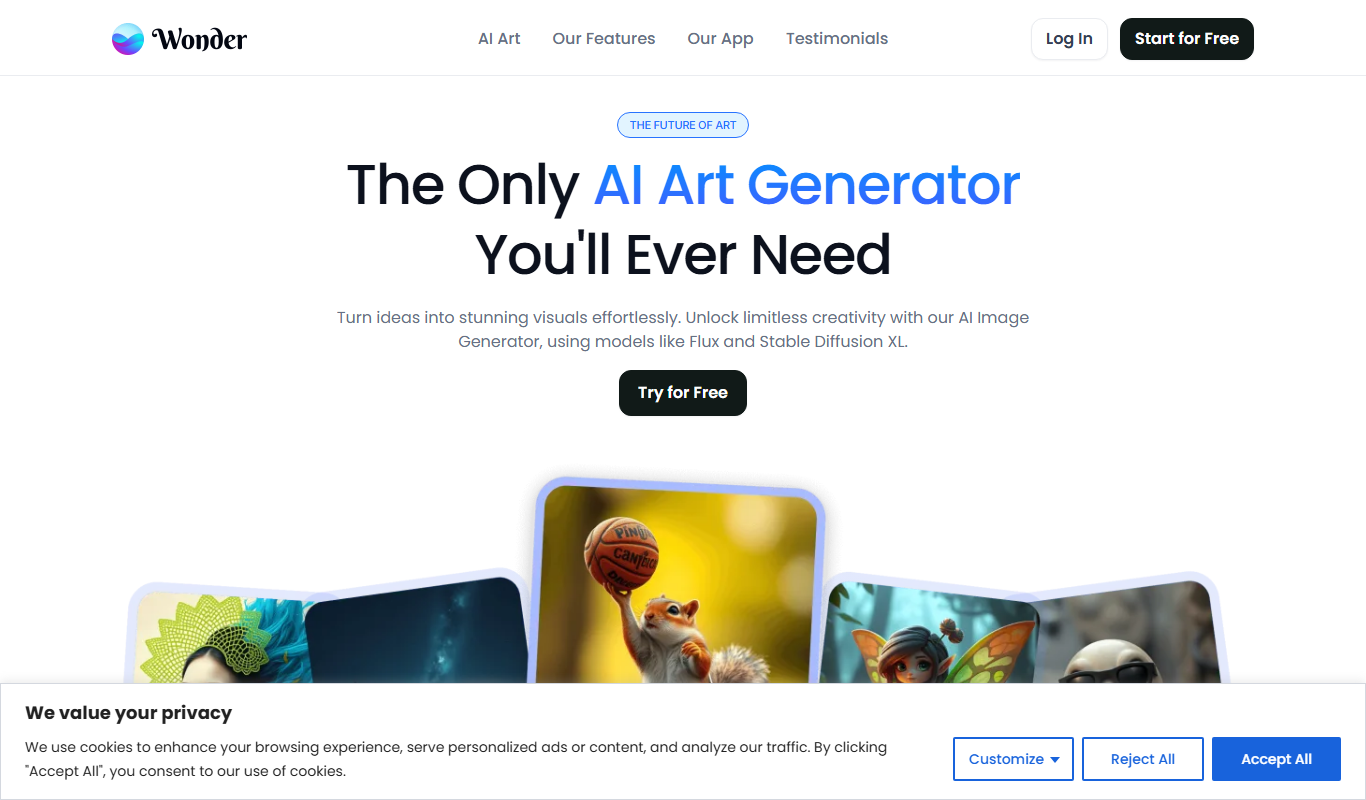
Wonder AI turns text prompts into AI artwork in 40+ styles, with logo and tattoo tools, on the web and in iOS and Android apps.

TalkingAvatar
TalkingAvatar is an AI tool to rewrite, redub, voice clone and lip-sync videos, available as a Windows download and online.