

Audio AI Dynamics - Free Online Audio AI Tools for Musicians
Audio AI Dynamics offers free online audio tools for musicians: a music analyzer for key, BPM and mood, a genre finder, a trimmer, a recorder and a metronome.
- Best for
- Finding key and tempo
- Key capability
- Music analyzer
Save Audio AI Dynamics, follow its updates and vote on it — everything stays in your account.
Sign in or create a free account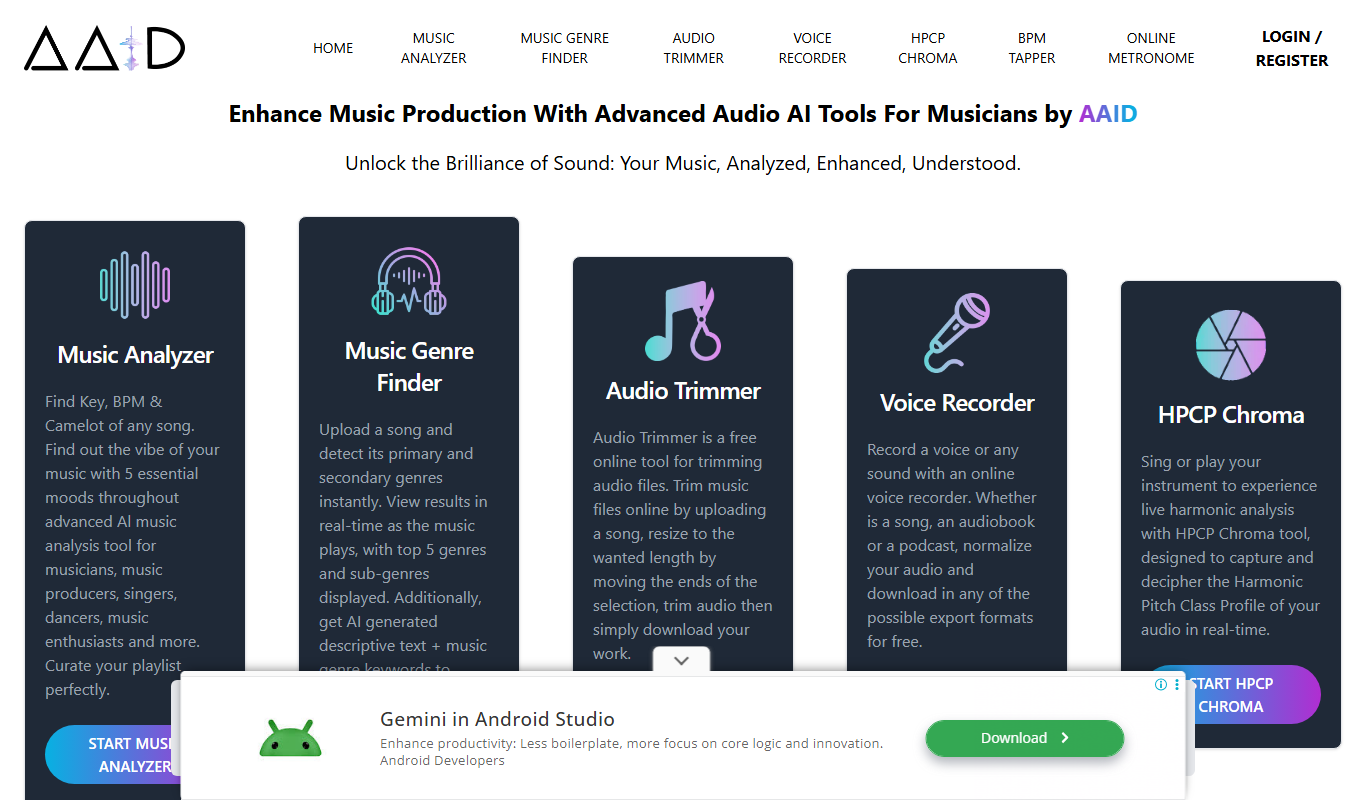

What is Audio AI Dynamics?
Audio AI Dynamics is a set of free online audio tools for musicians. Its music analyzer finds the key, BPM and Camelot of any song and its mood, and the site also offers a genre finder, an audio trimmer, a voice recorder, real-time harmonic analysis, a BPM tapper and an online metronome.
Key features of Audio AI Dynamics
The music analyzer finds the key, BPM and Camelot of any song and rates it on five moods, while a genre finder shows the top genres as the track plays. Practice tools include an audio trimmer, a voice recorder, real-time harmonic analysis, a BPM tapper and an online metronome.
Music analyzer
Find the key, BPM and Camelot of any song and its vibe across 5 moods.
AI music genre finder
Upload a song to detect primary and secondary genres, with the top 5 genres shown in real time.
HPCP Chroma
Sing or play an instrument for live harmonic analysis of the Harmonic Pitch Class Profile.
BPM tapper and metronome
Count beats per minute by tapping along, or keep time with the online metronome.
Audio trimmer and voice recorder
Trim audio files online, or record a voice or sound, normalize it and download it for free.
Pros and cons of Audio AI Dynamics
Pros
- Tools are free to use online
- Key, BPM, Camelot and mood in one analysis
- Real-time harmonic analysis while singing or playing
Cons
- Audio normalization is still marked coming soon
- Analysis and recording tools only; no mastering or noise reduction
- Only web platform available
Key use cases for Audio AI Dynamics
Finding key and tempo
Find the key, BPM and Camelot of a song.
Building playlists by mood
Evaluate music across moods such as happy, sad, relax, aggressive or danceable to curate playlists.
Practice and tuning
Use real-time HPCP Chroma, the BPM tapper and the metronome while practicing.
Quick recording and trimming
Record a song, audiobook or podcast take, or trim an audio file online.
How Audio AI Dynamics works
- 1
Pick a tool
Choose the music analyzer, genre finder, trimmer, recorder, HPCP Chroma, BPM tapper or metronome.
- 2
Upload, play or record
Upload a song, or sing and play live for real-time tools such as HPCP Chroma.
- 3
Read the analysis
See the key, BPM, Camelot, moods or genres of the track.
- 4
Download your audio
Trimmed or recorded audio can be downloaded for free.
Who is using Audio AI Dynamics
Audio AI Dynamics pricing
Free
$0
Free online audio AI tools.
Pro
$19/month
Unlimited processing, longer audio files, and access to all presets.
Plans and prices are as published by the vendor and can change. Check the official site before you buy. Open the pricing page (opens in a new tab)
Frequently asked questions about Audio AI Dynamics
The key, BPM and Camelot of a song, plus its vibe across 5 moods.
Upload a song and it detects primary and secondary genres in real time, with AI generated descriptive text and genre keywords.
Yes. Audio AI Dynamics presents them as free online audio AI tools.
A real-time tool that captures the Harmonic Pitch Class Profile of your singing or playing.
It is powered by Essentia.js and Essentia models, licensed by MTG.
Yes. The online voice recorder records a voice or any sound, normalizes it and lets you download it for free.
Conclusion
Musicians who need to know what is in a track get the most from this site: its Music Analyzer reports the key, BPM and Camelot code of any song and rates it across five moods. A separate genre finder detects primary and secondary genres in real time and adds AI generated keywords. The analysis engine runs on Essentia.js and Essentia models licensed by MTG.
Practice tools fill out the menu, from live HPCP Chroma harmonic analysis while singing or playing to a BPM tapper and an online metronome. An audio trimmer and a voice recorder handle quick edits and downloads. Everything is offered as free online tools, but the set is about analysis and recording rather than mastering, and audio normalization is still marked as coming soon.
Sources
Sign in to review this tool.
Sign In to ReviewNo reviews yet
Be the first to share how this tool worked for you.
Ask about pricing, limits, or how it compares — or answer someone else.
Sign In to AskNo questions yet
Have a question about using or paying for this tool? Be the first to ask.
Featured on TiorAI



Alternative Tools
Explore similar AI tools that might fit your needs
Auphonic
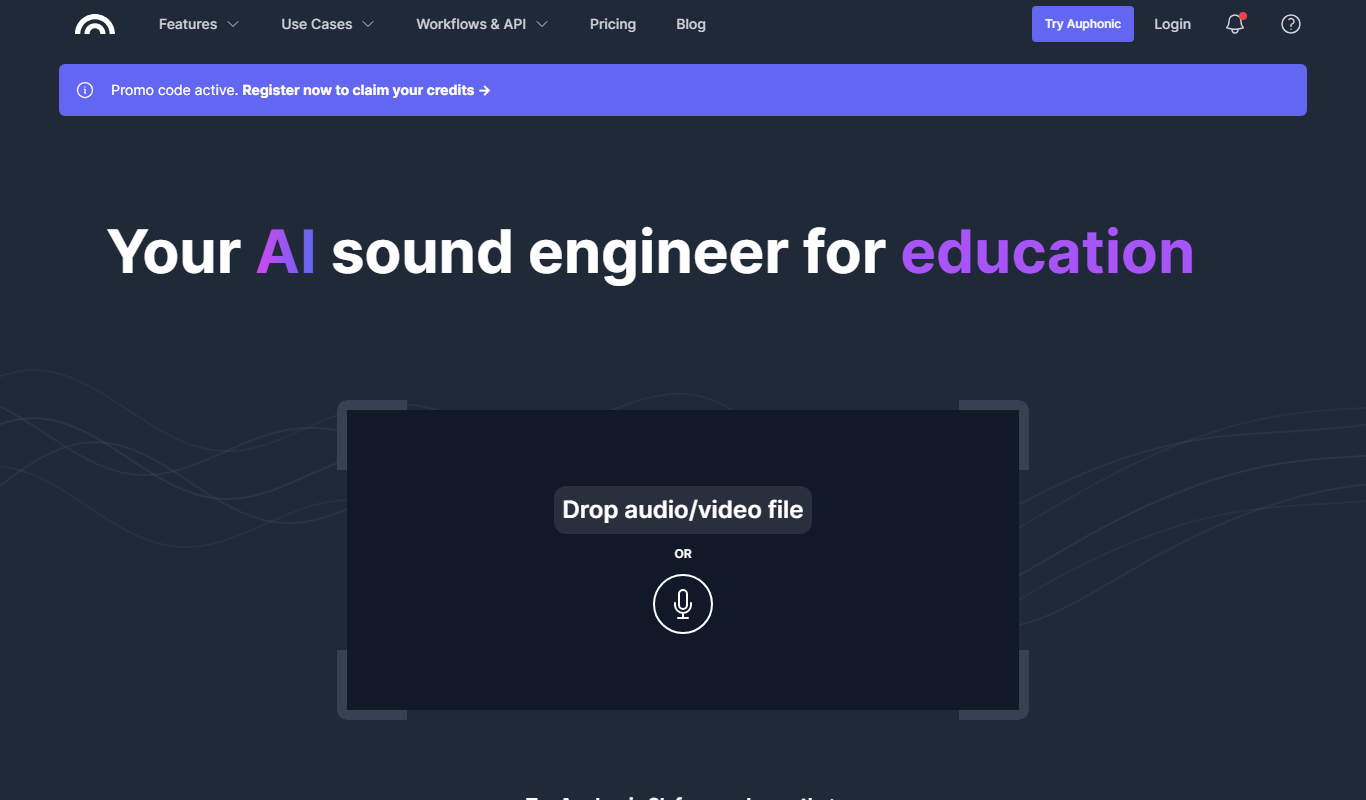
Auphonic is an AI-driven audio post-production tool that automates leveling, noise reduction, loudness normalization, and metadata tagging to produce professional-quality audio for podcasts and broadcasts.
More AI Music & Audio Tools tools
Other tools in the same category, for when this one is not quite the fit.

Soundify
Soundify is a free AI generator that creates sound effects from text descriptions, with 5 free generations a day for signed-in users.

AI Song Generator
AI Song Generator is a web tool that creates original songs and lyrics from your genre, mood and topic, with a limited free plan and paid subscriptions.

A.V. Mapping
A.V. Mapping is an AI platform that analyzes your video or photo, recommends licensed music and sound effects from musicians, and handles the music license in one place.

ampedstudio.com
Amped Studio is an online DAW with AI music tools to create beats, record vocals, mix tracks and produce songs in your browser without installation.

Beatoven.ai
Beatoven.ai is an AI-driven platform that generates custom royalty-free music tracks tailored to your project's mood and style, ideal for content creators and marketers.
Endel
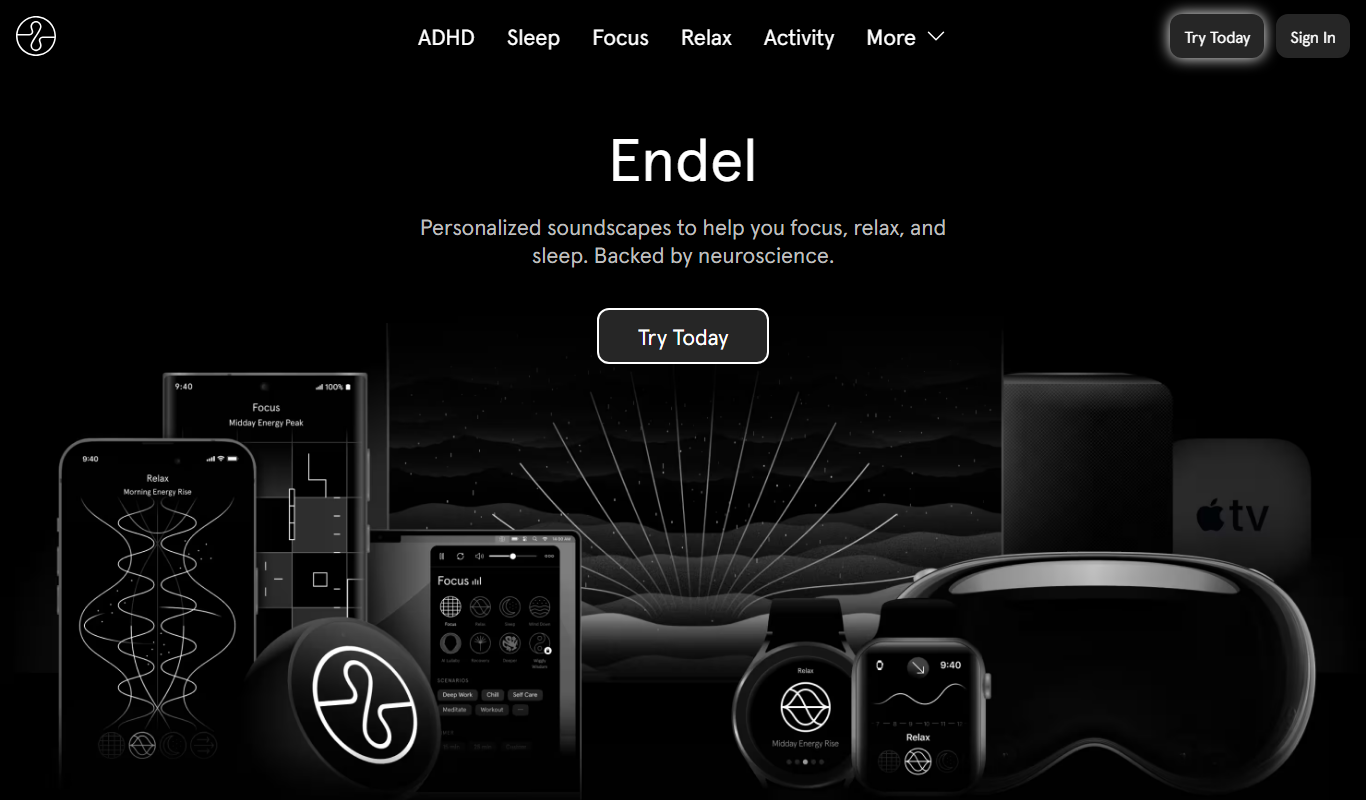
Endel is an AI-driven app that generates adaptive soundscapes tailored to improve focus, relaxation, and sleep by using real-time data such as time, location, and biometric inputs.

SONOTELLER
SONOTELLER.AI is an AI song analyzer that tags lyrics and music (genres, moods, instruments, BPM and key) and autotags music catalogs through its API.

AI Song Generator-Make Song
AI Song Generator-Make Song is an online tool that uses artificial intelligence to create original songs by generating melodies and lyrics based on user inputs such as themes or moods.