

AudioStrip - online vocal isolator that splits vocals from music
AudioStrip is an online AI vocal isolator that splits vocals from backing music, with noise removal, batch isolation, AI mastering and a key and BPM finder.
- Best for
- Vocal and instrumental stems
- Key capability
- Vocal isolation
Save Audio Strip, follow its updates and vote on it — everything stays in your account.
Sign in or create a free account
What is Audio Strip?
AudioStrip is an online vocal isolator that uses AI and deep learning to split vocals from the backing music in audio files, producing separate vocal and instrumental tracks. It also offers speech noise removal, batch isolation, instant AI mastering and a key and BPM finder.
Key features of Audio Strip
AudioStrip isolates vocals and instrumentals from songs, removes noise from speech, runs isolation on multiple songs in a batch and offers instant AI mastering, plus a key and BPM finder. Free users get a few isolations per month; Premium unlocks unlimited use and faster isolation.
Vocal isolation
Split vocals from backing music into isolated vocal and instrumental tracks.
Speech noise removal
Remove noise from speech recordings.
Instant AI mastering
Master a track instantly with AI.
Batch isolation
Run isolation on multiple songs at once (Premium batch uploads).
Key and BPM finder
Detect a song's key and BPM using open source detection programs.
Pros and cons of Audio Strip
Pros
- Free plan for occasional vocal isolation
- No technical expertise needed to use source separation models
- Premium outputs WAV, FLAC or MP3
Cons
- Free plan limited to MP3 output, 50 MB and 8-minute songs
- Results vary from song to song
Key use cases for Audio Strip
Vocal and instrumental stems
Musicians split vocals from the backing music of a song.
Cleaning up speech
Remove noise from speech recordings.
Mastering a track
Apply instant AI mastering to a song.
Finding key and tempo
Detect the key and BPM of a track.
How Audio Strip works
- 1
Upload a song
Upload an audio file in wav, mp3, ogg, m4a, wma or flac format.
- 2
AI separates the parts
The AI analyses the frequencies and waveform to separate each instrument from the song.
- 3
Get vocals and instrumentals
Download the isolated vocals and isolated instrumentals.
- 4
Use the other tools
Switch to noise removal, batch isolation, mastering or the key and BPM finder.
Who is using Audio Strip
Audio Strip pricing
Free Plan
GBP 0 per month
3 isolations, 3 masters and 3 enhancements per month, MP3 output, 50 MB and 8 mins per upload.
Premium Plan
GBP 7.99 per month
Unlimited isolations, masters and enhancements, over 10x faster isolation, WAV, FLAC and MP3 output, 200 MB and 20 mins per upload, batch uploads; 15-day free trial.
Plans and prices are as published by the vendor and can change. Check the official site before you buy. Open the pricing page (opens in a new tab)
Frequently asked questions about Audio Strip
wav, mp3, ogg, m4a, wma and flac files are supported.
Use .wav or .flac files, since they do not reduce sound quality the way mp3 does.
Free uploads are limited to 50 MB and 8 minutes per song; Premium allows 200 MB and 20 minutes.
Yes. Premium can be tried free for 15 days.
AI models trained on large music datasets analyse the frequencies and waveform to separate each instrument from a song.
The founders do not condone using the tool for copyrighted audio without permission from the copyright holders.
Conclusion
Musicians upload a song and get back two files, the isolated vocals and the instrumental backing. Behind it are AI and deep learning models trained on large music datasets, which analyse frequencies and waveform to pull each part apart, and the site exists to make that research usable without technical expertise. Speech noise removal, batch isolation, instant AI mastering and a key and BPM finder sit in the same menu.
A free plan covers a few isolations a month with MP3 output and short uploads, while Premium removes those caps, adds WAV and FLAC and isolates over ten times faster. Premium can be tried free for 15 days. Output quality still varies by song, and lossless WAV or FLAC files give the cleanest separation.
Sources
Sign in to review this tool.
Sign In to ReviewNo reviews yet
Be the first to share how this tool worked for you.
Ask about pricing, limits, or how it compares — or answer someone else.
Sign In to AskNo questions yet
Have a question about using or paying for this tool? Be the first to ask.
Featured on TiorAI



Alternative Tools
Explore similar AI tools that might fit your needs
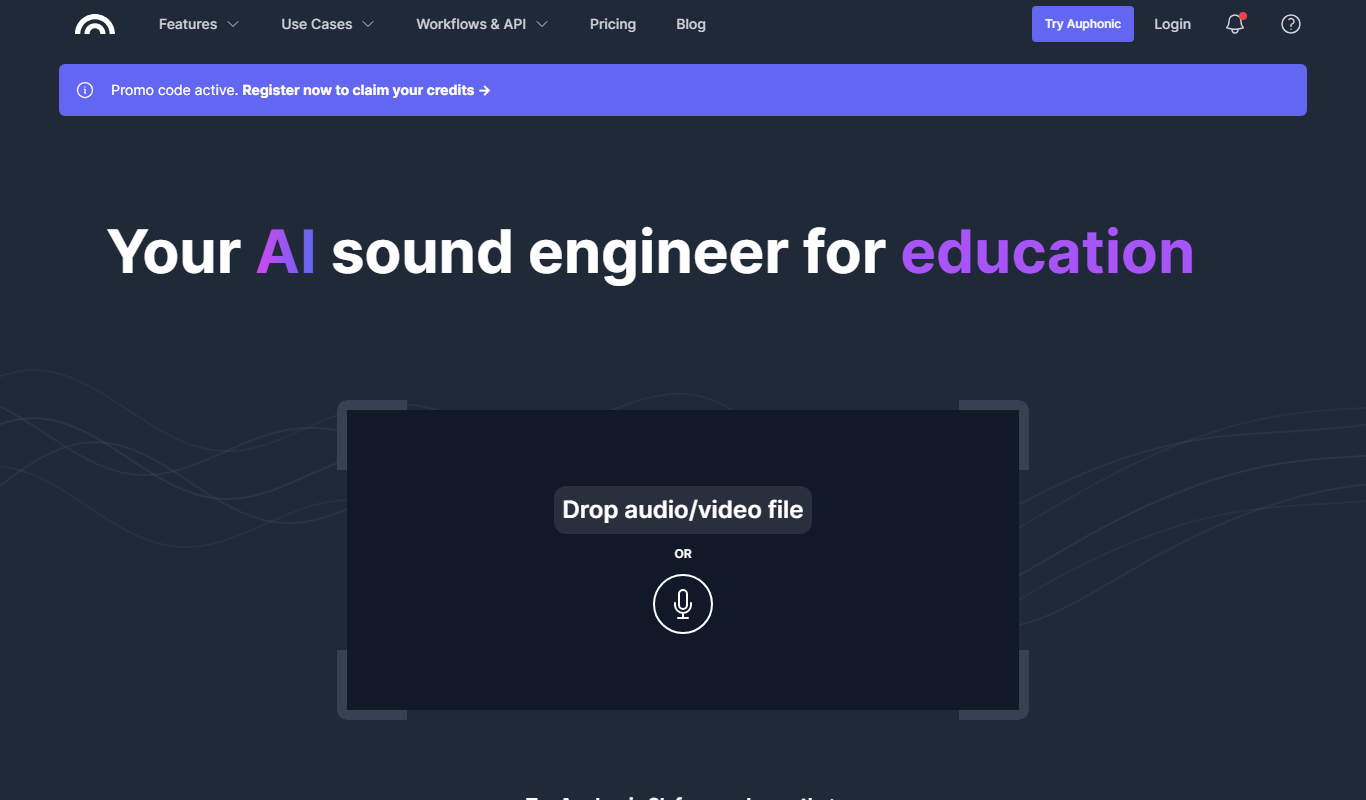
Auphonic
Auphonic is an AI-driven audio post-production tool that automates leveling, noise reduction, loudness normalization, and metadata tagging to produce professional-quality audio for podcasts and broadcasts.
More AI Music & Audio Tools tools
Other tools in the same category, for when this one is not quite the fit.

Soundify
Soundify is a free AI generator that creates sound effects from text descriptions, with 5 free generations a day for signed-in users.

AI Song Generator
AI Song Generator is a web tool that creates original songs and lyrics from your genre, mood and topic, with a limited free plan and paid subscriptions.

A.V. Mapping
A.V. Mapping is an AI platform that analyzes your video or photo, recommends licensed music and sound effects from musicians, and handles the music license in one place.

ampedstudio.com
Amped Studio is an online DAW with AI music tools to create beats, record vocals, mix tracks and produce songs in your browser without installation.

Beatoven.ai
Beatoven.ai is an AI-driven platform that generates custom royalty-free music tracks tailored to your project's mood and style, ideal for content creators and marketers.
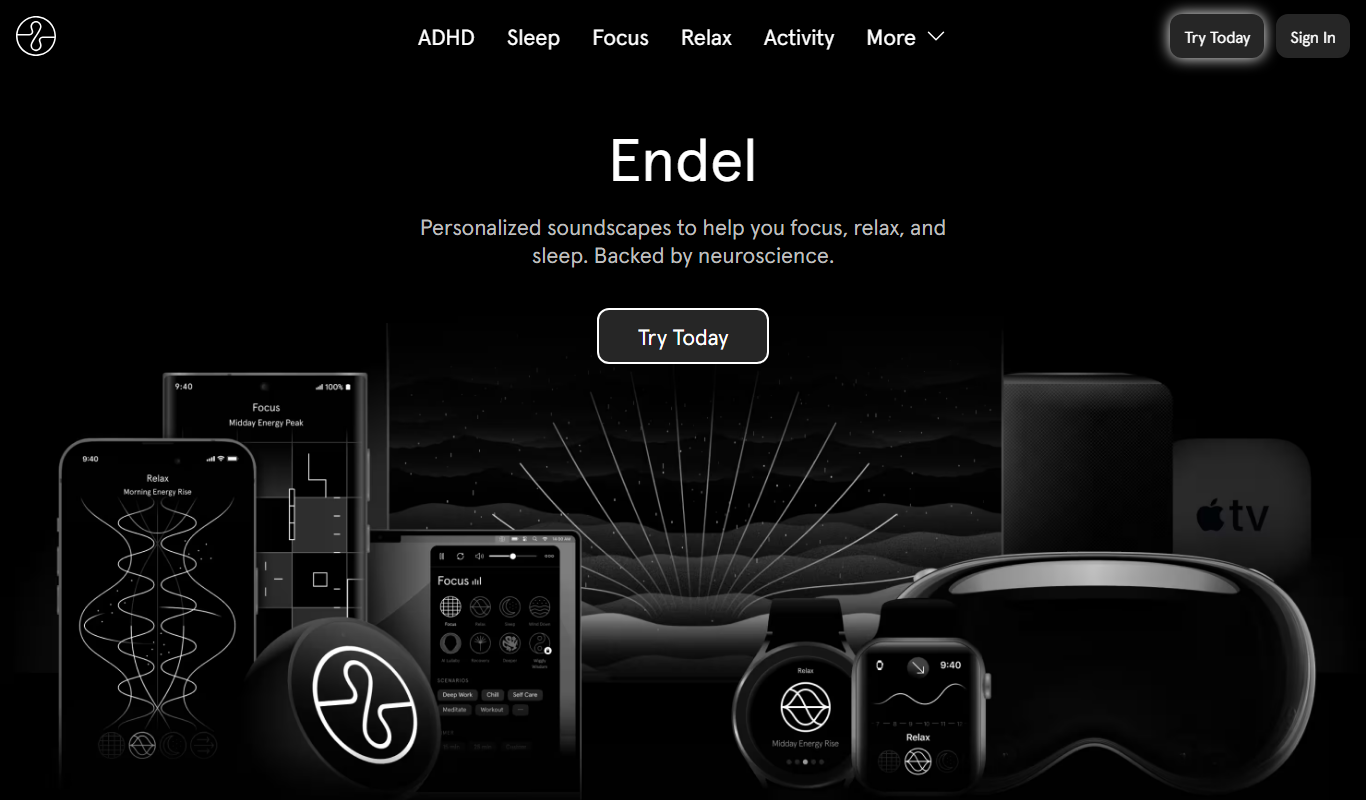
Endel
Endel is an AI-driven app that generates adaptive soundscapes tailored to improve focus, relaxation, and sleep by using real-time data such as time, location, and biometric inputs.

SONOTELLER
SONOTELLER.AI is an AI song analyzer that tags lyrics and music (genres, moods, instruments, BPM and key) and autotags music catalogs through its API.

AI Song Generator-Make Song
AI Song Generator-Make Song is an online tool that uses artificial intelligence to create original songs by generating melodies and lyrics based on user inputs such as themes or moods.