

Toon Boom Harmony Animation Software for Professional 2D Animation Creation
Toon Boom Harmony is a professional 2D animation software used for creating high-quality animations through frame-by-frame and rig-based techniques, widely adopted in the animation industry.
- Best for
- Professional 2D Animation Production
- Key capability
- Advanced Drawing and Painting Tools
Save Toon Boom Harmony, follow its updates and vote on it — everything stays in your account.
Sign in or create a free account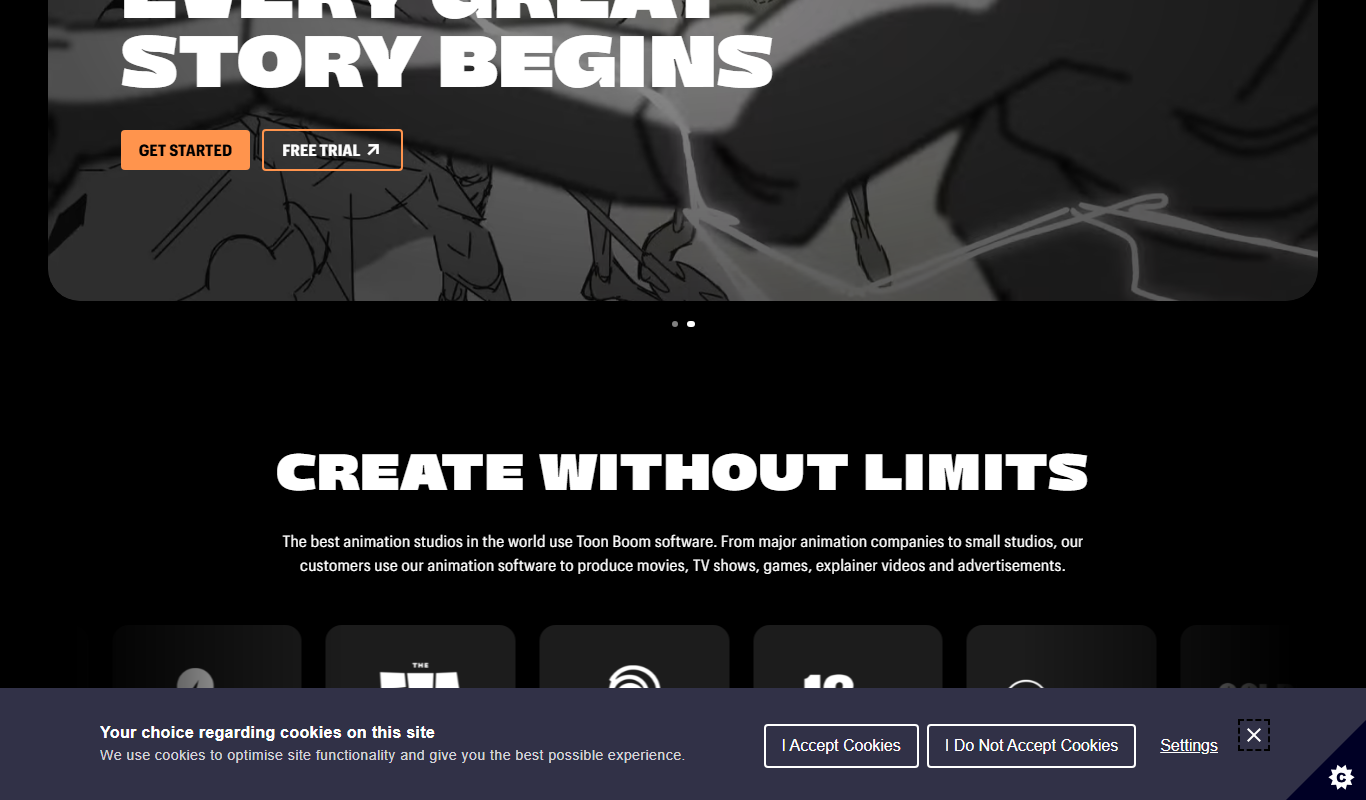
What is Toon Boom Harmony?
Toon Boom Harmony is a professional 2D animation software widely used in the animation industry for creating cartoons, films, games, and other digital animations. It combines traditional drawing tools with modern digital animation techniques, offering a comprehensive platform for frame-by-frame animation, rigging, compositing, and effects integration.
Key features of Toon Boom Harmony
Harmony provides a robust set of features including advanced drawing and painting tools, rigging systems for character animation, timeline and keyframe management, particle effects, 3D camera integration, and multi-layer compositing. It supports both bitmap and vector artwork, enabling versatile animation workflows.
Advanced Drawing and Painting Tools
Supports vector and bitmap drawing with brushes, textures, and pressure sensitivity.
Powerful Rigging System
Create complex character rigs with deformers, bones, and inverse kinematics for smooth animation.
Frame-by-Frame and Cut-Out Animation
Offers both traditional frame-by-frame animation and cut-out style rig-based animation.
Compositing and Effects
Integrate multiple layers, apply effects, and use a 3D camera for dynamic scenes.
Industry-Standard Output
Export animations in formats compatible with broadcast, film, and digital platforms.
Pros and cons of Toon Boom Harmony
Pros
- Comprehensive toolset for all 2D animation styles
- Industry standard used by major studios worldwide
- Supports both vector and bitmap artwork
- Robust rigging and effects capabilities
- Regular updates and professional support
Cons
- Steep learning curve for beginners
- Subscription pricing can be costly for casual users
- No native Linux support
Key use cases for Toon Boom Harmony
Professional 2D Animation Production
Create high-quality 2D animations for TV, film, games, and web content using advanced drawing and rigging tools.
Storyboard and Pre-Production
Develop detailed storyboards and animatics to plan animation projects efficiently.
Character Rigging and Animation
Build complex character rigs with deformers and animate them using frame-by-frame or cut-out techniques.
Special Effects Integration
Add visual effects such as particle systems, compositing, and camera movements to enhance animation scenes.
Educational and Training Content
Produce engaging animated content for educational videos and training materials.
How Toon Boom Harmony works
- 1
Install and Launch
Download and install Toon Boom Harmony on Windows, macOS or a supported GNU/Linux distribution, then launch the application.
- 2
Create a New Project
Start a new animation project by setting up the scene, resolution, and frame rate.
- 3
Import or Draw Assets
Import existing artwork or use Harmony’s drawing tools to create characters and backgrounds.
- 4
Rig Characters
Build rigs using bones and deformers to prepare characters for animation.
- 5
Animate
Animate using frame-by-frame techniques or manipulate rigs with keyframes and motion paths.
- 6
Add Effects and Composite
Enhance scenes with particle effects, camera moves, and layer compositing.
- 7
Export
Render and export the final animation in various formats for distribution.
Who is using Toon Boom Harmony
Toon Boom Harmony pricing
Essentials
USD $28.00 /month, or USD $220.00 /year
For enthusiasts: vector drawing, HD/2K camera resolution, pressure sensitive brush, onion skinning, ink and paint.
Advanced
USD $67.00 /month, or USD $515.00 /year
All features from Essentials, plus bitmap drawing tools, advanced scanning and vectorization, 4K camera resolution, variable width pencil lines, textured vector brushes and pencils.
Premium
USD $122.00 /month, or USD $987.00 /year
All features from Essentials and Advanced, plus over 8K camera resolution, all effects layers/nodes, Node View for advanced rigging and FX, curve/mesh deformers and Master Controllers.
Plans and prices are as published by the vendor and can change. Check the official site before you buy. Open the pricing page (opens in a new tab)
Frequently asked questions about Toon Boom Harmony
Yes, the Essentials plan and user-friendly interface make it accessible for beginners, though some learning is required.
Absolutely, Harmony is widely used in professional studios for commercial animation production.
Yes, it supports both traditional frame-by-frame and cut-out rig-based animation workflows.
It is available for Windows, macOS and GNU/Linux (CentOS Stream 9 and Rocky Linux 9.4).
This tool is designed to help users accomplish its core tasks more efficiently. It is typically used by individuals or teams looking to improve productivity and workflow.
It depends on your specific needs and how you plan to use the tool. The official website and documentation are the best sources for the latest details.
Pricing depends on the plan and included features. For the most accurate and up-to-date details, check the official pricing page.
This tool is designed to help users accomplish its core tasks more efficiently. It is typically used by individuals or teams looking to improve productivity and workflow.
Conclusion
Scene, resolution and frame rate are set first, after which artwork is imported or drawn with vector and bitmap tools that support pressure sensitivity. Characters are then animated frame by frame or rigged with bones and deformers for cut-out animation, and scenes are finished with particle effects, camera moves and layer compositing. The software runs on Windows, macOS and supported GNU/Linux distributions such as Rocky Linux.
Professional animators, animation studios and animation students and educators are its core users, producing content for TV, film, games and the web. Three subscription editions build on each other: Essentials covers vector drawing and ink and paint, Advanced adds bitmap drawing tools and 4K camera resolution, and Premium adds all effects layers and Node View for advanced rigging. Opt-in Ember AI tools are sold as an add-on for Harmony users.
Sources
Sign in to review this tool.
Sign In to ReviewNo reviews yet
Be the first to share how this tool worked for you.
Ask about pricing, limits, or how it compares — or answer someone else.
Sign In to AskNo questions yet
Have a question about using or paying for this tool? Be the first to ask.
Featured on TiorAI



More AI Animation Generator tools
Other tools in the same category, for when this one is not quite the fit.
AutoDraft
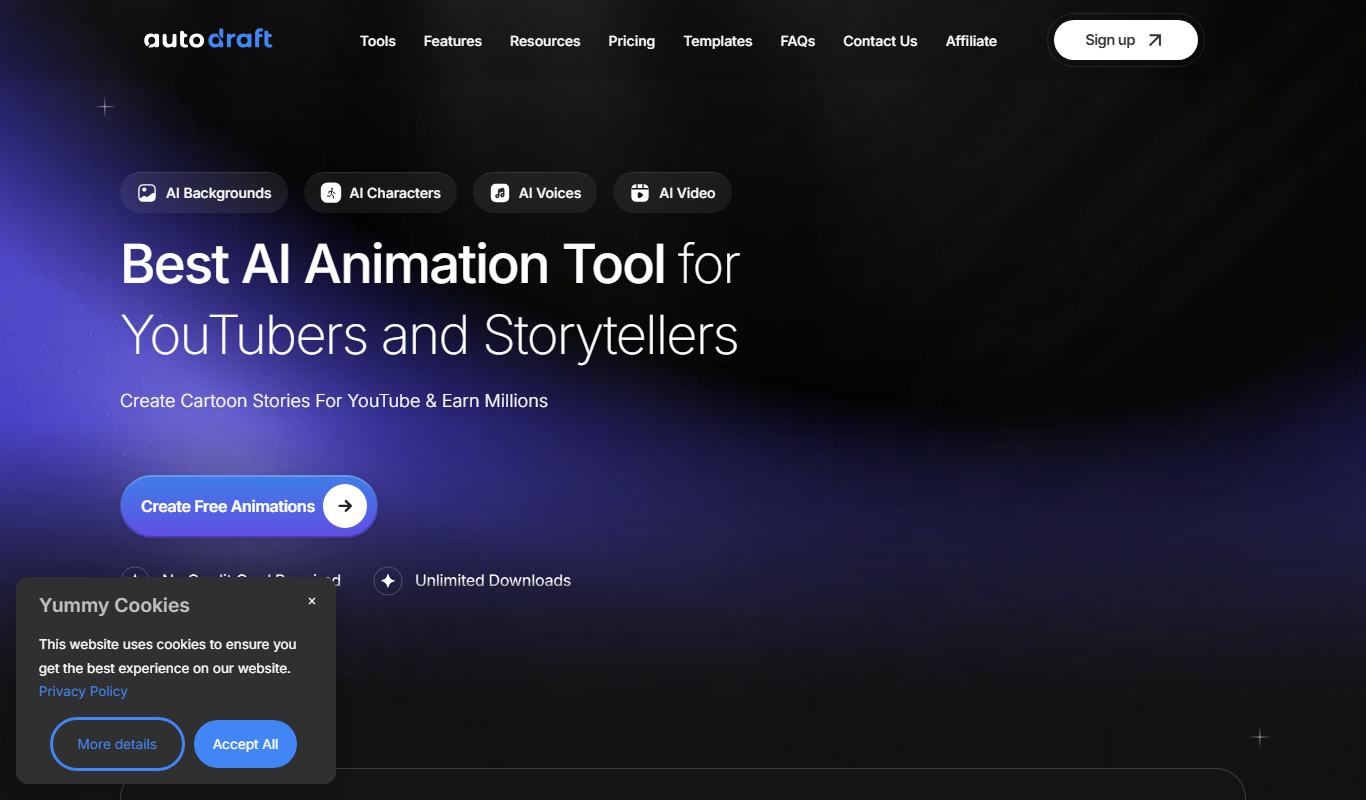
AutoDraft is an AI animation tool for YouTubers that generates cartoon characters, backgrounds and voices for animated stories.
Vidu
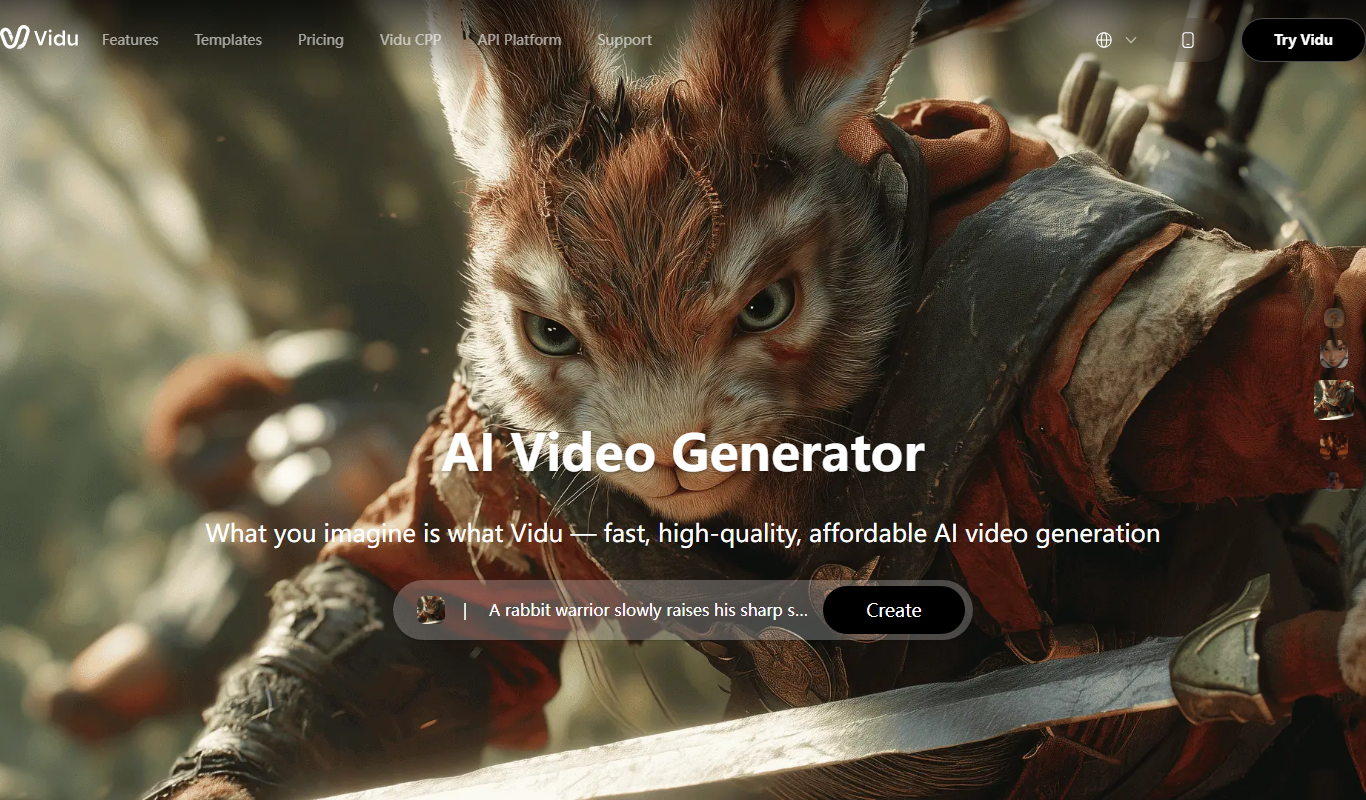
Vidu is an AI video generator that turns text prompts, images and reference images into videos and 2D animations.

DeepMotion
DeepMotion is an AI-driven motion capture platform that converts video footage into realistic 3D animations in real time without requiring specialized hardware.

neural frames
Neural Frames is an AI music video generation suite for musicians that turns a song into beat-synced visuals, with three subscription plans and a free option to try the product.

Ebsynth
EbSynth is VFX software for retouching, rotoscoping and stylization that changes a whole video from edited keyframes, with Free, Pro and Studio plans.

Stable Fast 3D(SF3D)
Stable Fast 3D (SF3D) is an open-source Stability AI model that turns a single image into a textured 3D mesh with UV unwrapping and material parameters.

Veggie AI
Veggie AI generates controllable character videos from character photos, action videos or text prompts in four modes: Mix, Animate, Ideate and Stylize.
Luppet
Luppet (LuppetX) is a tracking system for 3D Virtual YouTubers that only requires a web camera and LeapMotion.