

Neural Frames AI Video Generation Platform for Creative Content Makers
Neural Frames is an AI music video generation suite for musicians that turns a song into beat-synced visuals, with three subscription plans and a free option to try the product.
- Best for
- Creative Video Production
- Key capability
- Autopilot
Save neural frames, follow its updates and vote on it — everything stays in your account.
Sign in or create a free account

What is neural frames?
Neural Frames is an AI music video generator and audio-reactive platform for artists. You upload a song or write a text prompt, the platform generates visuals synced to the beat, and every frame can be edited before a 4K music video is exported.
Key features of neural frames
Neural Frames offers Autopilot for full music videos from a song, text-to-video generation, stem extraction, audioreactive effects that pulse with the music, and lyric and lipsync videos.
Autopilot
Upload a track and the AI analyzes lyrics, mood, BPM and musical structure to craft a complete music video, with a storyboard to review before rendering.
Frame-by-Frame Editor
Create abstract, trippy, audio-reactive visualizations with control over every single frame.
Text-to-Video Timeline Editor
Access leading models like Kling, Seedance and Runway in one timeline-based interface.
Character Consistency
Upload reference images to create custom characters and keep their appearance across different scenes and videos.
Stem Extraction
Audio analysis extracts 8 different stems from a song so visuals can respond to drums, bass, vocals and more.
Pros and cons of neural frames
Pros
- Easy to use with no video editing skills required
- Unique AI-driven video styles and effects
- Fast video rendering times
- Good for creative and marketing content
- Web-based platform accessible anywhere
Cons
- Limited customization compared to professional video editors
- Subscription pricing details are not fully transparent
- Currently supports only English language
Key use cases for neural frames
Creative Video Production
Generate unique and artistic videos using AI-powered neural network technology for marketing, social media, and storytelling.
Content Marketing
Create engaging video content quickly to enhance brand presence and audience engagement across digital platforms.
Visual Experimentation
Experiment with AI-driven visual effects and styles to produce innovative video art and experimental media projects.
Social Media Content Creation
Produce eye-catching videos optimized for social media sharing to increase reach and interaction.
How neural frames works
- 1
Sign Up
Create an account on the Neural Frames website to access the video generation tools.
- 2
Upload Your Track
Drop in a song of any genre and any length; the stems, lyrics and drops are read so the video responds to the music.
- 3
Customize Style
Choose from various AI-driven styles and effects to apply to your video project.
- 4
Generate Video
Initiate the AI rendering process to produce the final video output.
- 5
Download and Share
Download the generated video or share it directly on social media platforms.
Who is using neural frames
neural frames pricing
Free option
$0
A free option to try the product.
Neural Knight
$39/month, or $26/month billed yearly ($312 per year)
2,400 credits per month for daily music video creation, with 7 AI models, Autopilot and 1080p upscaling; no 4K upscaling.
Neural Ninja
$99/month, or $66/month billed yearly ($792 per year)
7,200 credits per month with 10 AI models, Autopilot, 1080p upscaling and 4K upscaling.
Neural Nirvana
$299/month, or $199/month billed yearly ($2388 per year)
24,000 credits per month with priority upscaling and studio-scale credits.
Plans and prices are as published by the vendor and can change. Check the official site before you buy. Open the pricing page (opens in a new tab)
Frequently asked questions about neural frames
Music videos for your songs: cinematic narratives, performance footage, lyric videos or abstract visualizers.
No, the platform is designed to be user-friendly and does not require advanced editing skills.
Yes, depending on your subscription plan, you can use generated videos commercially. Check the terms for details.
Yes, Neural Frames offers a free trial with limited features.
It depends on your specific needs and how you plan to use the tool. The official website and documentation are the best sources for the latest details.
Some tools offer a free plan or trial with limited features. Availability can vary, so confirm on the official website.
Yes, it can help with that use case depending on how you configure it and what features are available. You’ll get the best results with clear inputs and a defined goal.
Yes, it can help with that use case depending on how you configure it and what features are available. You’ll get the best results with clear inputs and a defined goal.
Conclusion
Music drives every step here: a song is uploaded, the audio engine reads its stems, lyrics and drops, and the generated visuals stay synced to the beat. Autopilot turns a track into a complete music video by analysing lyrics, mood, BPM and structure, then shows a storyboard to review before rendering. For closer control, a frame-by-frame editor creates audio-reactive visuals frame by frame, and a timeline editor brings models such as Kling, Seedance and Runway into one interface.
Custom characters built from reference images keep the same appearance across scenes and videos, a feature the site pitches at concept albums and serialized content. The platform is built specifically for musicians, producers and visual artists.
Access runs on monthly credit subscriptions in three tiers, and a free option lets new users try the product first. Neural Knight includes 1080p upscaling but no 4K upscaling, which comes with Neural Ninja along with 10 AI models. Autopilot is also marked as not recommended for Neural Knight.
Sources
Sign in to review this tool.
Sign In to ReviewNo reviews yet
Be the first to share how this tool worked for you.
Ask about pricing, limits, or how it compares — or answer someone else.
Sign In to AskNo questions yet
Have a question about using or paying for this tool? Be the first to ask.
Featured on TiorAI


More AI Animation Generator tools
Other tools in the same category, for when this one is not quite the fit.

DeepMotion
DeepMotion is an AI-driven motion capture platform that converts video footage into realistic 3D animations in real time without requiring specialized hardware.

Ebsynth
EbSynth is VFX software for retouching, rotoscoping and stylization that changes a whole video from edited keyframes, with Free, Pro and Studio plans.

Stable Fast 3D(SF3D)
Stable Fast 3D (SF3D) is an open-source Stability AI model that turns a single image into a textured 3D mesh with UV unwrapping and material parameters.

Veggie AI
Veggie AI generates controllable character videos from character photos, action videos or text prompts in four modes: Mix, Animate, Ideate and Stylize.
Luppet
Luppet (LuppetX) is a tracking system for 3D Virtual YouTubers that only requires a web camera and LeapMotion.

DeepAR SDK
DeepAR SDK is a cross-platform augmented reality development kit that enables real-time face tracking, AI avatar creation, and 3D AR effects for mobile apps, games, and live streaming.
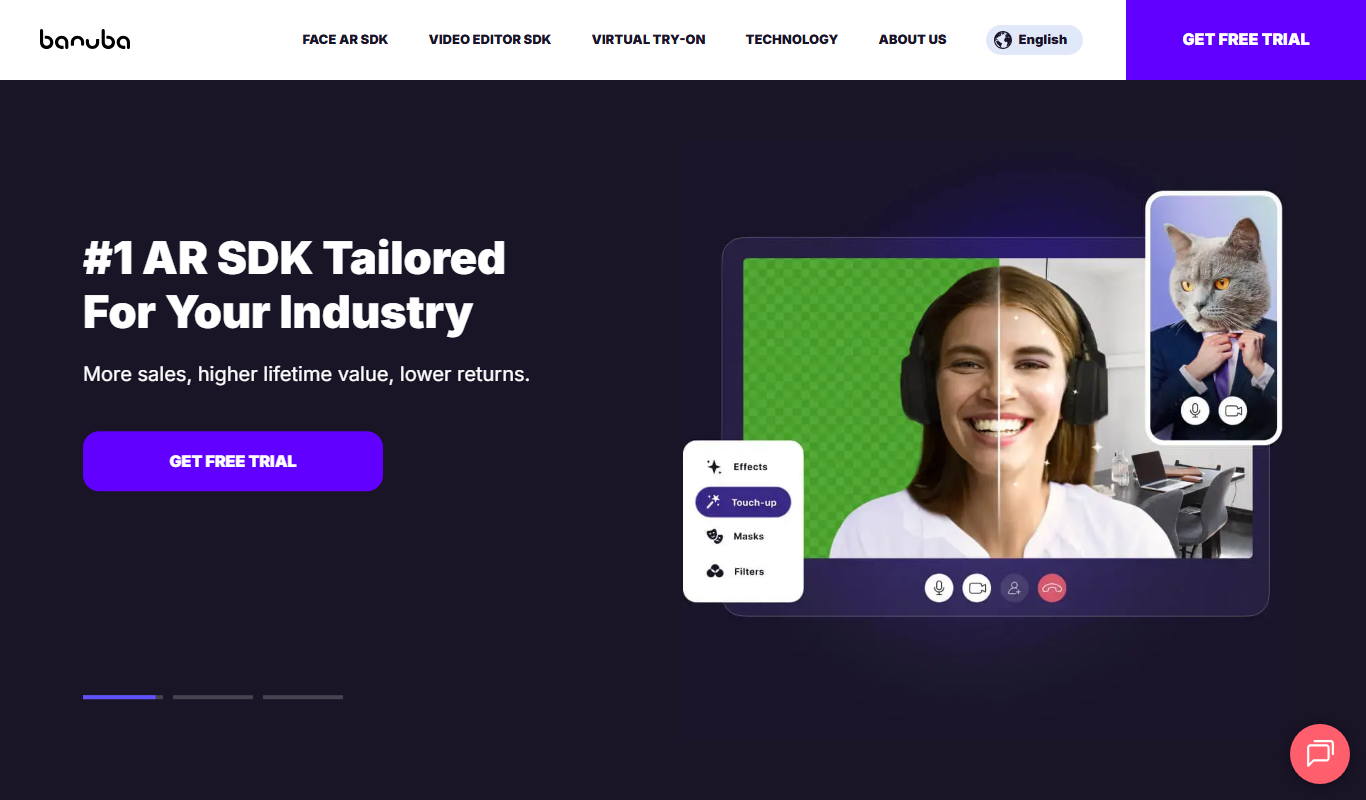
Banuba SDK
Banuba SDK is an AI-powered augmented reality software development kit that enables developers to integrate real-time face tracking, 3D masks, beauty filters, and avatar effects into mobile and desktop applications.

8i
8i is a platform that creates photorealistic 3D holograms and avatars using volumetric video technology for VR and AR experiences.